Reflection Probes in Unity
How to make a simple Reflection Probe in Unity
Reflection Probes in Unity
How to make a simple Reflection Probe in Unity
Reflection Probe Projection
Brief
How to make a simple Reflection Probe (hereinafter RP) in Unity
Concept
This method requires a scriptable renderer URP or HDRP, marking objects as Reflection Probe Static
Adding RP
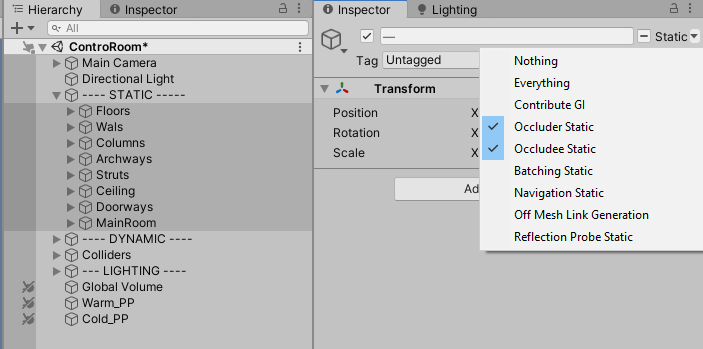
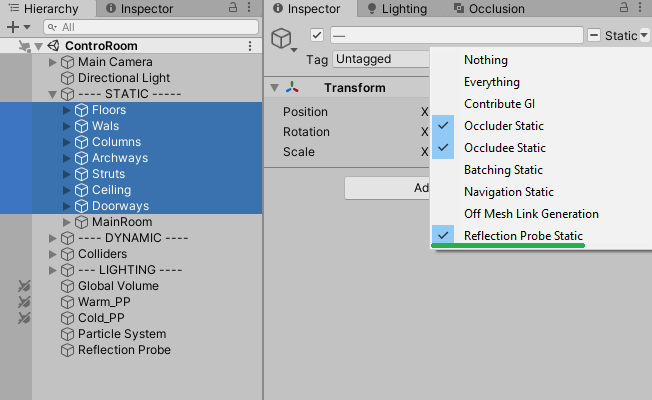
First< mark all you static object in scene with Reflection Probe Static mark:
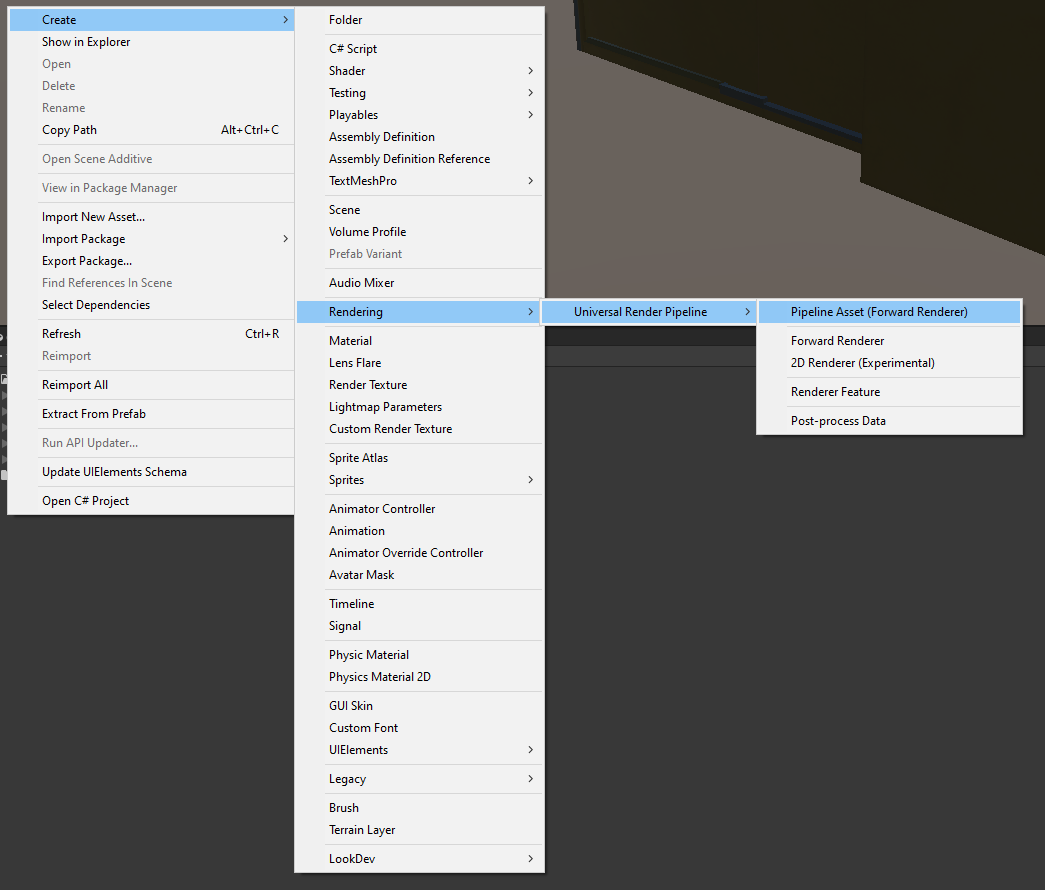
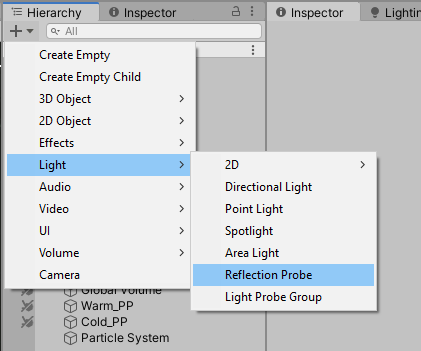
Add an RP type GameObject into the scene:
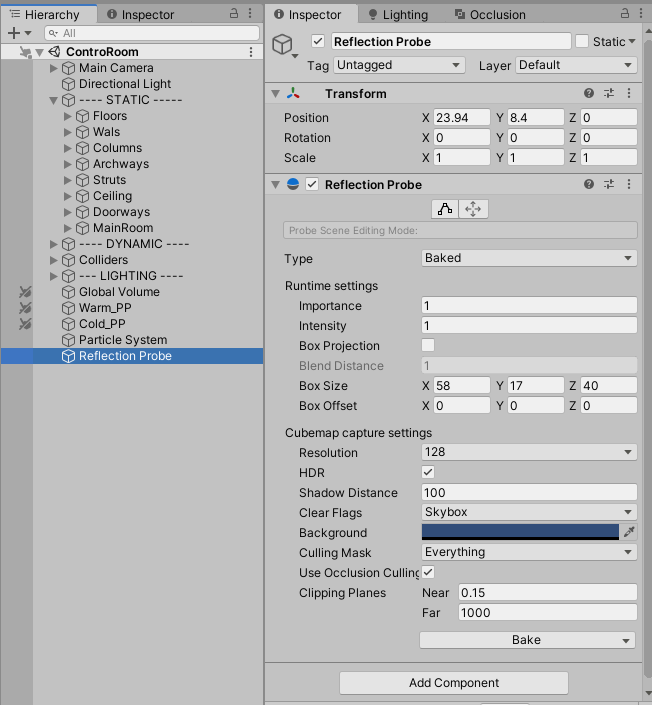
Configure RP
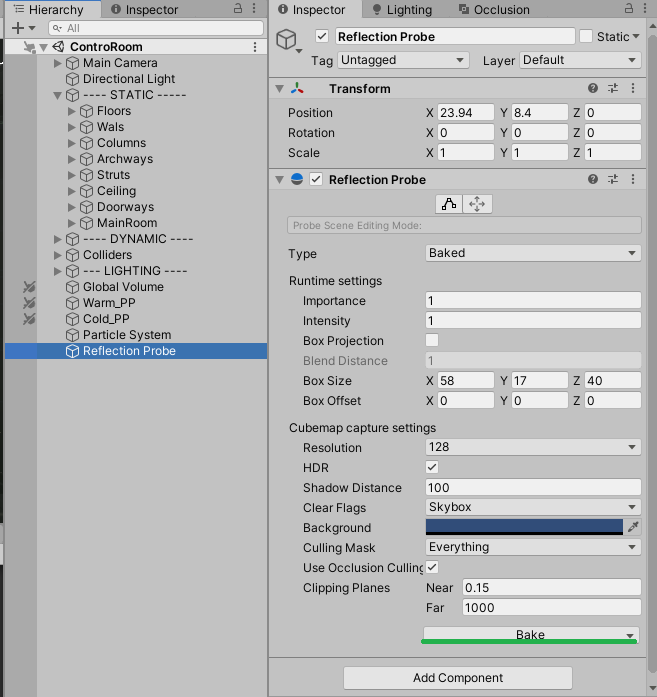
Once added RP must be configured as needed for scene’s object to reflect:
It’s important to set-up placement and Sizes of RP as they will affect what area will receive RP reflections:
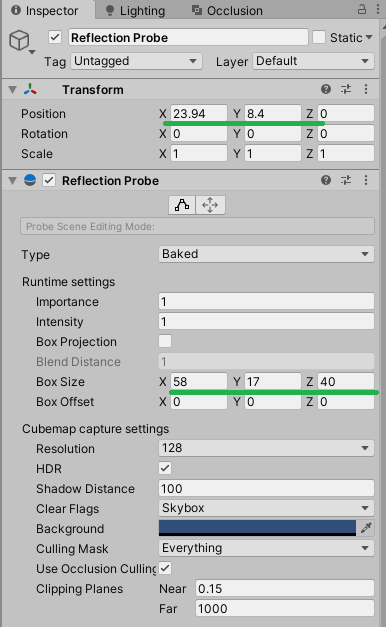
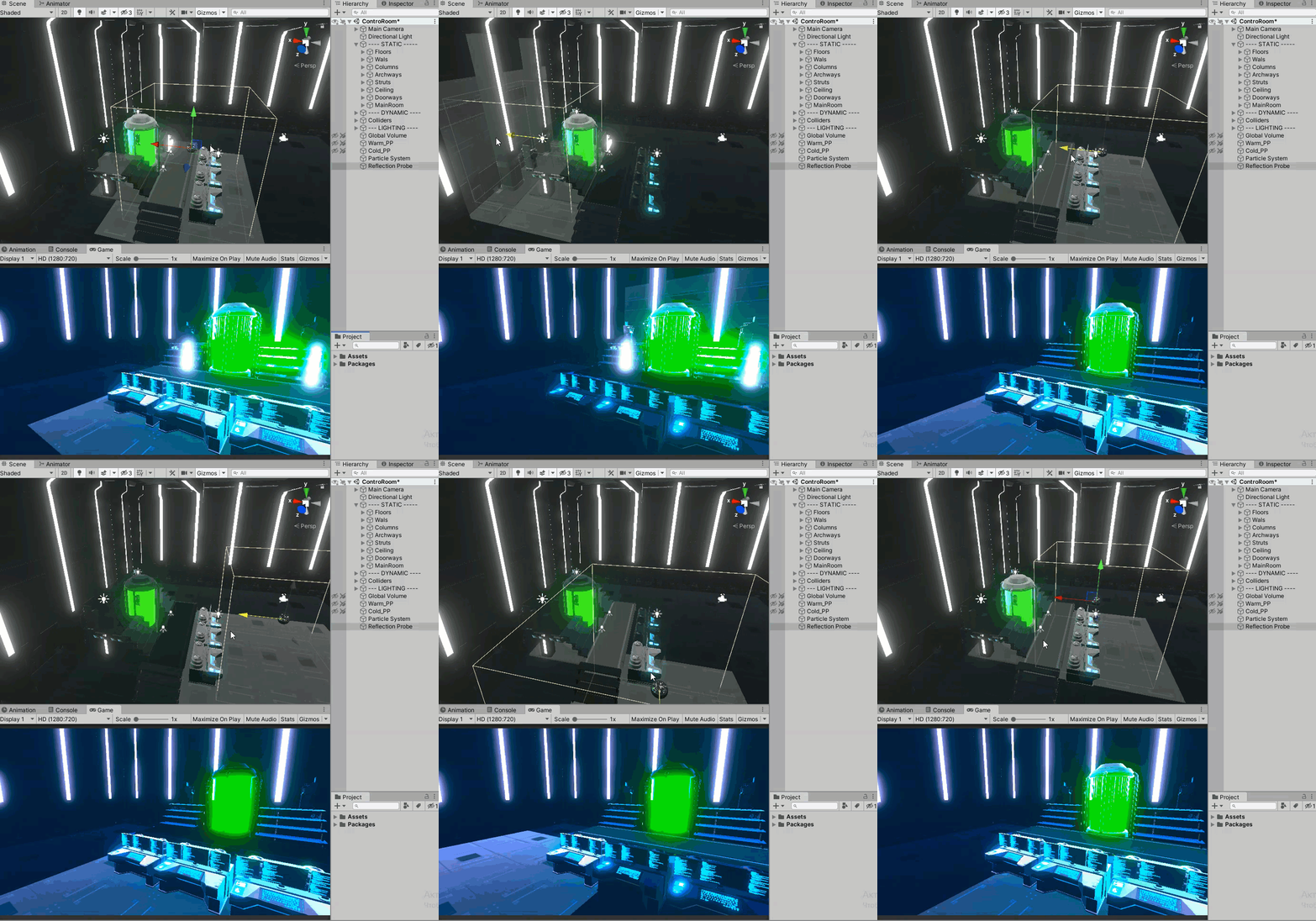
The Intensity was increased for demonstration purpose
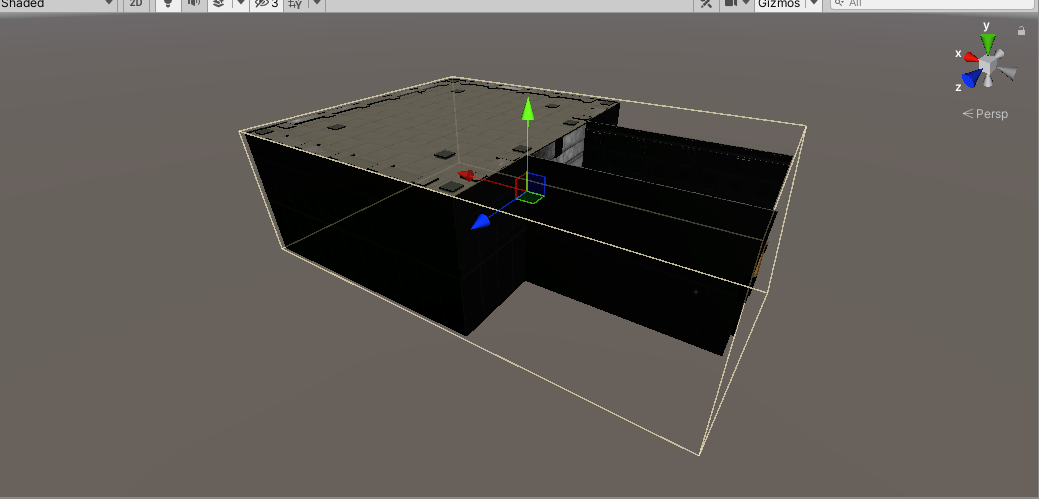
The example of setting-up RP so it covers the whole room and every inside object receives reflections
Baking RP
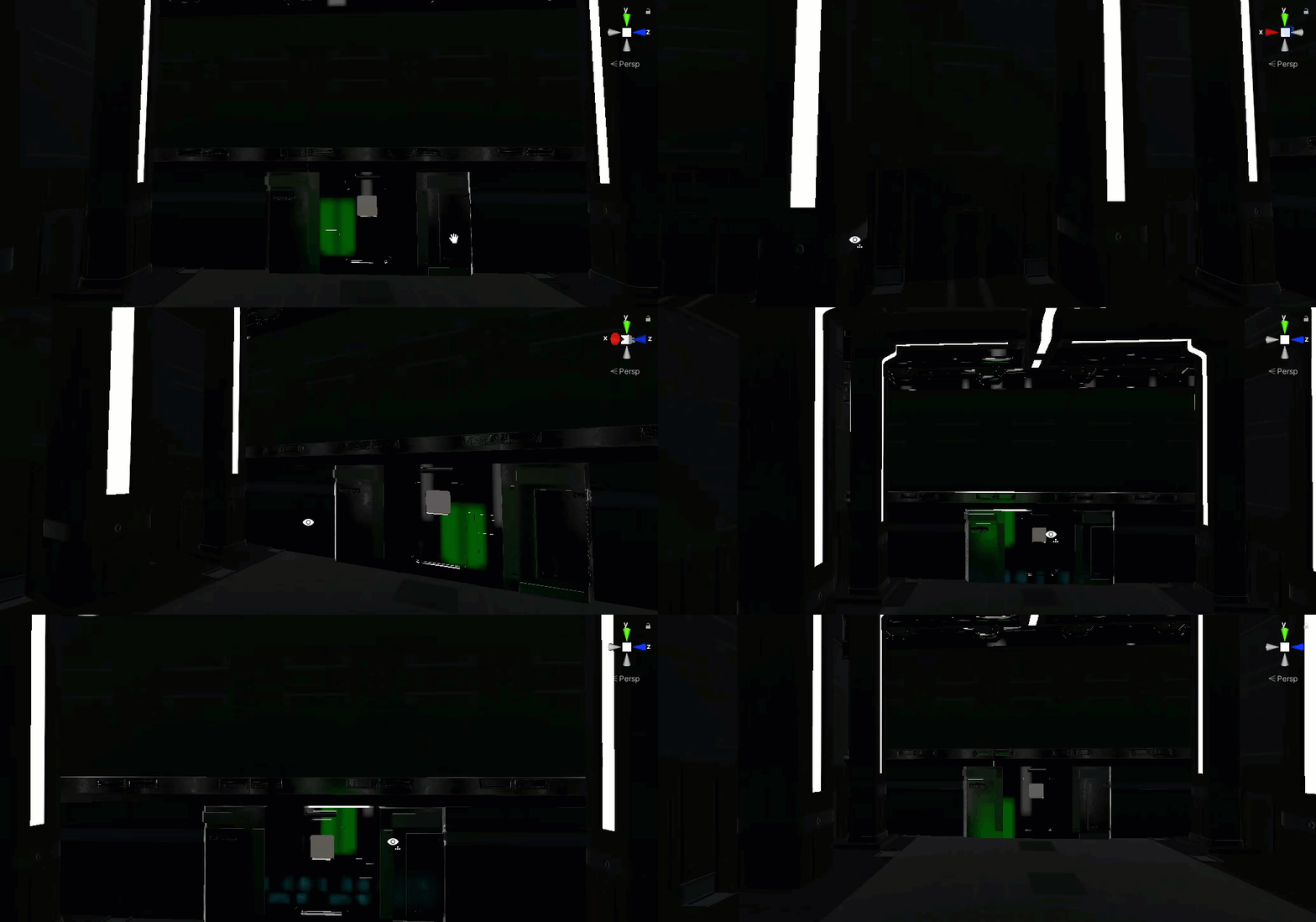
Once all necessary set-up is made (objects marked as Reflection Probe Static and RP area is covering scene room) the RP must be baked:
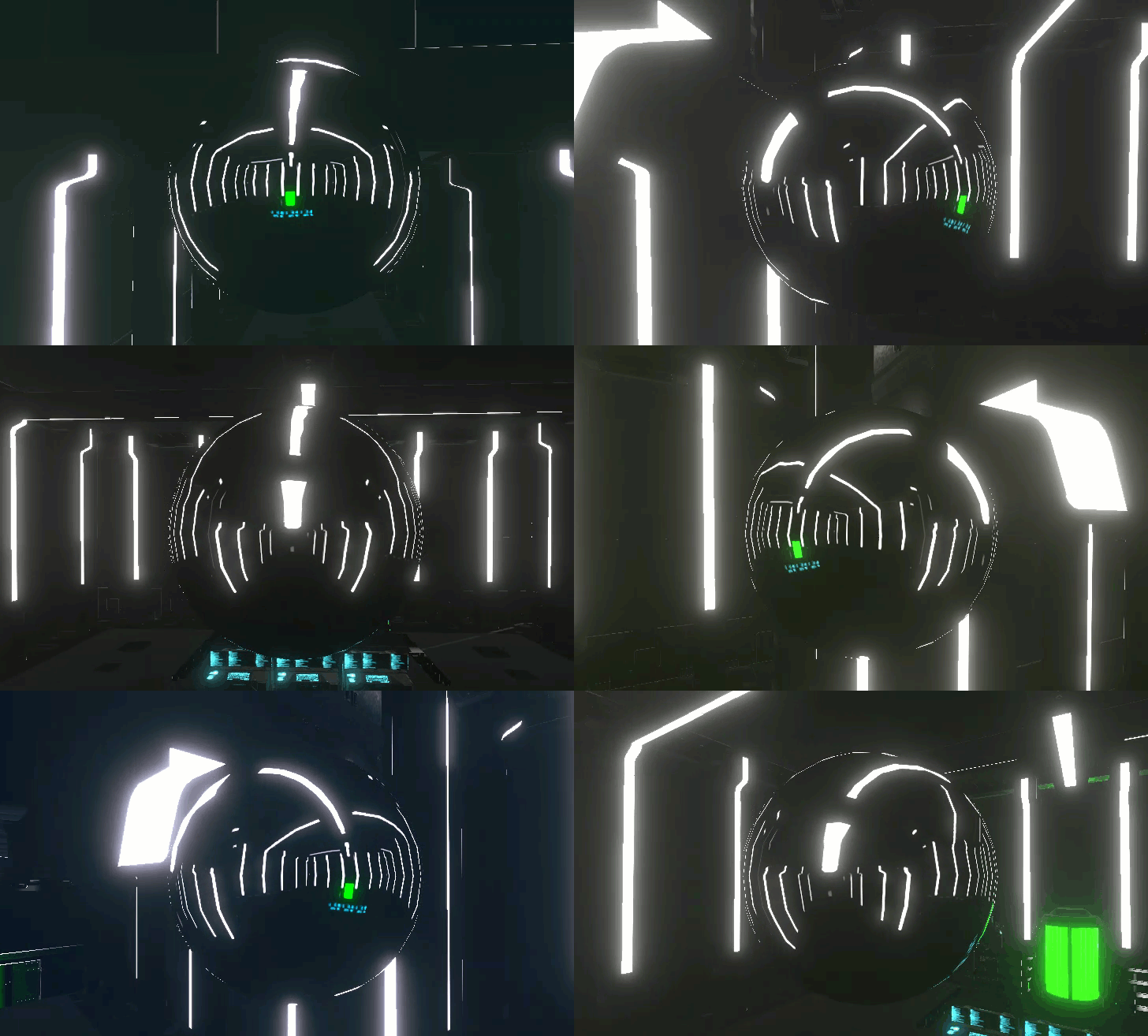
Final results:
메타데이터
- post_id
- bb8c823189ea
- slug
- reflection-probes-in-unity-bb8c823189ea
- url
- https://medium.com/@aver.aurelis/reflection-probes-in-unity-bb8c823189ea
- canonical_url
- https://medium.com/@aver.aurelis/reflection-probes-in-unity-bb8c823189ea
- author_url
- https://medium.com/@aver.aurelis
- status
- ok
- fetched_at
- 2026-07-20 04:01:29