Scraping Radiology Web Using Python With Many Features!
In this article, I will explain the scraping program I have created, one of the websites that provides information about radiology, namely…
Scraping Radiology Web Using Python With Many Features!
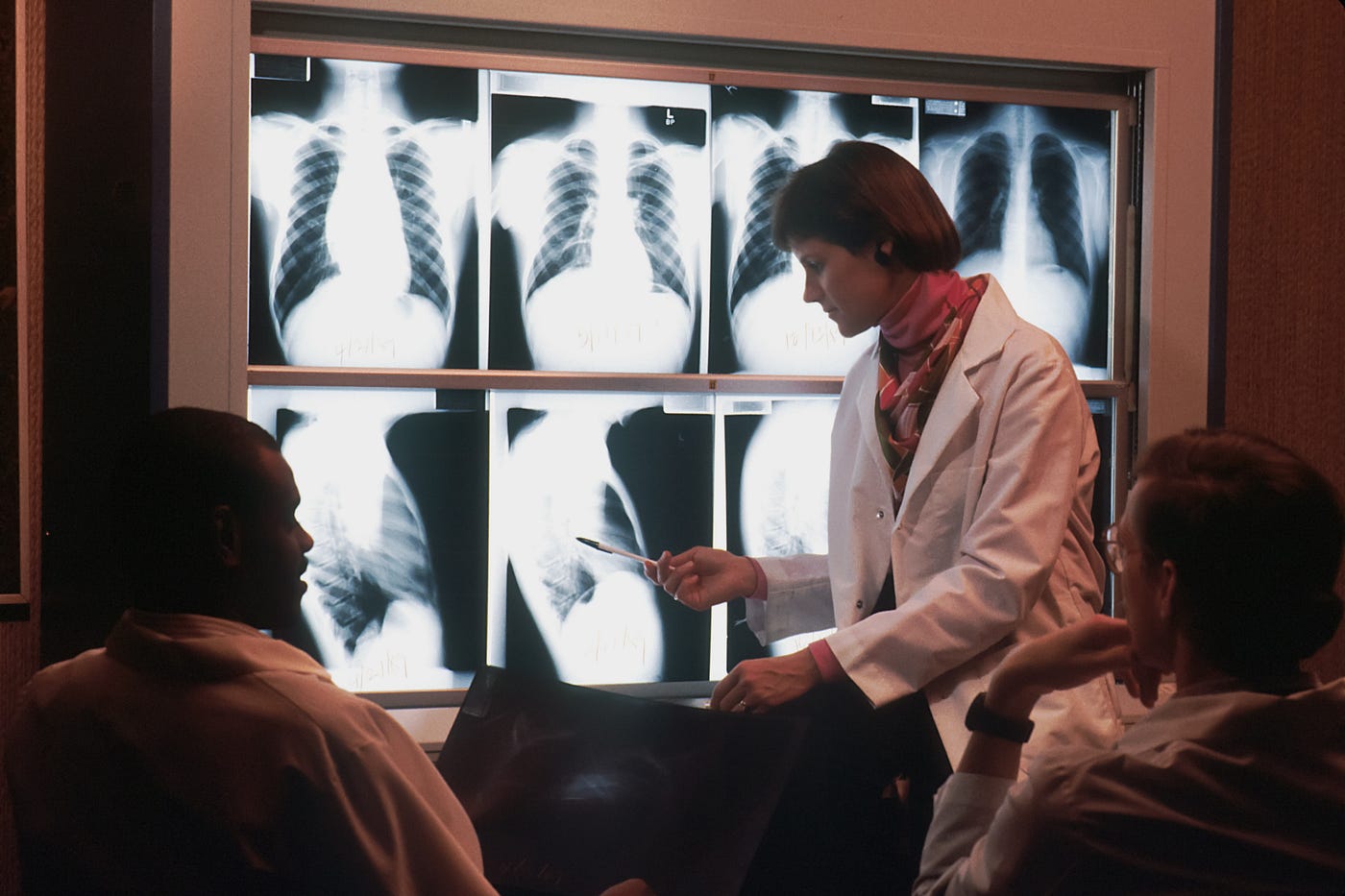
Photo by National Cancer Institute on Unsplash
In this article, I will explain the scraping program I have created, one of the websites that provides information about radiology, namely Auntminnie. This program has three main commands, namely scraping news data, scraping data conferences, and scraping webinar data. We will retrieve all data title, date, link, image link, and image download. Within the three commands, there are three features. The first is the test feature, which tests whether the web is accessible or not. Then the second one is the singlepage feature, which functions for scraping certain pages. The scraping results are extracted into files with json, excel, and csv formats. Suppose we use the singlepage feature without entering the page we scrape. In that case, the singlepage feature will be scraping page one. And finally, there is the allpage feature which functions to scrape all data from all existing pages. The scraping results will be extracted into json, excel, and csv files per page, then we will combine all the files into one according to the format. The results of all these extractions are in the resultfile folder. But specifically, the conferences command doesn’t have the allpage function because there is no pagination.
We installed all the packages needed for the first step, namely requests, beautifulsoup4, pandas, and openpyxl. Next, import all these and additional packages, namely glob, os, and json.
Next, we create a new class called core. This class will be the parent of the three classes we will create, namely news, conferences, and webinar. Inside the core class, there are four functions. For init, it contains the self.url, site, and header variables which all classes can later use. Self.url will be used as the requests parameter, while self.site is used as an initial addition for data links and image links because the results of the two data do not have a prefix url. For self.header, we use the user agent. Lastly, we create the required folder in try-except so that when the program is run, it will immediately create that folder. Next, we create a test feature, singlepage, and allpage. The pass value is given for these three functions because we will define this function ourselves in each class. This is the parent class code that we have created.
[embed]
Next, we will create a new class for our initial command. The news class with the parent class, namely core. This class contains the same functionality as the core class. For the init function, a page parameter is added with one default. This is so that the single page feature will immediately scrape page one if there is no input from us. Then we add super init, which serves to take all the features in the core class. Next, we create params variable with a value of pno, namely page, so that we are flexible in accessing various pages. Next, define self.page as a page to use the data from the page parameter received by the news class in other features. Then we create a variable for requests to the web and parse it using beautifulsoup. Finally, we create a variable containing find_all to use the singlepage feature directly for scraping. Like this our code at init in class news
[embed]
Next, we create a test function. This function contains try-except where if we retrieve the status code data from the web, the status is 200. Then we will scrape the web title and add the string that is accesable. If an error occurs, we print the string cant access the web. This is the code for the test function.
[embed]
Now it’s time for us to create a singlepage function. This function will scrape the page specified in the init function when called. First, we print a string that we are scraping on which page, then we create a variable that contains an empty list that serves to accommodate all the data we have got. Next, we start scraping by looping the variables in the init function. After we get all the data, we sort it into a dictionary variable and add it to the list variable we created earlier. And finally, we download the existing image and put it in the folder we have specified with the name of the data title that we have. get earlier.
Furthermore, outside of the loop that we have created, we start extracting the data that we have obtained. For json data extraction, we use the json package, and for excel and csv files, we use the pandas and openpyxl packages. All data needed for extraction is taken from the variable list, which contains the data set that we have created. The filename follows the page parameters that we receive. Here’s the code inside the singlepage function
[embed]
Now we go to the last function, namely allpage, which will scrape all pages if this feature is called. The first is that we find_all the tag where the pagination is located after we get it, we take the most recent data in integer format, after that we make a loop with a range of one to the value we have got, the contents of the loop we call the init function with page parameter in the order of iteration so that we can access the page, then we call the singlepage function. The result of this loop will result in scraping all existing pages.
Next, we merge the files generated by the singlepage feature previously looped so that the data becomes one. The trick is that we read all the json files that have been created and then input them into a variable with an empty list value. To enter a file that has been read, we can use the for loop. If all the data has been entered, the final step is to create json, csv, and excel files the same way as in data extraction in the singlepage function. So this is the final result of the allpage function that we have created.
[embed]
Next, we create a class for our second command, namely webinars. This class has almost the same code structure. There are only slight differences, namely when retrieving data and parameters in the init function.
[embed]
For the last one, we create class conferences. As I said earlier, the conferences command does not have an allpage function because there is no pagination, so the singlepage feature in the conference class has already taken all the data in the conferences. And the code structure of the conferences is the same as the news class, the only difference being that the data is retrieved, and the parameters in the init function are as follows.
[embed]
The program we have created is finished. To run this program, you can see the example below.
[embed]
And this program has been running as expected at the beginning. This program has three main commands, news data scraping, conferences data scraping, and webinar data scraping, which will retrieve all title, date, link, image link, and image download data. Within the three commands, there are three features. The first is the test feature, which tests whether the web is accessible or not. Then the second one is the singlepage feature, which functions for scraping certain pages. The scraping results are extracted into files with json, excel, and csv formats. Suppose we use the singlepage feature without entering the page we scrape. In that case, the singlepage feature will be scraping page one. And finally, there is the allpage feature which functions to scrape all data from all existing pages. The scraping results will be extracted into json, excel, and csv files per page, then we will combine all the files into one according to the format. The results of all these extractions are in the resultfile folder. But specifically, the conference’s command doesn’t have the allpage function because there is no pagination.
I have imported this program into PyPI. You can use this package with the usage guide here. I’ve also put this code in the Github repository here. You can clone and then change the code.
메타데이터
- post_id
- bbe9dae2760d
- slug
- scraping-radiology-web-using-python-with-many-features-bbe9dae2760d
- url
- https://medium.com/@senchoo/scraping-radiology-web-using-python-with-many-features-bbe9dae2760d
- canonical_url
- https://medium.com/@senchoo/scraping-radiology-web-using-python-with-many-features-bbe9dae2760d
- author_url
- https://medium.com/@senchoo
- status
- ok
- fetched_at
- 2026-06-20 20:29:01