I Built a Privacy First PDF Toolkit That Works Without Uploading Files
Slaytic Converter is a privacy focused online PDF toolkit that processes documents directly in the browser without requiring file uploads…
I Built a Privacy First PDF Toolkit That Works Without Uploading Files
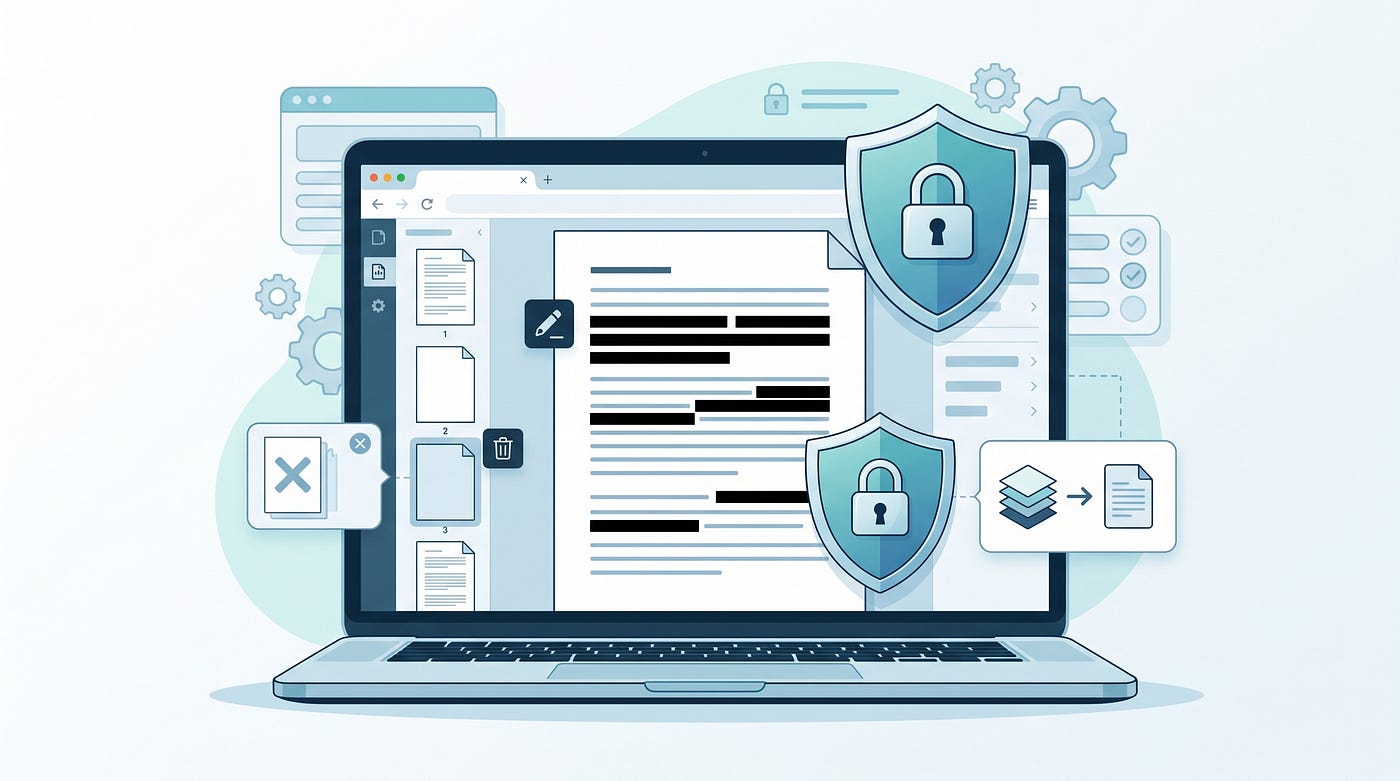
Slaytic Converter is a privacy focused online PDF toolkit that processes documents directly in the browser without requiring file uploads. It provides tools for merging, splitting, compressing, converting, and managing PDF files.

Slaytic Converter browser based PDF tools for secure file processing and document conversion.
A faster and safer way to manage PDF files directly in your browser
PDF files are everywhere.
Students use them for assignments. Businesses use them for documents. Developers use them for reports. Designers use them for presentations. Almost every digital workflow depends on PDFs.
But there is one problem.
Most PDF tools require you to upload your files to a server before you can edit, convert, merge, compress, or process them.
That means your private documents leave your device.
Invoices, contracts, personal documents, certificates, and sensitive files are uploaded somewhere you do not control.
That is why I created Slaytic Converter.
Slaytic Converter is a browser based PDF toolkit that lets users process PDF files directly on their own device without uploading files to a server.
You can use PDF tools without creating an account, without waiting for uploads, and without worrying about where your documents are stored.
You can explore it here:
Why privacy matters when using online PDF tools
Many people do not think twice before uploading a PDF online.
They just need to merge two files, compress a document, convert PDF to Word, or extract images.
But the file could contain:
Personal information
Business documents
Financial records
Private contracts
Educational documents
The convenience is useful, but privacy is important.
A better approach is processing files locally in your browser.
That means your document stays on your device while the tool performs the operation.
What is Slaytic Converter?
Slaytic Converter is an all in one online PDF toolkit designed to make everyday PDF tasks easier.
Instead of using different websites for different tasks, users can access multiple PDF utilities from one place.
Some of the available tools include:
Merge PDF files
Split PDF documents
Compress PDF size
Convert PDF files
Extract PDF pages
Convert images to PDF
Convert PDF to images
OCR PDF documents
Edit and manage PDF files
The goal is simple.
Make PDF management fast, private, and accessible for everyone.
How does a browser based PDF tool work?
Traditional online PDF tools usually follow this process:
Upload your file
Server processes your document
Download the result
This works, but it requires sending your file away.
Browser based tools use modern web technologies to process files locally.
The browser performs the work instead of depending completely on a remote server.
This provides:
Faster processing
Better privacy
No upload waiting time
Less dependency on external servers
Who should use Slaytic Converter?
Anyone who works with PDF files regularly can benefit from it.
Students can merge research papers, compress assignments, and convert documents.
Professionals can manage reports, invoices, and presentations.
Businesses can process documents while keeping sensitive information private.
Developers and creators can quickly handle PDF tasks without installing software.
Why choose Slaytic Converter over traditional PDF tools?
Most PDF websites focus only on adding more features.
Slaytic focuses on a different approach.
Privacy first document processing.
The main advantages are:
No file uploads
No account requirement
Works directly in your browser
Fast PDF processing
Simple user experience
Multiple PDF tools in one place
The future of online productivity tools
The future of web applications is moving toward faster and more private experiences.
Users want tools that solve problems without unnecessary steps.
They do not want to:
Create accounts everywhere
Wait for uploads
Share private documents
Install heavy software
Modern browser technology makes it possible to build powerful tools that run directly on your device.
PDF processing is one example of how the web is becoming faster and more user friendly.
Frequently Asked Questions
Is Slaytic Converter free?
Yes, Slaytic Converter provides free PDF tools that users can access directly from their browser.
Do I need to upload my PDF files?
No. The platform is designed around browser based processing, meaning files can be handled directly on your device.
Is it safe to use online PDF tools?
Safety depends on how the tool processes files. Tools that process documents locally provide better privacy because files do not need to leave your device.
Can I use Slaytic Converter on mobile?
Yes. Browser based tools can work across different devices including computers, tablets, and smartphones.
The Future of PDF Tools Is Private, Fast, and Browser Based
PDF tools should be simple.
People should be able to edit, convert, compress, and manage documents without unnecessary complexity.
Slaytic Converter was built with a simple idea:
Your files should stay yours.
If you regularly work with PDFs, try a privacy focused PDF toolkit that works directly inside your browser.
메타데이터
- post_id
- bc915ac28fb3
- slug
- i-built-a-privacy-first-pdf-toolkit-that-works-without-uploading-files-bc915ac28fb3
- url
- https://medium.com/@basitchingisi/i-built-a-privacy-first-pdf-toolkit-that-works-without-uploading-files-bc915ac28fb3
- canonical_url
- https://medium.com/@basitchingisi/i-built-a-privacy-first-pdf-toolkit-that-works-without-uploading-files-bc915ac28fb3
- author_url
- https://medium.com/@basitchingisi
- status
- ok
- fetched_at
- 2026-07-23 17:14:38