Codex and Gemini have just written a fully functioning dock-manager WebComponent for me
2 weeks ago I asked Codex (ChatGPT/OpenAI) if he could write me a dock-manager component for angular. Here’s the result:
Codex and Gemini have just written a fully functioning dock-manager WebComponent for me
2 weeks ago I asked Codex (ChatGPT/OpenAI) if he could write me a dock-manager component for angular. Here’s the result:
[embed]
Important links:
Asking Codex to create the component
I used https://chatgpt.com/codex, but I think it’s easier to use the extensions:
Here’s my input
Can you write me an angular component that acts like a docking manager, just like the Infragistics DockManager component? It may be a webcomponent with an angular component wrapped around
Instead of writing a new component in my repository, Codex noticed rightaway “Wait, there’s already a dock manager component inside the repository” and it just updated that one.
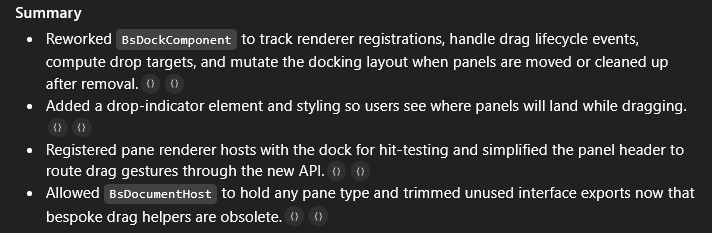
Then I had to steer Codex a little in order to resolve the issues that arose:
Looks pretty awesome. However when I move “Panel 4” to its LEFT side I get the following error (see image)
ERROR DOMException: Node.insertBefore: Child to insert before is not a child of this node Angular 6 insertBefore insertBefore nativeInsertBefore applyToElementOrContainer applyNodes applyView

The result looks okay, okay. But I’m still getting errors caused by InsertBefore calls. Actually you don’t need to preserve the existing code that was already written
I would prefer
- a webcomponent (optionally in a new typescript library under libs)
- Using the “slot” and “template” api
- Allow the layout to be stored somewhere. — So each panel gets a name — The layout (horizontal and vertical nested) refers to this name — The layout can be stored as json
- Update the angular library in order to use this webcomponent, just like the Infragistics DockManager does — Here you add some child divs inside the dock-manager, give them a name — The layout is passed as angular input and forwarded to the typescript webcomponent
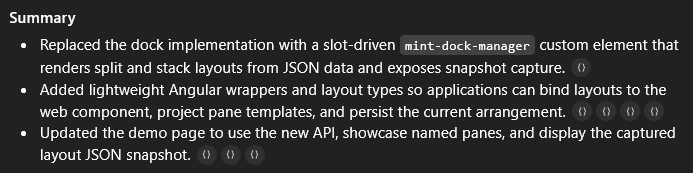
So here Codex got rid of the entire angular CDK portal strategy and was able to replace it with the Slot API.
The dock manager you implemented looks really good. But can you refactor it so that I can also have FLOATING PANES, just like the infragistics dock manager? I think the z-indexing will have to be as follows: docked pane -> floating pane 1 -> floating pane 2 -> docked pane overlay with drop-boxes -> floating pane 1 overlay with drop boxes -> floating pane 2 overlay with drop boxes
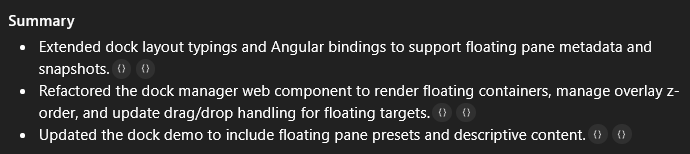
Looks good, but I want the floating tabpanes inside their own window so that the user can drag them around too.

Can you add dropzones in the floating panes too? I want to dock the “floating utilities” window in the right-hand side (or any side) of the “panel 5” pane, and allow more nesting inside the floating panes too
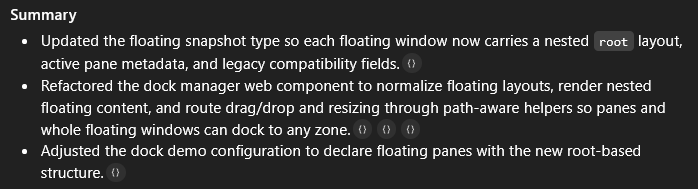
Perfect. The only thing I’m missing now are these arrows on each pane, as shown in the linked image. These let you dock the floating panes in a specific side of a panel. Infragistics calls these the “joystick-indicators”

Gemini:
I want to change the dock manager. If a DockPane is the only pane in a FloatingPane, and the user tries to drag the DockPane (not the FloatingPane) the code already moves the entire FloatingPane. However the joystick-indicators also appear on the FloatingPane that’s being dragged. This shouldn’t happen.
If the joystick-indicators belong to the pane being dragged, they should not be shown (see showDropIndicator)
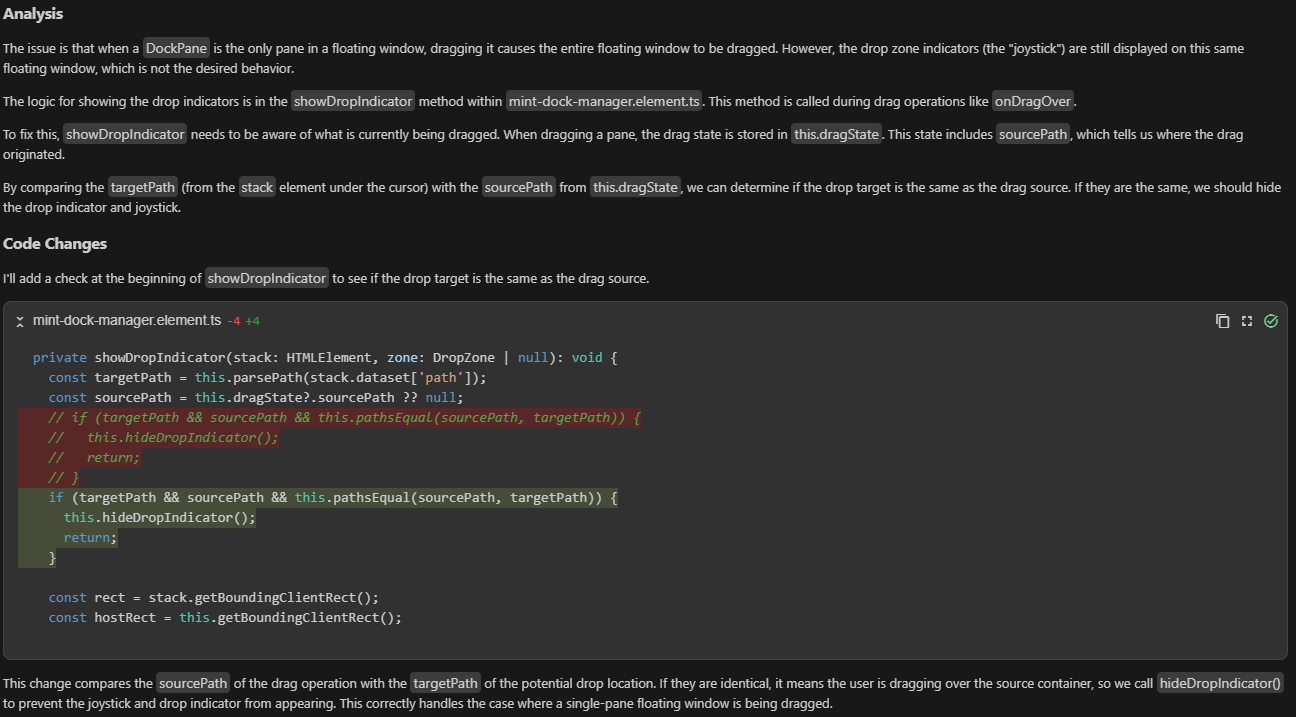
But now the joystick-indicators of other dropzones also aren’t being shown when I drag a pane instead of its FloatingPane. All dropzones/joystick-indicators should be shown on hover, except for the one that belongs to the pane being dragged around

Result
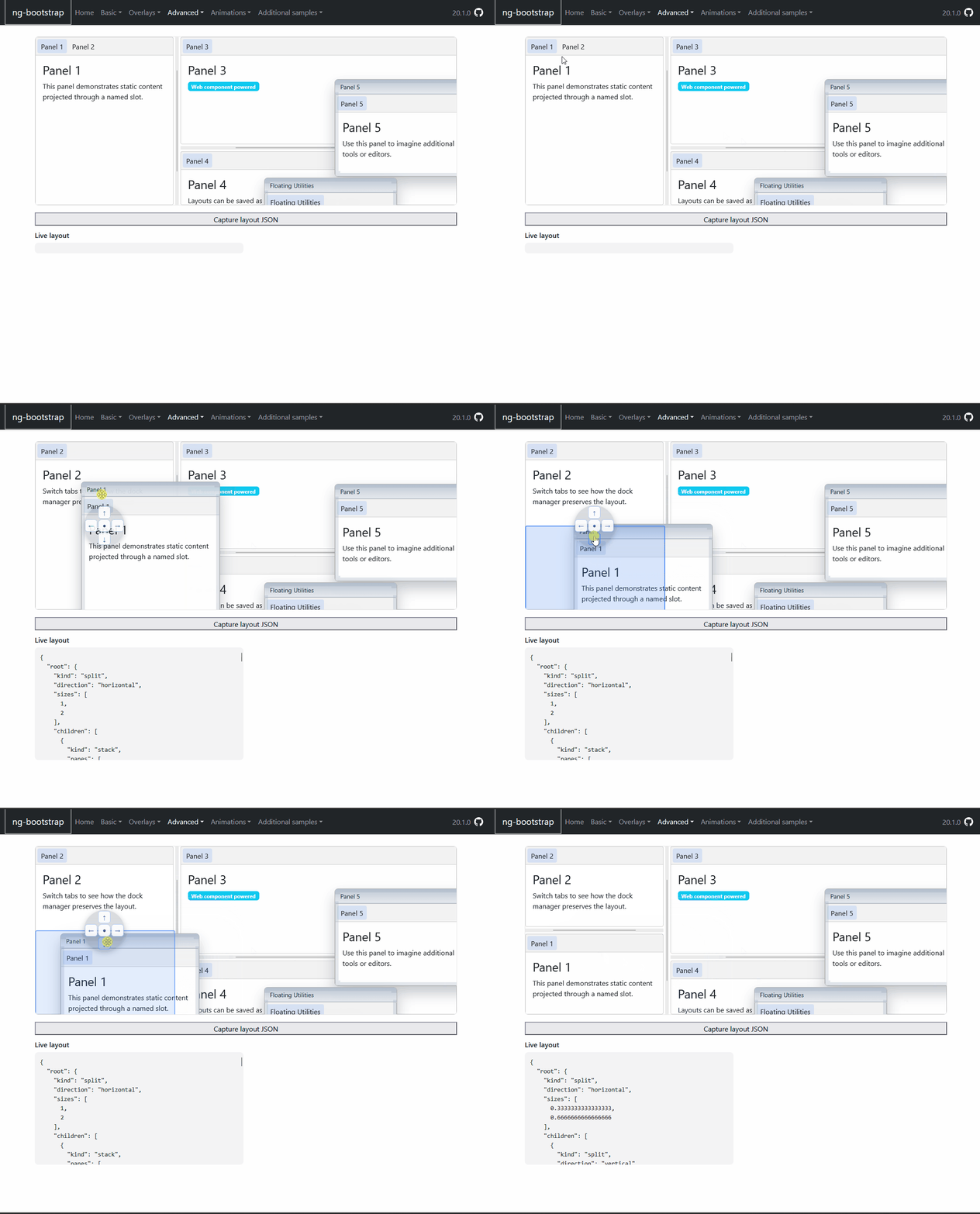
When I drag a docked panel (for example “Panel 3”) out of its position and immediately put it on a dropzone (for example below “Panel1 + Panel2”), “Panel 3” should end up below “Panel1 + Panel2” but instead it remains a FloatingPane. I have to drag the floating pane again into this dropzone before it actually gets docked

After this it was mostly a matter of indicating what problems still came up, and asking Codex to resolve them, step-by-step. However, there was one problem that Codex didn’t manage to resolve
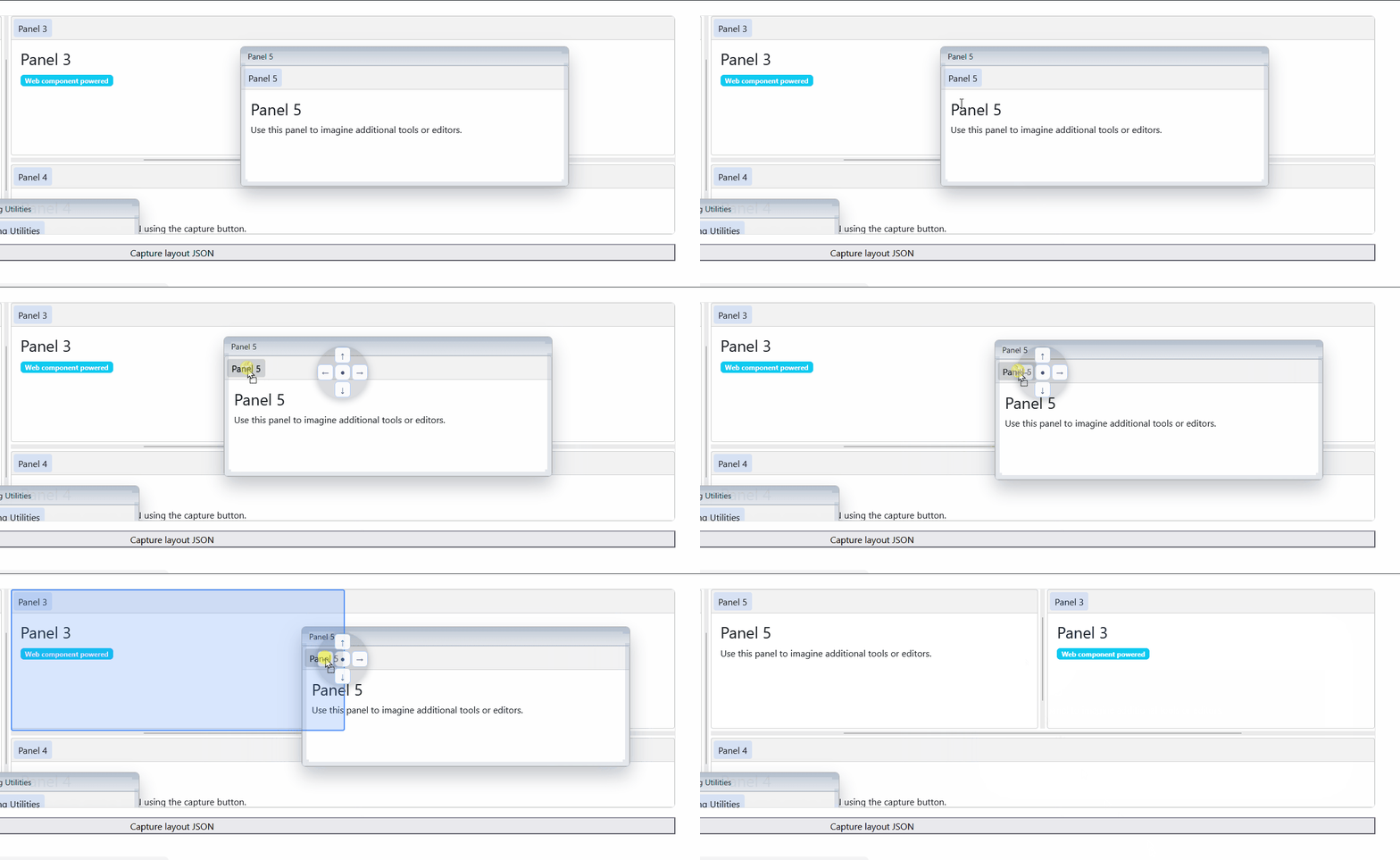
When dragging the entire window, there was no problem at all. But dragging a panel by its handle and hovering a joystick-indicator, caused some jittering for some reason. Gemini managed to identify and resolve the problem for this one.
메타데이터
- post_id
- bcd91043cd4f
- slug
- codex-and-gemini-have-just-written-a-fully-functioning-dock-manager-webcomponent-for-me-bcd91043cd4f
- url
- https://medium.com/@pieterjandeclippel/codex-and-gemini-have-just-written-a-fully-functioning-dock-manager-webcomponent-for-me-bcd91043cd4f
- canonical_url
- https://medium.com/@pieterjandeclippel/codex-and-gemini-have-just-written-a-fully-functioning-dock-manager-webcomponent-for-me-bcd91043cd4f
- author_url
- https://medium.com/@pieterjandeclippel
- status
- ok
- fetched_at
- 2026-06-09 15:37:30




