Taipy + Google Sheets = Instant Collaborative Dashboards
Build a real-time, multi-user dashboard in pure Python — no DB, no backend boilerplate, just Taipy on top of your team’s favorite…
Taipy + Google Sheets = Instant Collaborative Dashboards
Build a real-time, multi-user dashboard in pure Python — no DB, no backend boilerplate, just Taipy on top of your team’s favorite spreadsheet.

Turn Google Sheets into a live data backend with Taipy. Learn auth, polling, edits, caching, and write-backs — with copy-paste Python snippets.
Everyone already knows how to use a spreadsheet. So why fight that muscle memory? With Taipy as the UI and Google Sheets as the source of truth, you can stand up a collaborative dashboard in an afternoon — fast, friendly, and easy to maintain.
Let’s wire the two together the right way.
Why Sheets + Taipy works (and when it doesn’t)
Works great when:
- Your data is small/medium (hundreds to low tens of thousands of rows).
- Multiple people need to edit without new tooling.
- You want a lightweight dashboard with filters, KPIs, and charts — now.
Not a fit when:
- You expect millions of rows or heavy joins (use a warehouse).
- You need strict ACID semantics. Sheets is eventually consistent with soft limits.
If that still sounds right, keep going.
The minimum viable stack
- Python packages:
taipy,gspread,google-auth,pandas - Auth: a Google service account (download JSON), share the target Sheet with that service account email.
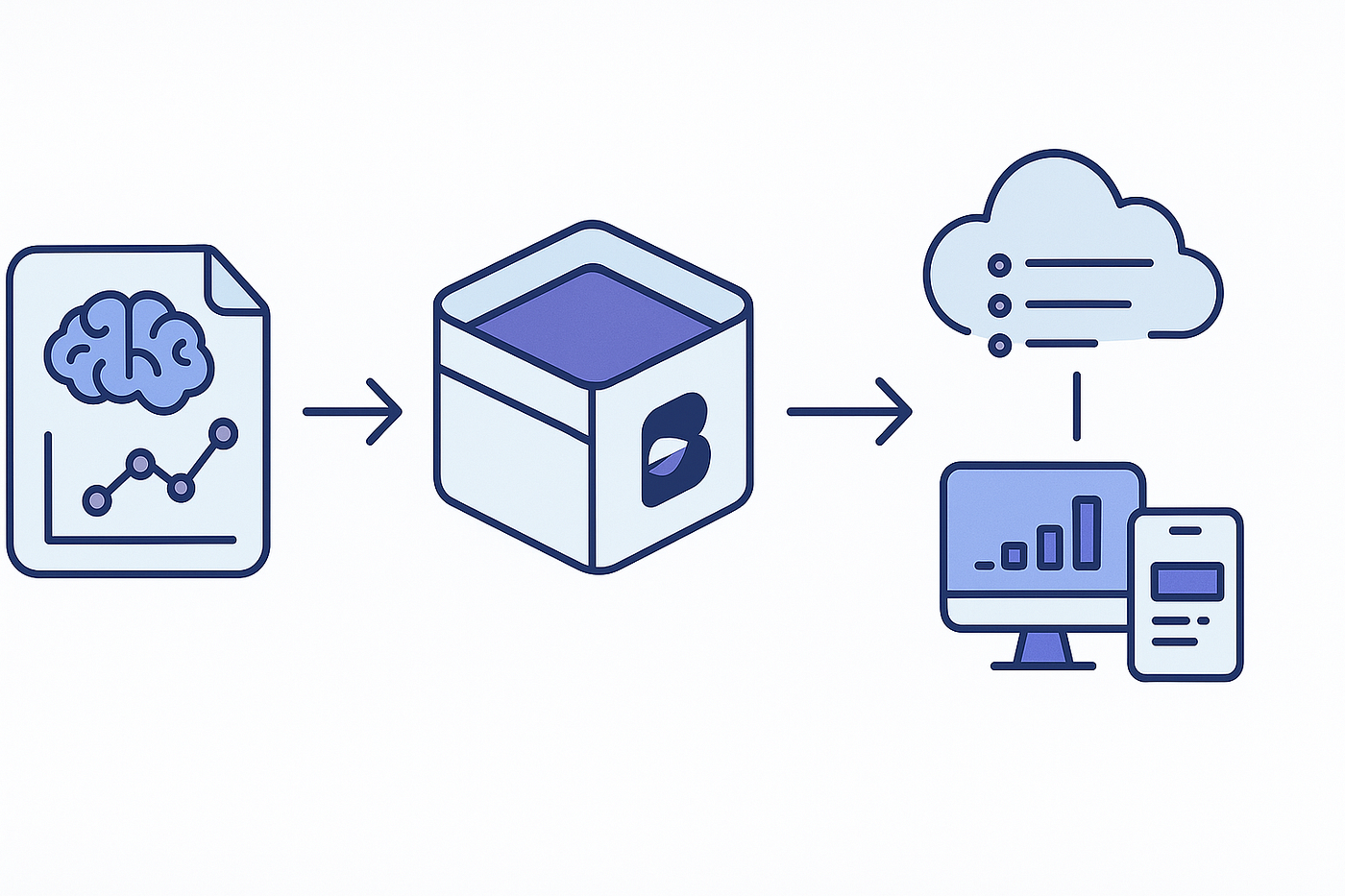
- Pattern: read → cache → render; then poll for changes and push safe edits back with simple conflict checks.
Bootstrapping: auth and load
# pip install taipy gspread google-auth pandas
import os, pandas as pd, gspread
from google.oauth2.service_account import Credentials

SCOPES = ["https://www.googleapis.com/auth/spreadsheets"]
CREDS_PATH = os.getenv("GOOGLE_APPLICATION_CREDENTIALS", "sa.json")
SHEET_KEY = os.getenv("SHEET_KEY")  # the spreadsheet ID
TAB_NAME = os.getenv("TAB_NAME", "DashboardData")

def get_client():
    creds = Credentials.from_service_account_file(CREDS_PATH, scopes=SCOPES)
    return gspread.authorize(creds)

def read_sheet():
    gc = get_client()
    ws = gc.open_by_key(SHEET_KEY).worksheet(TAB_NAME)
    rows = ws.get_all_records()
    df = pd.DataFrame(rows)
    # Optional: type fixes
    if "date" in df: df["date"] = pd.to_datetime(df["date"])
    if "revenue" in df: df["revenue"] = pd.to_numeric(df["revenue"], errors="coerce").fillna(0.0)
    return df, ws
Notes
- Use environment variables for secrets, not hard-coded paths.
- Keep a reference to the worksheet if you plan to write back.
Taipy UI: table, filters, and a chart
Taipy’s reactive markdown makes dashboards feel like writing docs with superpowers.
from taipy.gui import Gui, notify
import threading, time

df, ws = read_sheet()
state = {"df": df, "segment": "All", "kpi_rev": float(df.get("revenue", pd.Series([0])).sum())}

# --- UI layout ---
page = """
# Team Dashboard

<|Refresh|button|on_action=refresh|>
<|Segment|selector|lov={segments}|value=segment|dropdown=True|>

**Revenue (sum):** <|{kpi_rev:.2f}|text|class_name=card kpi|><|{df_view}|table|page_size=10|rebuild=True|>

<|{df_chart}|chart|x=date|y[1]=revenue|type=line|height=320px|>
"""

def filter_df(df, segment):
    if "segment" not in df or segment == "All":
        return df
    return df[df["segment"] == segment]

def on_change(state, var_name, var_value):
    if var_name == "segment":
        dfv = filter_df(state.df, state.segment)
        state.df_view = dfv
        state.df_chart = dfv[["date", "revenue"]].sort_values("date")
        state.kpi_rev = float(dfv["revenue"].sum())

def refresh(state):
    try:
        new_df, _ = read_sheet()
        state.df = new_df
        on_change(state, "segment", state.segment)
        notify(state, "success", "Data refreshed from Google Sheets.")
    except Exception as e:
        notify(state, "error", f"Refresh failed: {e}")

# Initialize derived views
state["segments"] = ["All"] + sorted([s for s in state["df"].get("segment", pd.Series([])).dropna().unique().tolist()])
state["df_view"] = filter_df(state["df"], state["segment"])
state["df_chart"] = state["df_view"][["date","revenue"]].sort_values("date")

gui = Gui(page)
Run it with gui.run() and you’ve got a collaborative dashboard that reads straight from Sheets.
Optional: gentle auto-refresh (polling)
Polling every 10–30 seconds keeps the UI in sync without websockets gymnastics.
def poller():
    while True:
        time.sleep(15)
        try:
            with gui.get_state() as s:
                old_rev = float(s.kpi_rev)
                new_df, _ = read_sheet()
                s.df = new_df
                on_change(s, "segment", s.segment)
                if float(s.kpi_rev) != old_rev:
                    notify(s, "info", "Sheet changed. View updated.")
        except Exception:
            pass  # keep polling even if one attempt fails

threading.Thread(target=poller, daemon=True).start()

if __name__ == "__main__":
    gui.run(title="Taipy + Google Sheets", use_reloader=False)
Tips
- Keep intervals polite — Sheets has quotas.
- If multiple dashboards poll the same sheet, stagger starts (random initial delay).
Editing from the dashboard (safe write-backs)
Two rules keep edits sane:
- Never overwrite blindly — confirm the row still matches what you read.
- Update minimal ranges to reduce conflicts and costs.
from taipy.gui import Statedef save_change(state: State, row_index: int, new_value: float):
    # Example: update revenue for a given row index (1-based on Sheet)
    try:
        df_now, ws_now = read_sheet()
        # Quick conflict check: ensure primary key and old value haven’t changed
        key_cols = ["date","segment"]

        old = state.df.iloc[row_index-1][key_cols + ["revenue"]]
        cur = df_now.iloc[row_index-1][key_cols + ["revenue"]]
        if not (old[key_cols] == cur[key_cols]).all():
            notify(state, "error", "Row changed since you loaded—refresh first.")
            return
        ws_now.update_cell(row_index+1, df_now.columns.get_loc("revenue")+1, new_value)
        notify(state, "success", "Saved to Google Sheets.")
        refresh(state)
    except Exception as e:
        notify(state, "error", f"Save failed: {e}")
Wire this to a small form or an inline “edit” dialog in Taipy. The critical piece is the preflight check before updating.
Performance and reliability patterns
- Cache reads for a few seconds in memory to avoid hammering the API when multiple callbacks fire. A global
(data, ts)pair is enough. - Schema guardrails: validate expected columns and types; fail fast with a friendly toast.
- Avoid whole-sheet writes: prefer
update_cellor small range updates. - Numeric coercion: convert currency and counts to numeric on load, not in the UI.
- Audit trail: add a hidden “log” tab; append user, field, old value, new value, timestamp for each write.
Real project gotchas (and fixes)
- Hidden headers / merged cells: keep the data tab boring — first row is headers, no merged cells. Build the pretty view on a separate tab if needed.
- Filter views masking rows:
get_all_records()reads the underlying data, not what’s visible. If teammates use filters, be explicit in your UI filters too. - Time zones: Sheets stores datetimes without tz; localize in Python (
.dt.tz_localize('UTC')then convert). - Concurrent edits: if two users change the same cell, last writer wins. That’s why the preflight comparison is worth the extra few lines.
Deployment in one paragraph
Containerize your app, mount the service account JSON as a secret, expose port 8080 behind your favorite proxy, and set GOOGLE_APPLICATION_CREDENTIALS, SHEET_KEY, and TAB_NAME as env vars. Turn on HTTPS at the proxy. That’s enough for most internal teams.
Wrap-up
Taipy gives you a clean, reactive UI. Google Sheets gives you instant collaboration. Together, they let you ship a dashboard that people actually use — because it meets them where they already live. Start with read-only, add safe edits when you’re comfortable, and keep the polling polite. You’ll be surprised how far this simple combo goes.
If you build one, tell me what you tracked and which UI patterns clicked for your team. I’ll compile the best ideas into a follow-up with extra components and templates.
메타데이터
- post_id
- bce882be66ca
- slug
- taipy-google-sheets-instant-collaborative-dashboards-bce882be66ca
- url
- https://medium.com/@hadiyolworld007/taipy-google-sheets-instant-collaborative-dashboards-bce882be66ca
- canonical_url
- https://medium.com/@hadiyolworld007/taipy-google-sheets-instant-collaborative-dashboards-bce882be66ca
- author_url
- https://medium.com/@hadiyolworld007
- status
- ok
- fetched_at
- 2026-08-21 01:45:42