Why a Mobile App Can Work Perfectly Internally but Fail for Real Users
Inside the company, everything looked stable.
Why a Mobile App Can Work Perfectly Internally but Fail for Real Users
Inside the company, everything looked stable.
The app worked smoothly during demos. Core features passed QA. The development team couldn’t reproduce any major issues.
Then the release happened.
Within days:
- Ratings started dropping
- Users complained about crashes
- Sessions became shorter
- Retention numbers fell unexpectedly
The strange part?
Nothing seemed “broken” internally.
This situation is far more common than most startups realize.
A mobile app can perform perfectly in internal testing environments and still fail badly once real users start interacting with it.
And usually, the reason is not a single bug.
It’s the gap between controlled testing and real-world behavior.
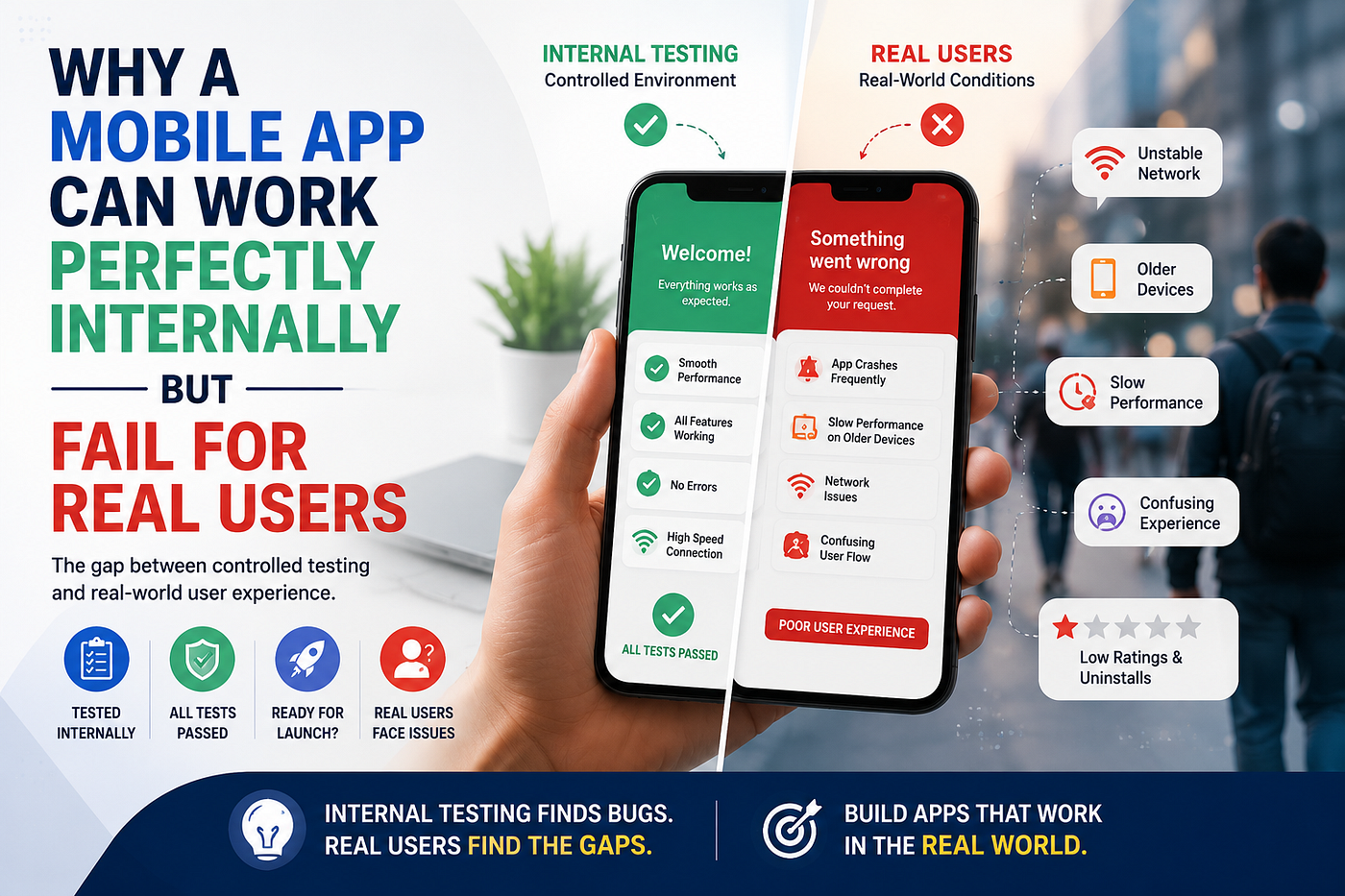
Internal Testing Environments Are Predictable
Most internal testing happens under ideal conditions.
The team uses:
- High-performance devices
- Stable internet connections
- Familiar user flows
- Fresh installations
- Controlled environments
Naturally, the app feels stable.
But real users rarely interact with apps in perfect conditions.
They:
- Use older devices
- Switch between apps constantly
- Ignore onboarding instructions
- Use unstable networks
- Trigger unexpected edge cases
That difference changes everything.
Real Users Don’t Behave Like QA Teams
QA testers follow structured test cases.
Real users do not.
A tester might carefully complete onboarding step by step. A real user may skip everything and tap randomly within seconds.
Internally, navigation may feel obvious because the team already understands the product. However, first-time users experience the app with zero context.
That’s where problems start appearing:
- Confusing onboarding
- Missed CTAs
- Frustrating navigation
- Unexpected dead ends
- Broken flows under unusual behavior
Technically, the app may still “work.” But the experience fails.
And users rarely separate the two.
Device Fragmentation Is a Bigger Problem Than Teams Expect
This is one of the most overlooked mobile app issues.
Internally, teams often test on:
- Latest iPhones
- Flagship Android devices
- High-speed WiFi
Real users may use:
- Older Android devices
- Low-memory phones
- Different screen sizes
- Regional network conditions
An app that feels fast internally may lag heavily on lower-end devices.
Animations drop frames. Screens load slowly. Buttons shift unexpectedly. Keyboard behavior changes.
Even small UI inconsistencies can reduce trust quickly.
This is why many teams eventually invest in professional **mobile app testing services** focused on real-device validation instead of simulator-only testing.
Users Care About Experience More Than Stability
This is an important mindset shift.
Many teams focus entirely on:
- Crash-free sessions
- Functional correctness
- Passing QA cycles
But users focus on:
- Speed
- Simplicity
- Clarity
- Smooth interactions
An app can technically work while still feeling frustrating.
For example:
- A signup process may function correctly but take too many steps
- A checkout flow may work but feel confusing
- A game tutorial may technically pass but fail to engage players
Users don’t measure technical success.
They measure comfort and confidence.
Analytics Often Reveal Problems Too Late
One of the biggest mistakes startups make is assuming no complaints means no issues.
In reality, most users don’t report problems.
They simply leave.
By the time analytics reveal:
- Low retention
- High uninstall rates
- Session drop-offs
- Abandoned onboarding
the product has already lost trust with early users.
And recovering from poor first impressions becomes difficult.
Internal Success Does Not Equal Market Readiness
An internally stable app is only the beginning.
Before launch, teams should validate:
- Real-device performance
- Different user behaviors
- Accessibility
- Regional usage patterns
- Friction during onboarding
- Real-world interruptions
This is where external QA and usability-focused testing become extremely valuable.
For example, Testers HUB works with startups and digital products to identify issues that often appear only under real-user conditions across different devices and environments.
What Teams Usually Learn After Launch
Many product teams discover the same lessons after release:
- Users are less patient than expected
- Navigation clarity matters more than features
- Device diversity creates hidden bugs
- Small UX issues compound quickly
- First impressions heavily affect retention
Most importantly: 👉 Real users expose assumptions internal teams never notice.
Final Thoughts
A mobile app failing after launch does not always mean the development failed.
Often, it means the product was tested in controlled conditions but not validated deeply enough for real-world usage.
Internal QA is essential. However, real-user behavior is unpredictable.
And in mobile apps, unpredictability is exactly what shapes product success.
The apps that perform best after launch are usually the ones tested beyond functionality — across devices, behaviors, environments, and actual user expectations.
Because ultimately, users don’t care how stable the app felt internally.
They care how it feels in their hands.
메타데이터
- post_id
- bcf5081faa86
- slug
- why-a-mobile-app-can-work-perfectly-internally-but-fail-for-real-users-bcf5081faa86
- url
- https://medium.com/@testershub/why-a-mobile-app-can-work-perfectly-internally-but-fail-for-real-users-bcf5081faa86
- canonical_url
- https://medium.com/@testershub/why-a-mobile-app-can-work-perfectly-internally-but-fail-for-real-users-bcf5081faa86
- author_url
- https://medium.com/@testershub
- status
- ok
- fetched_at
- 2026-06-09 15:37:30






