Kubernetes Helper Scripts
Kubernetes Helper Scripts
Kubernetes Helper Scripts
Kubernetes Helper Scripts
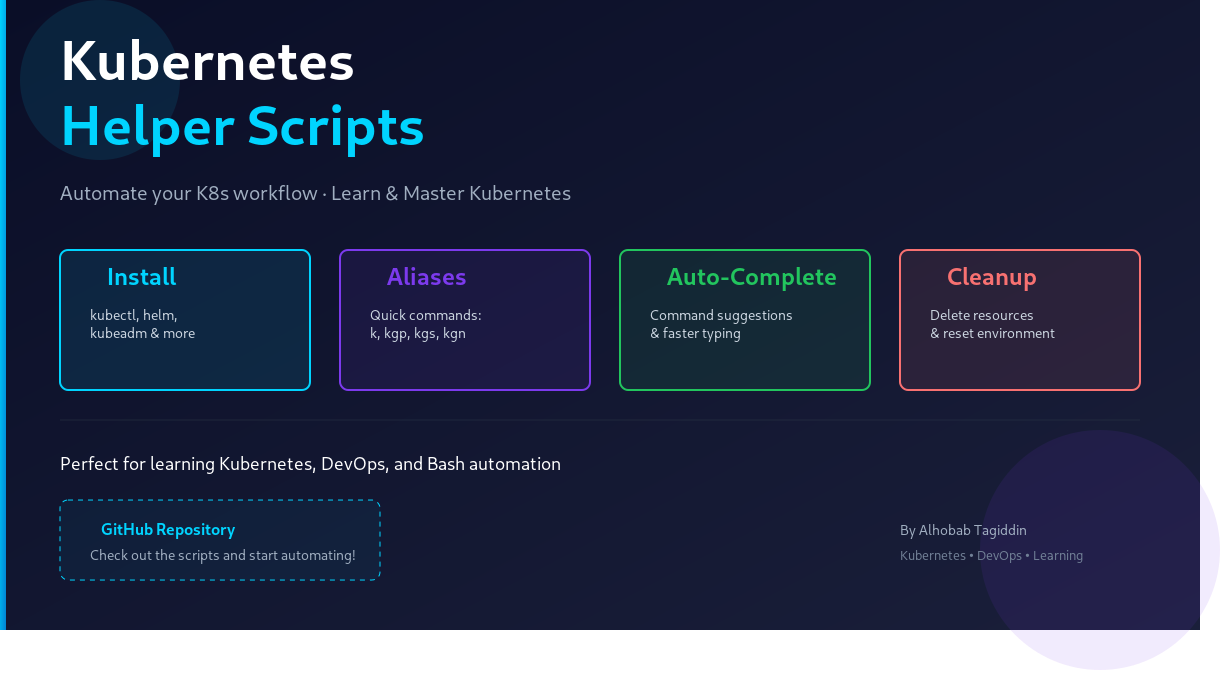
A simple collection of Bash scripts created to make Kubernetes setup and daily usage easier, faster, and more organized.
This project helps automate common Kubernetes tasks such as installing required tools, configuring useful aliases, enabling command auto-completion, and cleaning up Kubernetes resources during practice labs.
Project Structure
.
├── 1-install.sh
├── 2-aliases.sh
├── 3-auto-complete.sh
└── 4-cleanup.sh
Github Repo : https://github.com/cybe44oot/Kubernetes-Helper-Scripts.git
1. Install Script
The 1-install.sh script is used to install and configure the required Kubernetes tools.
It helps prepare a Linux environment for working with Kubernetes.
Example tools installed or configured by this script:
kubectl
kubeadm
kubelet
containerd
This script can be used as a starting point when preparing Kubernetes master and worker nodes.
2. Aliases Script
The 2-aliases.sh script contains useful Kubernetes aliases to make commands shorter and easier to use.
Example aliases:
alias k='kubectl'
alias kgp='kubectl get pods'
alias kgs='kubectl get svc'
alias kgn='kubectl get nodes'
Instead of writing:
kubectl get podsYou can simply write:
kgpThis saves time and makes daily Kubernetes work faster.
3. Auto-Complete Script
The 3-auto-complete.sh script enables Kubernetes command auto-completion.
Auto-completion helps when writing kubectl commands by suggesting commands, resource names, and available options.
Example:
kubectl get po<TAB>This makes working with Kubernetes easier and reduces typing mistakes.
4. Cleanup Script
The 4-cleanup.sh script is used to clean up Kubernetes resources or reset the environment.
It is useful when practicing Kubernetes labs or removing old resources after testing.
Example cleanup tasks:
delete pods
delete deployments
delete services
reset Kubernetes environment
Always review the cleanup script before running it to avoid deleting important resources.
How to Use
First, give execute permission to the scripts:
chmod +x 1-install.sh 2-aliases.sh 3-auto-complete.sh 4-cleanup.shRun the scripts one by one:
./1-install.sh
./2-aliases.sh
./3-auto-complete.sh
./4-cleanup.sh
메타데이터
- post_id
- bd2ff3c776d6
- slug
- kubernetes-helper-scripts-bd2ff3c776d6
- url
- https://medium.com/@alhobabtagiddin/kubernetes-helper-scripts-bd2ff3c776d6
- canonical_url
- https://medium.com/@alhobabtagiddin/kubernetes-helper-scripts-bd2ff3c776d6
- author_url
- https://medium.com/@alhobabtagiddin
- status
- ok
- fetched_at
- 2026-06-22 12:55:45


