Why I Deleted 1,084 Apple Notes
Sometimes, productivity isn’t about accumulating more information—it’s about letting go of what no longer serves you.
Why I Deleted 1,084 Apple Notes
Sometimes, productivity isn’t about accumulating more information—it’s about letting go of what no longer serves you.
Photo by Gary Chan on Unsplash
I Deleted 1,084 Apple Notes
Lately, I’ve been experiencing a subtle yet persistent sense of overwhelm.
Initially, I couldn’t pinpoint the source of this feeling. My schedule wasn’t unusually hectic, and my workload hadn’t significantly changed. However, something felt heavy in the background.
As a self-proclaimed productivity enthusiast, my instinct was to audit my systems. If something felt off, I believed the solution might lie within my workflows.
That’s when I noticed something peculiar.
I was constantly looking for notes in different places.
I paused and thought, “This isn’t right.”
For years, I’ve embraced minimalism, being deliberate about removing anything that no longer adds value to my life. Usually, this means decluttering physical possessions. But this time, I realized something crucial:
Clutter isn’t always visible.
Sometimes, it hides within our devices—in old files, forgotten systems, and thousands of notes we keep “just in case.”
What I was carrying wasn’t physical clutter.
It was digital clutter.
So, I made a choice. Instead of maintaining several note-taking apps that served similar purposes, I committed to using the one I actually used daily.
And that meant doing something I never imagined I’d do.
I deleted 1,084 notes from Apple Notes.
Apple Notes Became an Information Graveyard
I love Apple Notes.
It has most of the features I adore. However, features alone aren’t enough for me to stick to it as my primary note-taking application. My needs have evolved since I started juggling multiple jobs and engaging in writing on the side.
I need a reliable note-taking application that can keep up with my current productivity without skipping a beat. For now, Bear Notes has been my go-to note-taking companion, gradually taking the lead in my productivity while Apple Notes has become a secondary tool for quick ideas or musings.
However, I recently transitioned most of my notes to Bear and rarely use Apple Notes. This has made me realize that having two note-taking applications that perform the same function is unnecessary. While I still occasionally need information from Apple Notes, especially handwritten notes, I know most of them are no longer relevant to me.
These notes include meeting notes related to projects I’ve completed, notes about my terminated counselees, and courses I took during my graduate studies that I haven’t opened in almost four years.
Apple Notes has become the graveyard of these notes, occupying a backseat in my mind. I’m aware that some of this information might be useful in the future, but in reality, it’s just clutter in the vast expanse of my knowledge.
Issues I Have Using Apple Notes
I recently wrote about why I continue to pay for productivity apps in an era where Apple Notes is gaining popularity. There are several issues I have with using Apple’s stock productivity applications.
First and foremost, there’s the reliability of syncing. Apple Notes’ syncing can be sluggish, causing disruptions to my workflow. I’ve noticed that notes with attachments load slower on other devices, potentially leading to syncing issues.
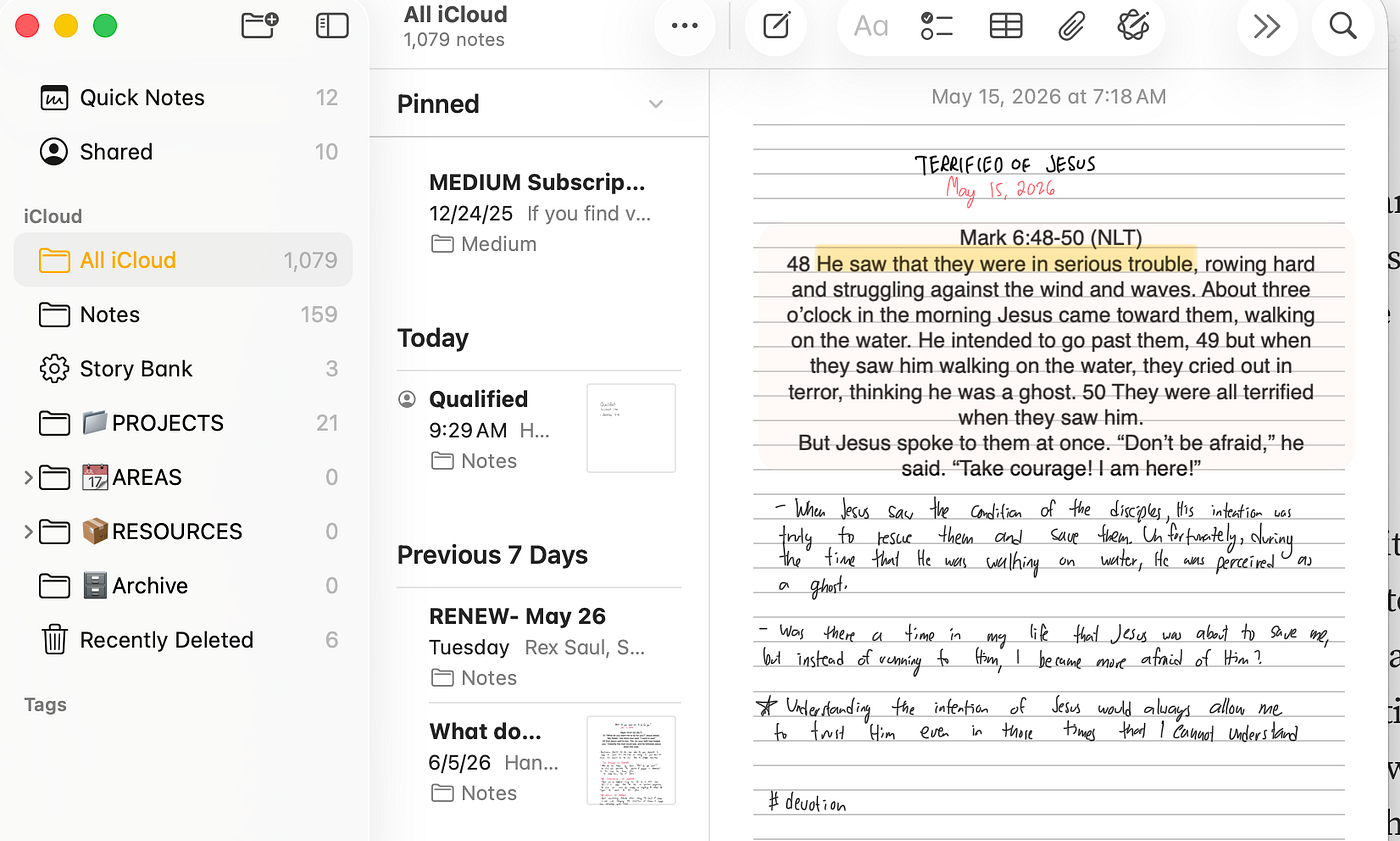
Secondly, the reliability of the search function is crucial. I prefer handwriting my notes on the iPad. More often than not, I use it more frequently than the keyboard (which is why it’s my primary computer since it’s a touch-first device). I want handwritten notes to be fully searchable in times of need, so a notes app must have excellent OCR capabilities.
Lastly, I want my note-taking app to fully support markdown syntax, both when writing and reading imported .md files. It’s important that my notes can be fully supported from a simple text editor, a document, or another note-taking app that uses the same writing syntax. Moreover, the added benefit of markdown is the ability to bulk import or export my notes elsewhere, which gives me peace of mind that I can move my notes to another platform if needed.
My Decision Point
Currently, I’ve been increasingly using Bear Notes for over nine months now. It has been a reliable companion and has provided immense value through its features, enhancing my productivity and transforming the way I organize my notes.
While checking my iCloud storage, I noticed that my Apple Notes are quite comparable to my Bear Notes in terms of iCloud storage consumption. With this realization, I feel compelled to keep both note apps to ensure that I don’t lose any important information.
I’ve been telling myself that the notes are important, but are they truly? Or am I simply afraid of losing something that was once useful?
Minimalism has taught me that value has a shelf life. Something can be incredibly useful in one season and completely irrelevant in the next. The challenge is knowing when to let go.
That’s what I thought. However, as a minimalist, I understand that something of value may lose its value over time. So, I decided to delete all my notes in Apple Notes. Why? It’s a duplicate of the notes I imported to Bear Notes last year. If there are any notes there that I haven’t added to Bear, I’ve added them immediately.
Final Thoughts: Would there be any regrets?
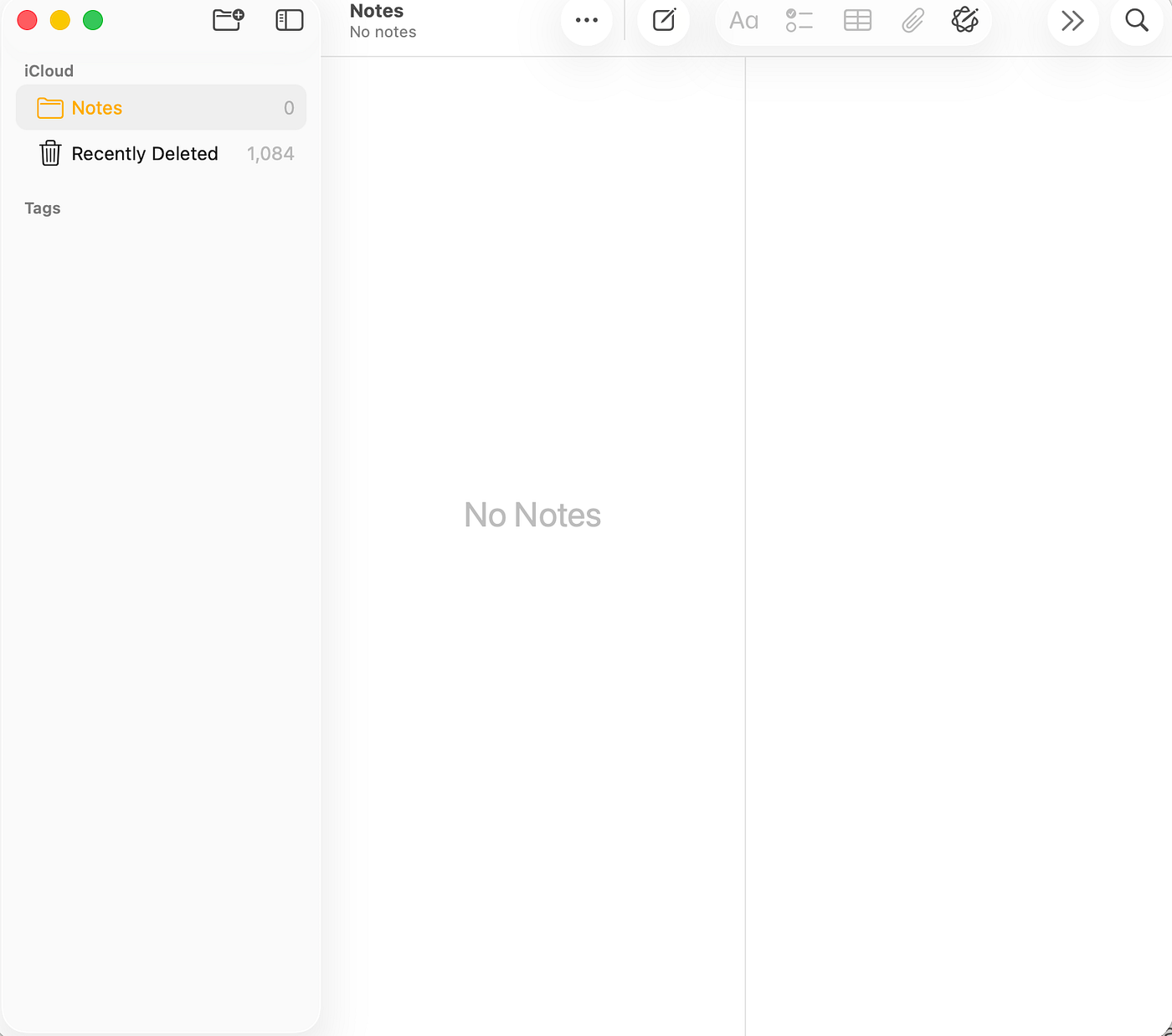
Image source: Screenshot by Author
After realizing that my current system and tools were no longer adding value to my life, I made the decision to quit both. This led me to this particular decision.
It wasn’t an easy decision. Apple Notes has been the backbone of what I called “Second Brain” for over three years, and it’s the only application that has lasted me that long. For me, Apple Notes has truly added immense value to my life, and one of my most read stories is about it.
Deleting those notes didn’t make me less productive.
It made me lighter.
For years, I believed that productivity meant capturing more information. However, I’ve come to realize that productivity is also about releasing information that no longer serves a purpose.
My notes exist to serve me—not the other way around.
And sometimes, the most productive thing you can do is simply press Delete.
메타데이터
- post_id
- bd69f0075c31
- slug
- why-i-deleted-1-084-apple-notes-bd69f0075c31
- url
- https://medium.com/@darwincruz20/why-i-deleted-1-084-apple-notes-bd69f0075c31
- canonical_url
- https://medium.com/@darwincruz20/why-i-deleted-1-084-apple-notes-bd69f0075c31
- author_url
- https://medium.com/@darwincruz20
- status
- ok
- fetched_at
- 2026-06-21 09:28:28