AI Coding Agents Can Build the Interface. Now They Can Use a Real Icon System.
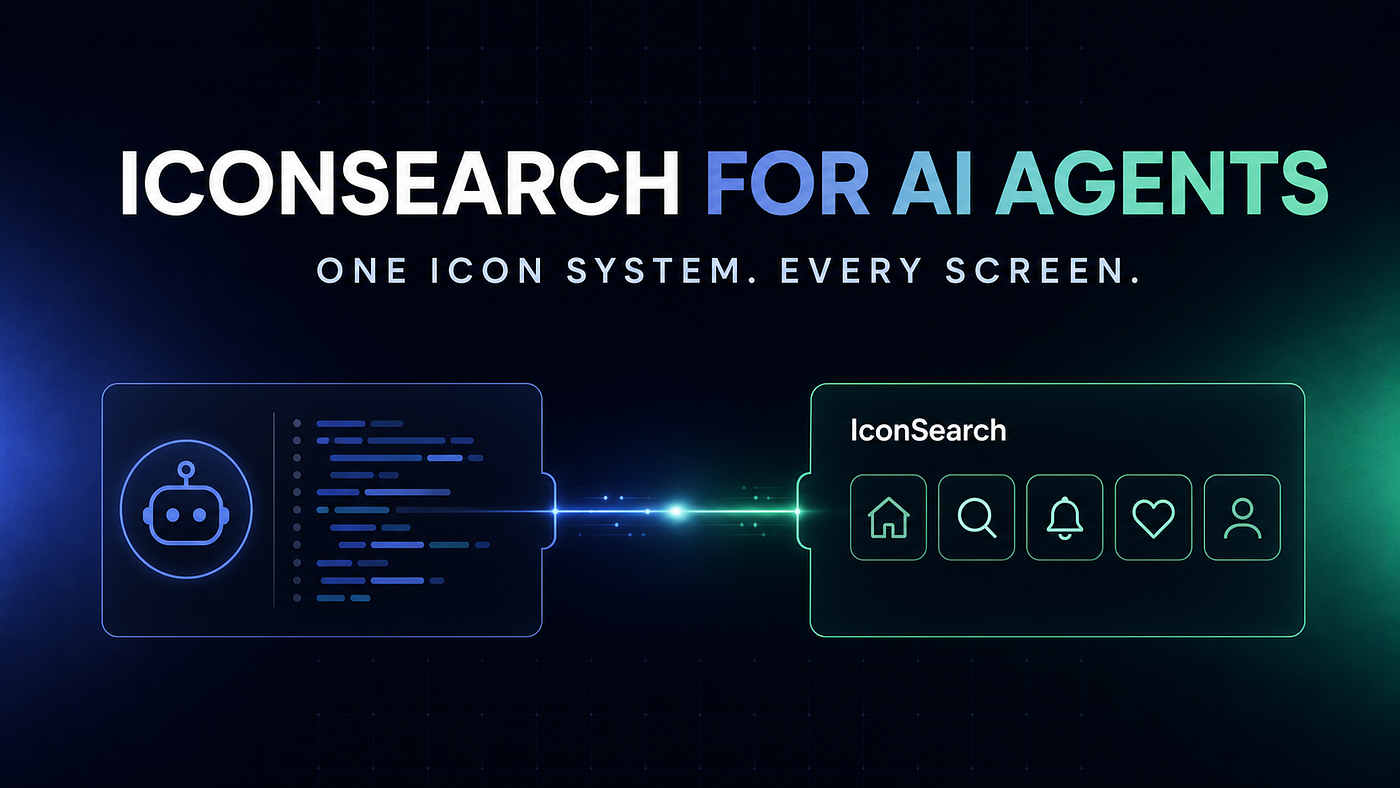
Introducing IconSearch for AI agents: intent-based icon search, project memory, exact SVG retrieval, and visual consistency audits across…
AI Coding Agents Can Build the Interface. Now They Can Use a Real Icon System.
Introducing IconSearch for AI agents: intent-based icon search, project memory, exact SVG retrieval, and visual consistency audits across 355,702 icons.
This is important because product teams think in interface meaning, while icon libraries expose package-specific names.
3. Retrieve the exact asset
Once a candidate is selected, IconSearch returns the exact sanitised SVG together with its original library, source page, author, and licence metadata.
The agent is no longer copying an approximate symbol from memory. It is working with a specific, reviewable asset.
4. Save the approved decision
When the user approves the icon, the agent can save it under a semantic name such as billing-history rather than a visual name such as receipt-2.
The SVG is stored under .iconsearch/icons, and the decision is added to iconsearch.json.
5. Audit before shipping
Before the interface is released, IconSearch can inspect the repository for missing managed files, changed checksums, unmanaged SVGs, inline SVG usage, empty project memory, and mixed icon packages.
The audit does not replace human review. It gives the reviewer a focused list of visual-system risks to check.
Design decisions that live with the code
The most important part of this workflow is project memory.

Approved semantic icon assignments remain readable, reviewable, and portable inside the repository.
The first approved save creates an iconsearch.json manifest and a managed .iconsearch/icons directory. A simplified entry looks like this:
{
"version": 1,
"style": {
"preferredLibraries": ["lucide"],
"defaultSize": 20,
"color": "currentColor",
"strokeWidth": 2
},
"icons": {
"billing-history": {
"library": "lucide",
"name": "receipt-text",
"path": ".iconsearch/icons/billing-history.svg"
}
}
}
This file is deliberately ordinary. A designer can understand it. A developer can review it in a pull request. An agent can follow it. A continuous-integration check can audit it.
The project no longer depends on one person remembering which icon was chosen three months ago.
Built with clear security boundaries
Giving an agent a new tool should not mean giving it uncontrolled access.
IconSearch uses revocable API keys for authenticated search and retrieval. The secret is supplied to the local MCP process and is never written to the project manifest. Keys can be revoked from the account page and expire after 90 days.
Repository changes are also intentionally narrow. The save operation writes only iconsearch.json and SVG files inside .iconsearch/icons, beneath a validated project root. The server rejects symlink traversal, unsafe paths, and active or external content in SVG files.
Humans should still review every agent-generated change before committing or deploying it. The goal is not to remove judgement. It is to give judgement better inputs and a memory.
Getting started with Codex
The current integration works with Codex and other MCP-compatible coding agents. For Codex, the basic setup is:
-
Install Node.js 20 or newer.
-
Sign in to IconSearch and generate an API key.
-
Run the one-time setup command in PowerShell or Terminal:
codex mcp add iconsearch — env ICONSEARCH_TOKEN=YOUR_API_KEY — npx -y @iconsearch/mcp-server
-
Restart Codex and confirm that IconSearch appears under
/mcp. -
Start with a read-only request:
Use IconSearch to find five icons for settings navigation. Do not change any files.
If the codex command is not available in the terminal, the same connection can be added manually through the global ~/.codex/config.toml file. The complete Windows, macOS, and Linux instructions are available in the setup guide.
Why this matters for AI-generated interfaces
The next stage of AI-assisted product development is not only about generating more code. It is about preserving the decisions that make a product coherent.
Typography, spacing, colour, motion, and iconography all need systems. When an AI agent can read those systems before acting, reuse approved decisions, and surface inconsistencies before shipping, generated interfaces begin to feel less random and more intentional.
IconSearch is our contribution to that direction: a focused visual tool that helps an agent stop guessing and start following an icon system.
Explore IconSearch for AI agents: https://iconsearch.info/agents
Read the complete setup guide: https://iconsearch.info/docs/agents
메타데이터
- post_id
- bd913f5202b2
- slug
- ai-coding-agents-can-build-the-interface-now-they-can-use-a-real-icon-system-bd913f5202b2
- url
- https://medium.com/@iconsearchinfo/ai-coding-agents-can-build-the-interface-now-they-can-use-a-real-icon-system-bd913f5202b2
- canonical_url
- https://medium.com/@iconsearchinfo/ai-coding-agents-can-build-the-interface-now-they-can-use-a-real-icon-system-bd913f5202b2
- author_url
- https://medium.com/@iconsearchinfo
- status
- ok
- fetched_at
- 2026-08-17 05:24:26



