Beyond the Blueprint: Automating Custom Guardrails with AWS Control Tower
Enterprises hate “one-size-fits-all” guardrails. This guide shows you how to inject your own Service Control Policies, AWS Config rules…
Beyond the Blueprint: Automating Custom Guardrails with AWS Control Tower
Enterprises hate “one-size-fits-all” guardrails. This guide shows you how to inject your own Service Control Policies, AWS Config rules, and Step Function workflows into AWS Control Tower’s Account Factory — so every new account is instantly compliant, secure, and tailored to your needs.
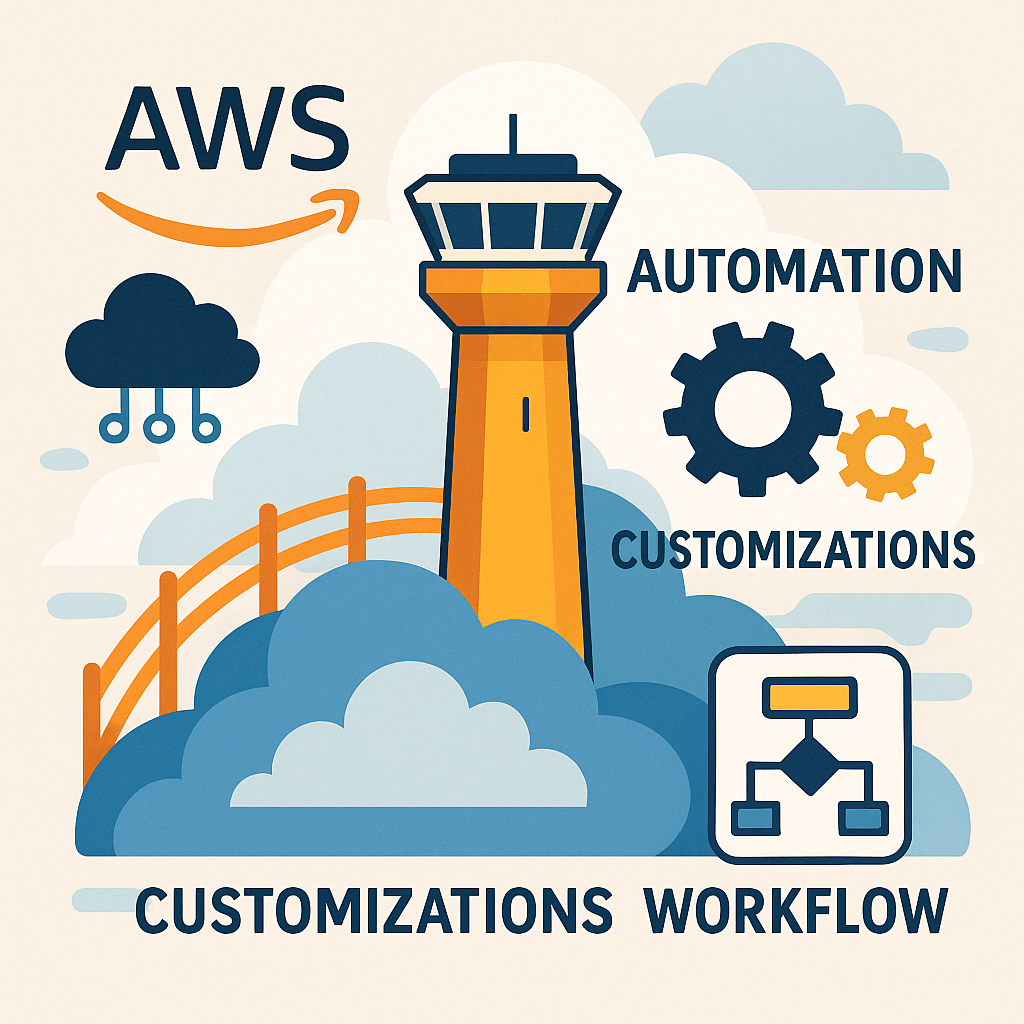
Table of Contents
- Why Custom Guardrails Matter
- How Control Tower Customizations Work
- Step 1: Bake in Your SCPs
- Step 2: Enforce Config Rules at Creation
- Step 3: Trigger Provisioning Workflows
- Live Interactive Demo (AWS CloudShell)
- Best Practices & Pitfalls
- Resources & Next Steps
Why Custom Guardrails Matter
Imagine spinning up three new AWS accounts in two hours — and realizing one slipped through without your security policies. As organizations scale:
- Each team has unique compliance and operational requirements
- Manual post-creation fixes are error-prone and slow
- You need guardrails that flex, not break, your workflows
AWS Control Tower provides a solid foundation, but the built-in preventive controls may not cover every enterprise need. With the Control Tower Customizations API, released in mid-2024, you can extend the Account Factory pipeline to:
- Inject extra CloudFormation steps
- Attach nested stacks for SCPs and Config rules
- Invoke Step Functions to run custom provisioning logic
This approach guarantees consistency, speeds up onboarding, and embeds your organization’s policies at account creation time.
How Control Tower Customizations Work
Control Tower’s Customizations API hooks into the Account Factory CloudFormation template. Key capabilities include:
- Nested Stacks: Run your own CloudFormation templates before or after the default account creation steps.
- Workflow Triggers: Invoke AWS Step Functions at predefined points (e.g., after account creation).
- GitOps-Friendly: Store your
customizations.yamland related templates in a version-controlled repository—every change is trackable and reviewable.
By treating account provisioning as code, you achieve both governance and agility.
Step 1: Bake in Your SCPs
To enforce custom Service Control Policies — such as denying public S3 buckets and restricting allowable regions — follow these steps.
- Create your SCP policy document (
scp-restrict-s3.json):
{
  "Version": "2012-10-17",
  "Statement": [
    {
      "Sid": "DenyPublicS3",
      "Effect": "Deny",
      "Action": ["s3:PutBucketAcl", "s3:PutObjectAcl"],
      "Resource": "*",
      "Condition": { "Bool": { "aws:PublicRead": "true" } }
    },
    {
      "Sid": "RestrictRegions",
      "Effect": "Deny",
      "Action": "*",
      "Resource": "*",
      "Condition": {
        "StringNotEquals": { "aws:RequestedRegion": ["us-east-1", "eu-west-1"] }
      }
    }
  ]
}- Upload the policy to an S3 bucket:
aws s3 cp scp-restrict-s3.json s3://my-ct-customizations/scps/- Reference it in your Control Tower customization manifest (
customizations.yaml):
AccountFactoryNestedStackOutputs:
  - Name: CustomSCPs
TemplateURL: https://my-ct-customizations.s3.amazonaws.com/scp-nested-stack.yaml- Define the nested stack template (
scp-nested-stack.yaml):
AWSTemplateFormatVersion: '2010-09-09'
Resources:
  MyCustomSCP:
    Type: AWS::IAM::ManagedPolicy
    Properties:
      Description: 'Enforce no public S3 and region restrictions'
      PolicyDocument:
        Fn::Transform:
          Name: 'AWS::Include'
          Parameters:
            Location: 'scp-restrict-s3.json'
  AttachSCP:
    Type: AWS::Organizations::Policy
    Properties:
      Content: !GetAtt MyCustomSCP.PolicyDocument
      Name: CustomS3RegionGuardrails
      Type: SERVICE_CONTROL_POLICY
This nested stack executes immediately after the default Account Factory steps, ensuring your SCP is attached before any user activity begins.
Step 2: Enforce Config Rules at Creation
AWS Config rules help you codify infrastructure best practices. For example, to require EC2 instances to have specific tags:
- Create a nested stack template (
config-rules-nested-stack.yaml):
AWSTemplateFormatVersion: '2010-09-09'
Resources:
  EC2TagCompliance:
    Type: AWS::Config::ConfigRule
    Properties:
      ConfigRuleName: ec2-instance-tagging
      Description: Ensure EC2 instances have Name and Owner tags
      Source:
        Owner: AWS
        SourceIdentifier: EC2_INSTANCE_MANAGED_BY_SYSTEM
      InputParameters:
        tag1Key: Name
        tag2Key: Owner
      Scope:
ComplianceResourceTypes: [AWS::EC2::Instance]- Add it to your
AccountFactoryNestedStackOutputsin thecustomizations.yamlfile, alongside the SCP stack.
As soon as the new account is active, AWS Config begins evaluating your custom rule.
Step 3: Trigger Provisioning Workflows
Advanced requirements — like creating a default VPC, registering the account in a CMDB, or sending a Slack notification — are handled via AWS Step Functions.
- Define your state machine in ASL (
acct-provision-workflow.asl.json):
{
  "StartAt": "CreateInitialVPC",
  "States": {
    "CreateInitialVPC": {
      "Type": "Task",
      "Resource": "arn:aws:states:::lambda:invoke",
      "Parameters": {
        "FunctionName": "arn:aws:lambda:us-east-1:123456789012:function:CreateVPC",
        "Payload.$": "$"
      },
      "Next": "RegisterInCMDB"
    },
    "RegisterInCMDB": {
      "Type": "Task",
      "Resource": "arn:aws:states:::lambda:invoke",
      "Parameters": {
        "FunctionName": "arn:aws:lambda:us-east-1:123456789012:function:RegisterCMDB",
        "Payload.$": "$"
      },
      "Next": "NotifySlack"
    },
    "NotifySlack": {
      "Type": "Task",
      "Resource": "arn:aws:states:::lambda:invoke",
      "Parameters": {
        "FunctionName": "arn:aws:lambda:us-east-1:123456789012:function:NotifySlack",
        "Payload.$": "$"
      },
      "End": true
    }
  }
}-
Deploy the state machine and note its ARN.
-
Reference it in
customizations.yaml:
AccountFactoryWorkflow:
  StateMachineArn: arn:aws:states:us-east-1:123456789012:stateMachine:acct-provision-workflow
  InvokePoint: AFTER_ACCOUNT_CREATION
This setup ensures your workflow runs automatically, immediately after the account is created, integrating any additional provisioning steps you require.
Live Interactive Demo (AWS CloudShell)
To try these customizations yourself:
- Open AWS CloudShell in your Control Tower management account.
- Clone the demo repository and bootstrap your S3 bucket:
git clone https://github.com/your-org/ct-customizations-demo.git
cd ct-customizations-demo
./scripts/bootstrap.sh --bucket my-ct-customizations- Deploy your customizations and create a sandbox account:
./scripts/deploy-customizations.sh --ou-id OU_12345678
aws organizations create-account \
  --email sandbox-user@example.com \
  --account-name Sandbox-01 \
--role-name OrganizationAccountAccessRole- Watch the Control Tower console’s Account Factory dashboard as your new account is provisioned — and observe your custom SCPs, Config rules, and Step Function tasks execute in sequence without any manual intervention.
Best Practices & Pitfalls
- Version-Control Everything: Keep your
customizations.yamland nested stacks in Git for auditability and rollback. - Test in a Sandbox OU: Validate all custom stacks and workflows before applying to production.
- Least-Privilege IAM: Scope the IAM role for the Control Tower customization Lambda to only the permissions required by your nested stacks and workflows.
- Monitor for Errors: Subscribe an EventBridge rule to Control Tower customization failure events and trigger alerts.
- Avoid Circular Dependencies: Only reference Account Factory outputs that are guaranteed to exist at your customization hook points.
Resources & Next Steps
- AWS Control Tower Customizations API Reference: https://docs.aws.amazon.com/controltower/latest/userguide/customizations.html
- GitHub Sample Repository: https://github.com/ITNirvanas/ct-customizations-demo
- AWS Online Tech Talk: “Extending Control Tower for Enterprise Governance”
What custom guardrails will you automate next? Share your thoughts in the comments or connect on Twitter [@yourhandle]. Let’s tame multi-account sprawl together!
Thank you for being a part of the community
Before you go:
- Be sure to clap and follow the writer ️👏️️
- Follow us: **X | [LinkedIn](https://www.linkedin.com/company/inplainenglish/) | [YouTube](https://www.youtube.com/@InPlainEnglish) | [Newsletter](https://newsletter.plainenglish.io/) | [Podcast](https://open.spotify.com/show/7qxylRWKhvZwMz2WuEoua0) | [Differ](https://differ.blog/inplainenglish) | [Twitch](https://twitch.tv/inplainenglish)**
- **Check out CoFeed, the smart way to stay up-to-date with the latest in tech 🧪**
- **Start your own free AI-powered blog on Differ** 🚀
- **Join our content creators community on Discord** 🧑🏻💻
- For more content, visit **plainenglish.io + [stackademic.com](https://stackademic.com/)**
메타데이터
- post_id
- bfb14e3ac8f5
- slug
- beyond-the-blueprint-automating-custom-guardrails-with-aws-control-tower-bfb14e3ac8f5
- url
- https://aws.plainenglish.io/beyond-the-blueprint-automating-custom-guardrails-with-aws-control-tower-bfb14e3ac8f5
- canonical_url
- https://aws.plainenglish.io/beyond-the-blueprint-automating-custom-guardrails-with-aws-control-tower-bfb14e3ac8f5
- author_url
- https://medium.com/@lalits77
- status
- ok
- fetched_at
- 2026-07-10 04:31:59