Optimizing Spark Resource Allocation with spark-submit
While there are several ways to optimize Spark jobs, one of the most fundamental steps is properly configuring resource allocation. Let’s…
Optimizing Spark Resource Allocation with spark-submit
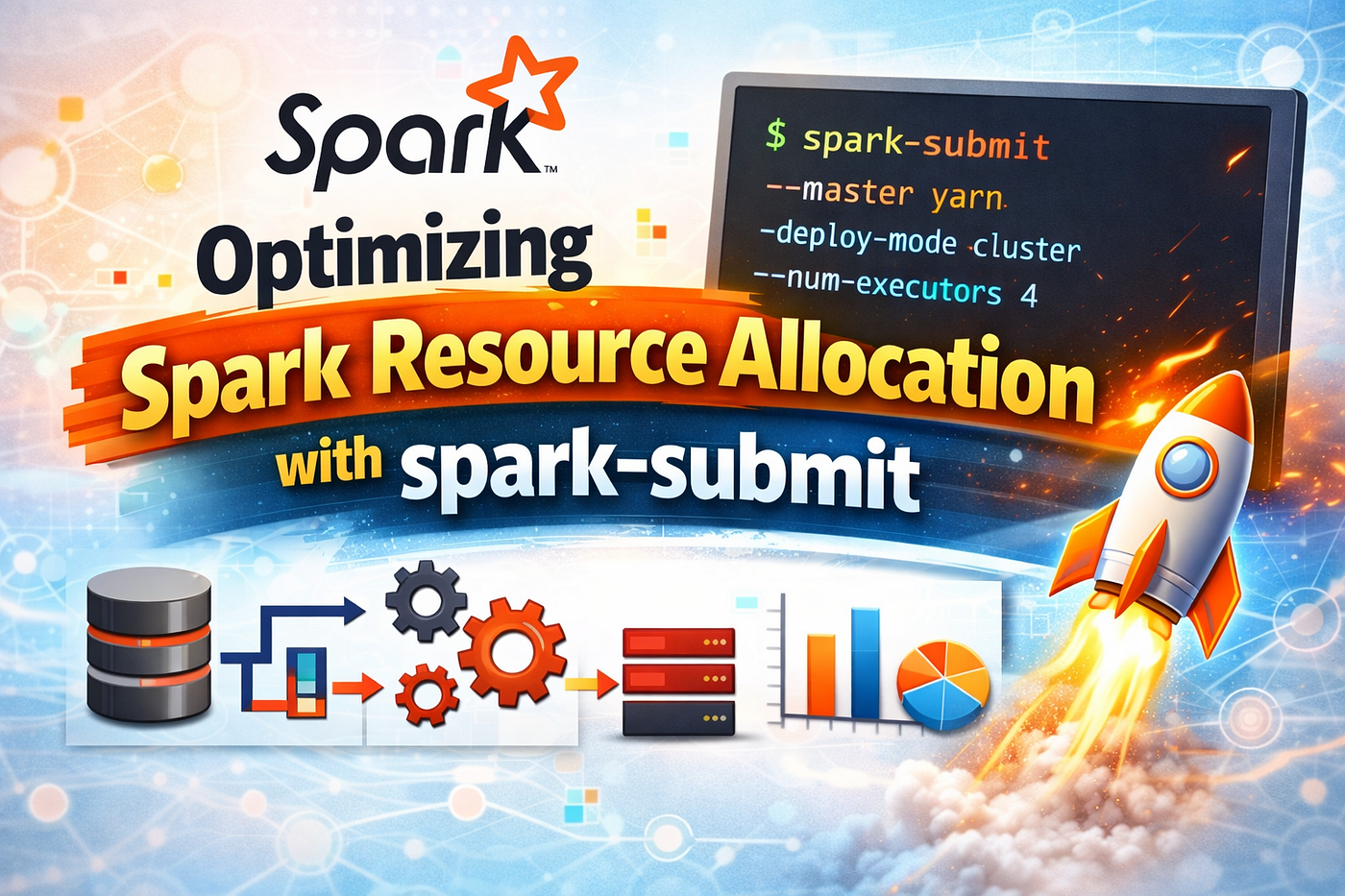
While there are several ways to optimize Spark jobs, one of the most fundamental steps is properly configuring resource allocation. Let’s explore how to determine the ideal values for executor memory, number of executors, and executor cores to improve performance — especially during job startup.
🔧 Understanding spark-submit Syntax
Here’s the basic structure:
spark-submit \
  --class <CLASS_NAME> \
  --num-executors <NUM_EXECUTORS> \
  --executor-cores <CORES_PER_EXECUTOR> \
  --executor-memory <MEMORY_PER_EXECUTOR>
Before deciding on these values, it’s important to consider several factors.
📌 Key Considerations Before Configuration
- Hadoop/YARN/OS Daemons:
- When using YARN as the cluster manager, daemons like NameNode, DataNode, ResourceManager, etc., consume resources on each node.
- Leave ~1 core per node for these background services.
2. YARN ApplicationMaster (AM):
- AM manages containers and negotiates resources with the ResourceManager.
- Reserve ~1 core and 1GB RAM for the AM when running on YARN.
3. HDFS Throughput:
- HDFS performs best when each executor runs up to 5 concurrent tasks.
- So, keep
--executor-cores≤ 5 to avoid overwhelming HDFS.
4. Memory Overhead in YARN:
- Total memory YARN allocates per executor =
executor-memory+memoryOverhead memoryOverhead=max(384MB, 7% of executor-memory)- For example, for a 20GB executor:
→
20GB + 7% of 20GB = ~21.4GB
5. Garbage Collection:
- Large executors with excessive memory can cause long GC pauses.
- Tiny executors (1 core) waste JVM sharing advantages and cause overhead replication of broadcast variables.
🧮 Static Resource Allocation Strategies
Let’s consider a cluster of:
- 10 Nodes
- Each with 16 Cores and 64GB RAM
✅ Approach 1: Tiny Executors (1 Core per Executor)
Parameter Value
--num-executors 10 nodes × 16 cores = 160
--executor-cores 1
--executor-memory 64GB ÷ 16 = 4GB
Analysis:
- Too many executors cause memory overhead.
- Broadcast variables are redundantly stored across all executors.
- Not enough memory left for daemons or ApplicationMaster.
❌ Not Recommended
✅ Approach 2: Fat Executors (1 Executor per Node)
Parameter Value
--num-executors 10
--executor-cores 16
--executor-memory 64GB
Analysis:
- Full node capacity is used, but…
- High memory → more GC delay.
- High number of concurrent tasks affects HDFS throughput.
❌ Not Recommended
✅ Approach 3: Balanced Executors (Best Practice)
Recommended Strategy:
- Leave 1 core per node for OS and daemons → 16–1 = 15 cores
- Use 5 cores per executor (optimal for HDFS)
- Total cores in cluster = 10 × 15 = 150
- Number of executors = 150 ÷ 5 = 30
- Leave one executor for AM → 29 executors
- Executors per node = 29 ÷ 10 = ~3
- Memory per executor = 64GB ÷ 3 = 21GB
- Account for memory overhead (7%) = ~3GB
- Final executor memory = 21–3 = 18GB
Parameter Value
--num-executors 29
--executor-cores 5
--executor-memory 18GB
✅ Recommended:
- Good HDFS throughput
- Avoids GC overhead
- Efficient JVM utilization
⚙️ Dynamic Allocation
Instead of fixing resources upfront, Spark Dynamic Allocation adjusts executors based on workload:
🔄 How It Works
- Enable Dynamic Allocation:
spark.dynamicAllocation.enabled = true
2. Initial Executor Count:
spark.dynamicAllocation.initialExecutors = <value>
3. Auto Scaling:
- Executors are added when task backlog persists for a defined timeout:
spark.dynamicAllocation.schedulerBacklogTimeout
- Number of executors added grows exponentially: 1 → 2 → 4 → 8 → etc.
- Capped by:
spark.dynamicAllocation.maxExecutors
4. Releasing Idle Executors:
spark.dynamicAllocation.executorIdleTimeout
5. Cluster Resource Quotas:
- Use YARN user/group-level quotas to prevent one Spark job from consuming all resources.
- Example: Limit resources for
spark_user.
✅ When to Use Dynamic Allocation:
- Jobs with unpredictable workloads
- Shared clusters where resources need to be reused
- Avoids resource wastage during idle stages
❌ When to Avoid:
- Need strict control on job performance and runtime
- Large jobs with known consistent resource needs
✅ Conclusion
- Use Static Allocation when job size and workload are known and consistent.
- Use Dynamic Allocation for variable or unpredictable data loads, and when sharing cluster resources is essential.
- The balanced executor configuration (Approach 3) is generally the most efficient setup for stable, high-performance Spark workloads.
Link to youtube video : Master Spark Submit Like a Pro | Best Practices for Executors, Cores & Memory Allocation (YARN)
Follow my youtube channel for more such intresting topics and updates : https://www.youtube.com/@sriwworldofcoding
I have launched new udemy course named : Apache Airflow Bootcamp: Hands-On Workflow Automation . This course will take you from beginner to expert, covering everything from the basics to advanced concepts. Whether you’re a data engineer, a developer, or just looking to upskill, this course is for you!
Detailed Content : https://youtu.be/J23wLi8tTyQ
Follow me on : Twitter : https://x.com/SriwWorld Instagram : https://www.instagram.com/sriwworldofcoding/ Youtube : https://www.youtube.com/@sriwworldofcoding?sub_confirmation=1 Medium : https://medium.com/@sriwworldofcoding Threads : https://www.threads.com/@sriwworldofcoding Facebook : https://www.facebook.com/profile.php?id=61576419014220
🔥 If you want to stay ahead in your career, start learning NOW!
I highly recommend these 2 practical, hands-on courses 👇 📌 Apache Airflow Bootcamp (Workflow Automation) 👉 https://www.udemy.com/course/apache-airflow-bootcamp-hands-on-workflow-automation/ 💡 Learn everything from basics to advanced: DAGs, scheduling, operators, sensors & real workflows
📌 PySpark for Data Engineers (Architecture + Interviews) 👉 https://www.udemy.com/course/pyspark-for-data-engineers-architecture-interviews/ 💡 Master Spark architecture, optimization, performance tuning & crack interviews like a pro
메타데이터
- post_id
- c17b4a49f152
- slug
- optimizing-spark-resource-allocation-with-spark-submit-c17b4a49f152
- url
- https://medium.com/data-and-beyond/optimizing-spark-resource-allocation-with-spark-submit-c17b4a49f152
- canonical_url
- https://medium.com/data-and-beyond/optimizing-spark-resource-allocation-with-spark-submit-c17b4a49f152
- author_url
- https://medium.com/@sriwworldofcoding
- status
- ok
- fetched_at
- 2026-08-05 21:16:17