What is Bug Reporting in Software QA? The Complete Practical Guide Every Tester Should Know
There’s a moment every QA tester experiences sooner or later.
What is Bug Reporting in Software QA? The Complete Practical Guide Every Tester Should Know
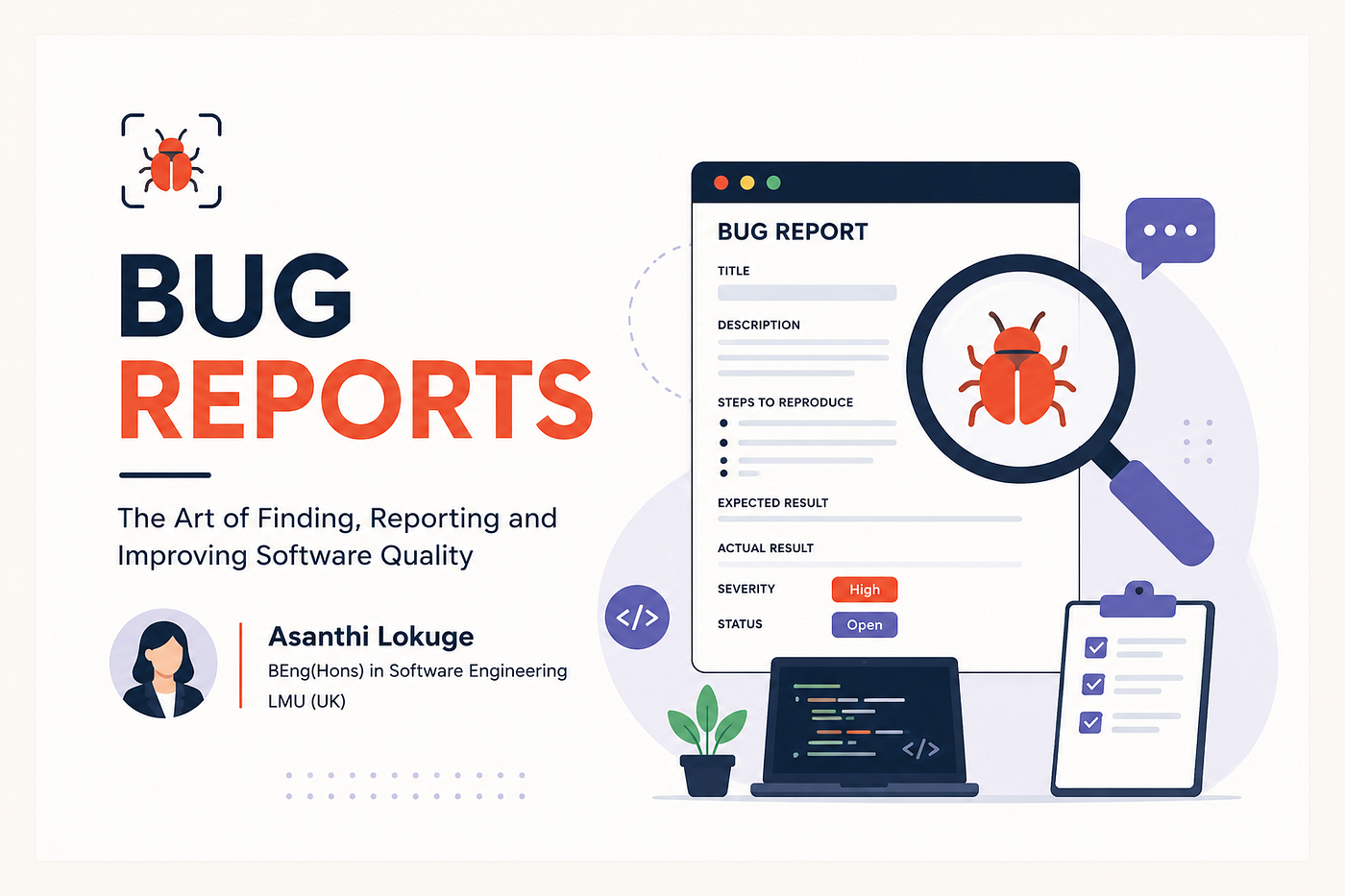
There’s a moment every QA tester experiences sooner or later.
You find a bug that feels important.
Maybe the application crashes during checkout. Maybe users can log in without proper authentication. Maybe the payment process charges users twice. You immediately feel excited because you found something real, something that actually matters to the product and the users.
Then you report it.
A few hours later, the developer replies: “Unable to reproduce.”
And suddenly, your excitement disappears 😅
If you’ve ever experienced this, welcome to real-world software testing.
Because one of the biggest lessons in QA is this:
Finding bugs is only half the job. Explaining them properly is the real skill.
Many beginners believe software testing is mainly about clicking buttons and identifying issues. But professional QA engineers know something deeper. A bug report is communication. It’s the bridge between testers, developers, project managers, business analysts, and sometimes even clients.
A poorly written bug report creates confusion. A clear and detailed bug report can save hours of debugging time.
And honestly, over time you’ll realize something interesting: Some testers become highly respected not because they find the most bugs, but because they explain problems exceptionally well.
So in this guide, we’re going to deeply explore bug reporting from beginner level all the way to advanced real-world QA practices. Not just theory. Not textbook definitions. Real practical thinking.
First, What Exactly is a Bug?
A bug is any situation where the software behaves differently from what is expected.
That sounds simple on paper. But in real projects, identifying bugs becomes more interesting than people think.
For example, imagine a login page.
The expected behavior is straightforward. A user enters correct credentials and successfully logs into the dashboard.
But what if the user enters valid credentials and still receives an “Invalid Password” message?
That mismatch between expected behavior and actual behavior becomes a defect or a bug.
However, here’s something beginners often misunderstand:
Not every unusual behavior is automatically a bug.
Sometimes:
- The requirement itself was misunderstood
- The feature was intentionally designed that way
- The tester assumed incorrect functionality
- The business logic behaves differently than expected
This is why understanding requirements is one of the most important skills in QA.
Good bug reporting starts long before the bug is even found.
It starts with understanding how the system is supposed to behave.
Why Bug Reporting Matters So Much in Software QA
Imagine visiting a doctor and simply saying: “I feel bad.” That information alone is not enough for diagnosis. The doctor needs: Symptoms, Timing, Severity, Conditions causing the issue. Medical history
Bug reporting works exactly the same way.
When testers write bug reports like:
“Checkout is broken.”
…it creates confusion immediately.
Developers start asking:
- What exactly failed?
- Which browser?
- Which user account?
- Which environment?
- What were the steps?
- What error appeared?
- Was the issue reproducible?
Now imagine dozens of unclear bug reports arriving daily in a fast-moving Agile project.
Chaos.
That’s why bug reporting is one of the most important communication skills in QA.
A good bug report reduces confusion, saves time, and improves collaboration between teams.
And in real projects where deadlines are tight, this becomes extremely valuable.
The Real Goal of Bug Reporting
Many beginners think the purpose of bug reporting is simply to “inform developers about issues.”
But the real goal of bug reporting is to help the team:
- Understand the issue quickly
- Reproduce the problem reliably
- Identify root causes faster
- Fix defects efficiently
- Retest confidently later
A strong bug report accelerates the entire development cycle.
A weak bug report slows everything down.
That’s why experienced testers don’t rush bug reporting. They think carefully before submitting defects.
Because one well-written bug report can save hours of developer investigation time.
A Real-World Scenario That Changed My Understanding of Bug Reporting
During one project, our team was testing an e-commerce checkout system before a major release.
Everything looked stable at first. Users could add products to the cart, proceed to checkout, and complete payments successfully.
Then one tester reported:
“Payment issue found.”
That was the entire report.
No screenshots. No environment details. No reproduction steps.
The developer spent nearly two hours trying to reproduce the issue unsuccessfully.
Finally, after discussing further, we discovered something important.
The issue only happened when:
- Users used Safari browser
- Internet speed became unstable
- The Pay button was clicked twice rapidly
That missing context completely changed the situation.
From that day onward, I understood something very important: A bug report without proper context is almost useless.
Context is everything in QA.
The Mindset Required for Good Bug Reporting
One of the biggest differences between beginner testers and experienced testers is mindset.
Beginners often think:
“I found the bug. My job is done.”
Experienced testers think:
“How can I help the developer understand this issue as quickly as possible?”
That difference changes everything.
Professional QA engineers report defects with:
- Clarity
- Logic
- Patience
- Reproducibility
- Evidence
Not emotions.
And this is extremely important because software development is collaborative work.
Never write bug reports emotionally like:
- “Nothing works properly”
- “This feature is terrible”
- “Developer broke everything again”
Good QA engineers focus on solving problems, not assigning blame.
Full Structure of a Professional Bug Report
Now let’s deeply understand what should actually be included in a professional bug report.
This is where many beginners improve dramatically.

Bug Report explained by Asanthi Lokuge
1. Bug ID — The Unique Identifier
Every bug should have a unique identifier such as:
- BUG_101
- DEFECT_450
- JIRA-209 (in Jira)
This helps teams track defects efficiently throughout the project lifecycle.
Imagine a project with thousands of reported issues. Without IDs, discussions become confusing very quickly.
Instead of saying:
“That login issue from last week…”
Teams can simply say:
“JIRA-209 still needs retesting.”
That clarity matters a lot in professional environments.
2. Bug Title — One of the Most Important Sections
The title is often the first thing developers see.
A weak title creates confusion immediately.
For example:
Bad title:
“Checkout problem”
Better title:
“Duplicate payment occurs when Pay button is clicked twice rapidly”
The second title immediately tells developers:
- Which module failed
- What behavior occurred
- Possible reproduction direction
Strong titles save enormous debugging time.
Good testers spend extra time improving titles because they understand how important first impressions are during defect analysis.
3. Environment Details — Extremely Important in Real Projects
Many bugs appear only under specific conditions.
That’s why environment details matter so much.
A professional bug report usually includes:
- Operating system
- Browser version
- Device type
- Application build version
- Testing environment
For example:
- Windows 11
- Chrome Version 125
- Android 14
- Staging Environment
Sometimes a feature works perfectly in Chrome but fails completely in Safari.
Without environment details, developers may never reproduce the issue correctly.
4. Preconditions — What Was Already Happening?
Preconditions explain the state of the system before the issue occurred.
For example:
- User account already exists
- User is logged into the system
- Product added to shopping cart
- Internet connection stable
These details help developers recreate the same situation more accurately.
Sometimes missing preconditions make bug reproduction impossible.
5. Steps to Reproduce — The Heart of Bug Reporting
This is one of the most important sections in any bug report.
Because if developers cannot reproduce the issue, fixing becomes extremely difficult.
Good reproduction steps should be:
- Clear
- Sequential
- Specific
- Easy to follow
Example:
- Open the application
- Login using valid credentials
- Add product to cart
- Proceed to checkout
- Double-click the Pay button rapidly
That’s what makes reproduction steps effective.
6. Expected Result vs Actual Result
This section creates direct comparison between intended behavior and observed behavior.
Expected Result:
Only one payment transaction should process successfully.
Actual Result:
Two payment transactions are processed.
This comparison helps developers understand the defect immediately.
Avoid vague statements like:
“System should work correctly.”
Specificity always improves bug quality.
7. Understanding Severity and Priority Properly
Many beginners confuse severity and priority. But they are completely different concepts.
Severity measures technical impact.
Priority measures business urgency.
For example, imagine a typo on the homepage during a huge marketing campaign.
Technically, the issue is minor — low severity.
But business-wise, it’s highly visible and urgent — high priority.
Meanwhile, a serious admin dashboard issue affecting only internal users may have high severity but lower priority.
Understanding this difference makes testers much more professional during defect discussions.
8. Screenshots, Videos, and Logs. Why Evidence Matters
One screenshot can often explain more than several paragraphs.
That’s why experienced testers attach:
- Screenshots
- Screen recordings
- Error logs
- Browser console logs
- Network traces
Visual evidence reduces confusion dramatically.
Especially for intermittent bugs or UI-related issues.
In modern QA environments, good evidence can cut debugging time significantly.
9. Optional: Reproducibility
Not all bugs happen consistently.
Some occur every single time.
Others happen randomly under special conditions.
That’s why testers often mention:
- Always reproducible
- Sometimes reproducible
- Rare occurrence
This helps developers estimate investigation complexity.
Random bugs are often much harder to debug than consistent ones.
Different Types of Bugs Found During QA
As testers gain experience, they start recognizing different categories of defects.
Functional bugs occur when features simply do not work as expected.
UI bugs involve visual issues such as broken layouts, overlapping buttons, or poor responsiveness.
Validation bugs appear when systems accept invalid input incorrectly.
Security bugs involve vulnerabilities affecting user safety, authentication, or sensitive data.
Performance bugs occur when systems become slow or unstable under heavy load.
Compatibility bugs appear only on certain devices, browsers, or operating systems.
Logic bugs are especially interesting because they involve incorrect business behavior rather than technical crashes.
For example: An expired coupon still applying discounts.
These bugs can silently affect business revenue if missed.
Understanding the Bug Life Cycle
Bug reporting doesn’t end after clicking the Submit button.
Once reported, defects move through several stages:
- New
- Assigned
- Open
- In Progress
- Fixed
- Retest
- Closed
- Reopened
And yes… reopened bugs happen more often than beginners expect 😄
Sometimes developers fix one part of the issue while another related problem still remains.
That’s why retesting is extremely important in QA.

Bug Lifecycle Explained by Asanthi Lokuge
The Importance of Retesting
One of the biggest QA lessons is this:
Never assume a bug fix is correct automatically.
Always retest carefully.
Sometimes:
- Original defects still partially exist
- New side effects appear
- Regression bugs are introduced
Good testers verify fixes thoroughly before closing defects.
Because quality assurance is ultimately about protecting software reliability.
Tools Commonly Used for Bug Reporting
Modern QA teams use specialized defect management tools.
Popular tools include:
- Jira
- Azure DevOps
- Bugzilla
- MantisBT
- Redmine
Among these, Jira is probably the most widely used in Agile software teams today.
Advanced Bug Reporting Techniques Used by Experienced Testers
As testers become more experienced, bug reporting becomes more technical and investigative.
Advanced QA engineers may include:
- Browser console errors
- API request/response logs
- SQL logs
- HAR files
- Crash dumps
- Network monitoring evidence
This additional technical context helps developers debug faster.
At advanced levels, QA becomes part investigation, part analysis, and part communication.
Almost like detective work.
Common Mistakes Beginners Make During Bug Reporting
-
One common mistake is reporting multiple issues inside a single bug report. This creates tracking confusion later.
-
Another mistake is using emotional or vague language instead of factual descriptions.
-
Some testers forget to verify issues properly before reporting them, leading to false defects.
-
Others skip reproduction steps because they seem “obvious.”
But in QA, nothing should be assumed obvious. The clearer the report, the smoother the development process becomes.
A Small Habit That Makes You a Better QA Tester
Before submitting any defect, pause for a moment and ask yourself:
“If someone unfamiliar with the project reads this report, can they reproduce the issue successfully?”
If the answer is yes, your bug report is probably strong. That one habit improves reporting quality dramatically over time.
Useful Resources to Improve Bug Reporting Skills
If you want to improve faster, these resources are genuinely useful:
These are excellent for both beginners and intermediate testers.
Final Thought
Bug reporting is much more than writing defects inside a tool.
It’s communication. It’s investigation. It’s analysis. It’s collaboration.
A strong bug report helps teams understand issues faster, fix defects more efficiently, and improve product quality significantly.
And over time, you’ll realize something powerful:
Great QA testers are not just people who find bugs.
They are people who can explain problems clearly, logically, and professionally.
Because in real-world software testing…Finding bugs is important.
But communicating them properly is what truly makes QA powerful.
Happy Testing !
메타데이터
- post_id
- c17b6ff751a3
- slug
- what-is-bug-reporting-in-software-qa-the-complete-practical-guide-every-tester-should-know-c17b6ff751a3
- url
- https://medium.com/@asanthilokuge8/what-is-bug-reporting-in-software-qa-the-complete-practical-guide-every-tester-should-know-c17b6ff751a3
- canonical_url
- https://medium.com/@asanthilokuge8/what-is-bug-reporting-in-software-qa-the-complete-practical-guide-every-tester-should-know-c17b6ff751a3
- author_url
- https://medium.com/@asanthilokuge8
- status
- ok
- fetched_at
- 2026-08-06 03:04:31




