Add Social Share Buttons in NEXT.js 14
Get a full function share to social media app in under 1 minute
Add Share To Social Media Buttons in NEXT.js 14
GET STARTED
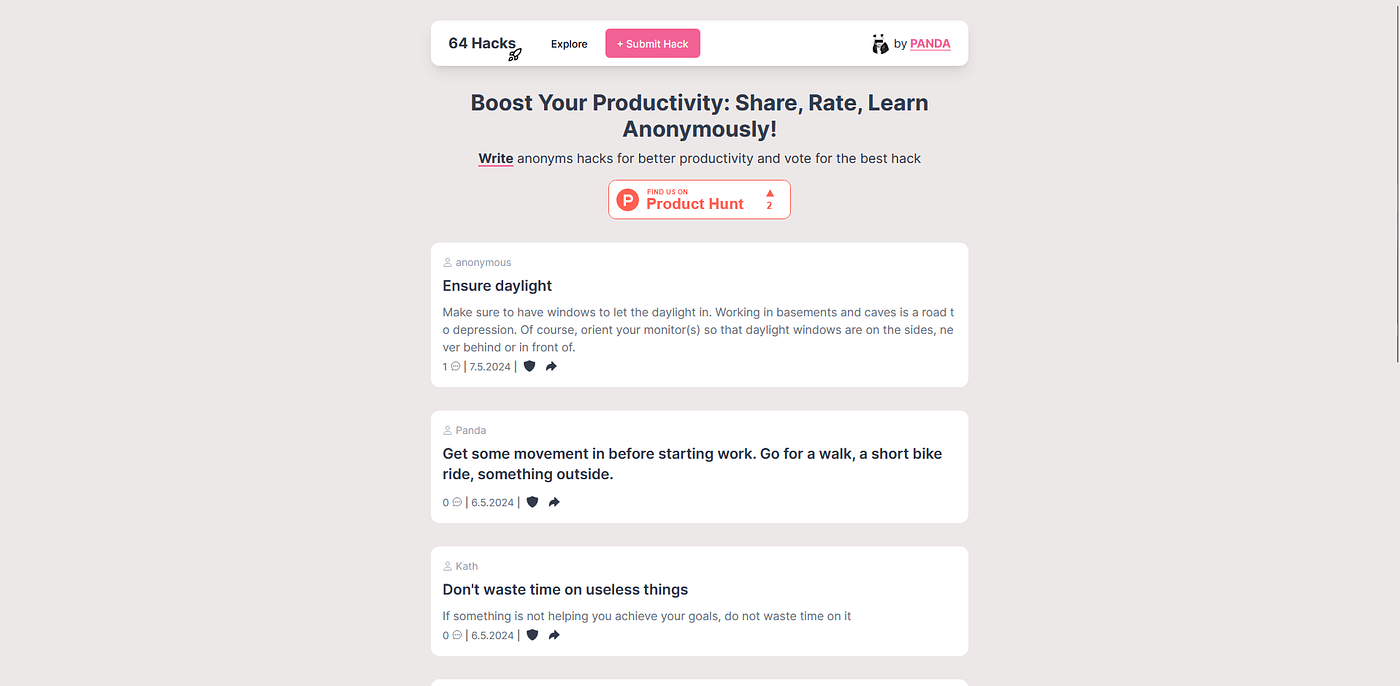
When I worked on my productivity platform 64hacks.com, I wanted to implement a share function to every post, so people can share their favorite hacks to their friends. I couldn’t really find a good way to do it without installing any packages. But after some research, I checked how other big platforms do it and found an easy way to implement a social share function to my app.
It doesn’t matter if you create a new project or implement it in an existing project. It works everywhere.
I’ve also created a website where you can just type your text you want to share, and it gives you all the links you need as plain text or as Ahref. Visit https://socialsharer.vercel.app to check it out.

IMPLEMENTATION
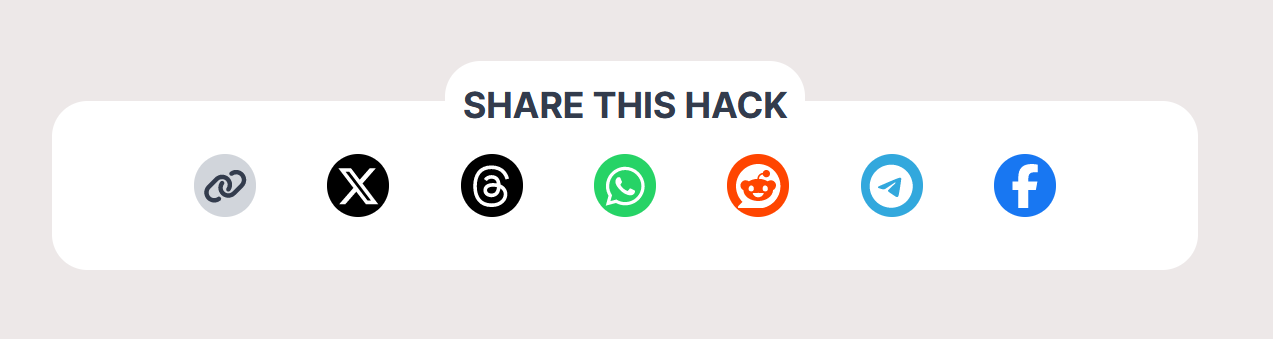
Inside your web app, go to the file where you want to implement the feature. Copy and paste the Ahref’s below into your file.
<a href="https://x.com/intent/tweet?text=byPandaDev is awesome" target="_blank" rel="noreferrer">Twitter</a>
<a href="https://threads.net/intent/post?&text=byPandaDev is awesome" target="_blank" rel="noreferrer">Threads</a>
<a href="https://web.whatsapp.com/send?text=byPandaDev is awesome" target="_blank" rel="noreferrer">Whatsapp</a>
<a href="http://www.reddit.com/submit?&title=byPandaDev is awesome" target="_blank" rel="noreferrer">Reddit</a>
<a href="https://t.me/share/url&text=byPandaDev is awesome" target="_blank" rel="noreferrer">Telegram</a>
<a href="https://www.facebook.com/sharer/sharer.php?"e=byPandaDev is awesome" target="_blank" rel="noreferrer">Facebook</a>
<a href="whatsapp://send?text=byPandaDev is awesome" target="_blank" rel="noreferrer">Whatsapp Mobile App</a>
<a href="tg://msg?&text=byPandaDev is awesome" target="_blank" rel="noreferrer">Telegram Mobile App</a>Now you have a fully functional share to social media app.
Plaintext:
https://x.com/intent/tweet?text=byPandaDev is awesome
https://threads.net/intent/post?&text=byPandaDev is awesome
https://web.whatsapp.com/send?text=byPandaDev is awesome
http://www.reddit.com/submit?&title=byPandaDev is awesome
https://t.me/share/url&text=byPandaDev is awesome
https://www.facebook.com/sharer/sharer.php?"e=byPandaDev is awesome
whatsapp://send?text=byPandaDev is awesome
tg://msg?&text=byPandaDev is awesome Thanks for reading❤️
My social Media:
Twitter: https://twitter.com/byPandaDev
Instagram: https://www.instagram.com/bypandadev/
YouTube: https://www.youtube.com/@byPandaDev
메타데이터
- post_id
- c1a06cc95bb7
- slug
- add-social-share-buttons-in-next-js-14-c1a06cc95bb7
- url
- https://medium.com/@bypanda/add-social-share-buttons-in-next-js-14-c1a06cc95bb7
- canonical_url
- https://medium.com/@bypanda/add-social-share-buttons-in-next-js-14-c1a06cc95bb7
- author_url
- https://medium.com/@bypanda
- status
- ok
- fetched_at
- 2026-07-23 19:04:23