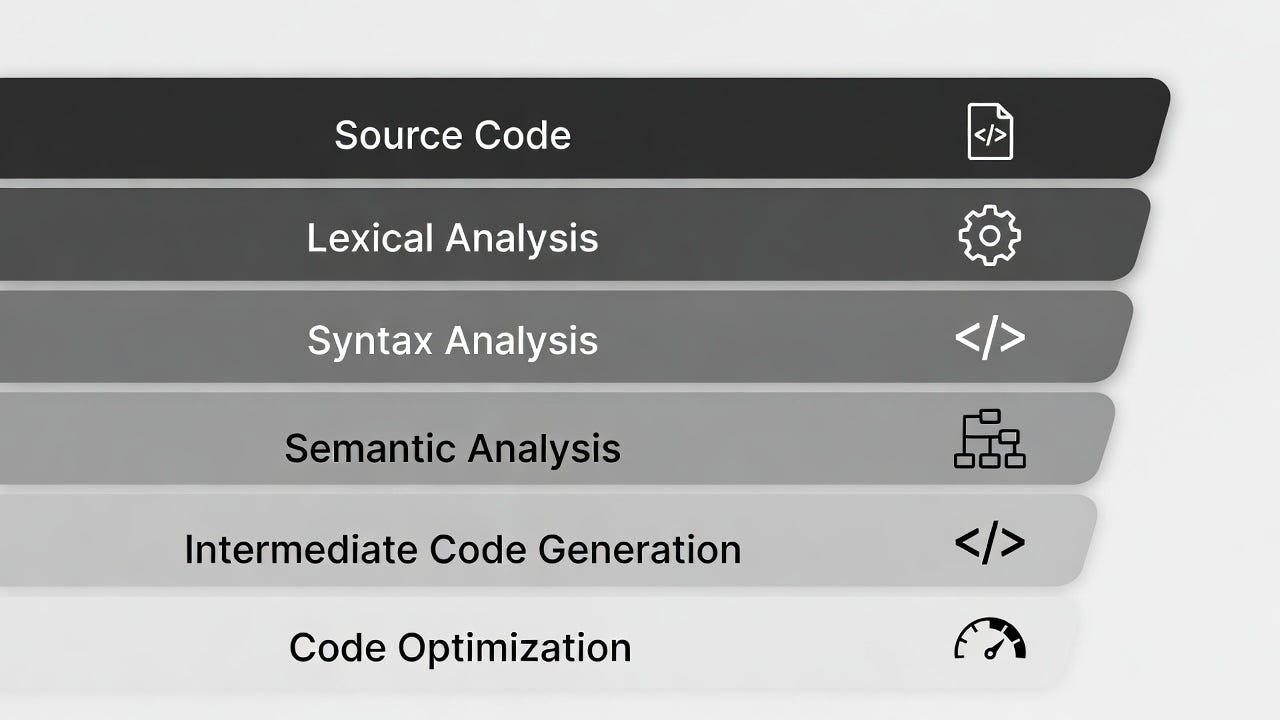
Bytecode kyun generate kiya jata hai?
Bytecode kyun generate kiya jata hai? (Python interpreter khud kyun banata hai)
Bytecode kyun generate kiya jata hai?
- Bytecode kyun generate kiya jata hai? (Python interpreter khud kyun banata hai)
2. Hum log bytecode kyun dekhna chahte hain? (dis module ya disassembly kyun use karte hain)
1. Bytecode kyun generate hota hai? (Python ke andar ka reason)
Python source code (.py file) ko direct machine code (jaise C/C++ banata hai) mein nahi badalta, balki intermediate bytecode mein convert karta hai. Yeh bytecode .pyc files mein save hota hai (pycache folder mein).
Main reasons bytecode banane ke:
- Platform Independence (sabse bada fayda): Ek baar code likha (Windows pe), bytecode bana → wohi .pyc Linux/Mac pe bhi chal jayega bina change kiye. Machine code har OS/CPU ke liye alag hota hai, bytecode nahi.
- Faster startup/execution second time onwards: Pehli baar run karte ho toh compile hota hai (source → bytecode). Agli baar source code parse + compile skip ho jata hai → direct bytecode se start → program jaldi chalta hai (especially large projects mein imports ke time).
- Optimization at compile time: Compiler chhoti-chhoti cheezein optimize kar deta hai jaise constant folding (2+3 ko 5 bana deta hai), dead code removal, etc. Yeh runtime pe nahi karna padta.
- Simpler interpreter (PVM — Python Virtual Machine): Bytecode ek simple stack-based instruction set hai (LOAD_CONST, BINARY_ADD, CALL_FUNCTION etc.). Interpreter ko sirf in instructions ko execute karna padta hai, poora high-level Python parse nahi karna padta har baar.
Yeh hybrid approach hai: Compiled + Interpreted — isliye Python ko “interpreted” bolte hain lekin actually bytecode compile hota hai.
def greet(name):
    print("Hello", name)
Disassembly:
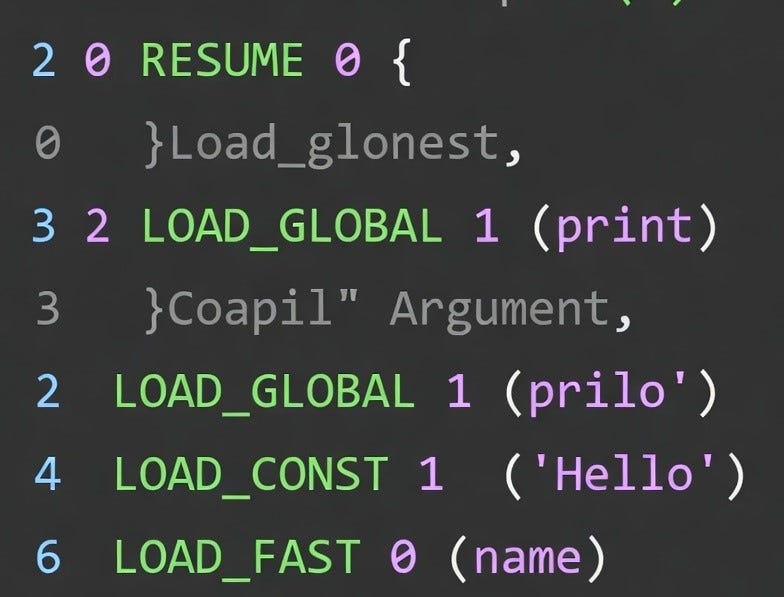
  2           0 RESUME                   0

  3           2 LOAD_GLOBAL              1 (print)
              4 LOAD_CONST               1 ('Hello')
              6 LOAD_FAST                0 (name)
              8 CALL                     2
             18 POP_TOP
             20 LOAD_CONST               0 (None)
             22 RETURN_VALUE
vs code editor (image 1)
left side me koi bhi .pyc file nahi dikh rah hai (Blue color se mark).
yani Bytecode generate nahi hua hai,ab agar hum is code ka Byte code dekhna
chahate hai to hume "dis" use karna hoga , isse pehle Bytecode generate
karna padega. per Bytecode generate kaise karein ?
vscode me terminal open karenge.
vscode terminal (image 2 )
aur terminal me "python -m ruspy.py" likhna hai aur enter karte hi Bytecode
generate ho jayega,left side Explorer me __pycache__ folder create hoga
iske ander .pyc naam ke file dikhe ga jaise: image 3 dikhraha hai.
Generated bytecode (image 3)
2. Hum bytecode kyun dekhna chahte hain? (dis module ka use)
Yeh developer ke liye hota hai — debugging, learning, optimization ke liye.

- Bytecode generate hota hai taaki Python portable, fast (repeat runs mein), aur easy to implement rahe.
- Hum dekhna chahte hain taaki hum better code likh sakein, bugs samajh sakein, aur Python ke andar ki machine ko feel kar sakein.
Bytecode ko human-readable form mein dekhne ke liye hum “dis” module use karte hain (disassembler). Yeh disassembly output deta hai.
Vscode editor me bytecode ko kaise dekhenge?
Pehle bytecode generate kar liye hain,ab  mere pass .pyc file hai, ab
bytecode dekhna haihuman-readable form me iske liye mein vscode ke terminal
me "dis" module ka use karenge.
bytecode view human-readable form (image 4)
hum dekh pa rahe hai ki dis ka use kaise kiya gaya hai "python -m dis ruspy.py"
Enter karte hi bytecode human-readable form me dikhega , jo green mark ke ander
hai wo byte code hai.
Bytcode ke output me 4 columns hota,per image 4 me 2 no column nahi dikh raha hai .
Yeh columns ka matlab:
- Line number (left side) → Original Python code ki line
- Offset (number like 0, 2, 4…) → Bytecode mein instruction ka position
- Opcode name (jaise LOAD_CONST, IMPORT_NAME) → Instruction ka naam
- Argument (jaise 0 (a)) → Kis variable/constant pe kaam kar raha hai.
image 4 me offset nahi dikh raha hai mere case me , sayad aapko dikhe to confuse nahi hona hai. aisa dikhega jab pura columns hoaga to.
  2           0 RESUME                   0

  3           2 LOAD_GLOBAL              1 (print)
              4 LOAD_CONST               1 ('Hello')
              6 LOAD_FAST                0 (name)
              8 CALL                     2
             18 POP_TOP
             20 LOAD_CONST               0 (None)
             22 RETURN_VALUE
Aur bhi tareeka hai bytecode ko human-readable form me dekhne ke , ye to humne terminal me “dis” ka use kiya hai , hum editor me bhi dekh sakte hai direct pycache folder me jake .pyc click karke ,per ye tabhi dikhega jab Extension install ho “Python Bytecode Highlight” naam ka tabhi hi bytecode editor pe dikhega warna warning message pop-up hoga aise:

pop-up massege bata rah hai ki file text editor me nahi dikh rahi hai kyunki ye ya to binary file hai ya phi iska text encoding aisa hai jo vs code ko support nahi hai.
Aur agar hum “Open Anyway” pe click karte hai to ye option aayega:
Text Editor Active and Default
Built-in

Configure default editor '*.pyc',,,
Jaise hi
“Text Editor Active and Default Built-in”
ispe click karte ho to aisa dikhta hai corrupt file.

isliye “Python Bytecode Highlight” Extension install karna zaruri hai per ye extension Github se install karna padta hai, bhaot complex hai
- Github ke rpo me jana hoga.
- phir .zip file download karna hoga.
- phir .zip file extrect karna hoga.
- phir extrect kiye file ko vscode me install karna hoga.
ye tabhi usefull hoga jab project bada ho aur text editor me dekhna ho warna prectice aur samjhne ke liye terminal me “dis” kafi hai.
Isi topics samjhne ke liye deep-dive karenga next……………..
메타데이터
- post_id
- c2b50f4c92d4
- slug
- bytecode-kyun-generate-kiya-jata-hai-c2b50f4c92d4
- url
- https://medium.com/@learnwithworkshop/bytecode-kyun-generate-kiya-jata-hai-c2b50f4c92d4
- canonical_url
- https://medium.com/@learnwithworkshop/bytecode-kyun-generate-kiya-jata-hai-c2b50f4c92d4
- author_url
- https://medium.com/@learnwithworkshop
- status
- ok
- fetched_at
- 2026-08-10 00:35:34