Best Tools for Formatting PDFs and Scanned Documents Before Translation
Lets Find Why Formatting Matters Before Translation
Best Tools for Formatting PDFs and Scanned Documents Before Translation
1. Why Formatting Matters Before Translation
Before a single word is translated, the quality of the document itself can make or break the result.
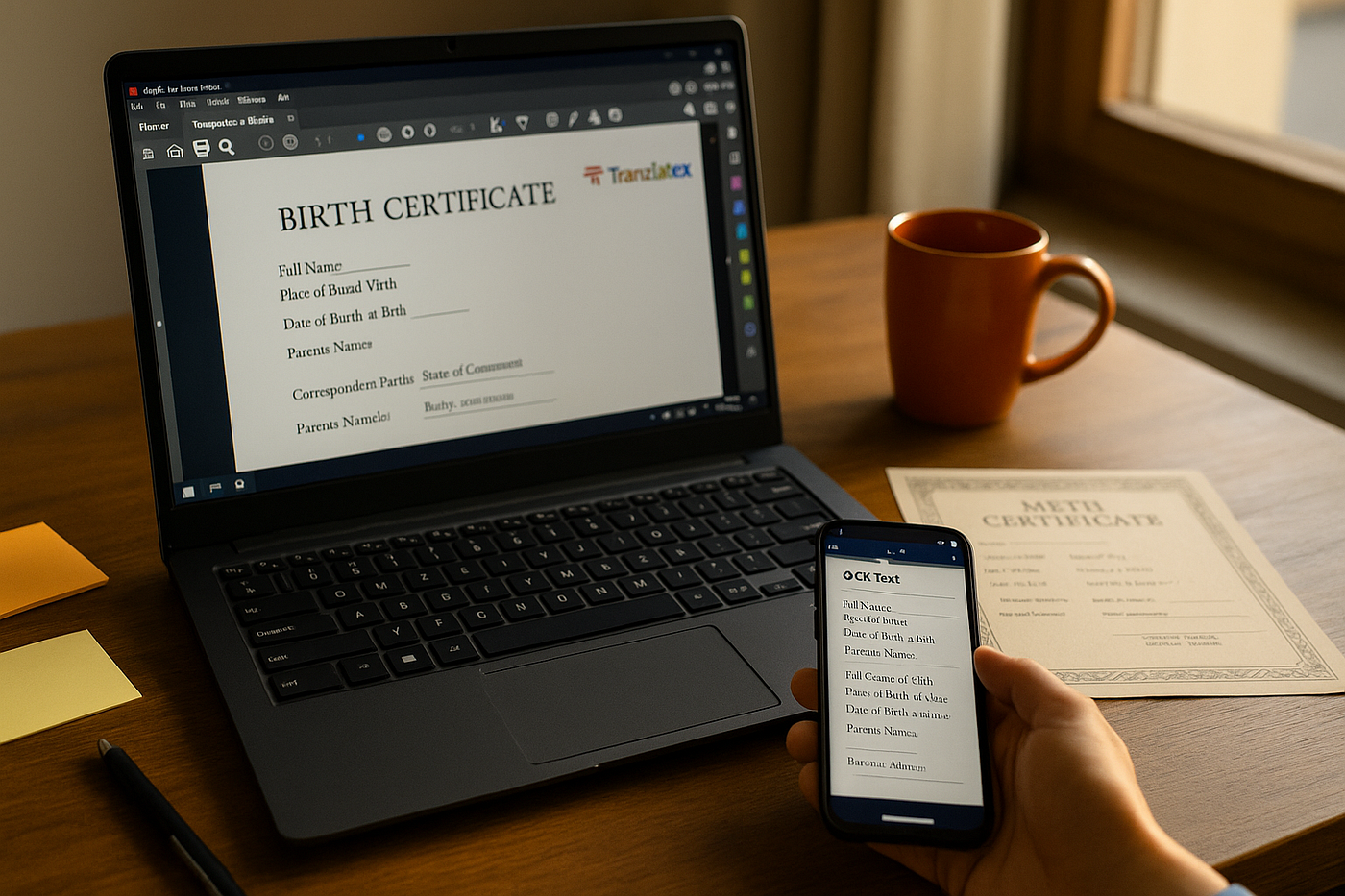
When clients send scanned PDFs, birth certificates, or legal documents for translation, they often arrive in uneven layouts, low-resolution scans, or locked text layers. While it might seem minor, this messy formatting can cause alignment issues, missing lines, or even mistranslations when loaded into translation software or CAT tools.
At Tranzlatex, we’ve learned that well-formatted files translate faster, cleaner, and more accurately — especially when preparing NAATI-certified translations accepted by Australian authorities. That’s why pre-formatting isn’t just a technical step — it’s a professional responsibility.
2. The Challenge of Translating PDFs and Scanned Documents
PDFs were never designed for easy editing — they’re made to preserve formatting, not change it. When scanned documents are sent as images or non-editable text, translators face several issues:
- ❌ Unreadable text due to poor scan quality
- ❌ Images instead of editable text, which CAT tools can’t recognize
- ❌ Broken paragraphs or missing alignment after conversion
- ❌ Complex tables and stamps that distort layout
In professional translation workflows, these problems lead to wasted time — or worse, incorrect outputs that don’t match official requirements.
That’s where pre-translation tools step in, helping convert, clean, and prepare your documents for smooth, error-free translation.
3. Best Tools for Formatting PDFs and Scanned Documents
Let’s explore the most trusted tools that make your PDFs and scanned documents translation-ready — used by professional translators, agencies, and document specialists worldwide.
A. Adobe Acrobat Pro DC — The Industry Standard
When it comes to working with PDFs, Adobe Acrobat Pro DC is still the gold standard. It allows you to:
- Run OCR (Optical Character Recognition) on scanned images.
- Edit or export text while maintaining layout.
- Highlight, comment, and adjust alignment for clean conversion.
- Export directly to Word, Excel, or HTML formats.
Whether you’re translating a birth certificate, contract, or academic transcript, Adobe’s OCR ensures no text is missed.
Best For: Official documents and NAATI-certified translations. Keywords: Adobe Acrobat Pro, PDF formatting for translators, convert PDF to Word, OCR for translation
B. ABBYY FineReader — The OCR Powerhouse
If you frequently handle scanned or low-resolution documents, ABBYY FineReader is unmatched.
It offers multi-language OCR (even for complex alphabets), keeps fonts and formatting intact, and lets you verify text accuracy line-by-line before export.
It’s ideal for legal or government documents where precision and structure matter most.
Best For: Scanned legal, immigration, or financial documents. Keywords: ABBYY FineReader, OCR tools for translation, scanned PDF conversion, document digitization
C. Nitro PDF — The Affordable Alternative
Nitro PDF provides a simpler, more affordable way to clean and convert PDFs without the learning curve of Adobe.
It lets you:
- Edit text directly.
- Merge or split files.
- Convert to Word or Excel.
- Add annotations or remove visual clutter (like stamps or shadows).
Translators love Nitro for quick pre-processing before importing documents into CAT tools like Trados or MemoQ.
Best For: Freelancers and small translation teams.
D. Smallpdf / iLovePDF — The Cloud Convenience
For light editing, cloud-based tools like Smallpdf and iLovePDF are lifesavers.
These platforms let you:
- Compress, merge, split, and convert PDFs online.
- Reformat or rotate scanned pages.
- Create clean, translator-friendly versions in minutes.
Since everything runs in the browser, you can fix client files quickly — even on the go.
Best For: Quick edits and online file cleanup.
E. Microsoft Word (PDF Import) — The Underrated Hero
Not everyone realizes this: Microsoft Word can now open and convert PDFs directly.
The built-in PDF import feature turns even complex PDFs into editable Word files while maintaining paragraphs and spacing.
Perfect for small translation projects where you need a fast, editable base file.
F. Google Drive OCR — Free and Simple
If you upload a scanned PDF or image file to Google Drive, you can right-click → Open with Google Docs — and voilà, the built-in OCR converts text automatically.
It’s not perfect for heavily formatted documents but works well for extracting editable text.
4. Bonus Tools for Image and Layout Cleaning
Sometimes, it’s not just about text — the visual layout matters too.
Here are some tools to tidy up complex layouts, stamps, and tables:
- Canva / Figma: Recreate document designs visually for polished presentation.
- PDF Candy / SodaPDF: Lightweight editors for quick visual fixes.
- ScanWritr / CamScanner: Mobile OCR apps that turn photos into editable text instantly.
5. Step-by-Step Workflow Before Translation
Here’s how professional translators at Tranzlatex prepare a document before translation:
- Assess document quality — identify if it’s text-based or image-based.
- Run OCR using ABBYY or Adobe — extract editable content.
- Clean and align the layout — fix tables, spacing, and paragraph flow.
- Convert to editable Word or Excel format.
- Proof before translation — ensure all text is captured accurately.
This pre-translation workflow ensures both translators and clients get consistent, accurate, and presentable results.
6. Why Proper Formatting Improves Translation Quality
Good formatting doesn’t just look professional — it ensures:
- Accurate text segmentation in CAT tools like Trados or MemoQ.
- Fewer errors from misaligned paragraphs or broken sentences.
- Consistent terminology across long documents.
- Faster delivery times without re-editing after translation.
In short, formatting is not a technical chore — it’s part of the quality assurance process that defines professional translation.
7. How Tranzlatex Ensures Every Document Is Translation-Ready
At Tranzlatex, our translators never begin a project without proper document preparation.
Our in-house workflow includes:
- Quality scan verification (brightness, alignment, legibility)
- OCR extraction and proofreading
- Formatting cleanup in Adobe or FineReader
- Final translation using human-certified experts
Whether it’s a birth certificate, degree, or legal document, Tranzlatex ensures it’s both professionally formatted and NAATI-certified — ready for official submission anywhere in Australia.
8. Final Thoughts — Translating Starts with Clean Formatting
Translation begins long before the first word is translated. A well-formatted, readable document means fewer errors, faster processing, and smoother communication between translators and clients.
If you’re preparing documents for translation — especially official ones — take a few minutes to clean them up first. Or better yet, let professionals do it for you.
At Tranzlatex, we combine technology (OCR, PDF editors) with human precision to deliver translations that look as professional as they read.
📩 Upload your documents today at: www.tranzlatex.com
📞 WhatsApp: +61 480 850 670
✉ Email: quotes@tranzlatex.com
메타데이터
- post_id
- c35fdf753a84
- slug
- best-tools-for-formatting-pdfs-and-scanned-documents-before-translation-c35fdf753a84
- url
- https://medium.com/@tranzlatex/best-tools-for-formatting-pdfs-and-scanned-documents-before-translation-c35fdf753a84
- canonical_url
- https://medium.com/@tranzlatex/best-tools-for-formatting-pdfs-and-scanned-documents-before-translation-c35fdf753a84
- author_url
- https://medium.com/@tranzlatex
- status
- ok
- fetched_at
- 2026-07-29 13:52:11





