How Domain Hijacking Can Instantly Erase Your Digital Business Existence
Domain hijacking will destroy more businesses in 2026 than most CEOs realize. While everyone talks about data breaches and ransomware…
How Domain Hijacking Can Instantly Erase Your Digital Business Existence
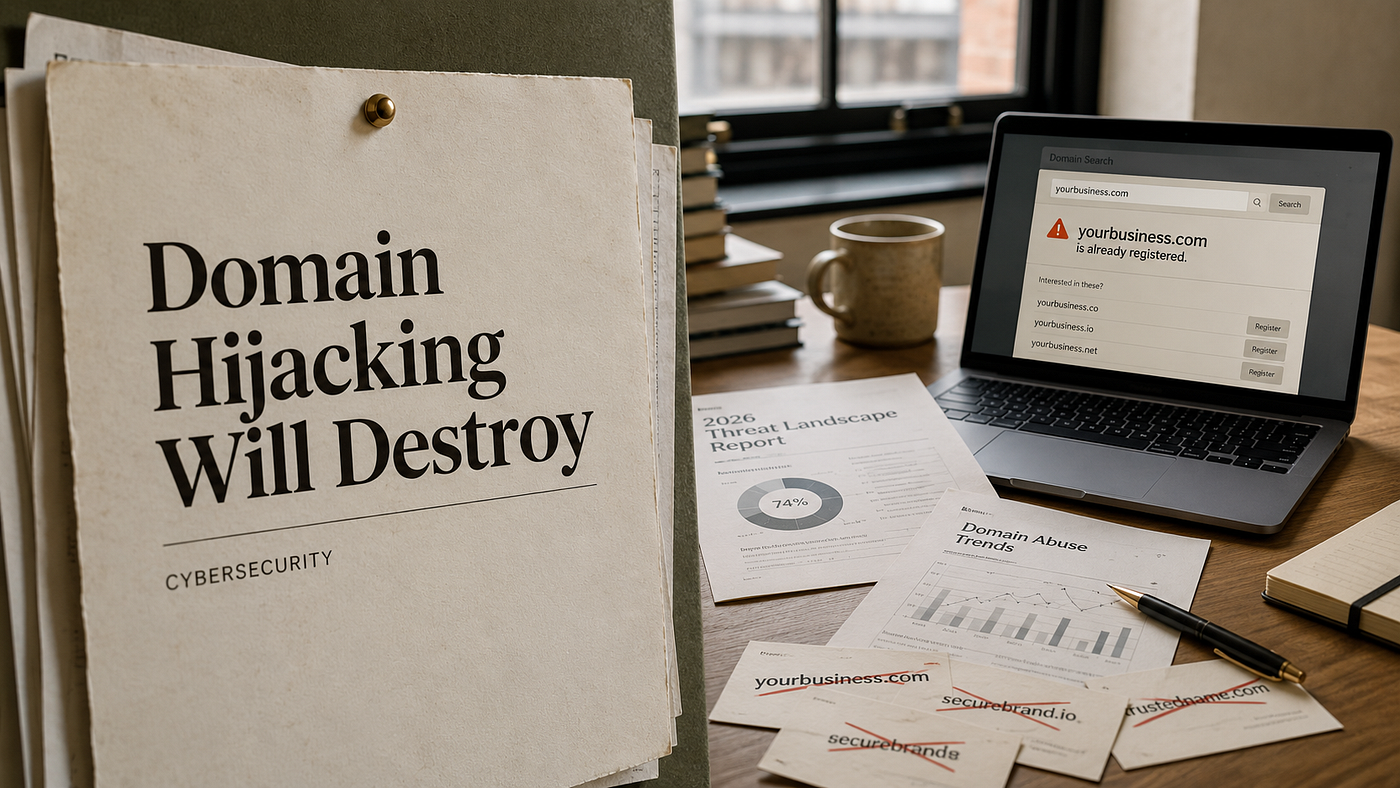
Domain hijacking will destroy more businesses in 2026 than most CEOs realize. While everyone talks about data breaches and ransomware, criminals are quietly stealing something more valuable: your digital identity itself.
When hackers take control of your domain name, they don’t just steal data. They steal your entire online presence. Your website vanishes. Your email stops working. Your customers can’t find you.
Global cybercrime costs are expected to reach $10.5 trillion by 2026, with domain hijacking representing one of the fastest-growing attack vectors.
What Is Domain Hijacking

Domain hijacking happens when criminals gain unauthorized control of your domain name registration. Think of it like someone changing the locks on your house while you’re away. You still own the property, but you can’t get inside.
Hackers target the weakest link in the chain: your domain registrar account. They use stolen passwords, social engineering, or exploit weak security practices at budget registrars. Once inside, they transfer your domain to their control.
The attack usually unfolds in three stages:
- Account Compromise: Hackers break into your registrar account
- Domain Transfer: They move your domain to a registrar they control
- Hostile Takeover: Your domain now points to their servers
This isn’t theoretical. In 2020, multiple cryptocurrency companies lost millions when their domains were hijacked during coordinated attacks. The hackers redirected traffic to fake sites that harvested login credentials and wallet information.
What Happens When Your Domain Gets Hijacked
The damage begins within hours of a successful domain hijacking. Your business essentially goes offline, but the consequences run much deeper than a simple outage.
Your website disappears first. Visitors who try to reach your site get error messages or land on the hacker’s page. If you’re an e-commerce business, every minute offline means lost sales.
Email becomes the second casualty. All messages sent to your domain bounce back as undeliverable. Customer inquiries, support tickets, and internal communications halt completely.
Domain hijacking doesn’t just take your website offline it erases your digital existence.
Search engines notice immediately. Google’s algorithms detect when domains suddenly point to different servers or display suspicious content. Within 24–48 hours, your site can be completely removed from search results.
The SEO impact proves devastating:
- Complete deindexing from Google search results
- Loss of all organic traffic and rankings
- Broken backlinks from other websites
- Domain authority reset to zero
Brand damage spreads rapidly. Customers assume your business closed or got hacked, especially as growing **domain industry trends and statistics** continue highlighting the rise in online security threats. Competitors capitalize on the confusion. Partners question your reliability.
Financial losses mount quickly. A mid-sized e-commerce company losing their domain for just one week could face:
- $50,000-$500,000 in lost revenue
- $10,000-$100,000 in recovery costs
- 6–12 months to rebuild SEO rankings
- Permanent damage to brand reputation
Step-by-Step Guide: How to Detect Domain Hijacking

Early detection makes the difference between minor disruption and business catastrophe. Most victims don’t realize they’ve been hijacked until customers start complaining their website is down.
Monitor these warning signs daily:
Check Your Website Status
Visit your website from different devices and networks. If your site loads differently or shows unexpected content, investigate immediately. Use tools like DownDetector to verify if the problem affects just you or everyone.
Verify Email Functionality
Send test emails to your domain addresses every morning. If messages bounce back or you stop receiving expected emails, your domain settings may have changed.
Review Domain Registration Details
Log into your registrar account weekly. Check that:
- Contact information remains unchanged
- Name servers point to your hosting provider
- Domain expiration date is correct
- No unauthorized transfers are pending
Monitor DNS Records
Use free tools like WhatsMyDNS to check if your domain’s DNS records match your expectations. Any unexpected changes to A records, MX records, or name servers signal potential hijacking.
Small businesses face the highest risk because they often use budget registrars with minimal security measures and rarely monitor their domains actively.
Set Up Automated Alerts
Configure monitoring services that alert you instantly when:
- Your website goes offline
- DNS records change
- Domain registration details are modified
- SSL certificates expire or change
Companies like Pingdom offer basic monitoring for under $15/month. The investment pays for itself if it prevents just one hijacking incident.
Alternatives to Registrar Locking
Domain locking isn’t your only defense against hijacking attacks. While registrar locks provide solid protection, smart businesses layer multiple security measures for maximum safety.
Two-Factor Authentication (2FA)
Enable 2FA on your registrar account immediately. Even if hackers steal your password, they can’t access your account without your phone or authentication app. This single step prevents 99% of account compromises.
Separate Email for Domain Management
Create a dedicated email address solely for domain management. Use a different provider than your main business email. If your primary email gets compromised, your domain registration stays protected.
WHOIS Privacy Protection
Hide your personal information from public WHOIS databases. This prevents social engineering attacks where hackers use your contact details to impersonate you with customer service. Most registrars offer WHOIS privacy for $5–15 per year.
Premium DNS Services
Upgrade from free DNS to premium services like Cloudflare or Route 53. Premium providers offer better security monitoring, DDoS protection, and faster response times when issues arise.
Regular Security Audits
Review your domain portfolio quarterly. Check for:
- Expired domains you still need
- Outdated contact information
- Weak passwords on registrar accounts
- Missing security features
For businesses managing multiple domains, consider what AI domain strategies can help automate security monitoring across your entire portfolio.
How VisionVix Turns Premium Domains into AI Businesses

VisionVix builds and manages premium keyword-focused domains designed for AI, SaaS, and developer products. Each domain combines strong branding, SEO value, and deployable software built with modern tools like Next.js, Supabase, and Stripe.
Examples from the VisionVix Portfolio

Before exploring how domain hijacking works, it’s important to understand that real domain security depends on layered protection across DNS, registrar access, verification tools, and continuous monitoring systems — not just a single lock or password.
- domainsecurity.app — Provides multi-layer protection against domain theft, unauthorized transfers, and registrar account compromise
- dnssecurity.app — Secures DNS infrastructure to prevent hijacking, spoofing, and malicious record changes that redirect traffic
- domainverifier.app — Validates domain ownership and detects unauthorized changes in registration or control records
- sslchecker.app — Ensures SSL certificates remain valid and uncompromised to maintain secure HTTPS connections and trust
- phishingchecker.app — Detects phishing attempts targeting domain owners and helps prevent credential theft from fake registrar pages
VisionVix Marketplace
Through the VisionVix Marketplace, startups and agencies can buy ready-to-launch domain and app packages, lease premium domains through Escrow or GoDaddy, or work with contributors to build custom AI agents and tailored features.
AI-Integrated Domain Trading
VisionVix also plans to introduce AI-powered domain evaluation tools that help founders instantly review SEO potential, branding strength, and deployment opportunities.
Best Practices & Tips: How to Prevent Domain Hijacking in 2026
Preventing domain hijacking costs far less than recovering from one. While cyber threats keep evolving, simple security measures still stop most attacks.
Choose a Reputable Registrar
Pick registrars that offer:
- Mandatory 2FA
- Registry lock services
- 24/7 monitoring
- Strong security reputation
Strengthen Account Security
- Use unique, strong passwords
- Enable alerts for account changes
- Limit access to trusted staff only
- Require approval for domain transfers
Monitor Your Domain
Set alerts for:
- Domain expiration dates
- DNS changes
- Website downtime
- SSL certificate updates
Prepare for Recovery
Keep secure offline backups of DNS records, hosting details, and domain settings so you can recover quickly if attacked.
Train Your Team
Teach employees to spot phishing emails and fake registrar support requests designed to steal login credentials.
Strong passwords, two-factor authentication, and continuous monitoring prevent most hijacking attempts. Simple protections today can save your business from major financial and brand damage tomorrow.
메타데이터
- post_id
- c453052fc3a2
- slug
- how-domain-hijacking-can-instantly-erase-your-digital-business-existence-c453052fc3a2
- url
- https://medium.com/@julianneagu/how-domain-hijacking-can-instantly-erase-your-digital-business-existence-c453052fc3a2
- canonical_url
- https://medium.com/@julianneagu/how-domain-hijacking-can-instantly-erase-your-digital-business-existence-c453052fc3a2
- author_url
- https://medium.com/@julianneagu
- status
- ok
- fetched_at
- 2026-08-10 06:42:06



