Using Antidetect Browsers in Marketing: Where the Benefits End and the Risks Begin
Antidetect browsers have long stopped being tools only for technical specialists. In marketing, they are used by teams that work with…
Using Antidetect Browsers in Marketing: Where the Benefits End and the Risks Begin
Antidetect browsers have long stopped being tools only for technical specialists. In marketing, they are used by teams that work with multiple ad accounts, test hypotheses in different markets, manage client projects, and want to separate working environments. But there are many myths around this topic: some see antidetect as a “magic button” for scaling, while others immediately associate it with grey-area schemes.
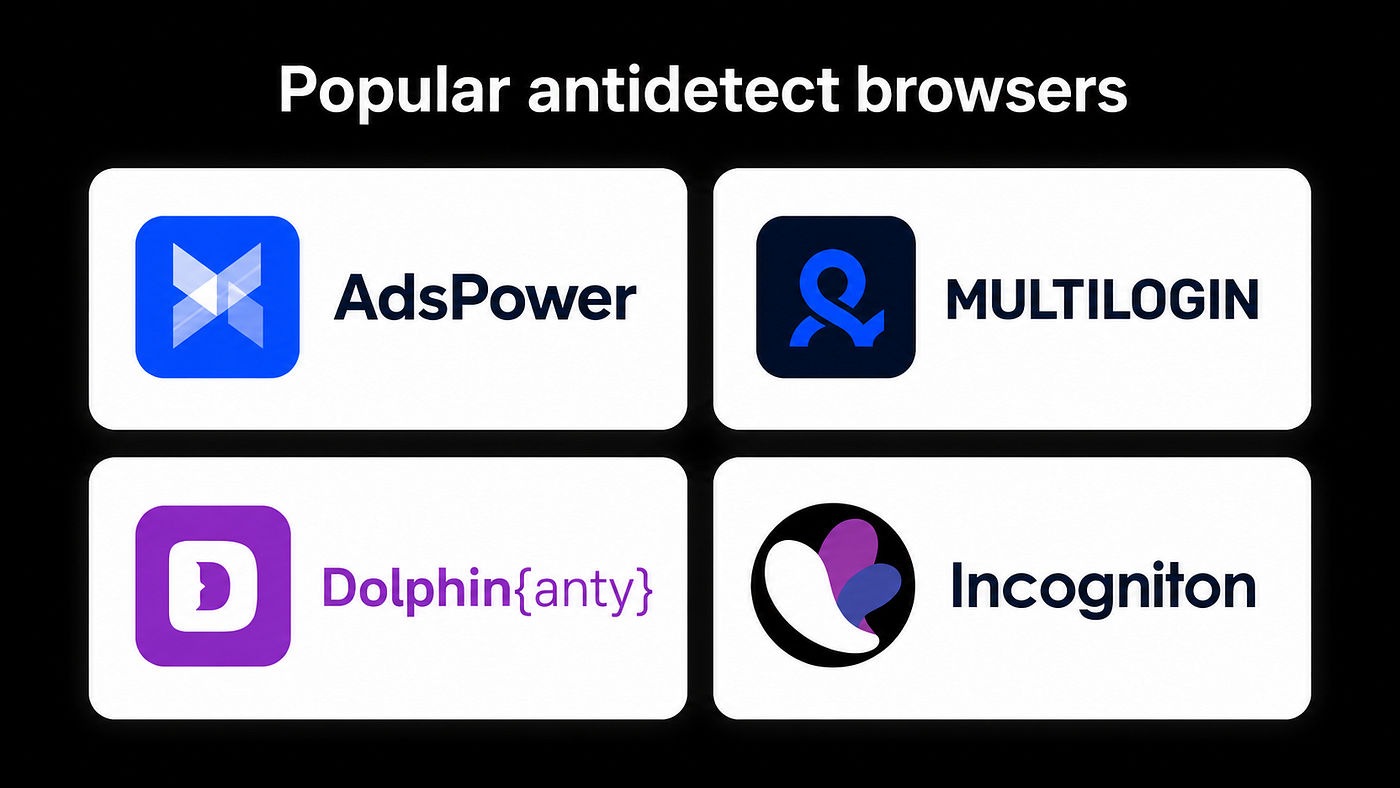
Popular antidetect browsers
In practice, it is simpler: an antidetect browser does not make marketing either effective or illegal by itself. Everything depends on why and how it is used.
What Is an Antidetect Browser in Simple Terms?
An antidetect browser is a browser that allows you to create separate profiles with different technical parameters: cookies, user agent, screen resolution, language, time zone, WebRTC, Canvas, WebGL, and other device characteristics.
A regular browser stores history, cookies, sessions, and the user’s technical “fingerprint” in one environment. An antidetect browser allows these environments to be separated. For a marketer, this is similar to having separate workspaces: one profile for client A, another for client B, a third for a test project, and a fourth for a local market.
The main idea is not to “trick the system,” but to isolate workflows and avoid mixing data from different projects.
Where Antidetect Browsers Are Actually Useful in Marketing? 1. Working With Multiple Client Accounts
Agencies often manage advertising accounts for different clients: Meta Ads, Google Ads, TikTok Ads, LinkedIn, Pinterest, marketplaces, and local ad platforms. If everything is opened in one browser, it is easy to confuse accounts, save the wrong access, accidentally switch under another account, or mix cookies.
Antidetect profiles help separate projects. For example:
profile 1 — an e-commerce client; profile 2 — a SaaS project; profile 3 — a marketer’s personal account; profile 4 — a test ad account.
This approach reduces chaos and the risk of human error. It is especially useful when several specialists work on the same projects and access the same accounts.
- Local Testing of Ads and Websites
Marketers often need to check how a website, landing page, ad, or interface looks to a user from another region. For example, they may need to test language, currency, form display, redirects, local offers, UTM tags, or pixel tracking.
An antidetect browser, together with properly configured environment settings, can help test the user journey more cleanly: without old cookies, browsing history, or personalized search results.
This is especially useful for international campaigns, where the same website should behave differently for different countries.
- Separating Roles Within a Team
Marketing teams often include several roles:
media buyer; analyst; designer; account manager; SEO specialist; project manager.
Each role works with different tools, but sometimes everyone needs access to the same accounts. Antidetect profiles help organize access more neatly: no need to share personal logins, store everything in one browser, or confuse working sessions.
Proper profile organization improves operational security: fewer accidental logouts, fewer session conflicts, and less confusion across projects.
- QA of Advertising Funnels
Before launching ads, it is important to check not only the creatives, but the entire funnel:
whether the landing page opens; whether the form works correctly; whether UTM tags are passed properly; whether the pixel fires; whether the payment process breaks; whether the user sees the correct page version; whether there is old cache or personalization.
A regular browser can interfere with this type of testing because it already contains browsing history, logins, and accumulated data. A separate clean profile is more convenient for QA because it is closer to the experience of a new user.
Where the Line Between Proper Use and Risk Begins
The biggest mistake is treating an antidetect browser as a tool for bypassing platform rules. In marketing, this is a dangerous path.
Acceptable use:
separating client projects; testing localization; QA of funnels; working with different environments; protecting data from being mixed; organizing team access.
Risky use:
creating mass accounts to bypass restrictions; imitating the behavior of real users; fake engagement, spam, and manipulation; bypassing bans; hiding connections between accounts to violate platform rules; attempting to manipulate advertising algorithms.
For an agency or brand, such actions can lead to ad account bans, budget loss, legal issues, and reputational damage. Marketing based on bypasses is usually unstable: it works today, then tomorrow accounts, domains, and access get burned.
An Antidetect Browser Does Not Replace a Real Strategy
Sometimes beginner marketers expect too much from antidetect tools. It may seem that if profiles, proxies, and environments are configured correctly, campaigns will start scaling on their own. But the tool does not solve basic problems:
a weak offer; poor creatives; an unconvincing landing page; the wrong audience; lack of analytics; chaotic campaign structure; violation of advertising platform rules.
An antidetect browser can make work more convenient and organized, but it does not replace marketing thinking. If the product does not address the audience’s pain point, no browser will fix it.
How to Use Antidetect Browsers Safely and Professionally
- Separate Profiles According to Project Logic
Do not create a chaotic set of profiles with names like “test1,” “new acc,” “client old,” or “final final.” In a month, nobody will understand what is stored where.
It is better to use a clear structure:
Client / Platform / Role / Region
For example:
BrandX / Meta Ads / Media Buyer / Poland
This helps the team navigate faster and make fewer mistakes.
- Keep Access Records
An antidetect browser should not turn into a warehouse of forgotten logins. Professional work requires a table or CRM document that shows:
what each profile is responsible for; who has access; which accounts are connected; creation date; profile status; project comments.
This is not the most exciting part of marketing, but it saves teams from chaos.
- Follow Platform Rules
If an advertising platform prohibits certain actions, an antidetect browser does not make them acceptable. This is especially important in highly regulated niches: finance, healthcare, gambling, crypto, nutra, legal services, and employment-related services.
Before launching, it is better to study the platform’s advertising policies than later try to understand why the account went under review.
- Do Not Mix Personal and Work Data
One of the strengths of an antidetect browser is isolation. But it loses meaning if a marketer logs into personal email, social media, and work accounts from the same profile.
The rule is simple: one profile, one task. Personal accounts separately, client projects separately, test environments separately.
- Configure Team Permissions
If the tool is used in an agency, not everyone should have full access to everything. A junior specialist, account manager, and project lead should have different permission levels.
This reduces the risk of accidental changes, leaks, and internal conflicts.
Common Mistakes Marketers Make Mistake 1. Using Antidetect Without a Strategy
The tool is purchased, profiles are created, but nobody understands why. As a result, the team simply moves chaos from a regular browser into an antidetect browser.
First, define the tasks: client separation, QA, localization, teamwork, tests. Only then choose a tool and configure processes.
Mistake 2. Thinking Only About Technical Parameters
Marketers sometimes get too carried away with fingerprints, proxies, and settings, forgetting the main things: funnel quality, creatives, analytics, and campaign economics.
A clean technical environment matters, but it will not compensate for a weak marketing hypothesis.
Mistake 3. Not Documenting Processes
If all logic is stored “in the buyer’s head,” the business becomes dependent on one person. When the specialist leaves, access, structure, profile logic, and testing history may leave with them.
Documentation should be part of the process, not a task for “someday later.”
Mistake 4. Using the Tool to Bypass Rules
This is the shortest path to problems. In the short term, such schemes may seem profitable, but in the long term they break infrastructure, reputation, and client relationships.
How to Choose an Antidetect Browser for a Marketing Team
When choosing a tool, price should not be the only factor. It is more important to evaluate:
convenience of team collaboration; permission management; profile stability; quality of support; ability to import and export profiles; data storage security; team activity logs; API integrations; user-friendly interface; transparent privacy policy.
For a solo marketer, a simple solution may be enough. For an agency, roles, team spaces, action history, and a proper access system are more important.
Antidetect and Analytics: An Important Detail
Marketers love testing everything: landing pages, forms, ad combinations, traffic sources. But when using different profiles, it is important not to pollute analytics.
For example, if a team constantly visits the landing page from test profiles, it can distort data in Google Analytics, ad pixels, or CRM. That is why QA should use test UTM tags, filters, internal traffic exclusions, and separate test events.
Otherwise, your own checks may accidentally be interpreted as real user behavior.
Conclusion
An antidetect browser in marketing is not a magic tool for bypassing systems, but a working environment for managing projects, sessions, and tests more accurately. It is useful for agencies, media buying teams, performance marketers, analysts, and specialists who work with different markets or clients.
But professional use starts not with fingerprint settings, but with understanding boundaries. If the tool helps separate projects, check funnels, organize teamwork, and protect data, it provides value. If it is used for mass bypassing, spam, and manipulation, it becomes risky infrastructure that will eventually break.
In 2026, the winner is not the one who hides better, but the one who builds a sustainable system: transparent processes, clean analytics, strong creatives, clear offers, and respect for platform rules. Antidetect can be part of that system, but it should not become its purpose.
메타데이터
- post_id
- c4f53fa249ed
- slug
- using-antidetect-browsers-in-marketing-where-the-benefits-end-and-the-risks-begin-c4f53fa249ed
- url
- https://medium.com/@adglobeclients/using-antidetect-browsers-in-marketing-where-the-benefits-end-and-the-risks-begin-c4f53fa249ed
- canonical_url
- https://medium.com/@adglobeclients/using-antidetect-browsers-in-marketing-where-the-benefits-end-and-the-risks-begin-c4f53fa249ed
- author_url
- https://medium.com/@adglobeclients
- status
- ok
- fetched_at
- 2026-06-26 03:39:16