Build a European Prospect List in Under 10 Minutes
Still copying B2B contact data from Europages by hand? Pull 1,000+ company profiles in one run and see the exact workflow behind it.
Build a European Prospect List in Under 10 Minutes
Still copying B2B contact data from Europages by hand? Pull 1,000+ company profiles in one run and see the exact workflow behind it.

The Problem with Manual Europages Research
If you’ve ever tried to build a European supplier list from Europages, you know exactly how this goes.
One search turns into:
- 17 pages of results, 30 companies each
- Clicking every listing to find the phone number
- Copy-pasting names, addresses, and websites into a spreadsheet
- Data that’s already inconsistent before you’re halfway done
Three keyword searches. Four hours of clicking and copy-pasting. I knew there had to be a better way.
The Tool That Changed Everything
What if you could collect every company from a Europages search with a single keyword?
That’s exactly what the **Europages Scraper** does.
Just type a keyword, set how many results you want, hit run. The actor pages through every result automatically. No clicking. No copy-pasting.
For each company, it collects:
- Company name and bio
- City, country, full address, and postal code
- Phone number and website
- Founding year and employee count
- GPS coordinates (latitude and longitude)
- Supplier type labels and product keywords
- Direct Europages profile URL
To test it, I ran a search for “software companies.”
Less than 10 seconds later, I had 10 company records in a clean JSON dataset. Scaling that to 1,000 results takes about 8 minutes. The best part? It handles pagination automatically.
One keyword in. One complete dataset out. That’s when I realized B2B prospecting doesn’t have to take a full day.
The Setup Process (3 Minutes, No Code Required)

Let’s walk through the setup. No technical skills needed. Three steps and you’re running.
Step 1: Access the Scraper
Go to the Europages Scraper page on Apify and click “Try for free.” The button is in the top right corner. You can’t miss it.

The actor page on Apify. Click “Try for free” to get started. No credit card required for the free trial.
Step 2: Log in to Apify
You’ll need an Apify account. If you don’t have one, there’s a “Sign up” link right on the login screen. I already had an account so I just entered my email and password. The whole login takes about 20 seconds.
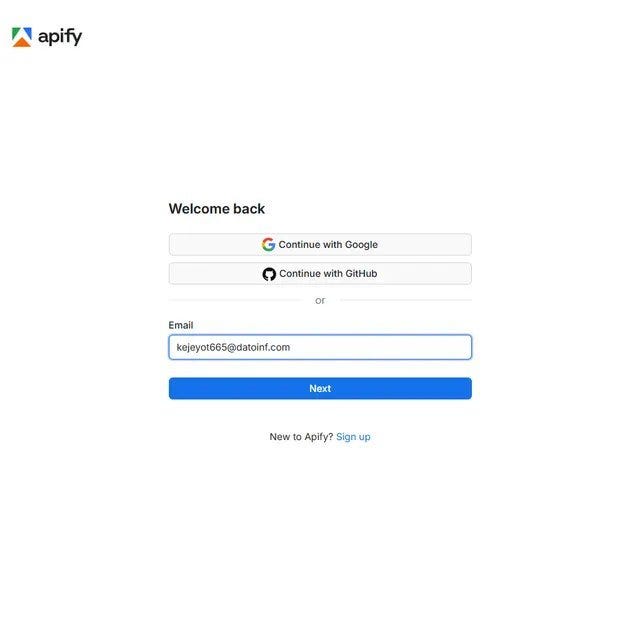
Step 2a: Enter your Apify email. You can also log in with Google or GitHub if that’s faster.
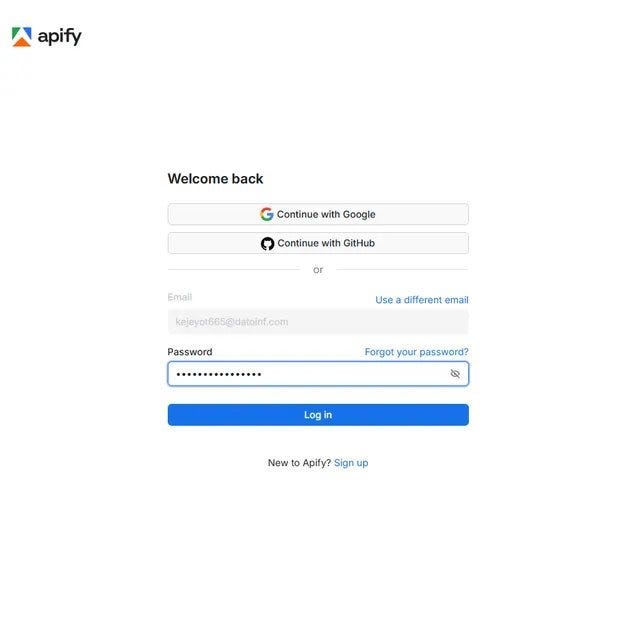
Step 2b: Enter your password and hit Log in. Standard stuff, takes seconds.
Step 3: Add Your Keywords and Hit Start
Once you’re in, you’ll see the input form. The main field is Search keywords. Type any product or industry term here. I tested with software companies. Hit the "+ Add" button to add multiple keywords and run them all in one go.
Below that you’ll see Limits and Run options. I left everything at defaults for my first run and it worked perfectly.
When you’re ready, click the green Start button at the bottom left. The red arrow in the screenshot points right to it.

Step 3: Type your keyword into the highlighted field. Hit Start. That’s the entire setup for a basic run.
What Happens When It Runs
This part is honestly satisfying to watch. The Log tab shows the scraper working in real time. You can see it fetching each page, processing company records, and collecting results in batches of 30.
For my software companies test, it found 13,710 total matching companies on Europages and collected the first 10 in just 8 seconds. Total cost: $0.08.

The run log in real time. Each line shows the scraper moving through pages, collecting 30 companies per batch, and stopping cleanly when it hits your limit.
The Part That Impressed Me Most
Speed is nice.
Clean data is even better.
When the run finished, every company record came back with the details I actually cared about:
- Full address with GPS coordinates
- Phone numbers and website URLs
- Founding year and employee headcount
- Supplier type (Manufacturer, Distributor, etc.)
- Product keywords from their profile
No cleanup. No missing values. No manual fixes.
Just a dataset ready to drop into a CRM or spreadsheet.
What used to take me half a day now takes under 10 minutes. The data is cleaner than anything I collected by hand.
Before vs. After Using the Scraper
Manual Research
- ⏱️ 3 to 6 hours per keyword search
- 📦 Covers maybe 50 to 100 companies
- ⚠️ Inconsistent formatting, missing fields
- 📞 Phone numbers often missed
Using the Scraper
- ⚡ Under 10 minutes for 1,000 results
- 📦 Up to 1,000 companies per keyword
- ✅ Consistent structure, no nulls
- 📞 Phone, website, coordinates included
The difference is simple: more data, better accuracy, and significantly less manual effort.
Getting Your Data Out
When the run finishes, click Storage in the top nav. You’ll see your dataset with the item count and storage size. Go to the Dataset tab, pick your format (JSON, CSV, Excel, JSONL, or HTML Table) and hit Download.
My 10-company test dataset was 7.5 kB as JSON. It opened perfectly in Excel in two seconds. For bigger runs, CSV is the fastest option to get into Google Sheets.

The Storage tab after a completed run. One click to download in JSON, CSV, XML, or Excel. You can also copy a shareable dataset link or access it via the API.
Who Needs This?
Still collecting European business data by hand?
Then you’re probably the target audience.
This scraper is especially useful for:
- 📊 Sales teams building prospect lists before a European market push
- 🏭 Procurement managers sourcing backup suppliers fast
- 📈 Agencies running B2B market entry research for clients
- 🔍 Founders seeding a supplier database without infrastructure
What Could You Build With This?
Imagine never having to manually look up a European supplier again.
Once the data is automated, a lot becomes possible:
🚨 Supplier Alert System Get notified when new companies matching your keywords appear on Europages. Schedule weekly runs and diff the results.
📊 European Market Intelligence Dashboard Visualize supplier density by country, employee size, and founding year across any industry vertical. Sell it to investors and consultants.
📦 CRM Enrichment Pipeline Take a list of European company names and automatically fill in missing phone numbers, websites, and addresses. Charge per enriched row.
🗺️ Supplier Map Tool The latitude and longitude fields are built in. Plot every supplier on a map, filter by radius from your warehouse. Genuinely useful for logistics teams.
And those are just a few ideas.
The real advantage isn’t the scraper itself. It’s what you can build once the data starts flowing automatically.
Ready to stop building prospect lists by hand?
**Try the Europages Scraper on Apify**
No infrastructure. No maintenance. Just the data you need.
Final Thoughts
I’m not trying to sell you anything. I’m just sharing what worked after too many afternoons copy-pasting European company data into a spreadsheet.
The Europages Scraper took three minutes to set up and replaced hours of weekly manual work. The data is better than what I was collecting by hand. And it runs the same way every time.
Have you tried automating B2B prospecting in Europe? Leave a comment. I’m always looking for better methods.
메타데이터
- post_id
- c55af72aeee3
- slug
- build-a-european-prospect-list-in-under-10-minutes-c55af72aeee3
- url
- https://medium.com/@bigiByte/build-a-european-prospect-list-in-under-10-minutes-c55af72aeee3
- canonical_url
- https://medium.com/@bigiByte/build-a-european-prospect-list-in-under-10-minutes-c55af72aeee3
- author_url
- https://medium.com/@bigiByte
- status
- ok
- fetched_at
- 2026-06-09 15:37:30