I Tested Multiple Ways to Download YouTube Videos. Here’s What Still Works in 2026
Every day, millions of people use YouTube to learn new skills, stay informed, and entertain themselves.
I Tested Multiple Ways to Download YouTube Videos. Here’s What Still Works in 2026

Every day, millions of people use YouTube to learn new skills, stay informed, and entertain themselves.
I’m one of them.
Whether it’s AI tutorials, programming courses, startup interviews, documentaries, or university lectures, YouTube has become much more than a video platform. In many ways, it’s the world’s largest free learning resource.
But recently, I’ve noticed something frustrating:
Downloading YouTube videos has become increasingly difficult.
Why Is It Getting Harder to Download YouTube Videos?
A few years ago, downloading a YouTube video was incredibly simple.
Copy the URL.
Paste it into a downloader.
Click Download.
Done.
Today, the experience is very different.
Many tools that once worked flawlessly now run into problems such as:
- Unable to parse video links
- Limited download quality
- Frequent download failures
- Websites suddenly going offline
- Forced software installation
- Registration or paywall requirements
Not long ago, I spent nearly half an hour trying to save an AI course for offline viewing. I tested several download tools, and most of them either failed to process the link or only offered low-quality versions.
That’s when I realized something important:
The problem isn’t just individual tools. The entire ecosystem has become more challenging.
Why Do People Still Want to Download Videos?
Whenever this topic comes up, someone inevitably asks:
“Why not just watch online?”
That’s a fair question.
But in reality, there are plenty of situations where offline access is genuinely useful.
Unstable Internet Connections
Traveling, commuting, flights, trains, or working from a café often means dealing with unreliable internet access.
Having videos downloaded beforehand eliminates that problem entirely.
Saving Educational Content
Many tutorials and courses are worth revisiting multiple times.
Especially in technical fields, a single viewing is rarely enough to fully understand complex concepts.
Building a Personal Knowledge Library
As a content creator and researcher, I often save videos that I may need to reference later.
Having offline access makes organization and review much easier.
Protecting Against Content Disappearing
The internet changes fast.
Videos can become private, restricted, or removed without warning.
If a piece of content provides real value, keeping a personal copy can be a practical decision.
I Even Tried Screen Recording
When many download tools stopped working, I turned to the most basic solution: screen recording.
Technically, it works.
But it comes with obvious drawbacks.
If a video is one hour long, you need to record for an entire hour.
A four-hour course requires four hours of recording time.
Beyond that, there are other issues:
- Reduced video quality
- Larger file sizes
- Interrupted recordings
- Accidental notifications appearing on screen
- Significant time consumption
For occasional use, it’s manageable.
For regular learning, it’s far from ideal.
After Testing Multiple Solutions, Web-Based Tools Still Feel the Most Convenient
Over the past few weeks, I’ve experimented with a variety of approaches, including:
- Browser extensions
- Desktop software
- Command-line utilities
- Online video downloaders
Surprisingly, the simplest option often turned out to be the most practical:
Web-based download tools.
No installation.
No updates.
No compatibility issues.
Just open a browser and use it.
For most users, that’s exactly the level of simplicity they want.
A Tool That Has Been Working Well for Me
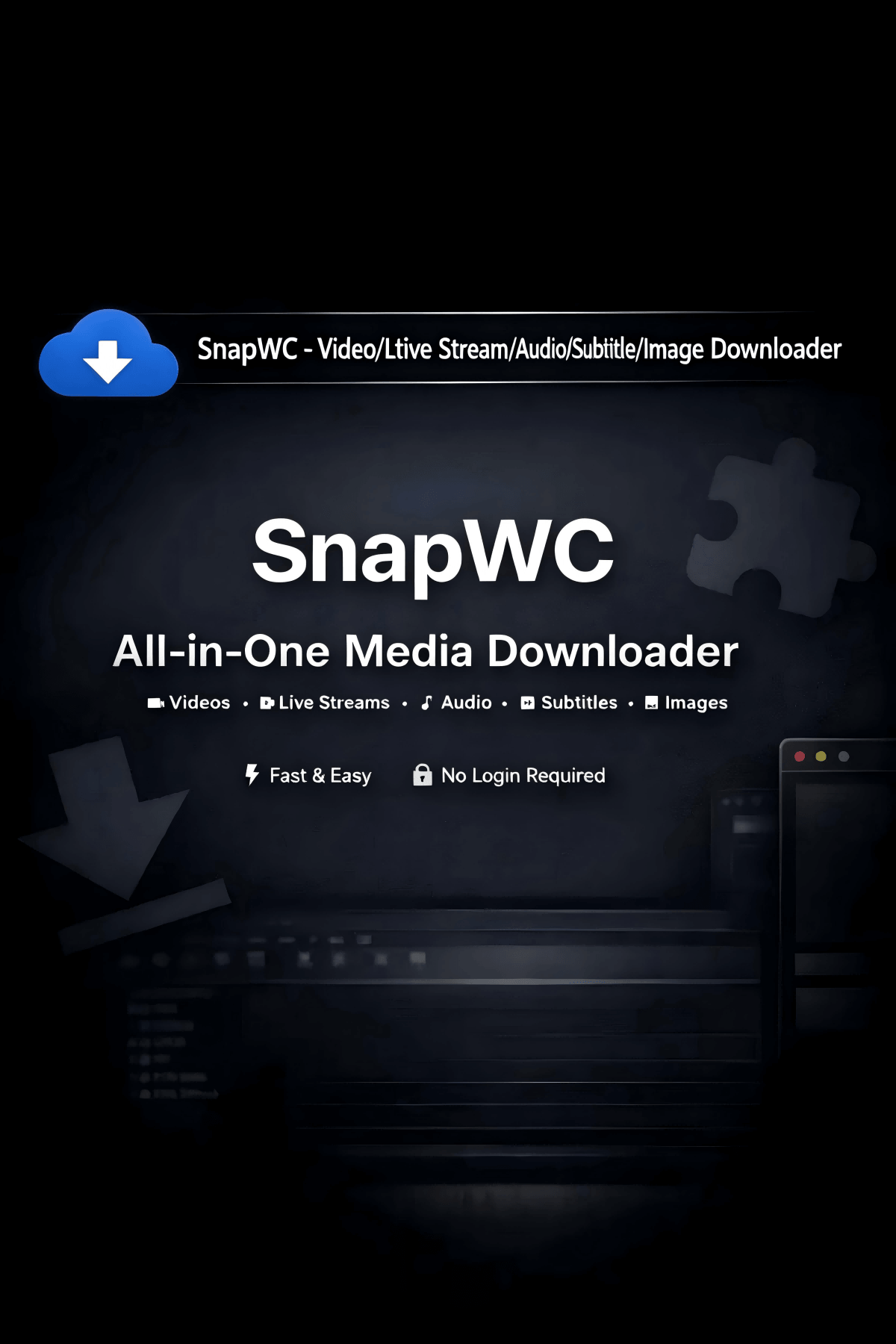
While searching for alternatives, I came across a tool called SnapWC that was frequently mentioned in various online discussions.
Official Website:https://snapwc.com/youtube-v2
Naturally, I decided to test it myself.
The process was straightforward:
- Copy the YouTube video URL.
- Paste it into the downloader.
- Select the desired format and quality.
- Download the file.
That’s it.
No software installation.
No browser extensions.
No complicated setup.
The entire process usually takes less than a minute.

My Real-World Experience
After testing it across multiple videos, a few features stood out.
High-Resolution Downloads
Depending on the source video, it supports downloading content in 1080p, 4K, and sometimes even higher resolutions.
For educational videos, presentations, and design tutorials, image quality makes a noticeable difference.
Audio Extraction
Sometimes I only need the audio portion of an interview, lecture, or podcast.
Being able to export audio directly is surprisingly useful.
Subtitle Export
This feature is often overlooked.
For language learners, researchers, and students, subtitle files can save a tremendous amount of time when taking notes or reviewing content.
Simplicity
This may be its biggest advantage.
If you can copy and paste a link, you can use it.
There is virtually no learning curve.

A Broader Observation
One thing I realized while testing these tools is that most people aren’t downloading videos to redistribute content.
They’re downloading videos to learn.
To study during a commute.
To review a course later.
To build a personal archive of valuable knowledge.
Offline access isn’t about avoiding the internet.
It’s about making learning more flexible and accessible.
Of course, it’s still important to respect copyright laws and the rights of content creators.
Downloading content should always be done responsibly and within legal and ethical boundaries.
Final Thoughts
Over the past few years, many YouTube downloaders have disappeared or become unreliable.
Tools that worked perfectly yesterday may stop functioning tomorrow.
Yet the need for offline access hasn’t gone away.
If you’re someone who regularly uses YouTube for learning, research, or professional development, having a reliable way to save content can still be incredibly valuable.
For me, web-based solutions remain the most practical option available today.
They’re simple.
They’re fast.
And when you actually need them, they just work.
Sometimes the best tool isn’t the one with the most features.
It’s the one that’s still reliable when you need it most.
메타데이터
- post_id
- c6d17a593bf1
- slug
- i-tested-multiple-ways-to-download-youtube-videos-heres-what-still-works-in-2026-c6d17a593bf1
- url
- https://medium.com/@sharp013579/i-tested-multiple-ways-to-download-youtube-videos-heres-what-still-works-in-2026-c6d17a593bf1
- canonical_url
- https://medium.com/@sharp013579/i-tested-multiple-ways-to-download-youtube-videos-heres-what-still-works-in-2026-c6d17a593bf1
- author_url
- https://medium.com/@sharp013579
- status
- ok
- fetched_at
- 2026-06-20 20:29:01