Single-Node OpenShift Deployment on LinuxONE with RHEL KVM
Prerequisites
Single-Node OpenShift Deployment on LinuxONE with RHEL KVM
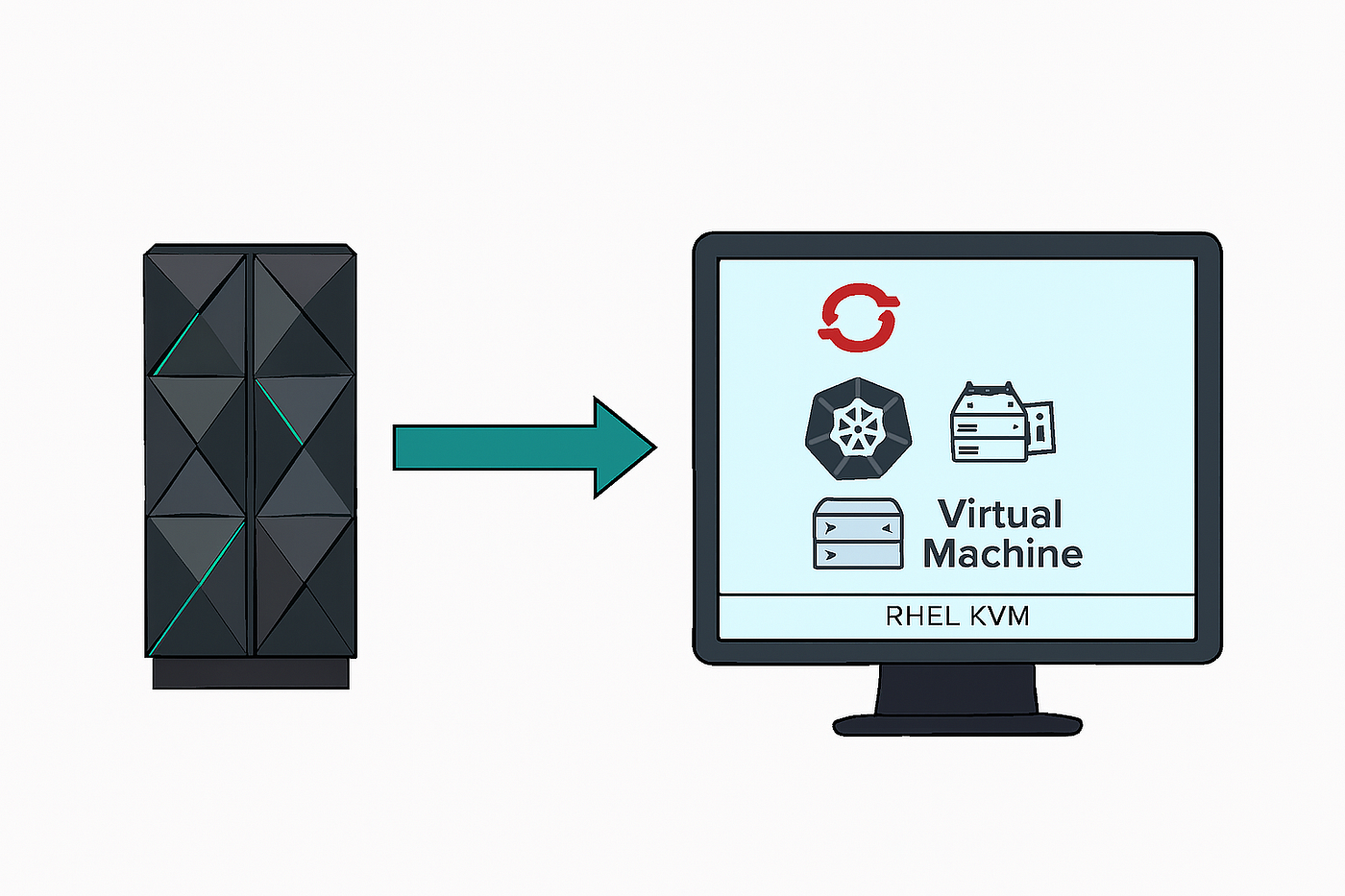
Prerequisites
Before you begin, ensure the following:
- RHEL KVM host with virtualization enabled
- Podman installed
- HTTP/HTTPS server running (e.g., Apache/httpd )
- Static IP, DNS, and hostname reserved for the VM
- OpenShift CLI and Installer downloaded for
s390x - RHCOS boot artifacts:
rhcos-4.16.36-s390x-live-kernel-s390xrhcos-4.16.36-s390x-live-initramfs.s390x.imgrhcos-4.16.36-s390x-live-rootfs.s390x.img- Ignition file:
bootstrap-in-place-for-live-iso.ign - VM created with required CPU, memory, disk, and network resources
Step 1: Create a VM
Before running virt-install, create a VM with:
- CPU and memory allocation
- Pre-attached virtual disk (e.g., 500GB)
- Network interface mapped to appropriate bridge
- Boot device set to disk
Step 2: Installation Workflow
2.1 Set Environment Variables
export OCP_VERSION=latest-4.16
export ARCH=s390x
2.2 Download CLI Tools
curl -k https://mirror.openshift.com/pub/openshift-v4/${ARCH}/clients/ocp/${OCP_VERSION}/openshift-client-linux.tar.gz -o oc.tar.gz
tar zxf oc.tar.gz && chmod +x oc
2.3 Download Installer
curl -k https://mirror.openshift.com/pub/openshift-v4/${ARCH}/clients/ocp/${OCP_VERSION}/openshift-install-linux.tar.gz -o openshift-install-linux.tar.gz
tar zxvf openshift-install-linux.tar.gz && chmod +x openshift-install
2.4 Prepare install-config.yaml
apiVersion:
baseDomain: <domain>
compute:
- name: worker
  replicas: 0
controlPlane:
  name: master
  replicas: 1
metadata:
  name: <name>
networking:
  clusterNetwork:
  - cidr: 10.128.0.0/14
    hostPrefix: 23
  machineNetwork:
  - cidr: 10.0.0.0/16
  networkType: OVNKubernetes
  serviceNetwork:
  - 172.30.0.0/16
platform:
  none: {}
bootstrapInPlace:
  installationDisk: /dev/vda
pullSecret: '<pull_secret>'
sshKey: |
  <ssh_key>
2.5 Generate Ignition Configs
mkdir ocp
cp install-config.yaml ocp/
./openshift-install --dir=ocp create single-node-ignition-config
2.6 Host Boot Files
Place the following in /var/www/html/:
- RHCOS kernel/initramfs/rootfs
- Ignition file:
bootstrap-in-place-for-live-iso.ign
Step 3: Deploy VM Using virt-install
virt-install \
  --connect qemu:///system \
  --reinstall <VM-Name>\
  --boot hd \
  --location /var/www/html/iso,\
kernel=/var/www/html/rhcos-4.16.36-s390x-live-kernel-s390x,\
initrd=/var/www/html/rhcos-4.16.36-s390x-live-initramfs.s390x.img \
  --extra-args "rd.neednet=1 coreos.inst=yes coreos.inst.install_dev=vda \
coreos.live.rootfs_url=http://<http-host>:<port>/rhcos-4.16.36-s390x-live-rootfs.s390x.img \
ip=<IP>::<Gateway>:<mask>:<Hostname>::<network-interface>:none \
nameserver=<DNS Server> \
coreos.inst.ignition_url=http://<http-host>:<port>/bootstrap-in-place-for-live-iso.ign" \
  --osinfo detect=on
Understanding the virt-install Command for OpenShift SNO on LinuxONE
When deploying a Single-Node OpenShift (SNO) cluster on IBM LinuxONE using RHEL KVM, the virt-install command plays a central role in provisioning the virtual machine with the correct boot artifacts, networking, and Ignition configuration.
Let’s break down the command and understand each component.
Connection & VM Setup
--connect qemu:///system
--reinstall <VM-Name>
--boot hd- Connects to the system-wide libvirt daemon
- Re-installs an existing VM definition (useful when templating)
- Boots from hard disk after installation
Boot Artifacts
--location /var/www/html/iso,\
kernel=/var/www/html/rhcos-4.16.36-s390x-live-kernel-s390x,\
initrd=/var/www/html/rhcos-4.16.36-s390x-live-initramfs.s390x.img- Specifies the location of the RHCOS live kernel and initramfs
- These are served via HTTP from the bastion or KVM host
Installation Parameters
--extra-args "rd.neednet=1 coreos.inst=yes coreos.inst.install_dev=vda \
coreos.live.rootfs_url=http://<http-host>:<port>/rhcos-4.16.36-s390x-live-rootfs.s390x.img \
ip=<IP>::<Gateway>:<mask>:<Hostname>::<network-interface>:none \
nameserver=<DNS Server> \
coreos.inst.ignition_url=http://<http-host>:<port>/bootstrap-in-place-for-live-iso.ign"rd.neednet=1: Ensures networking is initialized during bootcoreos.inst=yes: Triggers RHCOS installationcoreos.inst.install_dev=vda: Specifies the target diskcoreos.live.rootfs_url: Points to the rootfs imageip=...: Static IP configuration for the VMnameserver=...: DNS servercoreos.inst.ignition_url: URL to the Ignition config (bootstrap or master)
OS Detection
--osinfo detect=on- Enables automatic detection of OS type for better compatibility
Step 4: Bootstrap Recovery (If Needed)
Symptom
If the VM fails to reboot and journalctl shows:
systemd[1]: Bootstrap a Kubernetes cluster was skipped because of an unmet condition check (ConditionPathExists=!/opt/openshift/.bootkube.done)Recovery Steps
# Check for master.ign on bootstrap node

ssh core@<bootstrap-node-ip/FQDN>

ls /opt/openshift/master.ign
# Copy to bastion server
scp /opt/openshift/master.ign <bastion_user>@<bastion_ip>:/var/www/html/# Stop the VM
virsh destroy <VM Name>Update the virt-install command to use master.ign:
virt-install \
  --connect qemu:///system \
  --reinstall <Same-VM-Name>\
  --boot hd \
  --location /var/www/html/iso,\
kernel=/var/www/html/rhcos-4.16.36-s390x-live-kernel-s390x,\
initrd=/var/www/html/rhcos-4.16.36-s390x-live-initramfs.s390x.img \
  --extra-args "rd.neednet=1 coreos.inst=yes coreos.inst.install_dev=vda \
coreos.live.rootfs_url=http://<http-host>:<port>/rhcos-4.16.36-s390x-live-rootfs.s390x.img \
ip=<IP>::<Gateway>:<mask>:<Hostname>::<network-interface>:none \
nameserver=<DNS Server> \
coreos.inst.ignition_url=http://<http-host>:<port>/master.ign" \
  --osinfo detect=on
Re-run the VM creation and monitor via virsh console.
Step 5: Post-Install Validation
Export Kubeconfig
export KUBECONFIG=ocp/auth/kubeconfigVerify Cluster Health
oc get nodes
oc get clusterversion
oc get co
Confirm Installation Completion
openshift-install --dir=ocp wait-for install-complete --log-level=debugReference:
메타데이터
- post_id
- c7d08bf87223
- slug
- single-node-openshift-deployment-on-linuxone-with-rhel-kvm-c7d08bf87223
- url
- https://medium.com/@surajmirokhe1992/single-node-openshift-deployment-on-linuxone-with-rhel-kvm-c7d08bf87223
- canonical_url
- https://medium.com/@surajmirokhe1992/single-node-openshift-deployment-on-linuxone-with-rhel-kvm-c7d08bf87223
- author_url
- https://medium.com/@surajmirokhe1992
- status
- ok
- fetched_at
- 2026-06-22 05:41:33


