I Looked Inside a WiFi QR Code. It Was Just My Password.
A friend printed a WiFi QR code, stuck it on the fridge, and felt clever. I scanned it with a decoder, not a phone, and read her password…
I Looked Inside a WiFi QR Code. It Was Just My Password.
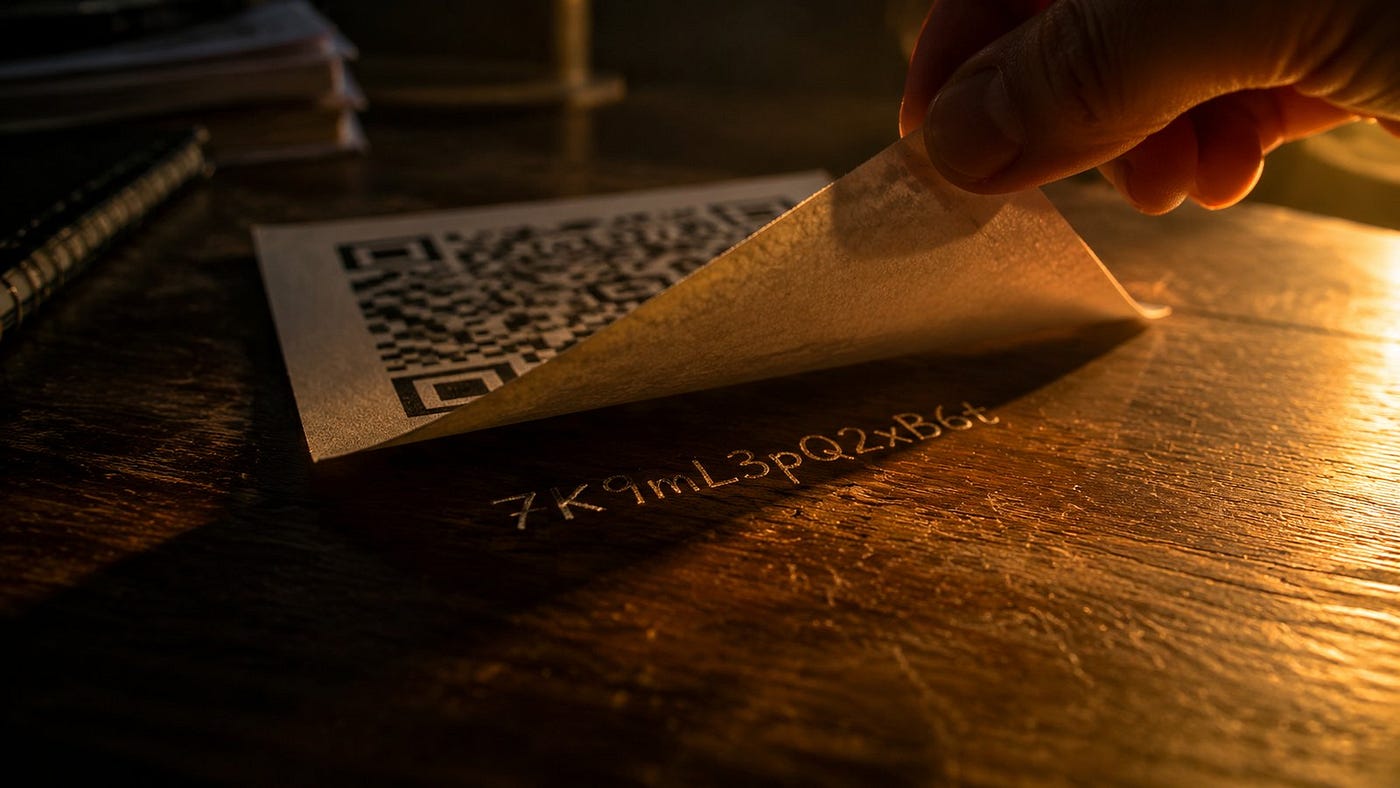
A friend printed a WiFi QR code, stuck it on the fridge, and felt clever. I scanned it with a decoder, not a phone, and read her password back to her over coffee. She went quiet.
I am not a hacker. I used a free online QR reader.
That is the part most people miss about WiFi QR codes. They look futuristic. They are not. Underneath the black-and-white pattern is a single line of plain text. Anyone who points a camera at it can read every character.
What the pattern actually says
When you generate a WiFi QR code, here is the exact string that gets encoded into the squares:
*WIFI:S:<network name>;T:<security type>;P:<password>;;*
That is it. Your network name, sitting right next to your password, separated by semicolons. No hashing. No encryption. No link to a server that checks anything.
The format started with an open-source project called ZXing, and it is now part of the official WPA3 specification. So this is not a quirk of some shady free generator. This is the standard. Every WiFi QR code on Earth uses the same plain-text recipe.
When a phone scans the code, it does not call home. It does not check with Google or Apple. It just reads the string off the pattern and types it into your WiFi settings for you. That is why connection feels instant. It is also why the code is, functionally, a printed copy of your password.
So why is this fine, usually
The cafe down the street has their WiFi QR code laminated on every table. It has been there for two years. Nothing bad has happened. That is because the cafe is doing the one thing most people skip: it is running a guest network. The password printed in those squares does not touch the router admin, the point-of-sale, or the staff laptops. It is a throwaway credential for a throwaway network.
Now think about the home version. Most people print the QR code for their main WiFi, the one their laptop, NAS, and smart lock all sit on. They tape it to the wall in the guest bedroom. A friend stays the weekend, scans the code, and now has the same key your security camera uses.
That is the gap. The code is not the problem. The network it points to is.
I wrote a full breakdown of the format and how to generate one safely here: how to create a WiFi QR code. The short version: make a guest network in your router admin, generate the code for that one, never your primary.
A small habit that fixes most of it
Whenever I see a WiFi QR code in someone’s home, I ask the same question. “Is that your guest network?” About half the time, the answer is “I do not have a guest network.” That is the moment to fix it, not after.
Setting up a guest network takes about three minutes on most routers. Generating a fresh code for it takes about ten seconds. The total cost of doing this right is roughly the time it takes to make tea.
What surprised me when I first looked into this was how little marketing the format gets. Generators advertise speed, design, branding. Nobody puts “your password will be readable in plain text” on the landing page. It is in the spec, public, documented for a decade. It just is not the part anyone sells.
So treat the printed code the way you would treat a sticky note with the password written on it. Because that is what it is. A nicer-looking sticky note, machine-readable, that anyone in your living room can quietly screenshot.
Where do you have a WiFi QR code right now, and is it pointing at a network you would hand a stranger?
If this was useful, a clap helps others find it.
메타데이터
- post_id
- c84a0df52a5e
- slug
- i-looked-inside-a-wifi-qr-code-it-was-just-my-password-c84a0df52a5e
- url
- https://medium.com/@free-qr/i-looked-inside-a-wifi-qr-code-it-was-just-my-password-c84a0df52a5e
- canonical_url
- https://medium.com/@free-qr/i-looked-inside-a-wifi-qr-code-it-was-just-my-password-c84a0df52a5e
- author_url
- https://medium.com/@free-qr
- status
- ok
- fetched_at
- 2026-06-13 16:00:06



