Setting-up Vroom & OSRM with docker-compose
VROOM is an excellent open-source optimization engine that can provide good solutions to various real-life vehicle routing problems .
Setting-up Vroom & OSRM with docker-compose
VROOM is an excellent open-source optimization engine that can provide good solutions to various real-life vehicle routing problems.
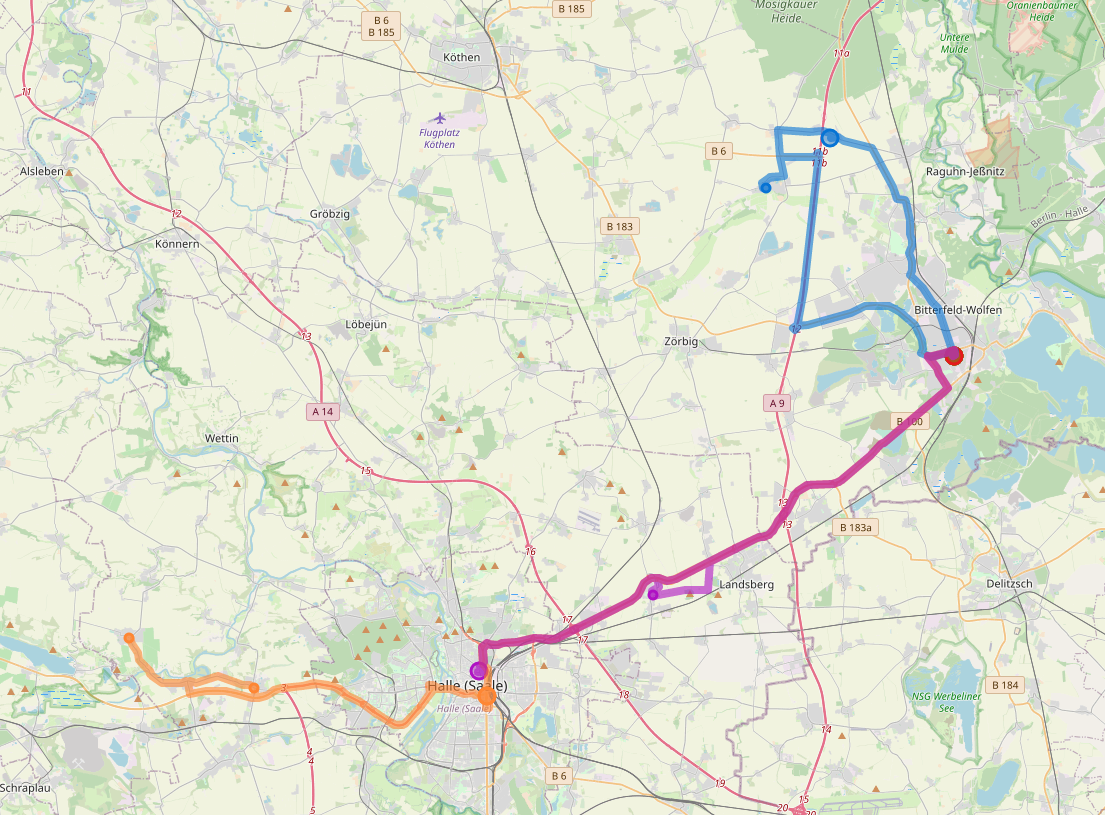
Vroom — solving vehicle routing problems
Here you can see how to easily set it up. You’ll need to:
- Download OpenStreetMap data for your region
- Process the data with the help of dockerized OSRM
- Use docker-compose to start vroom-express and the vroom-backend
- Start the vroom-frontend using node
First of all, let’s start by downloading the OpenStreetMap data for the region you are interested in. In my case, I’ll choose sachsen-anhalt-latest.osm.pbf.
wget http://download.geofabrik.de/europe/germany/sachsen-anhalt-latest.osm.pbfAfter that, run the following three commands in the same directory as you stored your data (you need to change the file path depending on the file-name of your data):
docker run -t -v "${PWD}:/data" osrm/osrm-backend osrm-extract -p /opt/car.lua /data/sachsen-anhalt-latest.osm.pbfdocker run -t -v "${PWD}:/data" osrm/osrm-backend osrm-partition /data/sachsen-anhalt-latest.osrmdocker run -t -v "${PWD}:/data" osrm/osrm-backend osrm-customize /data/sachsen-anhalt-latest.osrmNote, that depending on how big your original file is, this can take a lot of RAM. If you get stuck during the extraction, try using a smaller area.
If this process is successful, various files should have been created:

After creating these files, we can head to the vroom-docker repository and clone it:
git clone https://github.com/VROOM-Project/vroom-docker.gitInside that repository, you will find a docker-compose.yml file, that we need to modify a bit. It should look somewhat like this:
version: "2.4"
services:
  vroom:
    network_mode: host
    image: vroomvrp/vroom-docker:v1.11.0
    container_name: vroom
    volumes:
      - ./vroom-conf/:/conf
    environment:
      - VROOM_ROUTER=osrm  # router to use, osrm, valhalla or ors
    depends_on:
      - osrm
  osrm:
    image: osrm/osrm-backend
    container_name: osrm
    restart: always
    ports:
      - 5000:5000
    volumes:
      - ./osrm:/data
    command: "osrm-routed --max-matching-size 1000 --max-table-size 1000 --max-viaroute-size 1000 --algorithm mld /data/map.osrm"
Now you need to change the left part in osrm volumes (here: ./osrm) to whatever path you have previously created your OSRM data in. Leave the right part ( /data) as-is. Also, change the map.osrm in the command section to however your region is called. In my case the line looks like this:
command: “osrm-routed — max-matching-size 1000 — max-table-size 1000 — max-viaroute-size 1000 — algorithm mld /data/sachsen-anhalt-latest.osrm”After this, you can start your vroom instance with docker-compose up -d.
The only part left is to grab the vroom-frontend from the respective repository and start the node server:
git clone https://github.com/VROOM-Project/vroom-frontend.git
cd vroom-frontend
npm install
npm run serve
Lastly: navigate to http://localhost:9966/ and enjoy!
메타데이터
- post_id
- c8dc48d0cb2a
- slug
- setting-up-vroom-osrm-with-docker-compose-c8dc48d0cb2a
- url
- https://medium.com/@fbaierl1/setting-up-vroom-osrm-with-docker-compose-c8dc48d0cb2a
- canonical_url
- https://medium.com/@fbaierl1/setting-up-vroom-osrm-with-docker-compose-c8dc48d0cb2a
- author_url
- https://medium.com/@fbaierl1
- status
- ok
- fetched_at
- 2026-06-20 20:29:01




