Figma Slots & Design Systems
A Better Way to Handle Repeatable Content
Figma Slots & Design Systems
A Better Way to Handle Repeatable Content
🔗 Originally published on The Flex Design System Blog
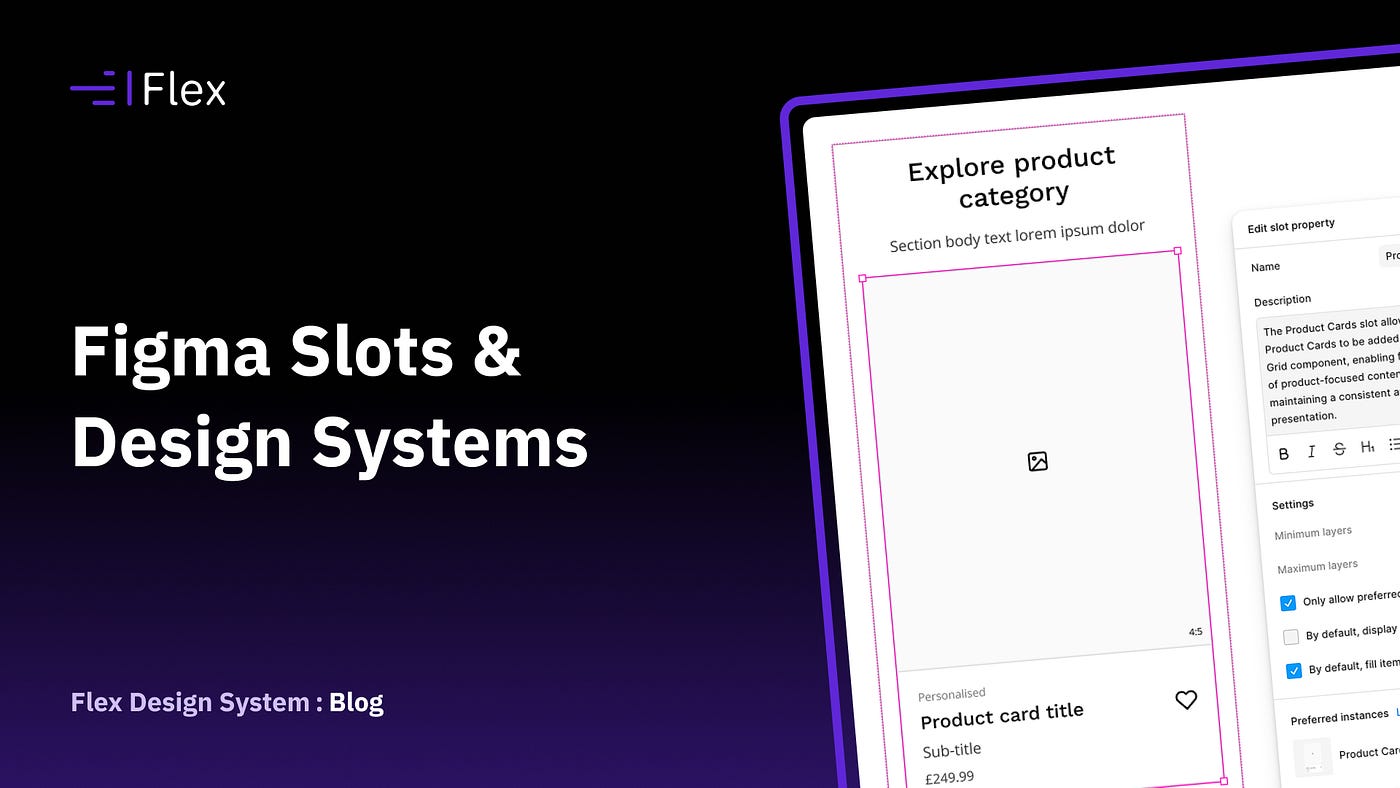
One of the ongoing challenges when building design systems is accommodating content that varies in quantity.
Navigation menus might contain three links or ten. A search results page could display four items on one occasion and twenty on another. Product grids, feature lists and dropdown menus all have the same issue.
The structure remains largely the same, but the amount of content doesn’t.
Historically, this has required compromise in Figma.
The usual approach has been to build components with enough child elements to cover most scenarios and then hide anything that isn’t needed. It’s a pattern most design system teams will be familiar with.
A navigation component might contain six links, even if most implementations only ever use four. A grid component might include twelve cards because there’s a reasonable chance someone will need that many at some point.
There’s nothing inherently wrong with this approach. It works, and for years it’s been one of the more practical ways of handling variable content in Figma.

The Hidden Cost of Flexibility
Over time, components often accumulate additional layers, visibility controls and configuration options that exist purely to manage content quantity.
The component itself isn’t necessarily more capable. It’s simply trying to anticipate every possible scenario in advance.
As systems grow, this introduces additional maintenance overhead and more complexity for the designers using them.
I’ve seen plenty of components where a significant proportion of the configuration exists solely to accommodate unknown amounts of content.
That’s where Figma’s new Slots feature becomes interesting.
Why Slots Are Different
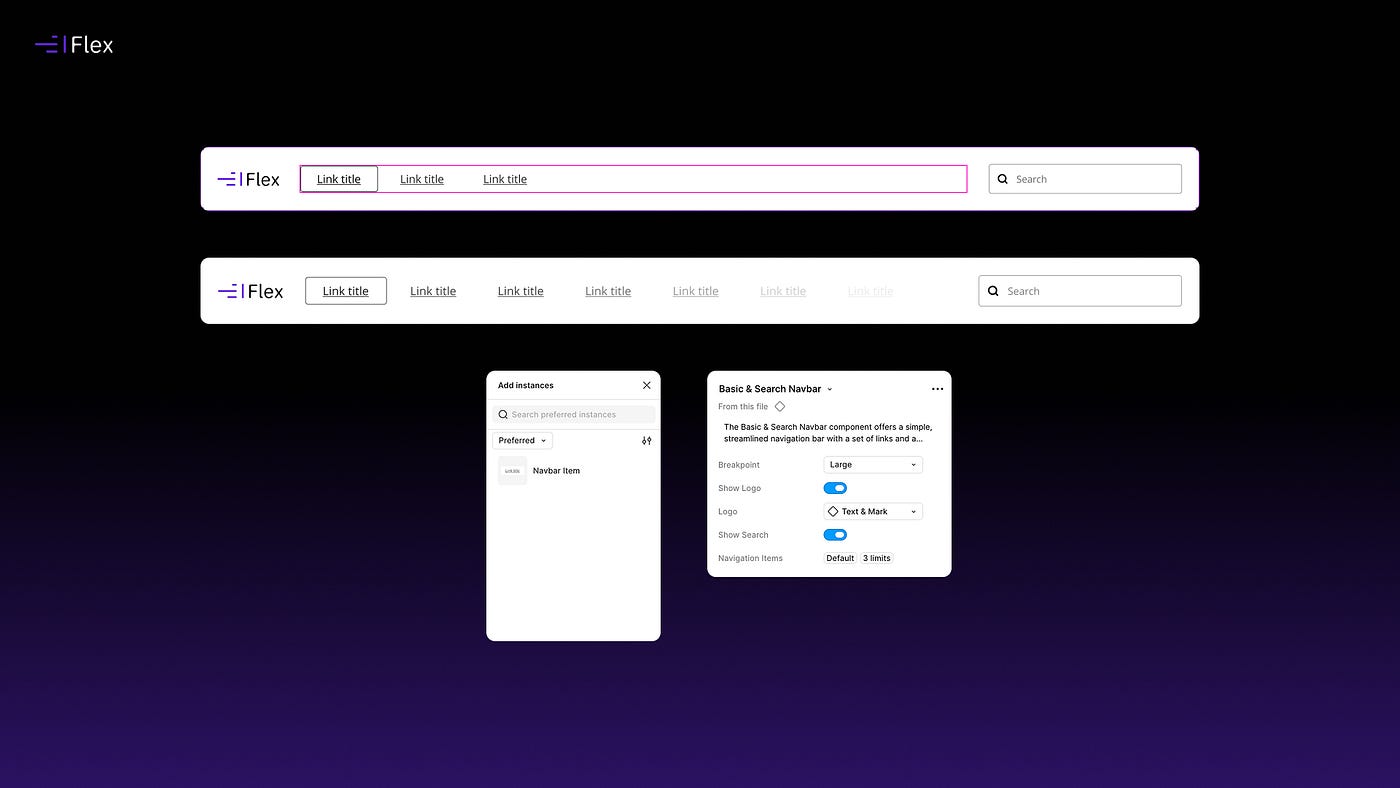
Slots allow repeatable content to be added when it’s needed rather than being built into the component from the start.
Instead of creating six navigation links and hiding the unused ones, a navigation component can expose a Slot that accepts navigation items. Designers simply add the number of links required.
The same principle applies to:
- Navigation menus
- Dropdown options
- Lists
- Search results
- Product grids
- Feature collections
- Accordions
The component remains focused on structure and behaviour, while the content becomes considerably easier to manage.
It’s a relatively small feature on the surface, but it addresses a workflow that many design systems have been working around for a long time.
Designing for Real Projects
Where I think Slots become particularly useful is when you’re creating realistic design variations.
In practice, we rarely design a single state of an interface.
Clients want to see how a search experience behaves with no results, with a handful of results and with significantly more content than originally anticipated.
A navigation structure might grow over time. Product listings expand and contract. Different content scenarios need to be explored and communicated.
Traditionally, accommodating these variations often meant creating multiple versions of a component or detaching components altogether.
Neither approach is especially efficient.
Slots make it much easier to add or remove content while keeping everything connected to the underlying system.
Different states can be explored quickly without rebuilding layouts or introducing unnecessary complexity into components.
From my perspective, that’s probably their biggest benefit.
They’re Already Influencing How I Structure Components
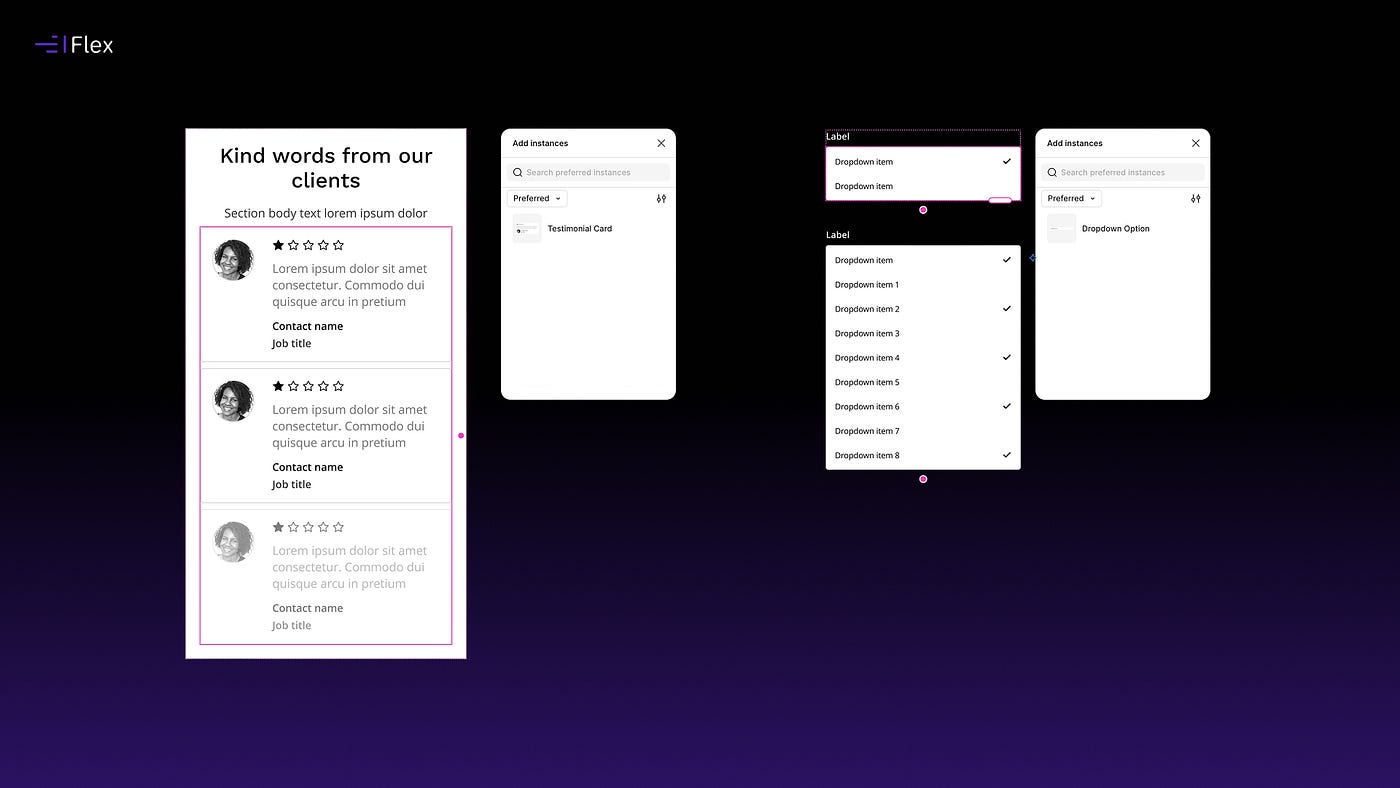
I’ve recently started introducing Slots into Flex Design System, particularly in components where content is naturally repeatable.
Navigation patterns, dropdown menus, lists and content grids are all good candidates.
Interestingly, the components themselves haven’t necessarily become more powerful. In many cases they’ve simply become easier to work with.
There’s less reliance on hidden layers, fewer configuration controls and fewer situations where designers feel the need to detach components to achieve a particular layout.
That’s generally a good sign.
Slots Are Still Evolving
Although the feature is already proving useful, it’s clear that Figma is continuing to develop it.
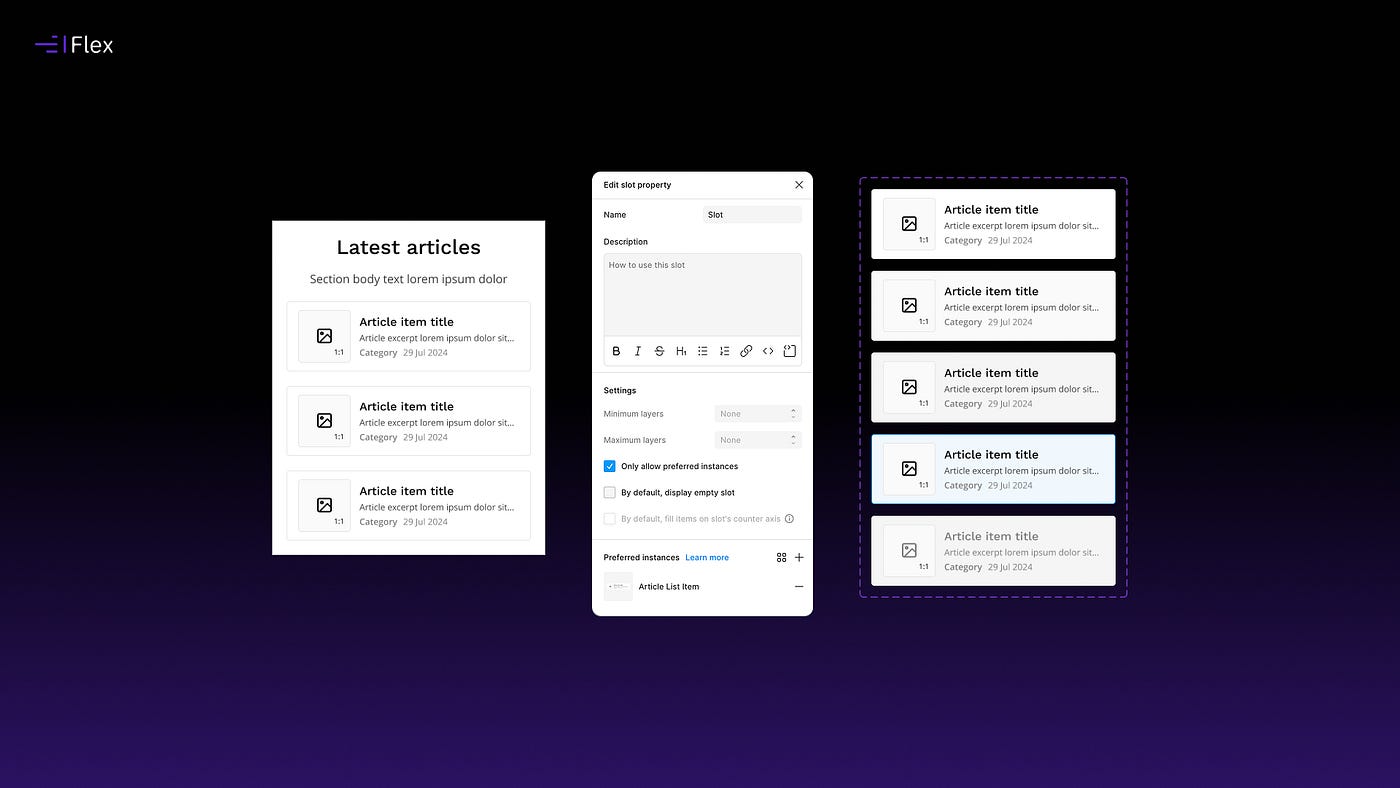
Recent additions such as preferred instances and the ability to define minimum and maximum item quantities have made Slots significantly more practical.
That said, there are still areas where I’d like to see the feature evolve further.
One limitation I’ve encountered is when working with component sets that contain variants. While it’s possible to define a preferred instance for a Slot, you can’t currently specify which variant of that instance should be used by default.It’s a relatively small issue, but it becomes more noticeable in larger design systems where components rely heavily on variants.
I suspect this is something Figma will continue refining over time.
Slots Aren’t Replacing Variants
I’ve already seen suggestions that Slots might replace variants.
I don’t think that’s the case.
Variants and Slots solve different problems.
Variants remain the right solution for managing states, styles and behaviour.
Slots are useful when the structure remains the same but the quantity of content changes.
Most mature design systems will end up using both.
Final Thoughts
Slots aren’t revolutionary, but they are practical.
They solve a genuine problem that many design systems encounter when dealing with repeatable content and layouts that need to accommodate changing quantities of information.
More importantly, they remove a bit of friction from everyday design work.
For me, that’s often the difference between a feature that’s interesting and one that genuinely improves the way we work.
Want to Check It Out?
You can preview Flex in Figma to see how it works, or visit the website to find out more:
🔗 Preview in Figma 🔗 Visit flexdesignsystem.com
If you have questions, feedback, just give me a shout in the comments.
Thanks for reading.
메타데이터
- post_id
- c8f93664464c
- slug
- figma-slots-design-systems-c8f93664464c
- url
- https://www.designsystemscollective.com/figma-slots-design-systems-c8f93664464c
- canonical_url
- https://www.designsystemscollective.com/figma-slots-design-systems-c8f93664464c
- author_url
- https://medium.com/@hungrybrowser.co.uk
- status
- ok
- fetched_at
- 2026-07-08 23:38:59