Obsessive Wattage Disorder
It’s just a number. I check it four hundred times a day regardless.
Obsessive Wattage Disorder
It’s just a number. I check it four hundred times a day regardless.

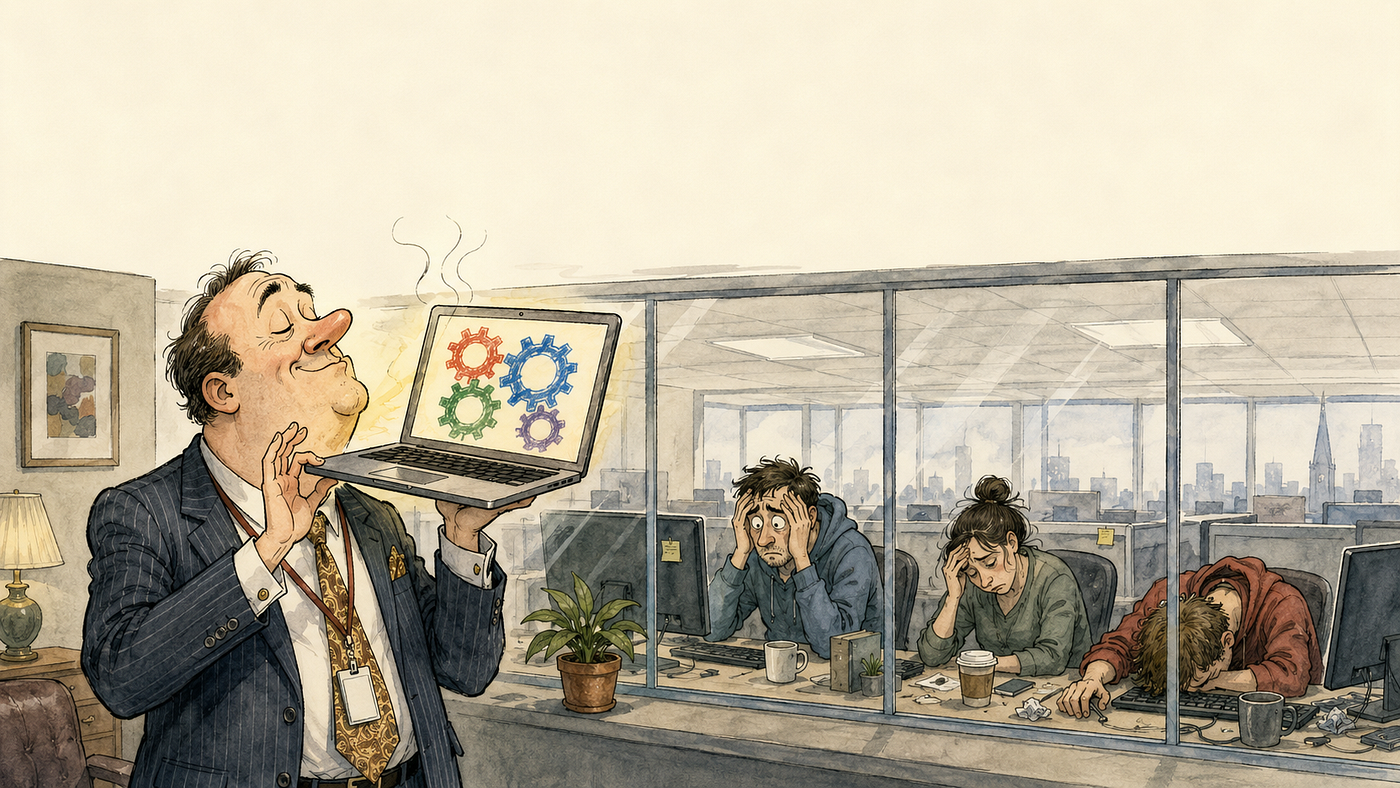
“Image generated using OpenAI’s DALL·E.”
Foreshadowing:
- If you’re not fond of Apple, or love Android, I’d skip this one.
- If you’re expecting a technical article, rather than a sarcastic commentary, I’d skip it as well.
Introduction
I’ve never liked Android, primarily because it’s associated with Java, the development environment sucks, and of course it’s backed by Google whose “do no evil” thing is now a long time in the past.
I’m also an Apple guy, make no apologies for it, and don’t have iOS devices lying around as they have actual value when they fall out of everyday usage.
Android, however, gathers around everywhere like mould (even if you’re an iOS household — and I haven’t worked that one out), taking up spaces in drawers, cupboards, and inevitably under sofas. So, unless you take a journey to a recycling centre (as CEX would give you pennies on the pound), you really do have to find something to do with them or you’ll end up knee deep in the damn things.
Since I recently had a solar system installed — and when I say “installed” I mean a frustrating, anxiety inducing experience with what was supposed to be a national installer (I won’t name names but they’re easy to find out, and avoid), being your stereotypical curious software engineer and all that, I’m all in on monitoring it now it’s, finally, installed.
Aside: The system itself is fine and performing well (~5 kW) but, as is usual hereabouts, the communication with the company, and the skill of some of the installers, tended toward the unavailable, hapless, and high street bank level of actively disliking customers. Still, there’s a long guarantee and they probably won’t disappear overnight (much as part of me wishes they would given my own experience), the kit itself was quality, it was just the humans in the equation that make it stressful. I wonder if “*AI*” could do that better, I think it’d be hard to make it worse.
Anyway, back to the script, Home Assistant, something that seems at first cheap and cheerful (like Android…) but it’s actually pretty cool once you have Claude set up with an access token doing the hard work and managing everything in minutes. Something that would take even an accomplished software engineer (ahem) hours, and detracted from the experience by having to do the boring legwork. Sounds like the day job, amirite?
And that, dear reader, is precisely where the rot sets in.
Because the moment you can actually see your own data — properly, locally, to the watt — you cannot stop looking at it.
A Dashboard Of One’s Own
Here’s the thing they don’t warn you about. Your shiny inverter doesn’t hand you your data, it hands it to a vendor cloud in a data centre you’ll never see, then graciously lets you look at it through their app, at their refresh rate, and on their terms. You own the panels, you own the variously jiggling electrons (DC → AC), but the mirror they’re reflected in is apparently a licensed service. And clouds move too — mine cheerfully announced it was migrating to a rebranded portal, API and all, with a little in-app notice and a cut-off date, as if I should be grateful for the warning. You can’t make this stuff up. Why does everything have to be so damn hard these days?
So I went local, which is the only civilised response, and then I lost the run of myself entirely.
Well, when I say local I mean I fudged my way around the “user” level interface of the lacklustre app they provided to get the data I was entitled to. I’ll do MODBUS eventually, and push it across WiFi somehow, but I’m not actually electrically minded enough to tap into the MODBUS from the sensor in the distribution board myself as I stay away from Amps. The “software” in the engineer, as it were.
Anyway, I had the data in Home Assistant now, after mimicking the app’s own backend shenanigans surreptitiously, so I did what any self-respecting stereotypical software engineer would do. I built gauges. Analogue dials with tick marks and red-amber-green bands keyed to the actual grid-operator voltage limits, because a reading without a statutory band is just a number and I am, allegedly, a professional. A net-flow needle that swings green for export and red for import. Time-of-use tariff templates with the day, peak, and night bands baked in so the running cost is correct, and not approximate.
And then I spent — I’ll be honest with you — the better part of an afternoon trying to make one number bigger. Just the watts. Bigger. I fought the card’s font size, I installed a styling plugin, I removed the styling plugin, and I eventually discovered the exact incantation of deprecated HTML tags that a sanitiser from 2011 still permits, nested them like Russian dolls, and made the number marginally bigger. It reminded me a little of the 1990s with respect to the HTML, but getting HAL 9000 to do it for me after it’d realise that humans were surplus to requirements. It was actually kind of fun.
One thing worth saying, though. Don’t point the phone at your normal dashboard. That busy desktop affair with forty gauges is a smeared, unreadable mess on a five-inch screen held at arm’s length across the kitchen (especially if you wear glasses for up close work, something that software engineering inflicted on me a few decades ago). Build a separate view its own page in Home Assistant, its own URL stripped right back to the two or three things you actually want to see from the sofa. Mine is a single panel showing the net-flow gauge, the big watts, and the house usage. Nothing else, and that’s the whole point. Don’t over-egg the pudding, as it were, as you’ll end up taking it all out later.
Something To Do With The Drawer Phone
Which brings us back to that mouldering pile of the Android detritus in the sideboard.
Every monitoring obsession needs an altar, and mine turned out to be something called an “Honor 8S”. I laughed out loud when I thought it was “Honor BS”, I cannot lie. It’s a small, cheap, three versions out-of-support handset that CEX would’ve given me literal pennies for. It now lives permanently on a USB charger (HomeKit linked, as I’m not leaving it on all the damn time — this is all about energy efficiency so I only charge it when there’s spare power, or at night on the cheaper ToU tariff), screen permanently on (dark mode, to save power too), showing precisely one thing — the net flow gauge, the watts coming or going, and the word EXPORTING in a hopeful bright (fully HTML compliant) aspirational shade of green. Sometimes there’s a red IMPORTING but I try not to think about that.
Aside: this is, I concede, the first genuinely useful thing an Android device has done in my house. Enjoy the moment, it won’t come again. Apart from that time I used a Samsung something or other to prop up a table until someone told me it’s not a great idea if the battery has a lot of weight on it. It’s in the garden now, stopping a fence from banging in the wind.
The recipe, for those compiling their own descent into the abyss,
- A dead phone with a working screen. LCD for preference as a wall panel wants an always-on backlight and burn in is (apparently, as said I’m software not hardware) a problem for OLEDs and the reckless.
- Screen lock set to none, so a cold boot runs straight through to the dashboard with no PIN prompt on a phone nobody will ever pick up.
- The default Home app set to the kiosk browser, so it launches on boot like a good little appliance.
- And, the load-bearing step on anything wearing Huawei’s EMUI skin, go into the battery settings and beat every aggressive power-saving nanny into submission, or the system will lovingly murder your kiosk in the night to conserve a battery that is plugged into the wall.
Skip the Google account entirely, of course. The phone does not need to know who I am to draw a semicircle.
Sideloading
Or, Trusting A Stranger’s APK and sending your data to the CCP
For the kiosk browser itself you do not go to the amusingly named “Play Store”. You should in fact go to the vendor’s website, download a raw .apk — unsigned by any store, unvetted by anyone — and you “sideload” it.
Let’s be clear about what sideloading actually is, because the industry has done a marvellous job of dressing it up as a hobbyist convenience. You are taking an executable from a website and telling your phone, on your honour (pun intended), that it’s fine. And, wait for it, you switch off the very safety that exists to stop you doing this. Android puts up a stern little warning and you wave it away like an agile evangelist looking for a spare seat in the company canteen.
Then the app, being a kiosk browser, asks for the permission set of a small intelligence agency — draw over other apps, read your storage, and, if you allow it, device administrator — and you grant them one by one, because it genuinely needs them to do the job. If it doesn’t ask, and this Honor thing didn’t ask a lot of things, your archaic version of Android (I think it was called “Swiss Cheese” judging by the number of security holes in it) will just allow everything like an electronic masochist in a company’s engineering basement.
At no point does anyone check the binary is what it claims to be, of course, no notarisation, no store review, no revocation if it turns nasty next Tuesday. You are the security team, which is a bit like real life in a modern SME if you think about it. You are the whole security team, doing it at nine on a Sunday because you wanted to watch a needle move rather than you feel you ought to because although the CTO told you to “not spend any time on it” you feel guilty about the customers you’re inflicting it on.
Cthulhu forbid you do this on a phone that matters, and that’s why you’re doing it on Android.
It Never Leaves The House
Which brings me to the one rule that makes the whole permission-hungry, sideloaded, unvetted arrangement tolerable, and it’s the hill I’ll die on.
The kiosk does not touch the internet.
It talks to exactly one thing, the Home Assistant box, on the local network, at a private address that doesn’t exist as far as the wider world is concerned. It logs in as a deliberately hobbled read-only account that can look but never change. It has no route out, it can’t phone home, it can’t be reached from outside, and it can’t update itself at 3am with any kind of payload either. If it were compromised tomorrow the worst it could do is lie to me about my own watts, and frankly (being me) I’d quickly notice.
I trust this appliance exactly as far as I’ve walled it in, and not one hop further. That isn’t paranoia, it’s the correct amount of trust to extend to a permission heavy binary you fetched from a URL, running on a phone the manufacturer stopped patching before the last World Cup. Or two. A device you can’t fully trust is fine, provided it can’t reach anywhere that matters.
Endnote
So. I have free electricity, a data pipeline I own end to end, a wall panel resurrected from a drawer, and a green needle I check roughly four hundred times a day. My self-consumption ratio is excellent. My time-consumption ratio, however, is a disaster.
Was it worth an afternoon lost to font sizes and a Sunday spent as a solo security auditor for a phone worth less than a round of drinks?
Of course it was. I can see the watts. They’re huge now too. I might even look at changing the colours.
Footnotes are taking a break today, primarily as they’re astounded I’m writing (even tangentially) about Android.
메타데이터
- post_id
- c908e5ab251c
- slug
- obsessive-wattage-disorder-c908e5ab251c
- url
- https://medium.com/the-grand-game-of-software-engineering/obsessive-wattage-disorder-c908e5ab251c
- canonical_url
- https://medium.com/the-grand-game-of-software-engineering/obsessive-wattage-disorder-c908e5ab251c
- author_url
- https://medium.com/@fractaldoctor
- status
- ok
- fetched_at
- 2026-07-15 00:42:10