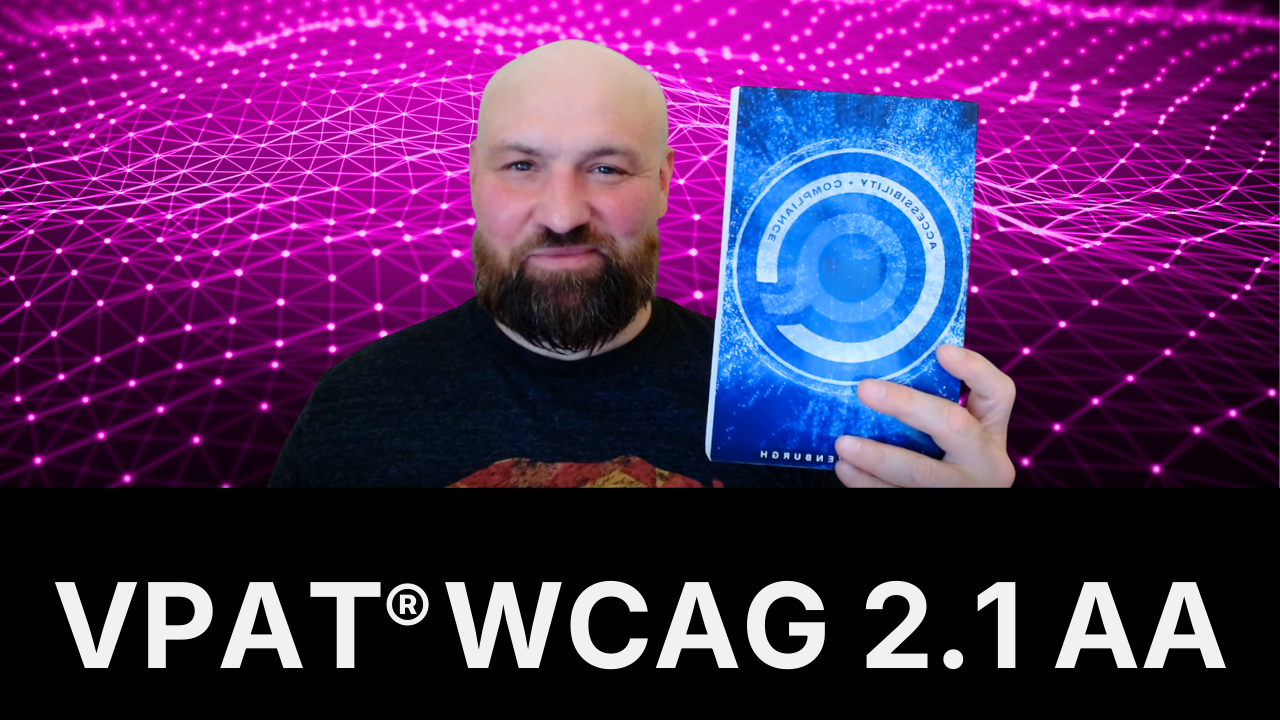
Mr. Market’s Guide to Buying WCAG Accessibility Audits
Learn exactly what you need to know about accessibility audits in 2 minutes. How to get a real WCAG, manual audit for less than you think.
Mr. Market’s Guide to Buying WCAG Accessibility Audits

Don’t accept anything short of a fully manual audit.
Let’s make sure you get rock solid value from your accessibility audit purchase.
What You’re Buying
An accessibility audit is a formal, manual evaluation of your digital asset’s conformance with a technical accessibility standard — usually WCAG 2.1 AA or WCAG 2.2 AA.
The auditor grades your website, mobile app, etc. against the Web Content Accessibility Guidelines (WCAG) and reports on every single issue so you know exactly what to fix.
You get the report.
What You’re Not Buying
What you don’t want are scan results (you can get these for free).
You also don’t want a combination of “automated testing” (i.e., a scan) and manual testing.
As a best practice, an automated scan should be used by the auditor, but only as a review. In effect, your audit report comes with everything a scan correctly flags.
Audit Scope
The audit scope is all of the pages, screens, views, and content included. You want to make sure the scope is a representative sample of your website or other digital asset.
Add the primary user flows, main templates and layouts, unique content, but you usually won’t include everything.
Accessible.org pages/screens cost $100–$250 for primary user flows, templates, and layouts and $25-$100 for very simple pages/screens.
Environments
You can get a desktop or mobile audit. Most Accessible.org clients choose both because their digital asset is accessed on both.
We default to Windows, Chrome browser, and NVDA screen reader on desktop and iOS, Safari browser, and VoiceOver screen reader on mobile.
Of course, clients can always add more (e.g., Android mobile environment), but these default environments cover a nice cross section of popular technologies.
The more environments you add, the more expensive your audit will be.
For example, adding mobile to desktop with Accessible.org adds 30% to the final price.
Standard
An audit will also specify a WCAG standard. This will almost always be WCAG 2.1 AA or WCAG 2.2 AA.
WCAG 2.2 AA is slightly more expensive (10%) because it has extra success criteria that are evaluated against.
Service Providers
Your service provider should want to clarify the environments and scope ahead of time. If they don’t care about the details, that’s a gigantic red flag because it means they’re not paying attention to detail and audits are all about details.
Anybody that is genuinely auditing will very much care if the audit is just desktop or just mobile because it means they’re spending a lot more time.
Same with the scope.
Red Flags
You give yourself a much better chance at using an accessibility company that provides genuine audits if you remove all of the candidates who:
- Sell any type of overlay or overlay widget (instant solution for accessibility).
- Are focused on selling scan subscriptions
Take out those two things and the marketplace brightens up with a much higher percentage of genuine providers.
What’s the difference between an audit and a scan?
An audit is a comprehensive manual evaluation by a human expert who uses multiple methodologies to find all WCAG issues. A scan is an automated tool that checks for technical patterns and can only identify about 25% of accessibility issues. Audits find issues that require human judgment, like whether alt text actually describes an image meaningfully.
How long does an accessibility audit take?
Most website audits take 10–15 days from start to delivery. The evaluation itself takes several days, followed by report compilation and quality review. Larger scopes or complex applications may take longer. Rushing an audit compromises quality.
Do I need both desktop and mobile audits?
Desktop audits catch about 70% of issues across all devices since most accessibility requirements are identical between platforms. This is good coverage, but if your audience accesses your digital asset via mobile, adding mobile environment is highly recommended.
Can I use an audit report for ADA compliance?
An audit documents your accessibility status and demonstrates good faith effort toward ADA compliance. However, the audit alone doesn’t ensure compliance. You need to fix the identified issues to achieve WCAG conformance. Courts generally view audits followed by remediation favorably in ADA cases.
How often should I get accessibility audits?
As often as you see fit. Once annually is a good cadence. Bi-annual audits can also make sense. You definitely don’t want to get them at a high clip (e.g., monthly for the same scope) because then you won’t be able to fix the issues before the next one.
What to do after you get an audit report?
Fix the issues ASAP and then validate that the fixes have been made correctly. You can convert your audit report into an online hub and track fixes and progress with an audit-based platform like Accessibility Tracker.
Key Insights
When it comes to audits, many organizations make very simple mistakes like purchasing a scan subscription or a widget subscription, either trying to shortcut the process or spend less money.
Audits are essential to WCAG conformance and compliance with digital accessibility laws, so you should start with one.
Many of our clients find out that their quote is less than they thought and another option is you don’t have to start with a full audit. You can narrow your scope, work on the most important pages/screens, and reduce your cost.
메타데이터
- post_id
- c9516bb67bb1
- slug
- mr-markets-guide-to-buying-wcag-accessibility-audits-c9516bb67bb1
- url
- https://medium.com/@adabook/mr-markets-guide-to-buying-wcag-accessibility-audits-c9516bb67bb1
- canonical_url
- https://medium.com/@adabook/mr-markets-guide-to-buying-wcag-accessibility-audits-c9516bb67bb1
- author_url
- https://medium.com/@adabook
- status
- ok
- fetched_at
- 2026-07-16 17:47:31