Build Your Own printf() in C Using putchar() — Step-by-Step Guide
Ever wondered how printf() works under the hood? Let's create a mini version of it from scratch — just raw C, putchar().
Build Your Own printf() in C Using putchar() —Step-by-Step Guide
Ever wondered how
printf()works under the hood? Let's create a mini version of it from scratch — just raw C,putchar().
Why Build printf Yourself?
Writing your own printf() is a great way to:
- Learn about variadic functions (
va_list) - Understand how format specifiers like
%d,%s, and%cwork - Sharpen low-level C skills
Goal: Build my_printf
We’ll create a my_printf() function that supports:
%c— single character%s— string%d— decimal integers%%— literal percent sign
All output will use only putchar().
Step 1: Include Headers
#include <stdarg.h>  // for va_list
#include <stdio.h>   // for putchar
Step 2: Helpers to Print
void print_string(const char *str) {
    while (*str) {
        putchar(*str++);
    }
}

void print_number(int num) {
    if (num == 0) {
        putchar('0');
        return;
    }

    if (num < 0) {
        putchar('-');
        num = -num;
    }

    char buffer[10];
    int i = 0;

    while (num > 0) {
        buffer[i++] = (num % 10) + '0';
        num /= 10;
    }

    while (i--) {
        putchar(buffer[i]);
    }
}🔤print_string(const char *str) :
This function prints a string one character at a time using putchar():
- It loops through the string until it hits the null terminator (
\0). - Each character is printed using
putchar. - Simple, efficient, and does exactly what
printf("%s", str)would do—without needingprintf.
🔢 print_number(int num) :
This function prints a positive or negative integer:
- If the number is
0, it just prints'0'and exits. - For negative numbers, it prints
'-'first and makes the number positive. - It breaks the number into digits (right to left) and stores them in a buffer.
- Finally, it prints the digits in reverse order to display the number correctly.
This function mimics what %d does in printf, using only basic math and putchar.
Step 3: The my_printf() Core
void my_printf(const char *format, ...) {
    va_list args;
    va_start(args, format);

    while (*format) {
        if (*format == '%') {
            format++;
            if (*format == 'c') {
                char c = va_arg(args, int);
                putchar(c);
            } else if (*format == 's') {
                char *str = va_arg(args, char*);
                print_string(str);
            } else if (*format == 'd') {
                int num = va_arg(args, int);
                print_number(num);
            } else if (*format == '%') {
                putchar('%');
            } else {
                // Unknown format, print it raw
                putchar('%');
                putchar(*format);
            }
        } else {
            putchar(*format);
        }
        format++;
    }

    va_end(args);
}
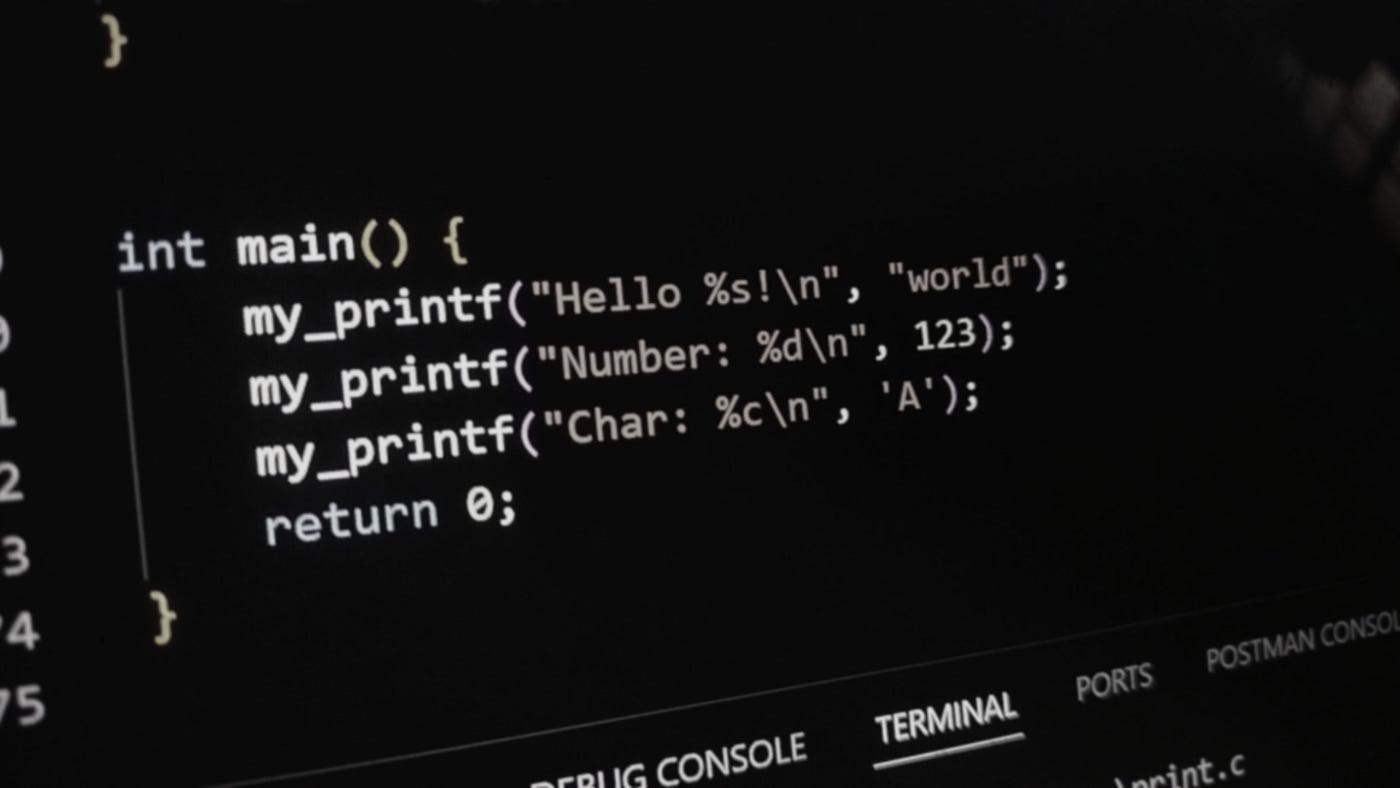
Step 4: Test It!
int main() {
    my_printf("Hello %s!\n", "World");
    my_printf("Score: %d%%\n", 95);
    my_printf("Grade: %c\n", 'A');
    return 0;
}
Output:
Hello World!
Score: 95%
Grade: A
Full Code:
For the complete implementation of
my_printf, check out the full code on GitHub Gist.
Conclusion
Writing your own printf() teaches you how C handles variable arguments, string formatting, and low-level output. It’s a fun and powerful way to level up your understanding of how things really work under the hood.
메타데이터
- post_id
- c9bc29ef2efd
- slug
- build-your-own-printf-in-c-using-putchar-step-by-step-guide-c9bc29ef2efd
- url
- https://medium.com/@priyanshugrv/build-your-own-printf-in-c-using-putchar-step-by-step-guide-c9bc29ef2efd
- canonical_url
- https://medium.com/@priyanshugrv/build-your-own-printf-in-c-using-putchar-step-by-step-guide-c9bc29ef2efd
- author_url
- https://medium.com/@priyanshugrv
- status
- ok
- fetched_at
- 2026-07-19 22:53:17




