Cracking WEP Encryption: Wireless Network Analysis with Wireshark and Aircrack-ng
Introduction
Cracking WEP Encryption: Wireless Network Analysis with Wireshark and Aircrack-ng
Introduction
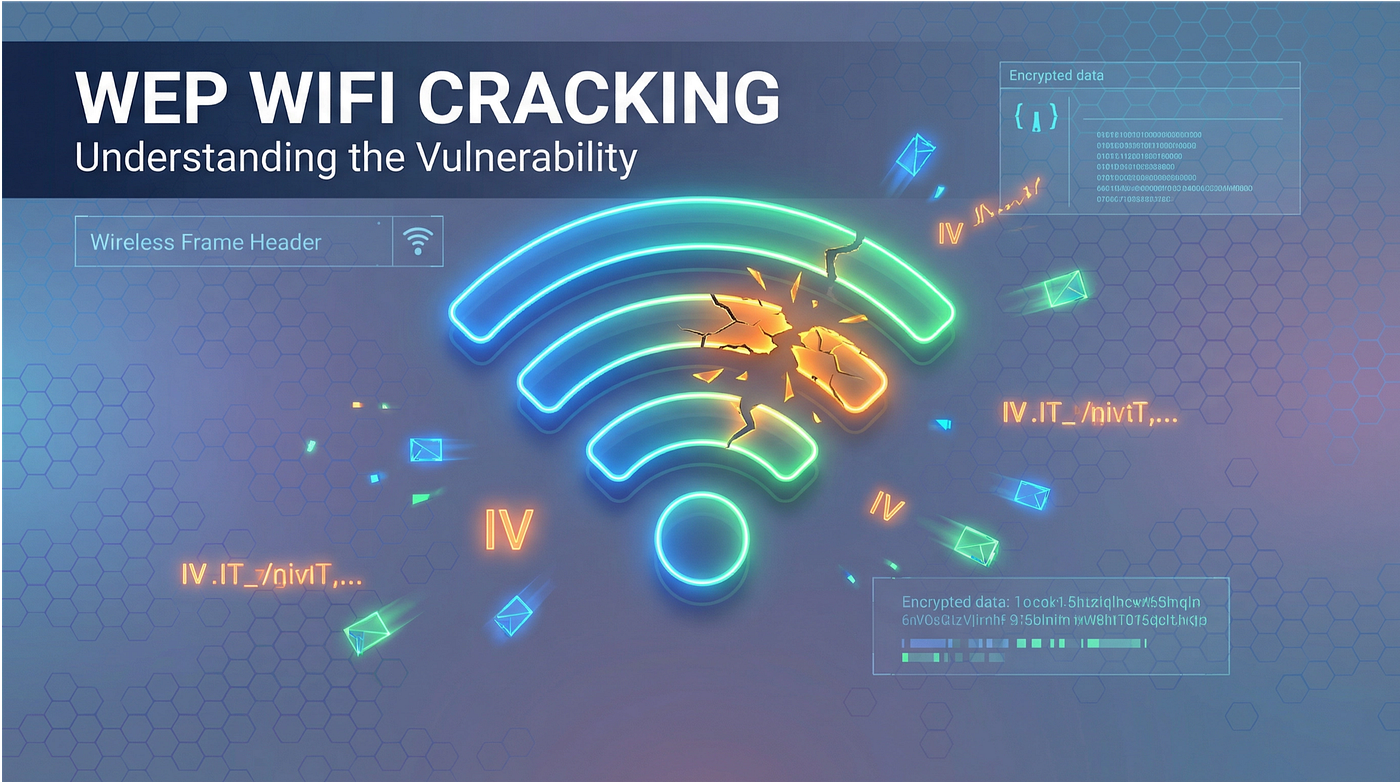
Wired Equivalent Privacy (WEP) was the original security protocol for Wi-Fi networks, and its failure is a well-known case study in cryptography. Understanding how WEP was broken teaches useful lessons about initialization vector reuse, stream cipher weaknesses, and why security standards must evolve.
In this guide, we’ll walk through analyzing a wireless packet capture step by step: identifying the network, understanding the traffic, and recovering the WEP key. These skills apply directly to wireless security assessments, CTF competitions, and penetration testing scenarios.
Scenario
You’ve been given a PCAP file containing captured wireless traffic. Your task is to analyze the capture and answer the following questions:
- What channel was the wireless network operating on?
- What is the ESSID (network name) of the Wi-Fi network?
- What is the MAC address of the device generating the traffic that makes cracking the password possible?
- What company manufactured the access point?
- What is the wireless password (in hex)?
Tools Required:
- Wireshark: For analyzing the PCAP file
- aircrack-ng: For cracking the WEP key
- Basic terminal/command line knowledge
Opening the PCAP File
Open the PCAP file in Wireshark. You’ll see thousands of packets captured from a wireless network.
Initial Observations:
- All packets show protocol as 802.11 (wireless)
- No EAPOL packets are present (ruling out WPA/WPA2 handshake capture)
- This suggests we’re dealing with a WEP-encrypted network
Q1: Identifying the Wireless Channel
How to find it: Filter for beacon frames in Wireshark:
wlan.fc.type_subtype == 0x08Beacon frames are periodically broadcast by access points to advertise their presence. Select any beacon frame and expand the following sections:
- IEEE 802.11 Wireless LAN management frame
- Tagged parameters
- Look for Tag: DS Parameter set
The Current Channel field reveals the channel the network operates on.
Why this works: Beacon frames contain the network’s complete configuration information, including the channel. The DS (Distribution System) Parameter Set tag specifically indicates which radio frequency channel the AP is using. In practice, 2.4 GHz Wi-Fi uses channels 1–14, with channels 1, 6, and 11 being the most common non-overlapping selections.
Q2: Finding the Network Name (ESSID)
Using the same beacon frame:
- Expand Tagged parameters
- Find Tag: SSID parameter set
- The SSID field displays the network name
What is an SSID? SSID (Service Set Identifier) is the network name that appears when you search for Wi-Fi networks on your device. It’s broadcast in beacon frames unless the network is configured to hide it. Even “hidden” SSIDs can be recovered from probe request/response frames.
Q3: Identifying the Traffic-Generating Device
Why this matters for WEP cracking: In WEP cracking, we need to collect data packets because each packet contains an Initialization Vector (IV). The device actively transmitting data (typically a client connected to the network) provides these IVs. The more data packets captured, the faster WEP can be cracked.
How to find it: Filter for data frames:
wlan.fc.type == 2Look at the source addresses (SA) of the data packets and identify which device is generating the most traffic. That device’s MAC address is the answer.
Alternative method: Use Wireshark’s built-in statistics:
- Go to Statistics > Endpoints > IEEE 802.11
- Sort by packets or bytes to find the most active device (excluding the access point itself)
Q4: Identifying the Access Point Manufacturer (OUI Lookup)
Look at any beacon frame to find the BSSID (the AP’s MAC address). The first 3 bytes (6 hex digits) represent the OUI (Organizationally Unique Identifier).
What is an OUI? The first 24 bits (3 bytes) of a MAC address identify the manufacturer. IEEE assigns these OUI blocks to companies. You can look up any OUI at: https://www.wireshark.org/tools/oui-lookup.html
Wireshark often resolves OUIs automatically; look for the manufacturer name next to the MAC address in the packet details.
Q5: Cracking the WEP Key
Now for the core objective. Let’s understand WEP, why it’s broken, and how to recover the key.
Confirming WEP Encryption
- Examine a beacon frame
- Look at Fixed parameters > Capabilities Information
- Check if the Privacy bit is set to 1 (encryption enabled)
- Note the absence of RSN (Robust Security Network) or WPA information elements
- This confirms WEP encryption is in use
Why WEP Can Be Cracked
WEP has critical cryptographic flaws that make it fundamentally insecure:
1. Weak IV (Initialization Vector) Implementation:
- WEP uses a 24-bit IV that’s sent in plaintext with each packet
- With only 24 bits, IVs repeat after about 16 million packets
- In practice, IV collisions happen much sooner (~5,000 packets)
2. RC4 Stream Cipher Weaknesses:
- WEP uses the RC4 algorithm incorrectly
- Certain “weak IVs” leak information about the key
- Statistical analysis of these weak IVs can recover the key
3. No Packet Integrity:
- WEP’s CRC-32 checksum is not cryptographically secure
- Attackers can flip bits and recalculate checksums
Using aircrack-ng
Aircrack-ng is a suite of tools for auditing wireless networks. The aircrack-ng tool specifically performs statistical attacks against captured WEP data.
Basic command:
aircrack-ng capture.pcapIf multiple networks are in the capture, specify the target BSSID:
aircrack-ng -b [AP_MAC_ADDRESS] capture.pcapWhat aircrack-ng does internally:
- Extracts IVs: Reads all data packets and extracts their Initialization Vectors
- Identifies Weak IVs: Looks for IVs that leak key information
- Statistical Analysis: Uses the FMS (Fluhrer, Mantin, and Shamir) attack and PTW (Pyshkin, Tews, Weinmann) attack
- Key Recovery: Performs mathematical operations to derive the most likely key bytes
Required Packets:
- 40-bit WEP (64-bit total): ~20,000–40,000 unique IVs needed
- 104-bit WEP (128-bit total): ~40,000–85,000 unique IVs needed
Interpreting the Results
When aircrack-ng succeeds, it displays output similar to:
Reading packets, please wait...
Opening capture.pcap
Read 21103 packets.

Got 20215 out of 20000 IVs
Starting PTW attack with 20215 ivs.
ESSID    Encryption
1  C0:4A:00:80:76:E4  NetworkName  WEP (20215 IVs)
Choosing first network as target.
Aircrack-ng 1.7
[00:00:01] Tested 11894 keys (got 20215 IVs)
KB   depth   byte(vote)
 0    0/19   33(27392) EE(25856) 30(25600)
 1    0/4    44(28672) 5A(25344) 6E(24832)
 2    6/26   5F(25088) A6(24576) E9(24576)
 3    0/6    6D(28416) 32(26112) 1F(25600)
 4    0/2    9C(29952) AA(26112) 5D(25088)
         KEY FOUND! [ 33:44:5F:6D:67 ] (ASCII: 3D_mg )
    Decrypted correctly: 100%
Understanding the output:
- Each byte of the key is recovered independently
- “Vote” numbers show statistical confidence; higher votes mean more certainty
- The final key is presented in hex format with colons
- “Decrypted correctly: 100%” confirms the key is valid
Summary
Why WEP is Insecure
- Mathematically Broken: The encryption scheme has fundamental design flaws
- Passive Attack: No need to connect to the network or inject packets
- Fast to Crack: Can be cracked in minutes with enough traffic
- Tools are Free: aircrack-ng and similar tools are readily available
Modern Alternatives
WEP was deprecated in 2004. Modern networks should use:
- WPA2 with AES encryption (minimum standard)
- WPA3 for newer devices (preferred)
- Strong, random passwords (not dictionary words)
Defense Lessons
From a defensive perspective:
- Never use WEP. It provides no real security.
- Monitor for wireless attacks. Unusual amounts of data traffic can indicate IV collection.
- Use WPA2/WPA3 with strong pre-shared keys
- Consider 802.1X for enterprise environments
- Regular security audits of wireless infrastructure
Additional Resources
Learning More
- Aircrack-ng Documentation
- Wireshark 802.11 Display Filters
- “Weaknesses in the Key Scheduling Algorithm of RC4” (the original FMS paper by Fluhrer, Mantin, and Shamir, 2001)
Practice
- Try capturing your own WEP traffic in a lab environment
- Experiment with other aircrack-ng suite tools (airodump-ng, aireplay-ng)
- Learn about WPA/WPA2 cracking techniques (very different from WEP)
Final Notes
This type of exercise demonstrates a real-world attack that was commonly used in the mid-2000s. While WEP is rare today, understanding how it was broken teaches important lessons about:
- Cryptographic design principles
- The importance of proper IV usage
- Statistical attacks against weak ciphers
- Why security standards evolve
Always practice ethical hacking: Only test networks you own or have explicit permission to audit. Unauthorized access to computer networks is illegal in most jurisdictions.
메타데이터
- post_id
- c9e89a2fdc91
- slug
- cracking-wep-encryption-wireless-network-analysis-with-wireshark-and-aircrack-ng-c9e89a2fdc91
- url
- https://meetcyber.net/cracking-wep-encryption-wireless-network-analysis-with-wireshark-and-aircrack-ng-c9e89a2fdc91
- canonical_url
- https://meetcyber.net/cracking-wep-encryption-wireless-network-analysis-with-wireshark-and-aircrack-ng-c9e89a2fdc91
- author_url
- https://medium.com/@moezbenazzouz
- status
- ok
- fetched_at
- 2026-06-17 08:20:12