I Built 22 Chrome Extensions to Solve Problems Everyone Complains About
…and Yes, I’m Going to Tell You They’re Great
I Built 22 Chrome Extensions to Solve Problems Everyone Complains About
…and Yes, I’m Going to Tell You They’re Great
Full disclosure: I made these things. Objectivity left the building. Buckle up.
Let me be upfront with you before we go any further.
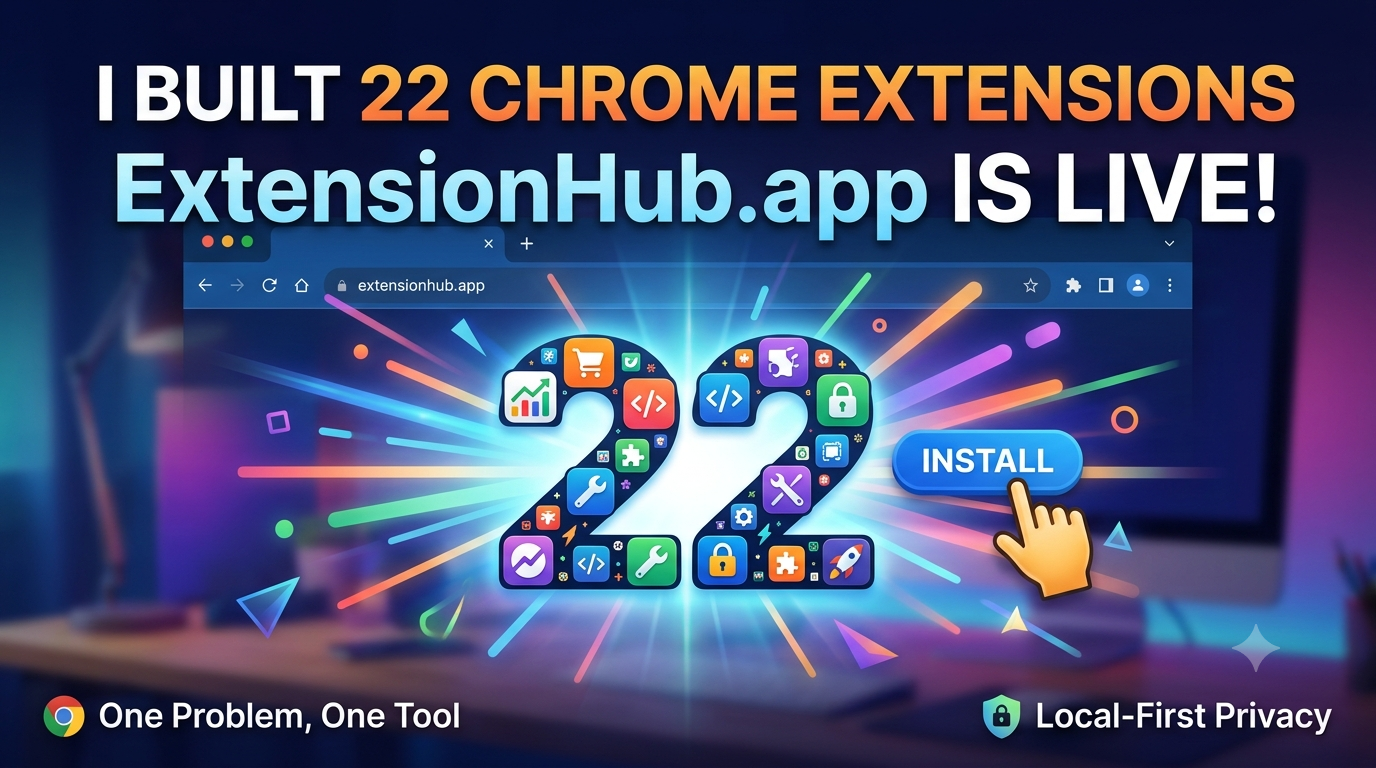
This article is about ExtensionHub.app — a collection of 22 Chrome extensions I personally built, and I am going to spend the next several minutes telling you they are wonderful, useful, life-changing, and probably the best thing to happen to your browser since tabbed browsing was invented.
Is this objective journalism? Absolutely not.
Is this a sponsored post? No, I am literally the only person involved.
Is this just a founder talking about their own products with completely unearned confidence? Yes. Exactly that. You’ve spotted it. Well done.
Now that we’ve cleared the air — let me tell you about the very real, very annoying problems that made me build these, and why I think they might actually be worth five minutes of your time.
The Problem Nobody Is Actually Solving
Here’s the thing about the modern internet: everyone builds everything for everyone.
You want a browser extension that does one small thing? Great. Here’s a bloated all-in-one app that does 47 things, half of which you’ll never use, all of which require permissions it has no business requesting.
You want a tool for your specific problem? Good luck finding it in a sea of “everything-but-the-kitchen-sink” solutions that:
- Track your browsing history
- Sell your data
- Require 15 permissions
- Look like they were designed in 2005
- Cost $30/month for features you don’t need
I’ve watched this conversation happen dozens of times on Reddit, Twitter, LinkedIn, Hacker News — you name it. Someone posts “is there an extension that does X?” and the responses flood in with remarkable consistency:
“Just use [bloated all-in-one tool].”
Sure. Or I could use something that actually does exactly what I need and nothing else.
“Why not just do it manually?”
Beautiful. Love the enthusiasm. Will look into spending 20 extra minutes every day doing something a computer should do for me.
“Just use the built-in browser feature.”
I’m going to pretend you didn’t say that. The built-in browser feature doesn’t exist, doesn’t work, or is buried so deep in settings that nobody can find it.
Here’s the thing that frustrated me most: every problem I was solving already had a solution somewhere. The math was public. The methodology was documented. The API was right there in Chrome. But nobody had packaged it well.
Someone had built the thing for themselves. Someone else had built a half-broken version. Someone else had built something that did 50 other things and one of them vaguely resembled what I needed.
So I stopped waiting.
What ExtensionHub Actually Is
At its core, ExtensionHub is simple: 22 single-purpose browser extensions, each solving exactly one real problem well.
No bloat. No unnecessary permissions. No tracking. Just a tool that does the thing it says it does, and then gets out of your way.
The extensions are organized into categories:
📊 Finance & Trading (4 extensions)
Retail Trader Toolkit → Try it now
Daily loss-limit enforcement, execution-quality grading against the NBBO, FXCM-specific margin calculators, wash sale tracking. If you’re tired of guessing whether your broker gave you a fair price, this one’s for you.
Broker Compliance Suite → Try it now
Marketing creative review, affiliate/IB content monitoring, multi-jurisdiction regulatory tracking. Built for compliance teams who need to protect their brokerage from regulatory exposure.
Real Estate Investor Toolkit → Try it now
Off-market seller-motivation signals, short-term rental regulation checks, 1031 exchange deadline tracking. Finally, a tool that finds deals before they hit the MLS.
Execution Scorecard Extension → Try it now
Grade your trades A through F based on SEC execution-quality methodology. Because you deserve to know if you’re getting shafted on fills.
📦 Amazon Selling (3 extensions)
Amazon Wholesale Reseller Toolkit → Try it now
Suspension appeal document assembly, invoice-to-ASIN authenticity tracking, distributor account terms. When Amazon flags your listing, you’ll have the documentation ready in minutes.
Amazon Brand Protection Suite → Try it now
Unauthorized-reseller monitoring, MAP compliance scorecards, counterfeit evidence organizing. A lightweight version of what enterprise brand-protection agencies charge $2,000+/month for.
Creator & Online Seller Toolkit → Try it now
Sponsorship rate benchmarking, FTC disclosure compliance checking, supplier reliability scoring. Stop guessing if an offer is fair — get the data you need to negotiate.
🌍 International Trade (2 extensions)
International Trade Toolkit → Try it now
Sanctions screening, Letter of Credit discrepancy checking, Incoterms explainer, landed-cost comparison. Because a lower unit price under EXW can end up more expensive than a higher DDP price once freight and duty are included.
💼 Business & Freelance (2 extensions)
Small Business & Freelancer Toolkit → Try it now
Scope-creep tracking, vendor contract scanning, merchant processing fee auditing, 1099 threshold tracking. Finally, a way to prove that “just one small thing” was never part of the original scope.
💰 Consumer Shopping (1 extension)
Consumer Money & Shopping Toolkit → Try it now
Shrinkflation tracking, fake-discount verdict scoring, coupon-stacking calculators, warranty tracking. Instead of a confusing price chart, it gives you a plain verdict: “this sale price is actually 8% higher than the 90-day average.”
💻 Developer Tools (4 extensions)
DevTools for AI Coders → Try it now
Capture full page context for AI prompts. Stop copy-pasting snippets — send the entire context to your AI coding assistant with one click.
GitHub PR Context Loader → Try it now
Load PR context directly from GitHub. Because reviewing code shouldn’t require opening 15 different tabs just to understand what changed.
Service Worker Cache Cleaner → Try it now
Clear service worker caches with one click. A simple fix for the frustrating “my update isn’t showing” problem.
Blogger SEO Auditor → Coming soon
Audit your Blogger posts for SEO issues. Optimize your content without installing 47 WordPress plugins.
🧠 Productivity & Wellness (5 extensions)
Memory Hub → Try it now
Your browser’s memory, organized. Never forget why you opened that tab again.
MoodGuard → Try it now
Your emotional safety net for the web. Because sometimes you just need to filter out the noise.
Tab Haunting → Try it now
Never lose a tab you meant to read again. It’s like a “read it later” list, but built into your browsing flow.
Japanese Font Finder → Coming soon.
Find Japanese fonts on any page. If you’re learning Japanese or working with Japanese content, this is a lifesaver.
Recipe Ingredient Cross-Checker → Coming soon.
Build your shopping cart from recipes. No more “I think I have flour” guessing games.
The Features I’m Particularly Proud Of (Remember: Not Biased At All)
🎯 One Problem, One Tool
Every extension does exactly one thing. The Retail Trader Toolkit doesn’t try to be your Amazon seller dashboard. The Amazon Brand Protection Suite doesn’t try to manage your freelance contracts. Each tool is narrow, focused, and built for one specific job.
This might sound obvious. It’s not. Most extensions try to do everything and end up doing none of it well. My approach is different: build the exact tool for the exact problem, and make it work perfectly.
🔒 Local-First Privacy
Most extensions run entirely in your browser. The only routine network call most tools make is an optional Pro license check via Gumroad. No data leaves your browser. No tracking. No selling your browsing history.
When I started building these, I looked at what other extensions were asking for and was honestly alarmed. Full history access. All websites. Data collection. For a tool that just needed to read your tabs.
So I built things differently. If an extension doesn’t need a permission, it doesn’t ask for it.
💡 Transparent Methodology
Every extension’s calculations are based on public, documented sources. SEC execution-quality rules. FXCM’s own contract specs. IRS thresholds. OFAC’s public screening list.
Nothing is a black box. You can see exactly how the math works. If you don’t like the methodology, you’re free to disagree with it. But you’ll never have to wonder “where did this number come from?”
⏱️ Free Core, Forever
Every extension keeps its core features free after the 14-day trial. Pro subscriptions unlock deeper features per extension.
I believe the basics should be free. If the tool solves your problem with the free features, great. If you need more power, the Pro subscription is there. No tricks. No hidden fees.
The Honest Part
Here’s where I step slightly outside my self-promotional fog and talk to you straight.
I’m a solo developer. Everything on ExtensionHub is built, designed, and tested by me. This means:
- Updates might be slower than a team of 20 developers
- Some extensions are newer and less polished than others
- There are 22 extensions today, and I’m working toward 100+
If something breaks, I fix it. If you have a feature request, I read it. If the UI is ugly, I’m working on it.
But here’s what it also means: every extension is built with care. Not because I’m trying to meet a quarterly target, but because I use these tools myself. The Retail Trader Toolkit? I use it. The Consumer Money Shopping Toolkit? I use it. I built these because I needed them, and then I made them good enough for other people.
Are there tradeoffs? Yes.
- Memory Hub estimates memory usage — it doesn’t measure it exactly. Chrome doesn’t let extensions do that.
- The sanctions screener is a screening aid, not a legal compliance guarantee.
- Some extensions are newer and have fewer features than others.
And yes, you might already have a solution that works for you. Chrome has built-in memory saving. Your brokerage has its own calculators. Amazon has its own brand registry.
If you’re happy with what you have, you might not need these.
If you want more control, more transparency, and more information, that’s what ExtensionHub is for.
Why I Built This Instead of Just… Writing a Blog Post About It
Because I’m a builder. And I’m allergic to problems that have known solutions that nobody has packaged well.
I had 50 tabs open one afternoon. My machine was slow. I looked at the various tab manager extensions available and found them mostly outdated, mostly ugly, or mostly asking for permissions they had no business requesting.
I had a tax problem. I looked at the available tools and found nothing that worked the way I needed.
I had an Amazon seller problem. I looked at the available tools and found bloated, expensive, enterprise solutions for a small seller problem.
So I built things. Not all at once. One problem at a time.
The first extension was for me. The second was for a friend. The third was for a frustration I’d been carrying for years. After a while, I realized I had a collection of tools that other people might actually want.
So I cleaned them up, made them work consistently, and put them in one place.
No grand origin story. No venture funding. Just a series of problems I had, solutions that existed in pieces, and the specific kind of stubbornness that makes people build things at 1 am on a Saturday.
Try Them. Or Don’t. But Probably Try Them.
ExtensionHub is free to start. Every extension has a 14-day free trial with full Pro features. After that, the core features stay free forever.
Permissions are minimal. Most extensions need only: tabs (to see your tab URLs and titles), storage (to save your settings), and sometimes windows (to focus the right window). No host permissions. No content scripts. No data leaves your browser.
If it doesn’t help you, uninstall it. No hard feelings. My feelings are, objectively, extremely fine.
But if you’re someone who’s been nodding along to this article because yes, the internet is full of problems that should have been solved by now, and yes, you keep having to cobble together half-solutions from different places — give ExtensionHub ten minutes.
Browse the directory. Find the extension that matches your problem. Install it. See if it works.
Then go tell someone about the specific problem it solved. You’ll have a better answer for them.
ExtensionHub is available now at extensionhub.app
Works on Chrome, Brave, Edge, and any Chromium-based browser.
Browse all 22 extensions: View the full directory →
P.S.
I told you at the start I wasn’t going to be objective. I kept that promise. You’re welcome.
메타데이터
- post_id
- ca4e82342790
- slug
- i-built-22-chrome-extensions-to-solve-problems-everyone-complains-about-ca4e82342790
- url
- https://medium.com/steelsolver-com/i-built-22-chrome-extensions-to-solve-problems-everyone-complains-about-ca4e82342790
- canonical_url
- https://medium.com/steelsolver-com/i-built-22-chrome-extensions-to-solve-problems-everyone-complains-about-ca4e82342790
- author_url
- https://medium.com/@muhiuddin-alam
- status
- ok
- fetched_at
- 2026-07-31 11:34:07





