Building a Local AI Agent with LangChain: Tool Calling and Memory
Run powerful AI agents entirely on your own machine.
Building a Local AI Agent with LangChain: Tool Calling and Memory
Run powerful AI agents entirely on your own machine.
Artificial Intelligence has evolved beyond simple chatbots. Modern AI agents can reason about problems, call external tools, remember previous interactions, and automate complex workflows.
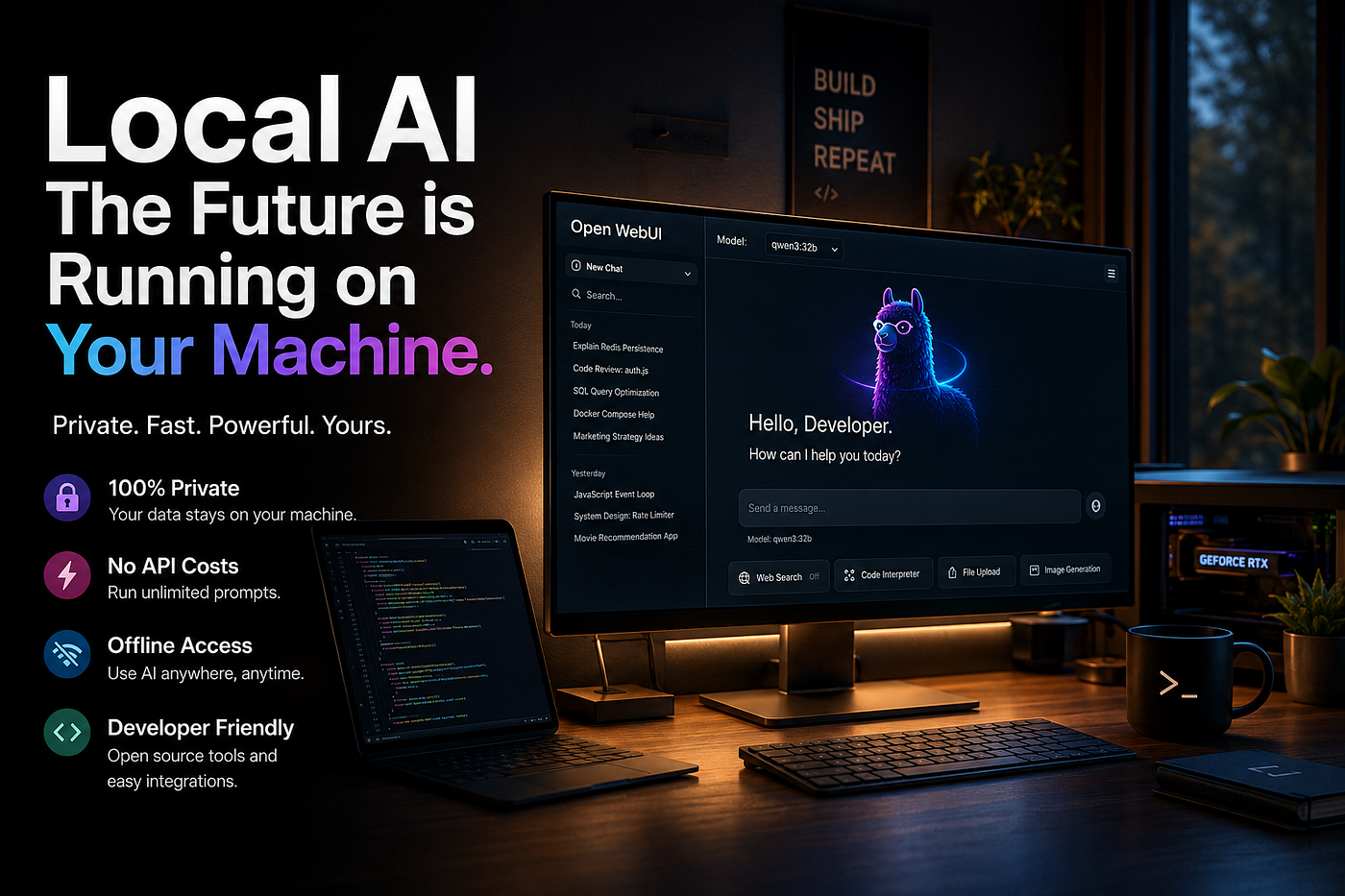
The exciting part is that you no longer need to rely entirely on cloud APIs. Thanks to open-source language models and projects like Ollama, you can build capable AI agents that run completely on your local computer.
In this article we’ll build a local AI agent using LangChain, add tool calling, implement conversation memory, and discuss how these pieces work together.
Why Build a Local AI Agent?
Running AI locally offers several advantages:
- Complete privacy
- No API costs
- Offline availability
- Lower latency
- Full control over your models
- Freedom to experiment with custom tools
For developers building internal applications or automation systems, local agents are becoming an attractive alternative to cloud-based solutions.
What We’ll Build
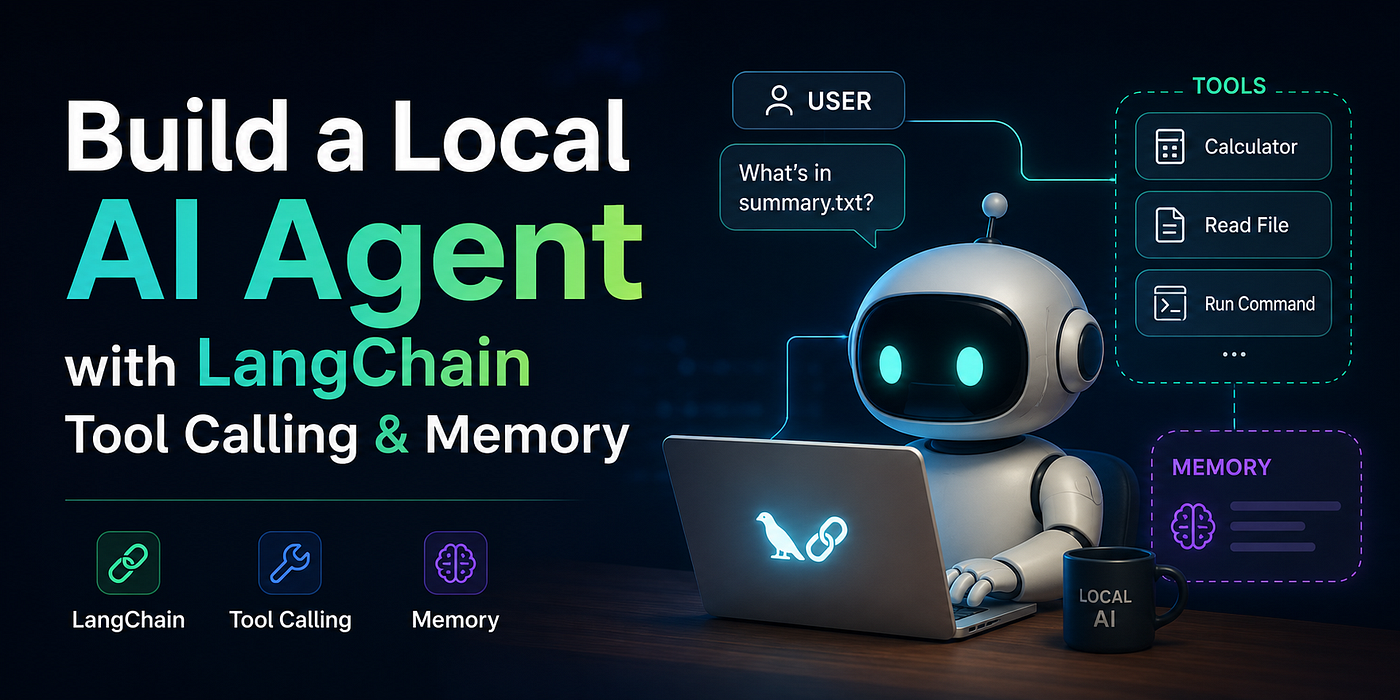
Our agent will be able to:
- Answer normal questions
- Perform calculations
- Read local files
- Remember previous conversations
- Decide which tool to use automatically
Instead of hardcoding logic like:
if user asks math:
    calculator()

if user asks files:
    read_file()
We’ll let the language model decide when a tool should be called.
This is what makes AI agents feel intelligent.
Architecture
                User
                  │
                  ▼
        +-------------------+
        |     LangChain     |
        +-------------------+
                  │
      ┌───────────┼───────────┐
      ▼           ▼           ▼
   Memory      Local LLM     Tools
                  │
              Ollama
                  │
           Qwen / Llama / Gemma
Each component has a specific responsibility.
- The LLM performs reasoning.
- LangChain orchestrates the workflow.
- Memory stores previous conversations.
- Tools extend the model’s capabilities.
Choosing a Local Model
One of the easiest ways to run models locally is with Ollama.
Popular models include:
- Qwen 3
- Llama 3
- Gemma
- DeepSeek
- Mistral
After installing Ollama:
ollama pull qwen3Start the server:
ollama serveYour local API is now available.
Installing Dependencies
pip install langchain
pip install langchain-ollama
pip install langgraph
pip install python-dotenv
Although LangChain alone is sufficient for many projects, LangGraph is becoming the preferred approach for more advanced agent workflows.
Connecting to Ollama
from langchain_ollama import ChatOllama

llm = ChatOllama(
    model="qwen3",
    temperature=0
)
At this point your application can already chat with the local model.
Creating Our First Tool
Tools allow the model to interact with the outside world.
Let’s create a simple calculator.
from langchain.tools import tool

@tool
def multiply(a: int, b: int) -> int:
    """Multiply two numbers."""
    return a * b
Notice the docstring.
The language model actually reads this description before deciding whether the tool should be used.
Good descriptions dramatically improve tool selection.
Multiple Tools
Let’s add another one.
from pathlib import Path

@tool
def read_file(path: str) -> str:
    """Read a local text file."""
    return Path(path).read_text()
Now our AI agent can inspect local files.
You could just as easily create tools for:
- Weather APIs
- SQL databases
- Git repositories
- Docker
- Kubernetes
- Slack
- Jira
- GitHub
Anything Python can access can become an AI tool.
Tool Calling
Instead of manually selecting tools, we bind them to the model.
tools = [multiply, read_file]
llm_with_tools = llm.bind_tools(tools)
Now the model can decide:
“This looks like a math problem.”
or
“The user wants to inspect a file.”
and automatically invoke the appropriate tool.
This is one of the defining capabilities of modern AI agents.
Adding Memory
Without memory, every interaction starts from scratch.
Memory allows conversations like this:
User:
My name is Alice.
Assistant:
Nice to meet you.
...
User:
What's my name?
Assistant:
Alice
LangChain provides several memory implementations depending on your needs.
A simple example:
from langchain.memory import ConversationBufferMemory

memory = ConversationBufferMemory(
    return_messages=True
)
Every interaction is stored and automatically included in future prompts.
Short-Term vs Long-Term Memory
Not all memory is the same.
Short-Term Memory
- Current conversation
- Chat history
- Temporary context
Usually stored in RAM.
Long-Term Memory
- User preferences
- Past projects
- Personal information
- Persistent knowledge
Typically stored in:
- SQLite
- PostgreSQL
- Redis
- Vector databases
This allows your AI assistant to remember information across sessions.
How Tool Calling Actually Works
Many developers imagine the model “running Python.”
It doesn’t.
The process looks like this:
User:
What's 85 × 19?
      ↓
LLM:
I should use multiply()
      ↓
LangChain:
Runs multiply()
      ↓
Tool returns:
1615
      ↓
LLM:
The answer is 1615.
The model only decides what should happen.
Your application performs the actual execution.
This separation improves both safety and reliability.
Building Better Tools
Well-designed tools should:
- Perform one job
- Have clear names
- Include descriptive docstrings
- Validate inputs
- Handle errors gracefully
- Return structured results whenever possible
Poorly described tools often confuse the model.
Real-World Use Cases
Once you understand tool calling, the possibilities expand quickly.
Imagine an AI developer assistant capable of:
- Reading source code
- Searching Git repositories
- Running tests
- Executing shell commands
- Creating pull requests
- Updating documentation
- Querying databases
Or an internal business assistant that can:
- Look up customer records
- Generate reports
- Schedule meetings
- Send emails
- Analyze spreadsheets
The language model becomes the reasoning engine while your tools provide real-world capabilities.
Common Mistakes
Giving the Agent Too Many Tools
An agent with fifty overlapping tools may struggle to choose the correct one.
Keep your toolset focused.
Poor Tool Descriptions
The docstring is effectively part of the model’s prompt.
Invest time in writing precise descriptions.
No Error Handling
External systems fail.
Your tools should catch exceptions and return meaningful messages instead of crashing the agent.
Forgetting Memory Limits
Conversation history grows over time.
Unlimited chat history increases token usage and eventually hurts performance.
Summarization or windowed memory strategies are often better than storing everything forever.
Where LangGraph Fits In
As your agent grows, you’ll eventually need:
- Conditional execution
- Branching workflows
- Human approval steps
- Retry logic
- Parallel execution
- Persistent state
This is where LangGraph shines.
Rather than thinking in terms of a single prompt, you model your application as a graph of interconnected nodes.
For production-grade AI systems, LangGraph has become the recommended orchestration framework alongside LangChain.
Final Thoughts
Local AI is no longer just an experiment. Open-source language models have become powerful enough to drive capable agents on consumer hardware, while frameworks like LangChain simplify orchestration and tool integration.
The most successful AI agents aren’t those with the largest models — they’re the ones equipped with the right tools, thoughtful memory management, and clear workflows.
Start small. Build a calculator, add a file reader, connect a database, and gradually expand your agent’s capabilities. As your confidence grows, you’ll find that combining local models with tool calling and memory unlocks a surprising range of practical applications — all while keeping your data under your control.
The future of AI isn’t just chatting with models — it’s building agents that can reason, act, and assist within the software you already use.
If you enjoyed this article, consider following me on Medium for more content about AI Engineering, Software Architecture, LangChain, LLMs, Rust, and modern developer tooling. Fehmi Citiloglu
Happy coding! 🚀
메타데이터
- post_id
- ca8cbace2bc1
- slug
- building-a-local-ai-agent-with-langchain-tool-calling-and-memory-ca8cbace2bc1
- url
- https://medium.com/@fehmicitiloglu/building-a-local-ai-agent-with-langchain-tool-calling-and-memory-ca8cbace2bc1
- canonical_url
- https://medium.com/@fehmicitiloglu/building-a-local-ai-agent-with-langchain-tool-calling-and-memory-ca8cbace2bc1
- author_url
- https://medium.com/@fehmicitiloglu
- status
- ok
- fetched_at
- 2026-07-09 20:42:47