How to create a Footer from scratch
Step 1: Create the footer structure
How to create a Footer from scratch

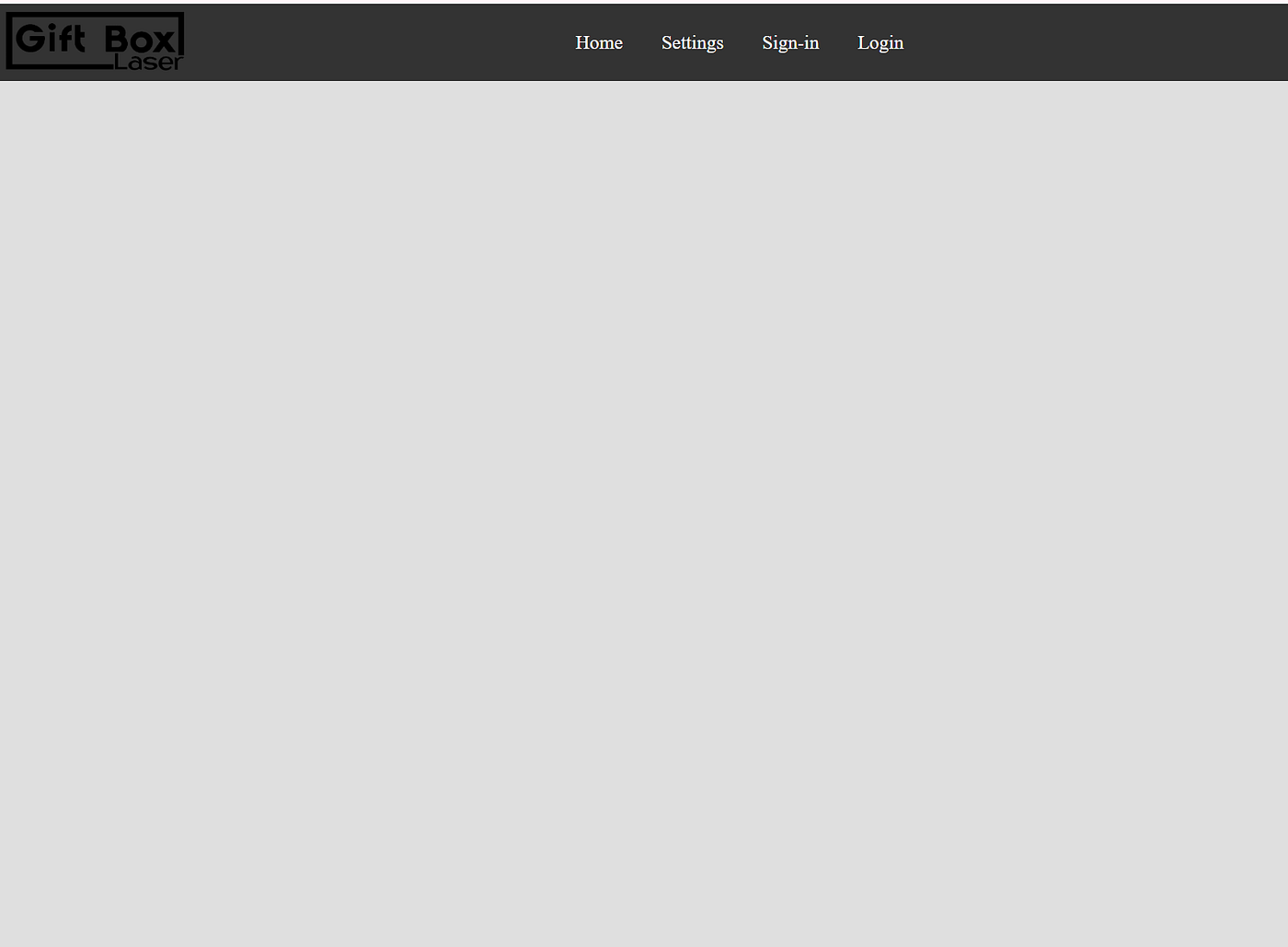
Website with footer and navbar
Step 1: Create the footer structure
- Create a
<footer>element and assign it a class namedfooter. - Inside the footer, add the required content such as text or links.
- Example footer content includes copyright text, brand name, or other information.

Initial footer
<footer class="footer">

      <div class="center">2026 copyright giftbox</div>
    </footer>
Step 2: Footer with background color
- Add a background color to the footer; it is usually the same color as the navigation bar to maintain visual consistency.

Footer with background
 .footer {

      background-color: #333333;
}
Step 3: Making items centered
- To remove unwanted gaps on the page, set both
marginandpaddingto0for thebodyand the footer. - Apply
display: flexto the footer. - Use
justify-content: centerto align footer items horizontally.

Footer with text centered
 .footer {
      align-items: center;
      display: flex;
      justify-content: center;
      background-color: #333333;
      margin: 0;
      padding: 0;
  }
Step 4: Style the footer text
- Change the text color so it contrasts well with the footer’s background color.
- This ensures the footer content is clearly visible and accessible.

Footer with white text
 .center {

      color: white;

    }
Step 5: Add a logo to the footer
- Create a
divinside the footer with a class namedleft. - Inside this
div, add an<img>tag and set itssrcattribute to the logo image. - This allows branding to appear in the footer.

Footer logo
  <footer class="footer">
      <div class="left">
        <img src="logoblack.png" height="50px" width="150px" />
      </div>
      <div class="center">2026 copyright giftbox</div>
    </footer>
Step 6: Position footer content properly
- Apply
margin-right: autoto the logo container (leftclass) so the logo stays on the left. - Add
flex: 1to the text container so the text remains centered while the logo stays aligned to the left.

footer with logo on the far left
     .left {
      padding: 5px;
      margin-right: auto;
    }
 .center {
      color: white;
      display: flex;
      align-items: center;
      justify-content: center;
      flex: 1;
}[embed]How to create a navbar from scratch Step 1:medium.com
메타데이터
- post_id
- caa2f4fb8328
- slug
- how-to-create-a-footer-caa2f4fb8328
- url
- https://medium.com/@robusinessacc/how-to-create-a-footer-caa2f4fb8328
- canonical_url
- https://medium.com/@robusinessacc/how-to-create-a-footer-caa2f4fb8328
- author_url
- https://medium.com/@robusinessacc
- status
- ok
- fetched_at
- 2026-07-13 06:23:13