Under 55? Your New Apple Watch Detects Falls Only During Workouts
Full-time protection is one setting away, on a screen most owners have never opened.
Under 55? Your New Apple Watch Detects Falls Only During Workouts
Full-time protection is one setting away, on a screen most owners have never opened.
Apple Watch can detect that you have fallen hard, wait to see whether you get up, and telephone the emergency services on your behalf if you do not. It reads your position out in coordinates and texts the people you nominated to tell them where you are. Where the service is supported, and if you switched on Share During Emergency Call, your Medical ID goes to the responder as well.
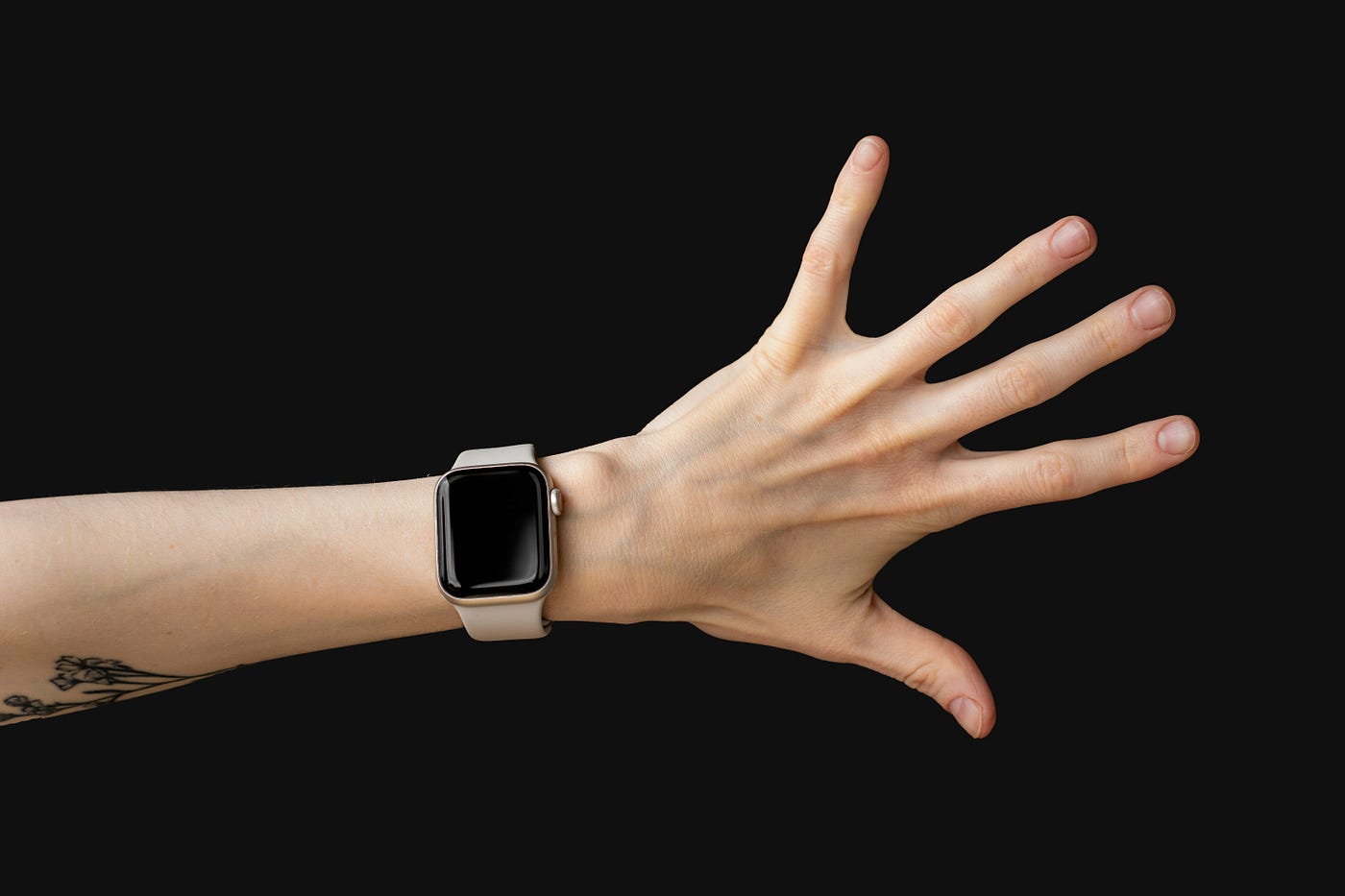
Photo by Anastasiya Badun on Unsplash
Whether any of that happens to you depends on a setting most owners have never opened.
Fall Detection has three states. Always on, on only during workouts, or off entirely. Apple enables the first automatically when the date of birth in your Health app says 55 or over. Under that age, your watch arrives set to workouts only, which means it is watching for a fall while you run and ignoring the stairs on a Tuesday afternoon.
Nothing tells you this. The feature appears in the marketing, appears in your Watch app, and appears to be doing something. It is doing something, for exactly as long as the Workout app says a workout is running.
I opened the Watch app to check this on my own Series 11, which I have worn every day for months. Mine was set to always on, which surprised me, because at 28 I am a long way from the age at which Apple turns it on for you. I cannot remember changing it, and I cannot remember ever checking. That was the uncomfortable part. I had been trusting the feature for months without knowing which version of it was running.
What the watch is supposed to do
The sequence is more considered than most people realise, which is what makes the default so frustrating.
The watch feels the impact. It taps your wrist, sounds an alarm and puts an alert on screen asking whether you are all right. If you answer, nothing further happens. If you do not answer and you stay still for around a minute, it starts a countdown, then places the call.
When the call connects, the watch plays a recorded message telling the operator that a hard fall was detected, and gives your position as latitude and longitude. It then drops its own volume so that you, or anybody who has arrived to help, can speak to the responder over it. Your emergency contacts get a message with your location. The fall itself is written into your Health app, so there is a record of it afterwards unless you told the watch you had not fallen.
The call still needs a route out of the building. Apple says the watch or a nearby iPhone needs cellular service, or Wi-Fi calling with an internet connection, and supported models can fall back to satellite. Detecting the impact and reaching an operator are separate steps, and the second one fails in a basement.
That is a genuinely well-designed piece of engineering. For many adults under 55, its full-time version is also sitting behind a screen they may never have opened.
Four more that can be quietly wrong
Fall Detection is not the only safety feature on these devices that can be quietly inert. What the rest have in common is that none of them reports its own failure. Nothing on the watch face changes either way.
Wrist detection. This is the setting that lets the watch know it is being worn, and it lives under Passcode rather than anywhere near the safety screens. The name makes it sound like a locking feature, which is the problem, because Fall Detection depends on it too. Switching it off stops the watch placing an automatic emergency call at all. It also stops the watch taking background heart rate readings, which means the resting heart rate and walking heart rate average that most owners assume are being collected simply are not.
I would not have guessed that a setting filed under Passcode governs both the automatic emergency call and whether my resting heart rate is being collected at all.
Emergency contacts. These come from the list inside your Medical ID, which draws on your Contacts app. Numbers change, people move house, relationships end, and a list written three years ago sits there looking exactly as authoritative as one written yesterday. Nothing on the device prompts you to check it, because the device has no way of knowing whether the person named is still the right person to call. Open Medical ID and read the list as though somebody else had written it.
Emergency Calls and SOS. Buried at Settings, then Privacy and Security, then Location Services, then System Services. If this is off, your Medical ID is never transmitted to the emergency services, however carefully you filled it in. Sitting inside Location Services rather than beside Medical ID or Emergency SOS, it is easy to sweep up while reviewing what has access to your position.
Where you live. Enhanced emergency data, the mechanism that actually delivers your Medical ID to a responder during a call, is documented by Apple as working in the United States, Canada, the United Kingdom and Ireland. Outside those four countries, do not assume that switching on Share During Emergency Call means your Medical ID will reach a responder. If you have Show When Locked enabled, somebody who picks up your phone can still open your Medical ID by hand, which is a different thing from automatic delivery and worth knowing the difference between.
Why Apple built it this way
My first reaction was that the threshold made no sense. Reading Apple’s warning about high-impact activity being mistaken for a fall, I could at least see the shape of the trade-off.
Apple has not published its reasoning for choosing 55, so what follows is my reading rather than theirs. Fall Detection produces false positives, and Apple warns that high-impact activity can be read as a fall. Every false alarm reaching an operator occupies a resource somebody else needs. Switching the feature on by default for the group most likely to fall dangerously, while leaving younger owners on workouts, looks like a balance between protection and unnecessary calls.
That is defensible. The problem is not the default, it is the silence around it. A setting that ships off for a good reason is fine. The trouble is that a watch with Fall Detection running full-time and a watch with it limited to workouts look and behave identically for years at a stretch.
The pattern worth noticing
My watch tells me when I have closed a ring, and when I have spent too long near loud audio. It has never once asked me whether my emergency setup still works.
It stays almost silent about whether the features that only matter once are working at all. Nothing on your watch has ever mentioned that your Medical ID cannot be transmitted in your country. It cannot know that an emergency contact changed her number, or that the person you chose three years ago is no longer the right person to call. The interface is built around daily engagement and these features are the opposite of daily, which leaves them sitting in a part of the device nobody has any reason to visit.
Six minutes
Open the Watch app on your iPhone, go to Emergency SOS, and look at which Fall Detection mode is actually selected. Choose always on if you want it working outside workouts, bearing in mind the false positives above, which is a trade rather than an obvious answer. Then go to Passcode and confirm wrist detection is enabled. Then open Health, check that your date of birth is exact, and read your Medical ID as though a stranger were reading it. Then open Contacts and confirm your emergency contacts still exist as real cards.
Do not test Emergency SOS by letting the call connect. To check the Medical ID displays, lock your phone, tap Emergency on the passcode screen and tap Medical ID. That contacts nobody.
Then do all of it again on the phone of whoever came to mind while you were reading this. Almost everybody has somebody in mind, and almost nobody gets round to it.
I wrote the full guide about it; get it here: The Complete Apple Health Manual
메타데이터
- post_id
- cbc21d6cd080
- slug
- under-55-your-new-apple-watch-detects-falls-only-during-workouts-cbc21d6cd080
- url
- https://medium.com/miles-metrics/under-55-your-new-apple-watch-detects-falls-only-during-workouts-cbc21d6cd080
- canonical_url
- https://medium.com/miles-metrics/under-55-your-new-apple-watch-detects-falls-only-during-workouts-cbc21d6cd080
- author_url
- https://medium.com/@Anilkumarbakkashetti
- status
- ok
- fetched_at
- 2026-08-11 02:11:41