Upgrade Your Store with the Best WooCommerce Shipping Plugin with the Right Features
If you’re running a growing store on WooCommerce, you’ve likely outgrown its default shipping setup. Flat rates, free shipping, and local…
Upgrade Your Store with the Best WooCommerce Shipping Plugin with the Right Features

If you’re running a growing store on WooCommerce, you’ve likely outgrown its default shipping setup. Flat rates, free shipping, and local pickup may work initially, but they quickly become limiting as your store expands to multiple regions, varied product sizes, and higher order volumes.
This is where a reliable shipping plugin becomes essential.
Must-Have Features in WooCommerce Shipping Plugins
1. Real-Time Carrier Rates at WooCommerce Checkout
Displaying live shipping rates — pulled directly from carrier APIs like UPS, FedEx, USPS, or DHL and more — is the most fundamental feature.
Look for: Multi-service display (Ground, Express, Priority), rate accuracy down to package dimensions, and a fallback rate when the API is unavailable.
To implement this, you can use solutions like the Multi-Carrier Shipping Plugin for WooCommerce. These plugins connect with major carriers and automatically fetch accurate rates based on weight, dimensions, and destination.
2. Shipping Label Generation and Printing in WooCommerce
Generating and printing shipping labels inside WooCommerce — without visiting the carrier’s website — cuts fulfillment time dramatically.
Look for: Single-click label generation, bulk label printing for high-volume days, and support for PDF and ZPL (thermal printer) formats.
For these features, you can use carrier-specific plugins such as:
- FedEx Shipping Plugin for WooCommerce with Print Label
- WooCommerce UPS Shipping Plugin with Print Label
- PH USPS Shipping Plugin for WooCommerce with Print Label
- Canada Post Shipping Plugin for WooCommerce with Print Label
- PostNord Shipping Plugin for WooCommerce with Print Label
- PH Australia Post MyPost Business Shipping for WooCommerce
- PH TForce Freight Shipping Plugin for WooCommerce with Print Label
These plugins let you generate shipping labels directly from the WooCommerce dashboard, automatically attach tracking details, and streamline fulfillment without switching between carrier websites.
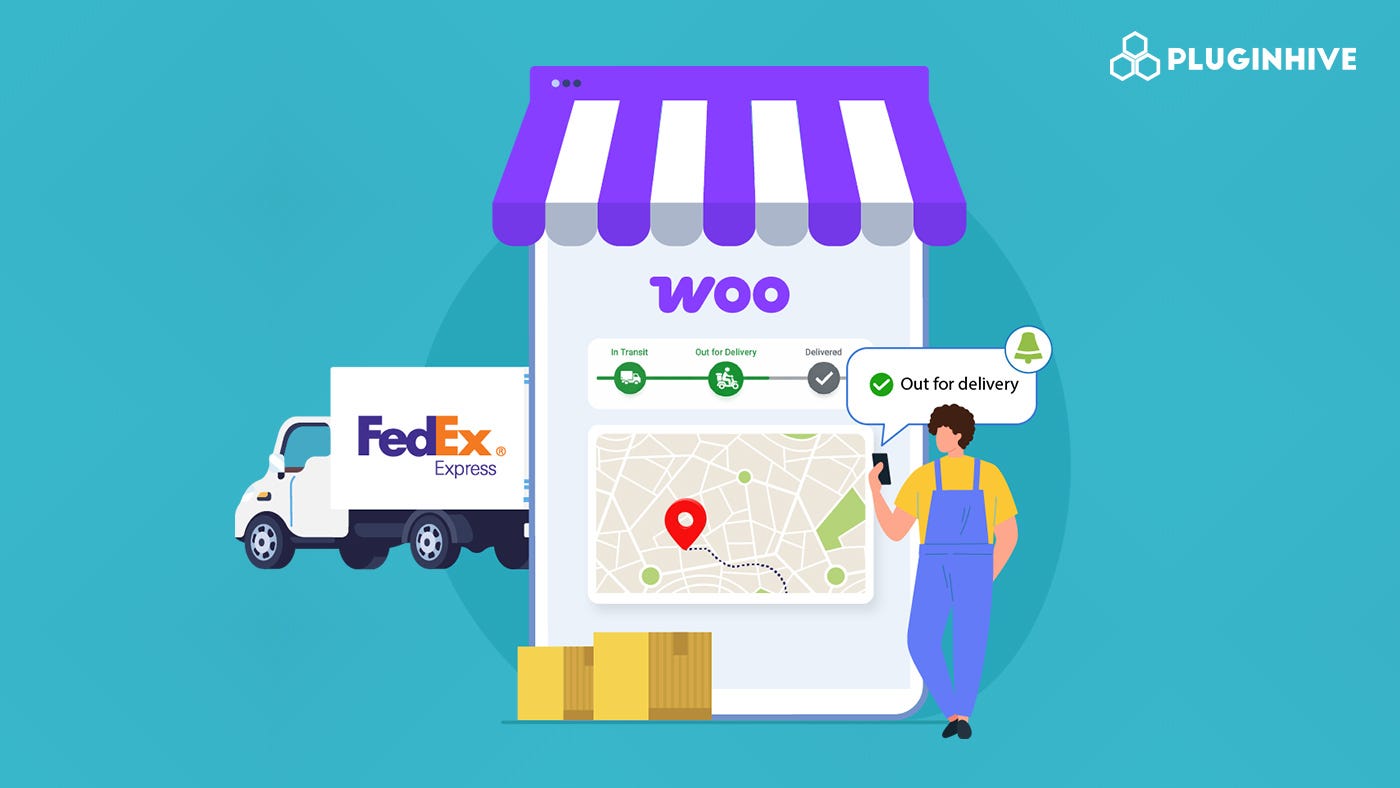
3. Shipment Tracking in WooCommerce
A good shipping plugin automatically attaches tracking numbers to order confirmation emails and updates order status in real time.
Look for: Automated tracking emails, a customer-facing tracking page, and support for multiple carriers — not just one.
The above-mentioned plugins include tracking as well, but plugins like Shipment Tracking Pro for WooCommerce are purpose-built for this and support hundreds of carriers.
4. WooCommerce Return Label Management
The ability to generate return labels from the same dashboard — or let customers initiate returns themselves — keeps the process clean and professional.
Look for: One-click return label creation from the order page, option to include a prepaid return label with the outbound shipment, and customer self-service return options.
For these features, you can use the carrier-specific plugins mentioned above, or you can also use a multicarrier plugin like WooCommerce Shipping Services. This plugin lets you generate both forward and return shipping labels directly from the WooCommerce dashboard.
5. Smart Product Packaging in WooCommerce
Shipping cost is tied directly to how products are packed. An intelligent plugin should offer multiple packing methods so you’re not overpaying on dimensional weight.
Look for:
- Individual packing — each item in its own box
- Custom box packing — define your actual box sizes, let the plugin calculate optimal packing
- Weight-based packing — group items up to a maximum weight per box
- Volume-based packing — for accurate dimensional weight calculation
This feature alone can meaningfully cut your per-shipment costs.
6. Table Rate / Conditional Shipping Rules
Flat rates fail the moment your store has varied products, regions, or customers. Conditional shipping lets you set rates based on weight, cart total, product category, destination, customer role, and more.
Look for: Unlimited rule combinations, support for WooCommerce Shipping Zones and Shipping Classes, and the ability to stack conditions (e.g., weight and destination together).
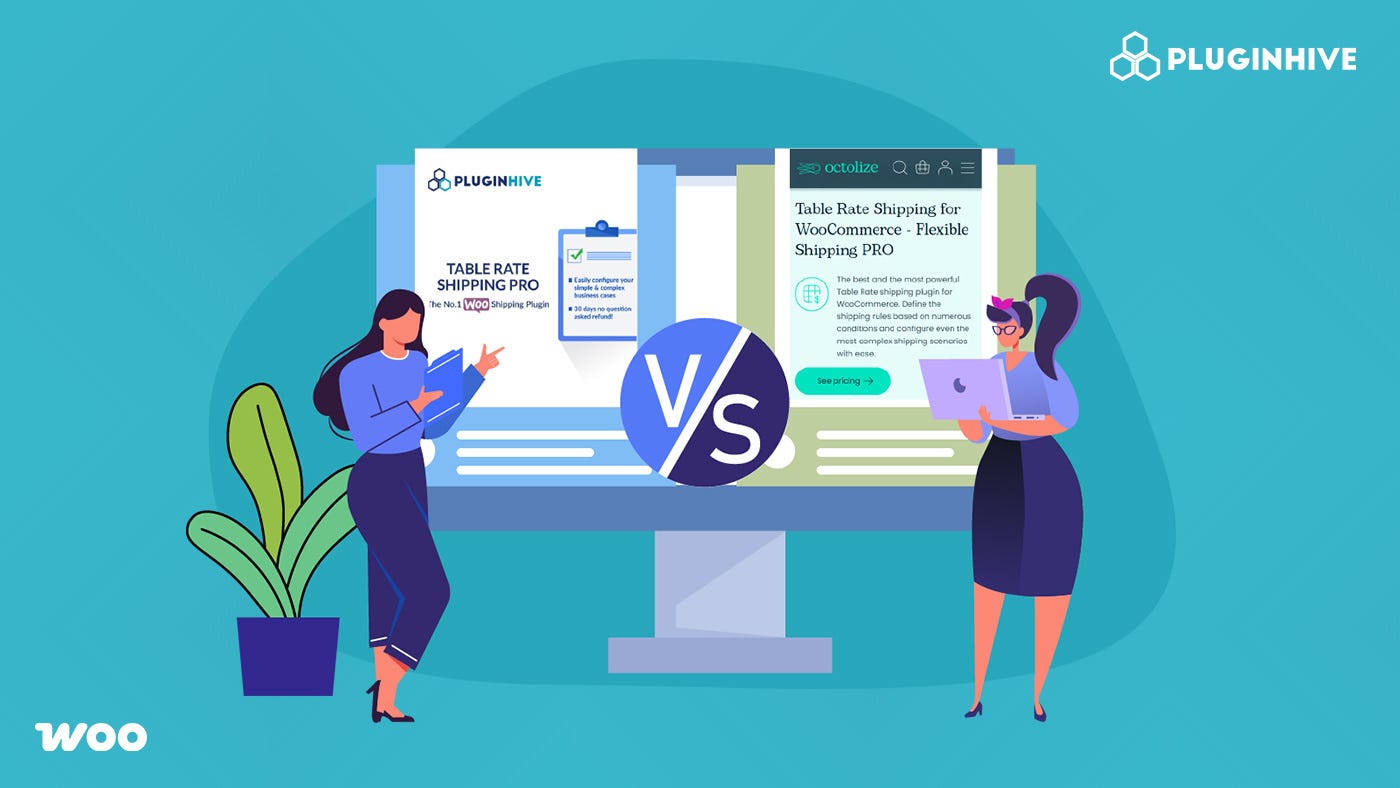
To implement these features, you can use plugins like the PH Table Rate Shipping Pro for WooCommerce, which helps you create complex shipping rules based on different conditions.
To explore more important features, visit — **Must-Have Features in WooCommerce Shipping Plugins**
Conclusion
Shipping plays a critical role in both operations and customer satisfaction. The right WooCommerce shipping plugin helps streamline workflows and deliver a better post-purchase experience. Choosing the right solution is not about having the most features, but about selecting the features that align with your store’s needs and growth plans.
Read the full guide here — **WooCommerce Shipping Plugins: 12 Must-Have Features**
메타데이터
- post_id
- cc364511909d
- slug
- upgrade-your-store-with-the-best-woocommerce-shipping-plugin-with-the-right-features-cc364511909d
- url
- https://medium.com/pluginhive/upgrade-your-store-with-the-best-woocommerce-shipping-plugin-with-the-right-features-cc364511909d
- canonical_url
- https://medium.com/pluginhive/upgrade-your-store-with-the-best-woocommerce-shipping-plugin-with-the-right-features-cc364511909d
- author_url
- https://medium.com/@bhanupriya_75279
- status
- ok
- fetched_at
- 2026-06-10 22:59:55