An introduction to Foundry Local
Foundry Local is an on-device AI inference solution that lets you run AI models locally through a CLI, SDK, or REST API.
An introduction to Foundry Local
Foundry Local is an on-device AI inference solution that lets you run AI models locally through a CLI, SDK, or REST API.
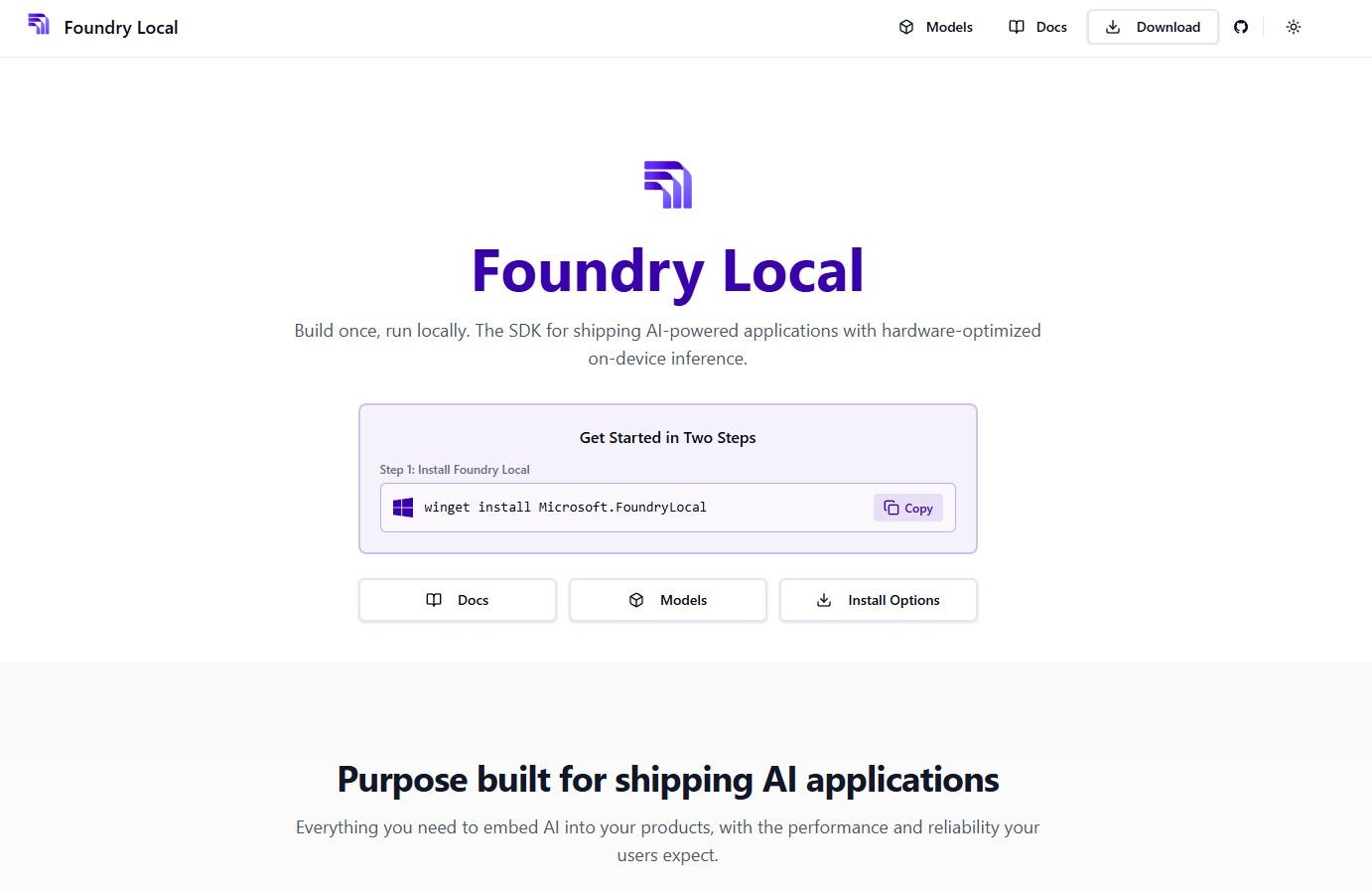
Foundry Local
Introduction
The AI industry has been dominated by cloud-based inference for years, but a growing number of developers, enterprises, and researchers need an alternative. Whether driven by data privacy regulations, latency constraints, unreliable connectivity, or simply the desire to reduce recurring cloud costs, on-device AI inference is becoming a first-class requirement.
Microsoft Foundry Local answers this need. It is an on-device AI inference platform that lets you run modern generative AI models directly on your local hardware — Windows PCs, macOS (Apple Silicon), or servers — without ever sending a single prompt to the cloud. All processing happens entirely on your machine.
In this article, I will walk you through what Foundry Local is, how its architecture works under the hood, and present a collection of six Jupyter Notebook tutorials I created to help you get started quickly and explore advanced capabilities. All notebooks are available on GitHub at:
Foundry Local exposes an OpenAI-compatible REST API, meaning you can use the exact same code for local and cloud inference. Switching between local and Azure endpoints is as simple as changing a base URL.
Why Foundry Local?
Before diving into the architecture, let’s understand the core value propositions that make Foundry Local a compelling choice for developers and organizations:
- Complete Data Privacy: All prompts and outputs stay on your device. Data never leaves your system, making it ideal for healthcare, government, finance, and other regulated workloads subject to HIPAA, GDPR, and similar frameworks.
- Low-Latency Inference: No network roundtrips means real-time, interactive AI experiences with minimal latency.
- Offline Operation: Once models are downloaded, everything works fully offline — perfect for air-gapped systems or unreliable connectivity.
- Cost Efficiency: Leverage existing hardware (CPU, GPU, NPU) for inference, eliminating recurring cloud costs.
- Automatic Hardware Optimization: Foundry Local detects your hardware and downloads the best-optimized model variant (NVIDIA CUDA, AMD DirectML, Apple Metal, Intel/Qualcomm NPU, or CPU with INT4/INT8 quantization).
- No Azure Subscription Required: Use it entirely standalone, though hybrid cloud-to-edge workflows with Azure AI Foundry are fully supported.
Architecture Deep Dive
Foundry Local’s architecture is designed for efficient, private, and scalable on-device AI inference. It follows a layered design where each component has a clearly defined responsibility.
Architecture
The Request Flow
Understanding how a request travels through the system is key to appreciating the design:
-
Request — The developer sends a request via CLI, Python SDK, JavaScript SDK, .NET SDK, or REST API.
-
Routing — The Foundry Local Service receives the request through its OpenAI-compatible endpoint.
-
Model Operations — The Model Manager loads the requested model, downloading and caching it if needed.
-
Inference — ONNX Runtime executes the inference using the optimal hardware execution provider.
-
Response — Results are returned through the same API interface.
Core Components

Components
Hardware Abstraction Layer
One of Foundry Local’s most elegant design decisions is its hardware abstraction layer. Rather than requiring developers to write hardware-specific code, the platform automatically detects available compute resources and selects the optimal execution provider:

This means the same application code runs identically on a developer’s MacBook with Apple Silicon, a Windows workstation with an NVIDIA GPU, or a server with only CPU resources — Foundry Local adapts automatically.
Model Catalog and Lifecycle
Foundry Local provides a curated catalog of over 25 pre-optimized, open-source AI models ready to run on your device. The model lifecycle follows a clear progression: Download from the catalog → Load into memory with configurable TTL → Run inference → Unload to free resources → Delete from cache when no longer needed.

Model catalog
Managing models is straightforward via the CLI:
# List all available models
foundry model list

# Download and run a model
foundry model run phi-4-mini

# Get detailed info about a specific model
foundry model info phi-4-mini

# Remove a cached model
foundry model remove phi-4-mini
The Notebook Collection: A Hands-On Journey
To help developers get started and progressively explore more advanced capabilities, I created a collection of six Jupyter Notebooks. Each notebook builds on the previous one, taking you from installation basics to deploying custom models from Hugging Face.
https://github.com/retkowsky/foundry-local

Notebooks
Notebook 01 — Getting Started with Foundry Local
The first notebook is your entry point. It walks you through verifying your Foundry Local installation, checking the service status, exploring the model catalog, and running your first inference call. You will learn how to use the foundry-local-sdk Python package to programmatically discover available models, check hardware capabilities, and understand the local endpoint architecture. This notebook ensures your environment is correctly configured before moving to more advanced topics.
Notebook 02 — Chat Completions
This notebook demonstrates how to use the chat completions API — the same interface familiar to anyone who has used the OpenAI SDK. Because Foundry Local exposes an OpenAI-compatible endpoint, you can use the standard openai Python package with just a base URL change. The notebook covers single-turn and multi-turn conversations, streaming responses, system prompts for behavior control, and parameter tuning (temperature, top_p, max_tokens). It showcases the seamless portability between local and cloud inference.
Notebook 03 — Practical Applications
Moving beyond basic API calls, this notebook showcases real-world applications you can build with Foundry Local: text summarization, language translation, sentiment analysis, code generation and explanation, creative writing, structured data extraction, and question answering. Each example is self-contained and demonstrates how a single local model can handle diverse tasks with production-quality results.
Notebook 04 — Mistral 7B
This notebook focuses specifically on the Mistral 7B model, one of the most capable open-source models in the Foundry Local catalog. It explores model-specific capabilities, benchmarks inference performance on local hardware, and demonstrates how different quantization levels affect both quality and speed. It is an excellent reference for understanding what a 7-billion parameter model can do entirely on your device.
Notebook 05 — Advanced Function Calling
Function calling (or tool use) is one of the most powerful capabilities of modern language models, enabling them to invoke external tools and APIs. This notebook demonstrates how to define custom functions, pass them to the local model, parse structured tool-call responses, execute the functions, and feed results back for natural language answers. Examples include weather lookups, calculations, and database queries — all processed entirely on-device with no cloud dependency.
Notebook 06 — Custom Models with Microsoft Olive
The final notebook is the most advanced. It walks through the complete workflow of taking a model from Hugging Face, converting it to ONNX format using Microsoft Olive, applying INT4 quantization for optimal performance, and registering it in Foundry Local’s cache for local inference. This is particularly valuable for organizations that have fine-tuned their own models and want to deploy them on-device. Olive handles graph optimization, quantization, and hardware-specific compilation, producing models that run efficiently on any supported platform.
Getting Started
Setting up is straightforward. Install Foundry Local from foundrylocal.ai, clone the repository, install the Python dependencies, and launch Jupyter:
# Install Foundry Local from foundrylocal.ai
# Clone the notebooks
git clone https://github.com/retkowsky/foundry-local.git
cd foundry-local
# Install Python dependencies
pip install -r requirements.txt
# Launch Jupyter
jupyter notebook
🚀 Supported Platforms
Windows 10/11 (x64, ARM), Windows Server 2025, and macOS with Apple Silicon (M1/M2/M3/M4). Minimum 8 GB RAM (16 GB recommended). NVIDIA, AMD, Intel, Qualcomm GPUs/NPUs, and Apple Metal are all supported.
Foundry Local with VS Code

Foundry Local with VS Code
Conclusion
Foundry Local represents a significant step forward in making AI inference accessible, private, and cost-effective. By running models directly on your hardware with an OpenAI-compatible API, it removes the barriers that have traditionally made local inference complex and fragmented.
The six notebooks in this repository provide a progressive learning path — from first setup to deploying custom models — and demonstrate that on-device AI is no longer a compromise. Whether you are prototyping a new application, handling sensitive data, or simply want to reduce cloud costs, Foundry Local delivers enterprise-grade local inference with minimal friction.
I encourage you to clone the repository, run the notebooks, and experience the power of on-device AI firsthand.
Documentation
https://github.com/retkowsky/foundry-local/blob/main/models.xlsx
Author
Serge Retkowsky | serge.retkowsky@microsoft.com | https://www.linkedin.com/in/serger/
📅 Last Updated: 27–02–2026
메타데이터
- post_id
- cc841d9d4fbe
- slug
- an-introduction-to-foundry-local-cc841d9d4fbe
- url
- https://medium.com/@sergems18/an-introduction-to-foundry-local-cc841d9d4fbe
- canonical_url
- https://medium.com/@sergems18/an-introduction-to-foundry-local-cc841d9d4fbe
- author_url
- https://medium.com/@sergems18
- status
- ok
- fetched_at
- 2026-08-18 00:10:00




