Starting with Voice Transcription Using Vosk
In a current project, I need to transcribe real-time audio streams directly from a microphone. Vosk emerged as a powerful solution for this…
Starting with Voice Transcription Using Vosk
In a current project, I need to transcribe real-time audio streams directly from a microphone. Vosk emerged as a powerful solution for this purpose, providing offline, on-device transcription capabilities. In this guide, I’ll walk you through the setup, covering server configuration and a Python script for seamless, continuous microphone transcription.
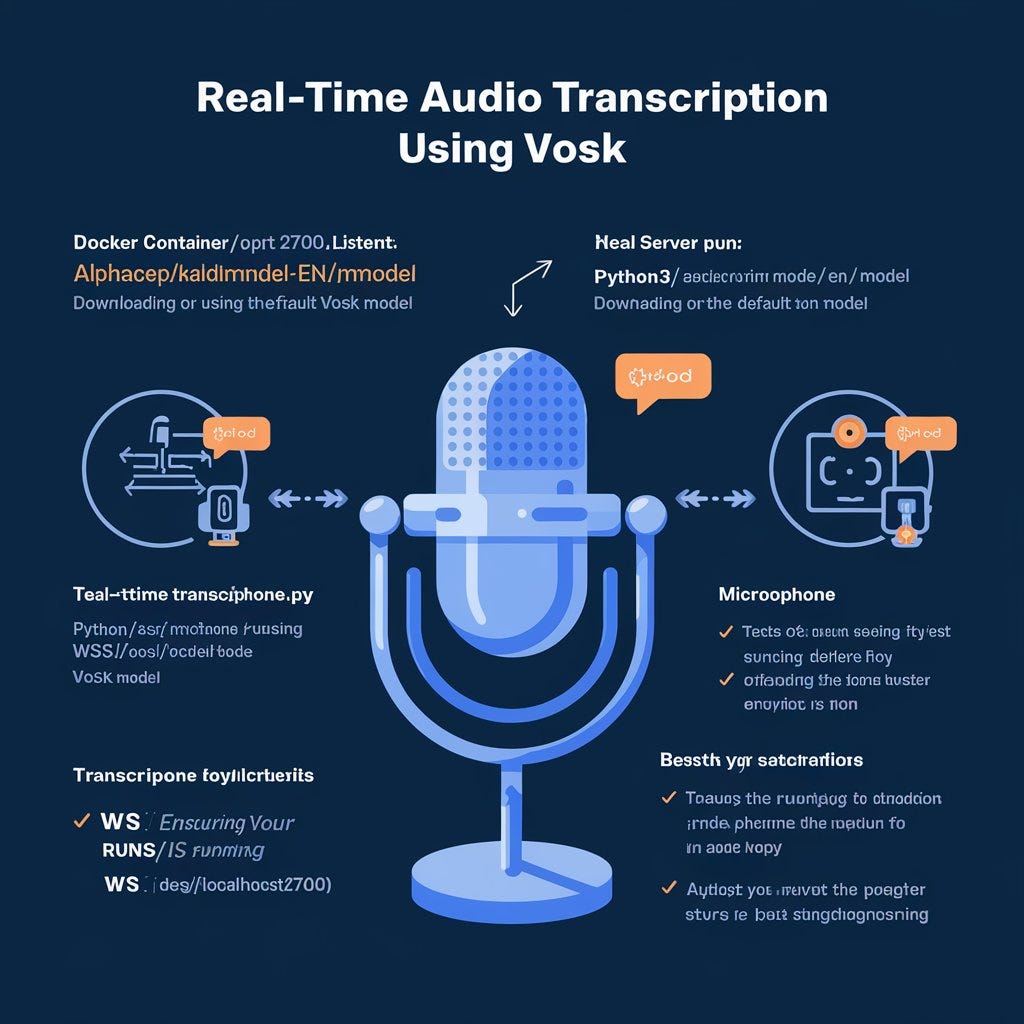
Server Configuration: Running Docker with Your Own Model
Setting up a Docker container with Vosk allows you to use a pre-trained model in an isolated environment, ensuring consistent results across setups. Here’s a step-by-step guide:
- Run Vosk Docker Container
- Start the Vosk server Docker container using the
alphacep/kaldi-en:latestimage. This sets up a server that listens on port2700. - Use the following command to initiate the container:
sudo docker run -it -p 2700:2700 alphacep/kaldi-en:latest /bin/bash- This command launches an interactive session within the Docker container.
Run Server
Download the model (or use default)
https://alphacephei.com/vosk/models
python3 ./asr_server.py /opt/vosk-model-en/modelTesting with a Microphone
- After starting the server, you can connect to it using a client script to test real-time transcription with your microphone.
- First, clone the Vosk server repository on your local machine:
git clone https://github.com/alphacep/vosk-serverNavigate to the websocket directory where the test scripts are located:
cd C:\Users\alex_\aichat\vosk-server\websocketRun Microphone Test Script
- Use the
test_microphone.pyscript to send real-time audio from your microphone to the Vosk server. Make sure the server is running onws://localhost:2700.
python ./test_microphone.py -u ws://localhost:2700- This script will capture audio input from your microphone, stream it to the Vosk server, and output the transcription in real-time.
- Result
{
  "result" : [{
      "conf" : 0.667801,
      "end" : 17.160000,
      "start" : 16.590000,
      "word" : "hello"
    }],
  "text" : "hello"
}
{
  "partial" : ""
}
{
  "partial" : ""
}
{
  "partial" : ""
}- Testing with an Audio File
- Alternatively, if you want to test the server with an audio file, use the
test.pyscript with a sample file (e.g.,test.wav):
python ./test.py test.wavThis will send the audio file to the server and display the transcribed text output.
  "partial" : "one zero zero zero one"
}
{
  "partial" : "one zero zero zero one"
}
{
  "partial" : "one zero zero zero one"
}
{
  "result" : [{
      "conf" : 1.000000,
      "end" : 1.140000,
      "start" : 0.810000,
      "word" : "one"
    }, {
      "conf" : 1.000000,
      "end" : 1.530000,
      "start" : 1.140000,
      "word" : "zero"
Restarting server
If you get this message you need to restart Docker.
C:\Users\alex_\aichat\vosk-server>docker run -it -p 2700:2700 alphacep/kaldi-en:latest /bin/bash
docker: Error response from daemon: driver failed programming external connectivity on endpoint friendly_wright (d2e652338fd1e9256d92a0e035d652cf3a8b866387ae7c5e22475f269e917062): Bind for 0.0.0.0:2700 failed: port is already allocated.
You can do it by manually killing off all the processes realated to this config (do not do it in prod)
netstat -ano | findstr :2700

C:\Users\alex_\aichat\vosk-server>netstat -ano | findstr :2700
  TCP    0.0.0.0:2700           0.0.0.0:0              LISTENING       136132
  TCP    [::]:2700              [::]:0                 LISTENING       136132
  TCP    [::1]:2700             [::]:0                 LISTENING       142276
  TCP    [::1]:2700             [::1]:58826            TIME_WAIT       0
Now restart Docker Desktop (in my case Windows 11)
Vosk: Open Source and GPU-Ready
One of the standout features of Vosk is that it’s open-source and entirely free to use, making it an excellent choice for developers and researchers seeking powerful speech recognition without the cost barriers of proprietary solutions. This open-source model allows for flexibility and customization, whether you’re working on a personal project or deploying it at scale.
Benefits of Open Source
- Transparency and Community Support: Vosk’s code is publicly available, meaning you can examine, modify, and improve it to suit your specific needs. With a supportive developer community, any challenges you encounter can often be resolved through community forums or contributions.
- Customizable: Open-source nature allows you to adapt Vosk to various languages, dialects, or project requirements. You’re not limited by a commercial vendor’s roadmap or updates, giving you full control over the application’s direction.
Running on a GPU
For those requiring faster processing, Vosk can also be run on a GPU-enabled machine. Utilizing a GPU can significantly enhance transcription speeds, especially for applications that require real-time transcription on large audio streams. By using Vosk with GPU support, you gain:
- Enhanced Performance: Leveraging a GPU allows for quicker processing and lower latency, crucial for real-time applications.
- Scalability: Ideal for high-demand environments or applications that need to handle multiple audio streams concurrently.
By running Vosk within Docker, you gain flexibility and control over model deployment, enabling seamless testing and integration with various audio sources, whether from a microphone or a pre-recorded file. This setup prepares you for consistent real-time transcription with Vosk.
Happy Coding!
메타데이터
- post_id
- cd57b3b862ff
- slug
- starting-with-voice-transcription-using-vosk-cd57b3b862ff
- url
- https://blog.gopenai.com/starting-with-voice-transcription-using-vosk-cd57b3b862ff
- canonical_url
- https://blog.gopenai.com/starting-with-voice-transcription-using-vosk-cd57b3b862ff
- author_url
- https://medium.com/@alexbuzunov
- status
- ok
- fetched_at
- 2026-06-27 07:40:21