Building Custom Role-Based Authorization in ASP.NET Core Using Attributes and Middleware
Controlling access to different parts of an application is one of the most important aspects of application security. While ASP.NET Core…
Building Custom Role-Based Authorization in ASP.NET Core Using Attributes and Middleware
Controlling access to different parts of an application is one of the most important aspects of application security. While ASP.NET Core provides the built-in [Authorize] attribute, there are scenarios where you may need more flexibility and centralized control over authorization.
🎯 Objective
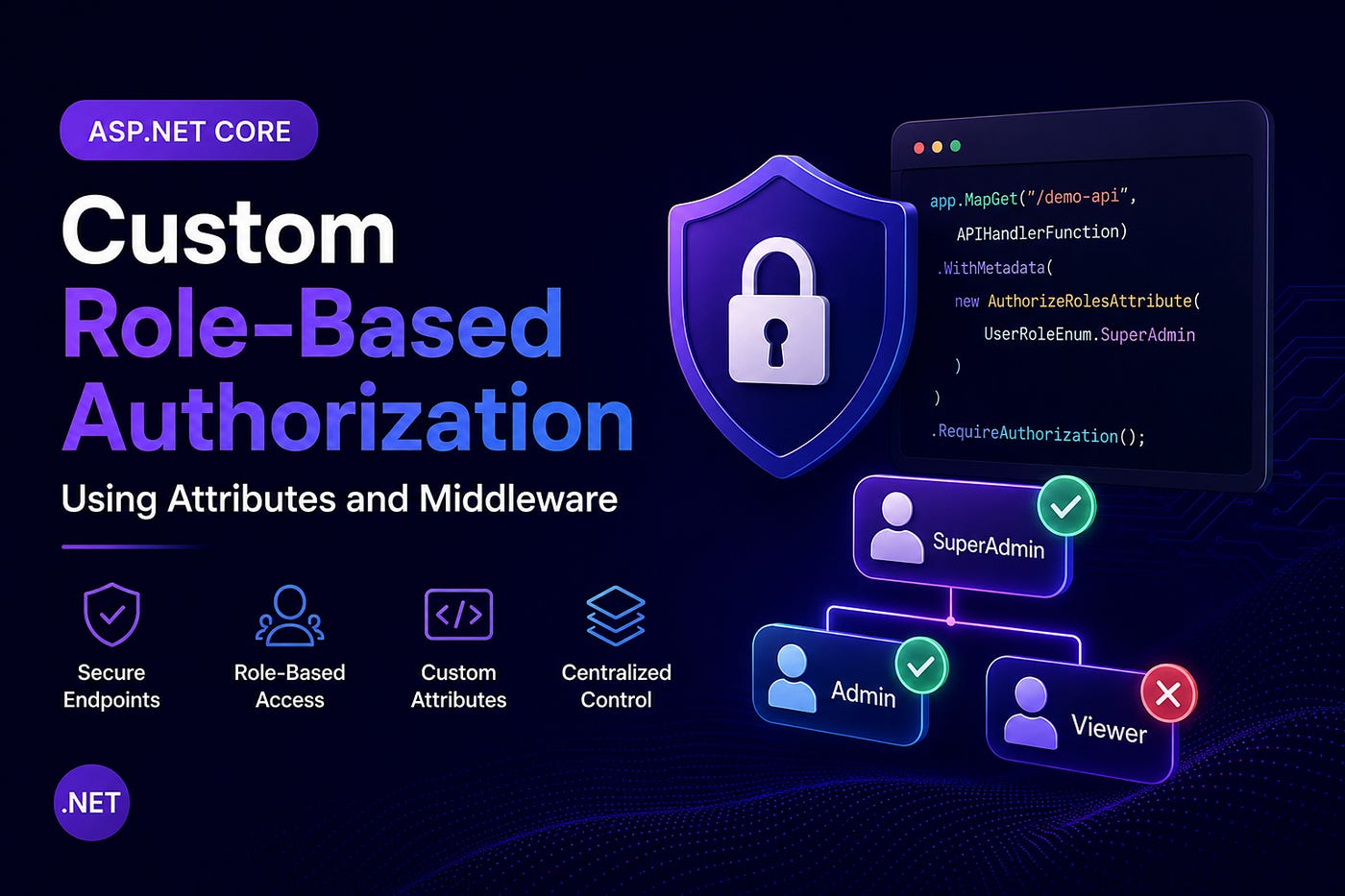
We want to protect endpoints like this:
app.MapGet("/demo-api", APIHandlerFunction)
   .WithMetadata(new AuthorizeRolesAttribute(UserRoleEnum.SuperAdmin))
   .RequireAuthorization();
Only users with the SuperAdmin role will be able to access this endpoint.
📌 Step 1: Create Role Definitions
Start by defining your application roles using an enum. This improves readability and provides type safety.
public enum UserRoleEnum
{
    SuperAdmin = 1,
    Admin = 2,
    Viewer = 3
}
🏷️ Step 2: Build a Custom Authorization Attribute
Next, create a custom attribute that accepts one or more allowed roles.
[AttributeUsage(AttributeTargets.Method | AttributeTargets.Class)]
public class AuthorizeRolesAttribute : Attribute
{
    public UserRoleEnum[] Roles { get; }
public AuthorizeRolesAttribute(params UserRoleEnum[] roles)
{
Roles = roles;
}
}Example Usage
.WithMetadata(
    new AuthorizeRolesAttribute(
        UserRoleEnum.Admin,
        UserRoleEnum.SuperAdmin
    )
)
⚙️ Step 3: Implement Authorization Middleware
The middleware will be responsible for:
- Reading and validating the JWT token
- Retrieving the authenticated user
- Reading endpoint metadata
- Verifying role permissions
- Returning appropriate HTTP responses
public class AuthMiddleware
{
    private readonly RequestDelegate _next;
    private readonly ILogger<AuthMiddleware> _logger;
public AuthMiddleware(
RequestDelegate next,
ILogger<AuthMiddleware> logger)
{
_next = next;
_logger = logger;
} public async Task InvokeAsync(
HttpContext context,
ISQLORMService dbService)
{
_logger.LogInformation(
"Authorization middleware executed"); string token = context.Request.Headers["Authorization"]
.FirstOrDefault()
?.Split(" ")
.Last(); if (string.IsNullOrEmpty(token))
{
await _next(context);
                return;
} try
{
var jwt = new JwtSecurityTokenHandler()
.ReadJwtToken(token); var userId = 20; // Retrieve from claims var user = await dbService.ExecuteQuery<User>(
"SELECT * FROM User WHERE Id = @UserId AND IsDeleted = 0",
new { UserId = userId }); if (user == null)
{
context.Response.StatusCode = 401; await context.Response.WriteAsync(
"User not found."); return;
} var endpoint = context.GetEndpoint(); var roleAttribute = endpoint?
.Metadata
.GetMetadata<AuthorizeRolesAttribute>(); if (roleAttribute != null &&
!roleAttribute.Roles.Contains(
(UserRoleEnum)user.UserRoleId))
{
context.Response.StatusCode = 403; await context.Response.WriteAsync(
"Access denied."); return;
} await _next(context);
}
catch (Exception ex)
{
context.Response.StatusCode = 500; await context.Response.WriteAsync(
$"Authentication error: {ex.Message}");
}
}
}📝 Step 4: Register the Middleware
Register the middleware in Program.cs.
app.UseMiddleware<AuthMiddleware>();Place it after authentication and before endpoint execution.
🚀 Step 5: Secure Your Endpoints
Attach the custom role attribute to any endpoint that requires role-based access.
app.MapGet("/admin/data",
    () => "Secret admin data")
   .WithMetadata(
        new AuthorizeRolesAttribute(
            UserRoleEnum.SuperAdmin,
            UserRoleEnum.Admin
        )
    )
   .RequireAuthorization();
Only SuperAdmin and Admin users will be able to access this endpoint.
🎉 Benefits of This Approach
This implementation provides several advantages:
- Centralized authorization logic
- Cleaner endpoint definitions
- Easy integration with Minimal APIs
- Flexible role management
- Better separation of concerns
💡 Possible Enhancements
You can further improve this solution by:
- Caching user information to minimize database calls
- Extracting authorization logic into dedicated services
- Supporting multiple roles per user through claims
- Adding permission-based authorization alongside roles
- Implementing audit logging for unauthorized access attempts
📌 Conclusion
Although ASP.NET Core already offers powerful authorization capabilities, building a custom authorization layer gives you additional flexibility when your application requires centralized and highly customizable access control.
By combining custom attributes, middleware, JWT authentication, and endpoint metadata, you can create a clean, scalable, and maintainable authorization system tailored to your application’s needs.
메타데이터
- post_id
- ce9b94ed205f
- slug
- building-custom-role-based-authorization-in-asp-net-core-using-attributes-and-middleware-ce9b94ed205f
- url
- https://medium.com/@CodeX_Lancers/building-custom-role-based-authorization-in-asp-net-core-using-attributes-and-middleware-ce9b94ed205f
- canonical_url
- https://medium.com/@CodeX_Lancers/building-custom-role-based-authorization-in-asp-net-core-using-attributes-and-middleware-ce9b94ed205f
- author_url
- https://medium.com/@CodeX_Lancers
- status
- ok
- fetched_at
- 2026-06-21 07:44:09