Bridging the Language Gap: My Intercontinental OCR Journey with Fedora and Outreachy
The Challenge: Beyond the “English-First” AI
Bridging the Language Gap: My Intercontinental OCR Journey with Fedora and Outreachy
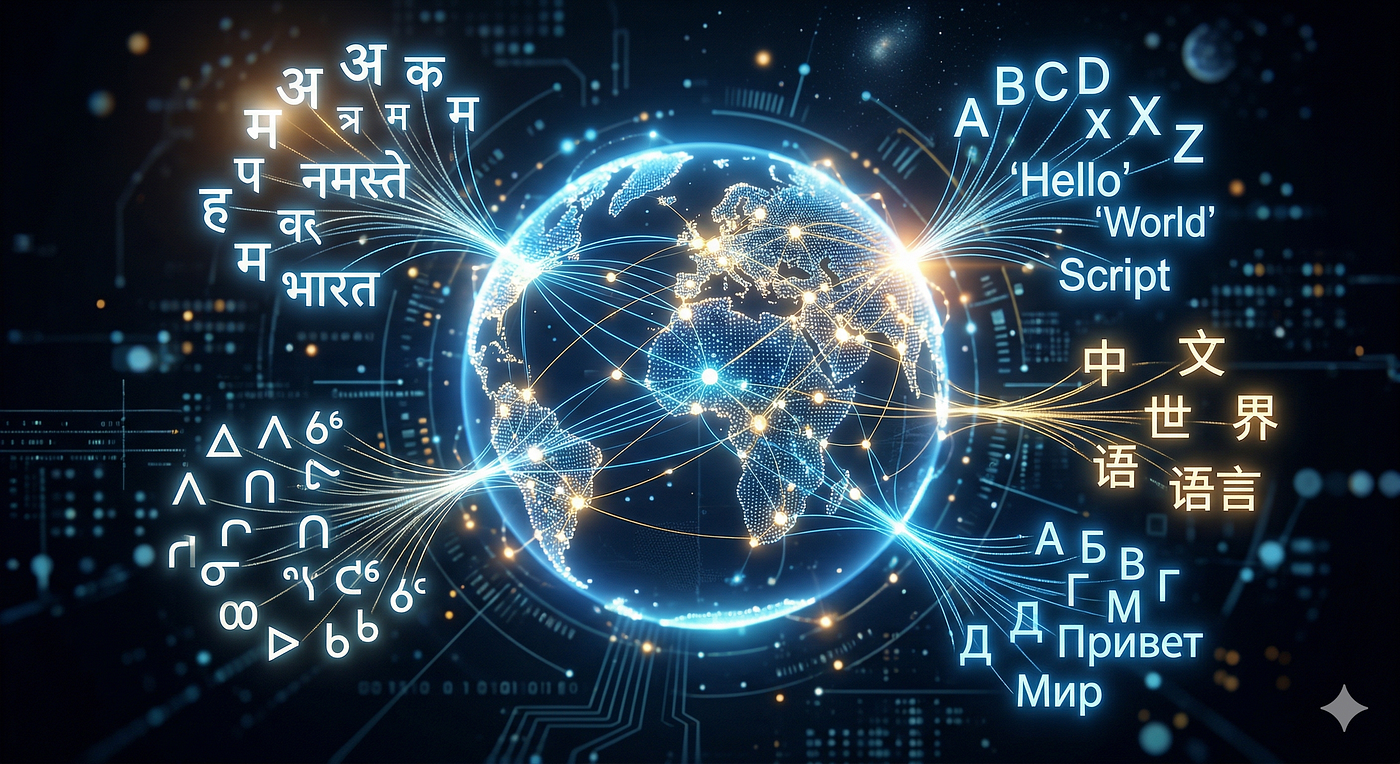
Illustration generated by Google Gemini’s Nano Banana
The Challenge: Beyond the “English-First” AI
In the world of AI and Retrieval-Augmented Generation (RAG), we often hear about “limitless data”. But there is a catch: that data is only as good as our ability to read it. As an Outreachy contributor for the Fedora Project, I was tasked with a mission that felt both technical and deeply human: Processing Multilingual Documents.
My goal? To take scanned documents from across the globe, from the plains of Canada to the heart of Africa and the vibrant streets of India, and turn them into machine-readable digital text.
Here is how I navigated the “bleeding edge” of Fedora 43 to make it happen.
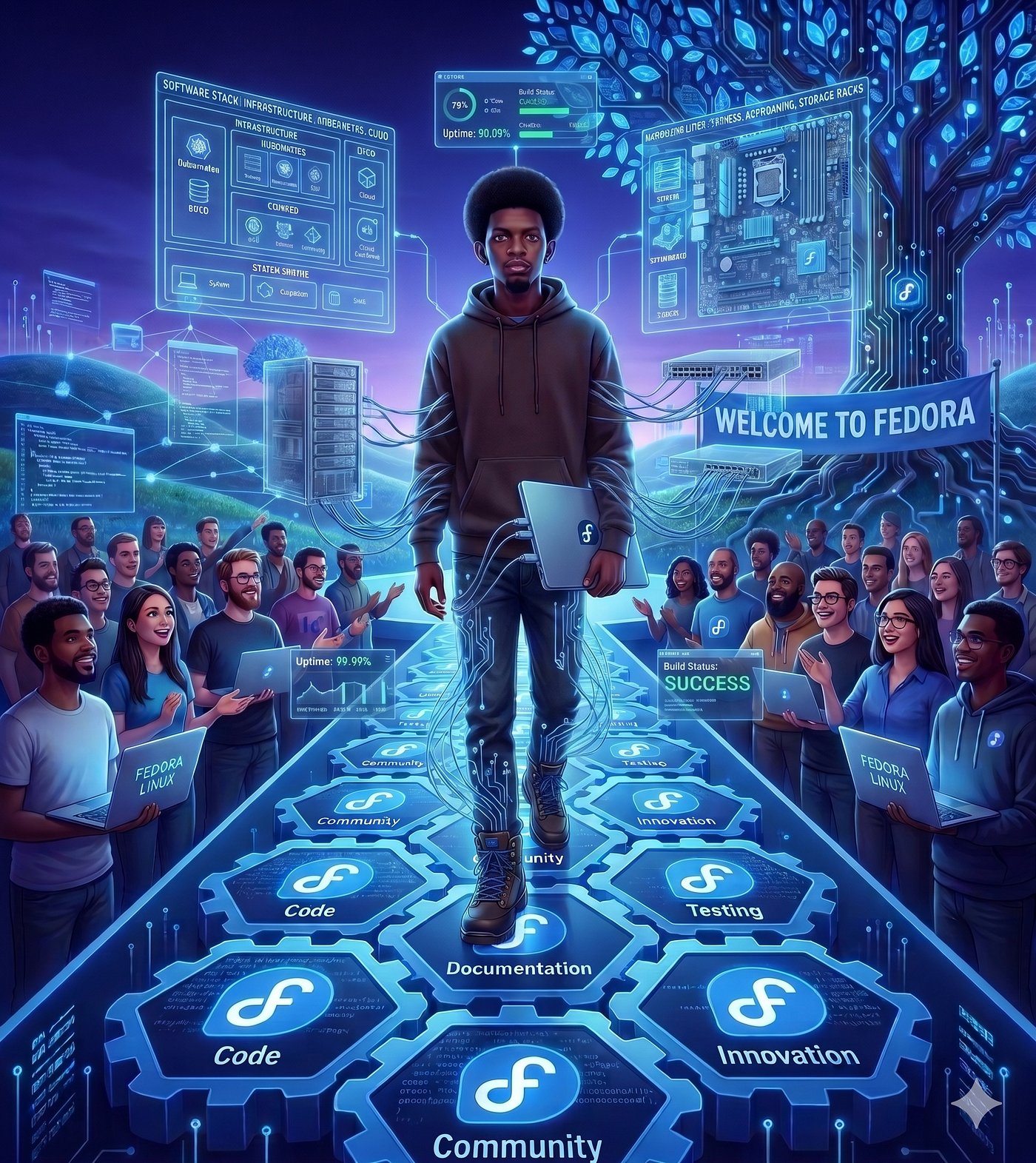
The Workbench: Why a Fedora VM?
Some might ask, “Why not just use a local virtual environment?” For me, the answer was twofold: Authenticity and Isolation. To truly contribute to Fedora, I wanted to live in Fedora. I leveraged my 32GB RAM laptop to host a dedicated Fedora 43 Cloud VM via Canonical’s Multipass. This wasn’t just a playground; it was a clean, isolated laboratory where I could break things and fix them without touching my host Ubuntu system.
# Launching the lab
multipass launch file:///path/to/Fedora-43-Cloud.qcow2 --name fedora-om26 --cpus 4 --memory 8G
The Intercontinental Dataset
I didn’t want to test with just any text. I chose the Universal Declaration of Human Rights (UDHR). It’s a document that belongs to everyone, and its complex scripts provided the perfect “stress test” for OCR:
- Asia: Hindi (Devanagari)
- Africa: Swahili, Yoruba, Amharic, Zulu, and Wolof
- North America: Inuktitut and Plains Cree (Syllabics)
- Europe: French
The Tale of Two Engines: Docling vs. Surya
I decided to pit two heavyweights against each other: Docling (speed-oriented) and Surya (vision-oriented).
1. Docling: The Speed Demon
Docling is not a single OCR engine, but a framework that supports multiple OCR engines (e.g., EasyOCR, Tesseract, RapidOCR) and is built for the modern RAG pipeline. It doesn’t overthink; it extracts. Using the Tesseract,RapidOCRandtorch engines, it converted my PDFs into structured Markdown in seconds.
The Hurdle: I hit a wall early on, an ERROR: Failed building wheel for pillow. The Fix: The "bleeding edge" required a more modern anchor. Switching to Python 3.13 solved the dependency conflicts instantly. It may be different for you, but it's worth the first trial to fix the issue if it arises.
2. Surya: The Visionary
Surya, another open-source, high-performance document OCR (Optical Character Recognition) engine, takes a different path. It “sees” the document first, detecting bounding boxes (bboxes) for every text block before reading a single word.
While Surya was significantly slower, sometimes taking over 4 minutes for a single file, the output was a work of art. By using the --images in the command-line flag, I could see exactly how the AI was "thinking," drawing colored boxes around every snippet of Yoruba or Cree text, for instance.
The Verdict: Speed vs. Precision
After processing my intercontinental dataset, the results were clear:
- Docling is the Production King: If you have 10,000 documents and a fast-approaching deadline, Docling is your best friend. It’s lightweight, fast, and produces clean Markdown.
- Surya is the Layout Master: If you are dealing with ancient archives or complex Syllabics where layout is everything, such as those of First Nations languages, Surya’s compute-hungry vision transformer is worth the wait.
My Technical Co-Pilot: Google Gemini
No journey is a solo flight. Throughout this process, I used Google Gemini as my technical co-pilot. From debugging the legacy-cgi Polyfill issues on Fedora 43 to helping me structure the complex tables in my README, and Gemini helped turn raw terminal logs into a professional narrative.
Final Thoughts
This task was more than just a coding exercise. It was a reminder that for technology to be truly global, it must be able to “read” the world in all its linguistic diversity. Whether it’s a Zulu legal document or a Cree historical record, the tools we build today are the bridges to a more inclusive AI tomorrow.
Are you ready to build your own OCR pipeline? Check out my GitHub Repository to see the full code and results!
Happy OSing!
메타데이터
- post_id
- cecaaabb6987
- slug
- bridging-the-language-gap-my-intercontinental-ocr-journey-with-fedora-and-outreachy-cecaaabb6987
- url
- https://medium.com/@gtfrans2re/bridging-the-language-gap-my-intercontinental-ocr-journey-with-fedora-and-outreachy-cecaaabb6987
- canonical_url
- https://medium.com/@gtfrans2re/bridging-the-language-gap-my-intercontinental-ocr-journey-with-fedora-and-outreachy-cecaaabb6987
- author_url
- https://medium.com/@gtfrans2re
- status
- ok
- fetched_at
- 2026-07-11 17:44:30