IBM Infoshpere (IIS) DataStage Stages
DataStage and QualityStage stages are organized into logical categories based on their functionality. Below is a comprehensive overview of…
IBM Infoshpere (IIS) DataStage Stages
DataStage and QualityStage stages are organized into logical categories based on their functionality. Below is a comprehensive overview of all stage types, classified by importance and frequency of use in real-world deployments and certification exams. The most commonly used stages are highlighted in bold or linked to detailed descriptions.
Stage Categories
- General Objects
- Data Quality Stages
- Database Connectors
- Development and Debug Stages
- File Stages
- Processing Stages
- Real-Time Stages
- Restructure Stages
- Sequence Activities
General Stages
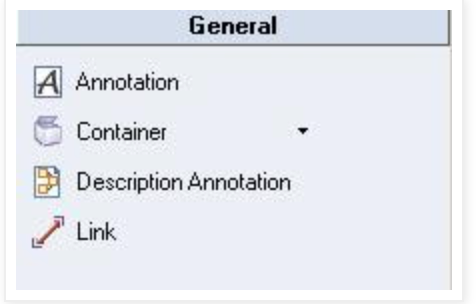
Link — Represents the flow of data between stages. Three main types exist:
- Stream links (primary data flow)
- Reference links (reference data)
- Lookup links (lookup data)
Container (Private or Shared) — Simplifies complex job designs by grouping stages together, making jobs easier to understand and maintain.
Annotation — Adds floating notes and descriptions to the job canvas for documentation purposes, helping explain the ETL process.
Description Annotation — Displays the contents of the job description field. Only one description annotation is allowed per job.
Development and Debug Stages
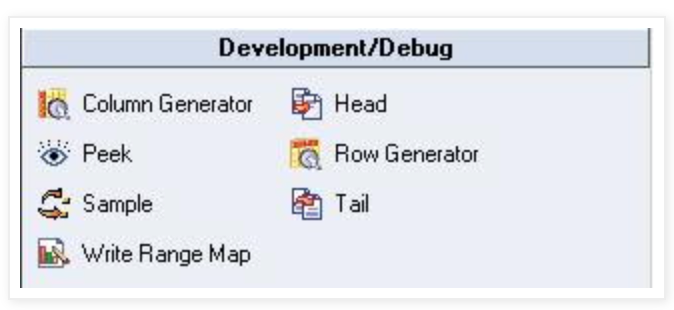
- Row Generator — Produces test data that fits specified metadata (random or cycled values). Useful for testing and development.
- Column Generator — Adds one or more columns to the incoming data flow and generates test data for those columns.
- Peek — Prints record column values to the job log for inspection in Director. Can have one input link and multiple output links.
- Sample — Samples an input data set using two modes: percent mode or period mode.
- Head — Selects the first N rows from each partition of the input data set.
- Tail — Selects the last N rows from each partition (similar to Head stage).
- Write Range Map — Writes a data set in a format usable by the range partitioning method.
Processing Stages
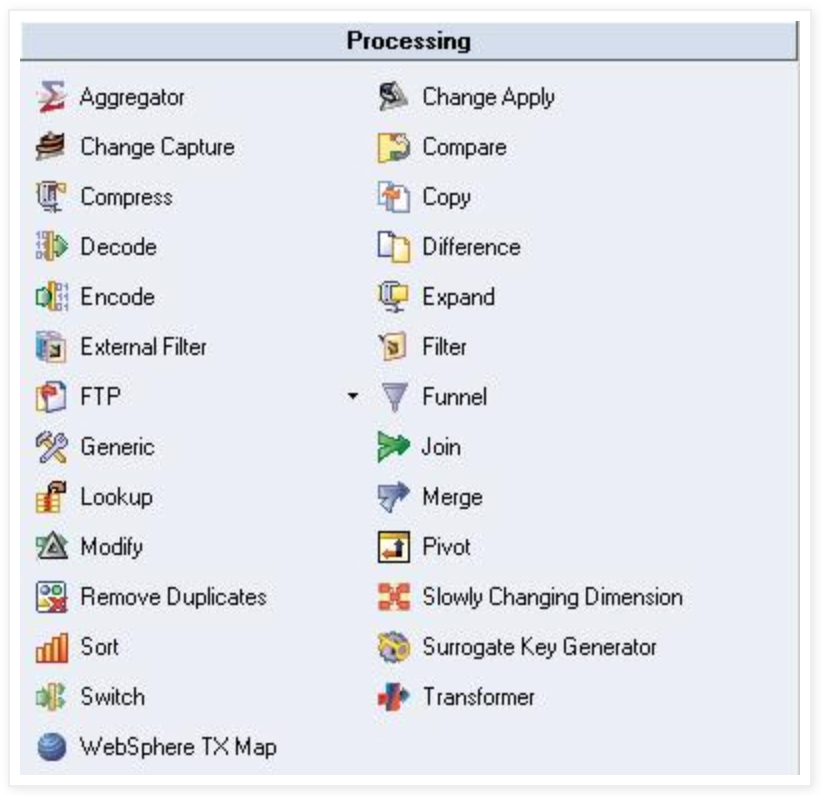
- Aggregator — Groups incoming data and calculates summaries (sum, count, min, max, variance, etc.) for each group using hash table or pre-sort methods.
- Copy — Copies a single input stream to one or more output data flows.
- FTP — Transfers data to a remote machine using FTP protocol.
- Filter — Filters out records that don’t meet specified criteria.
- Funnel — Combines multiple input streams into a single output stream.
- Join — Combines two or more sorted inputs based on key column values (supports inner, left, right, and full outer joins). Has one left input and multiple right inputs.
- Lookup — Combines one source with multiple lookup tables based on key columns. Records don’t need to be sorted. Produces one output stream and a reject link.
- Merge — Combines one master input with multiple update inputs based on key columns. All inputs must be sorted. Unmatched records can be captured in reject links.
- Modify — Alters the record schema of the input dataset. Useful for renaming columns, data type conversions, and null handling.
- Remove Duplicates — Removes duplicate records from a single sorted input dataset.
- Slowly Changing Dimension (SCD) — Automates dimension table updates for data that changes over time. Supports SCD Type 1 and Type 2.
- Sort — Sorts data based on specified columns.
- Transformer — Handles data extraction, performs validation, conversions, and lookups. The most versatile processing stage.
- Change Capture — Captures before and after states of two input datasets and outputs changes made.
- Change Apply — Applies change operations from Change Capture stage to compute an after dataset.
- Difference — Performs record-by-record comparison of two datasets and outputs the differences (similar to Change Capture).
- Checksum — Generates checksums from specified columns to determine if differences exist between records.
- Compare — Performs column-by-column comparison of records in two presorted datasets.
- Encode — Encodes data using commands like gzip.
- Decode — Decodes data previously encoded with the Encode stage.
- External Filter — Allows specification of an operating system command to filter data.
- Generic — Allows calling OSH operators directly from within DataStage.
- Pivot Enterprise — Performs horizontal pivoting, mapping multiple columns to single columns in multiple output rows.
- Surrogate Key Generator — Generates and manages surrogate keys.
- Switch — Routes input rows to output links based on selector field values (similar to switch statements in programming).
- Compress — Compresses datasets using GZIP or compress command.
- Expand — Extracts previously compressed datasets back to raw binary data.
File Stages
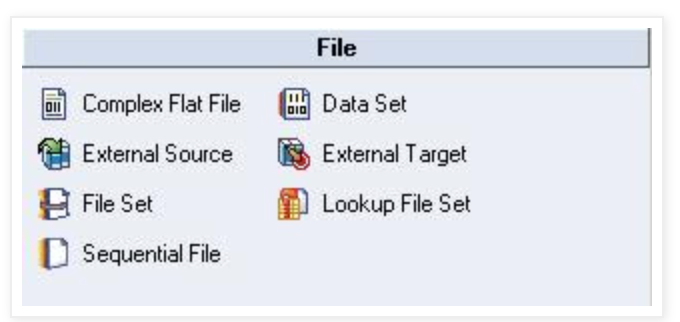
- Sequential File — Reads from or writes to one or more flat (sequential) files.
- Data Set — Reads from or writes to DataStage datasets (files with .ds extension and associated data files, not readable by other applications).
- File Set — Reads from or writes to filesets (files with .fs extension that preserve formatting and are readable by other applications).
- Complex Flat File — Reads complex mainframe file structures including MVS datasets, header/trailer files, multi-record type files, QSAM, and VSAM files.
- External Source — Reads data output from multiple source programs.
- External Target — Writes data to one or more programs.
- Lookup File Set — A partitioned hashed file used for lookups (similar to FileSet stage).
Database Stages
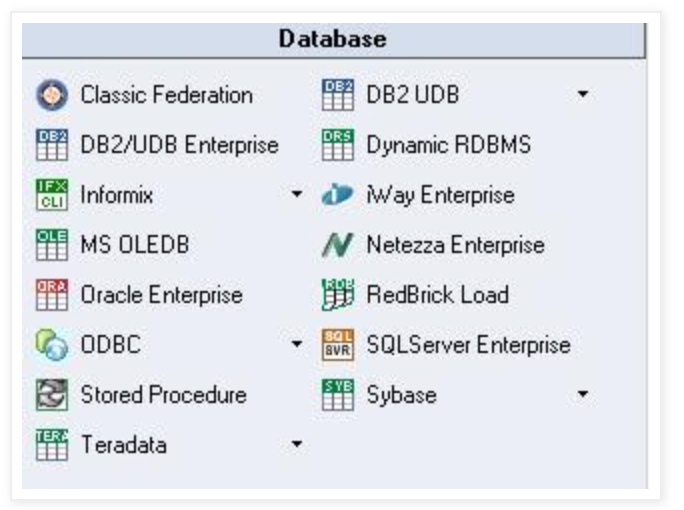
- Oracle Enterprise — Reads from and writes to Oracle databases (versions 9.x to 10g and higher).
- ODBC Enterprise — Reads from and writes to ODBC data sources (commonly used for Microsoft Access and Excel).
- DB2/UDB Enterprise — Reads from and writes to DB2 databases.
- Teradata — Reads from and writes to Teradata data warehouses. Three variants: Teradata Connector, Teradata Enterprise, and Teradata Multiload.
- SQL Server Enterprise — Reads from and writes to Microsoft SQL Server 2005, 2008, and later versions.
- Sybase — Reads from and writes to Sybase databases.
- Stored Procedure — Supports Oracle, DB2, Sybase, Teradata, and SQL Server. Can be used as source, target, or transform.
- MS OLEDB — Retrieves information from various repositories including relational sources, ISAM files, personal databases, and spreadsheets.
- Dynamic Relational Stage (DRS) — Reads from or writes to multiple relational database engines using native interfaces (Oracle, SQL Server, DB2, Informix, Sybase).
- Informix (CLI or Load)
- DB2 UDB (API or Load)
- Classic Federation
- RedBrick Load
- Netezza Enterprise
- iWay Enterprise
Real-Time Stages
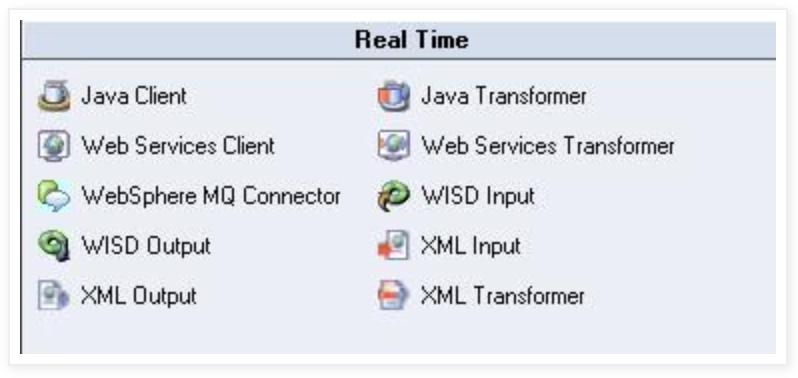
- XML Input — Transforms hierarchical XML data to flat relational datasets.
- XML Output — Writes tabular data to XML structures.
- XML Transformer — Converts XML documents using XSLT stylesheets.
- WebSphere MQ — Provides connectivity to IBM WebSphere MQ messaging systems. Two types: WebSphere MQ Connector and WebSphere MQ Plug-in.
- Web Services Client — Consumes web services.
- Web Services Transformer — Transforms data for web services.
- Java Client — Can be used as source, target, or lookup stage using Java classes.
- Java Transformer — Supports input, output, and reject links for Java-based transformations.
- WISD Input — Information Services Input stage.
- WISD Output — Information Services Output stage.
Restructure Stages
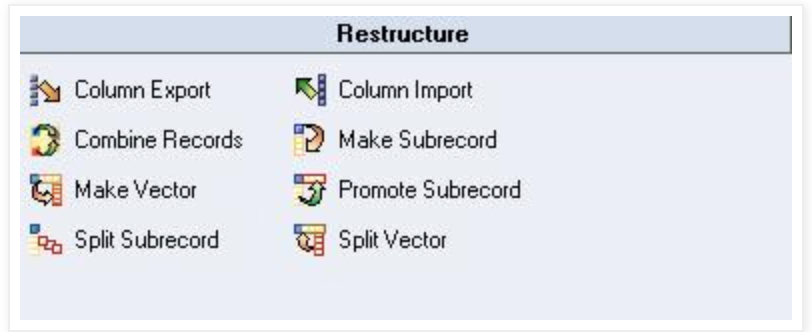
- Column Export — Exports data from multiple columns of different data types into a single column (ustring, string, or binary).
- Column Import — Divides data from a single column into multiple columns (complementary to Column Export).
- Combine Records — Combines rows with identical keys into vectors of subrecords.
- Make Subrecord — Combines input vectors into a vector of subrecords.
- Make Vector — Joins input columns into a vector of columns.
- Promote Subrecord — Promotes subrecord columns to top-level columns.
- Split Subrecord — Separates subrecord fields into top-level vector columns.
- Split Vector — Promotes fixed-length vector elements to top-level columns.
Data Quality (QualityStage) Stages
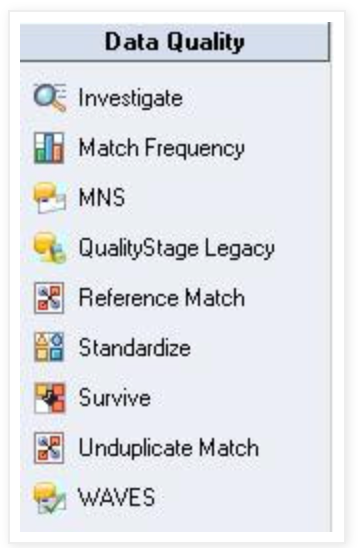
- Investigate — Analyzes data content of specified columns using character and word investigation methods.
- Match Frequency — Generates frequency distribution reports from input data.
- MNS — Multinational Address Standardization.
- QualityStage Legacy — Legacy data quality functionality.
- Reference Match — Matches records against reference data.
- Standardize — Standardizes data formats.
- Survive — Determines surviving records in match processing.
- Unduplicate Match — Identifies and removes duplicate records.
- WAVES — Worldwide Address Verification and Enhancement System.
Sequence Activities
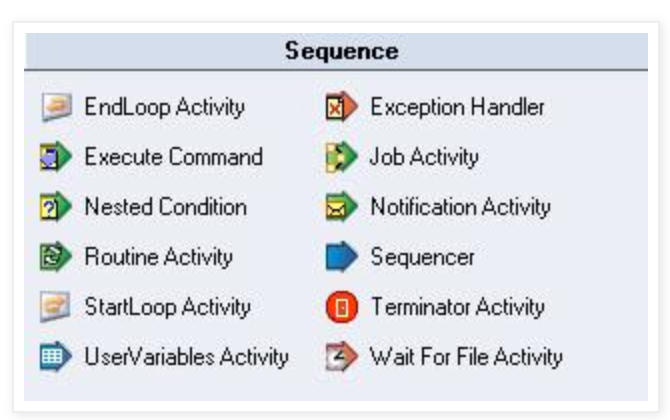
Used in Job Sequences to control workflow:
- Job Activity — Specifies a DataStage server or parallel job to execute.
- Notification Activity — Sends emails to recipients from within DataStage.
- Sequencer — Synchronizes control flow of multiple activities.
- Terminator Activity — Shuts down the entire sequence when specific conditions occur.
- Wait for File Activity — Waits for a file to appear or disappear before proceeding.
- EndLoop Activity — Marks the end of a loop in a sequence.
- Exception Handler — Handles exceptions and errors in sequences.
- Execute Command — Executes operating system commands.
- Nested Condition — Evaluates nested conditional logic.
- Routine Activity — Calls DataStage routines.
- StartLoop Activity — Marks the beginning of a loop.
- UserVariables Activity — Manages user-defined variables in sequences.
This comprehensive guide covers all DataStage and QualityStage stages, organized by functionality and usage frequency.
If you found this article helpful : Give it a few claps 👏 and Follow me on Medium for more technical articles.
메타데이터
- post_id
- cee4de994b60
- slug
- ibm-infoshpere-iis-datastage-stages-cee4de994b60
- url
- https://medium.com/towards-data-integrations/ibm-infoshpere-iis-datastage-stages-cee4de994b60
- canonical_url
- https://medium.com/towards-data-integrations/ibm-infoshpere-iis-datastage-stages-cee4de994b60
- author_url
- https://medium.com/@Shamimw
- status
- ok
- fetched_at
- 2026-07-22 19:50:38