HomeLab: 10Gtek DAC Passive longer than 7m is NOT stable for 10Gbps
Spent two days to find out why the upload bandwidth was not stable.
HomeLab: 10Gtek DAC Passive longer than 7m is NOT stable for 10Gbps
Spent two days to find out why the upload bandwidth was not stable.
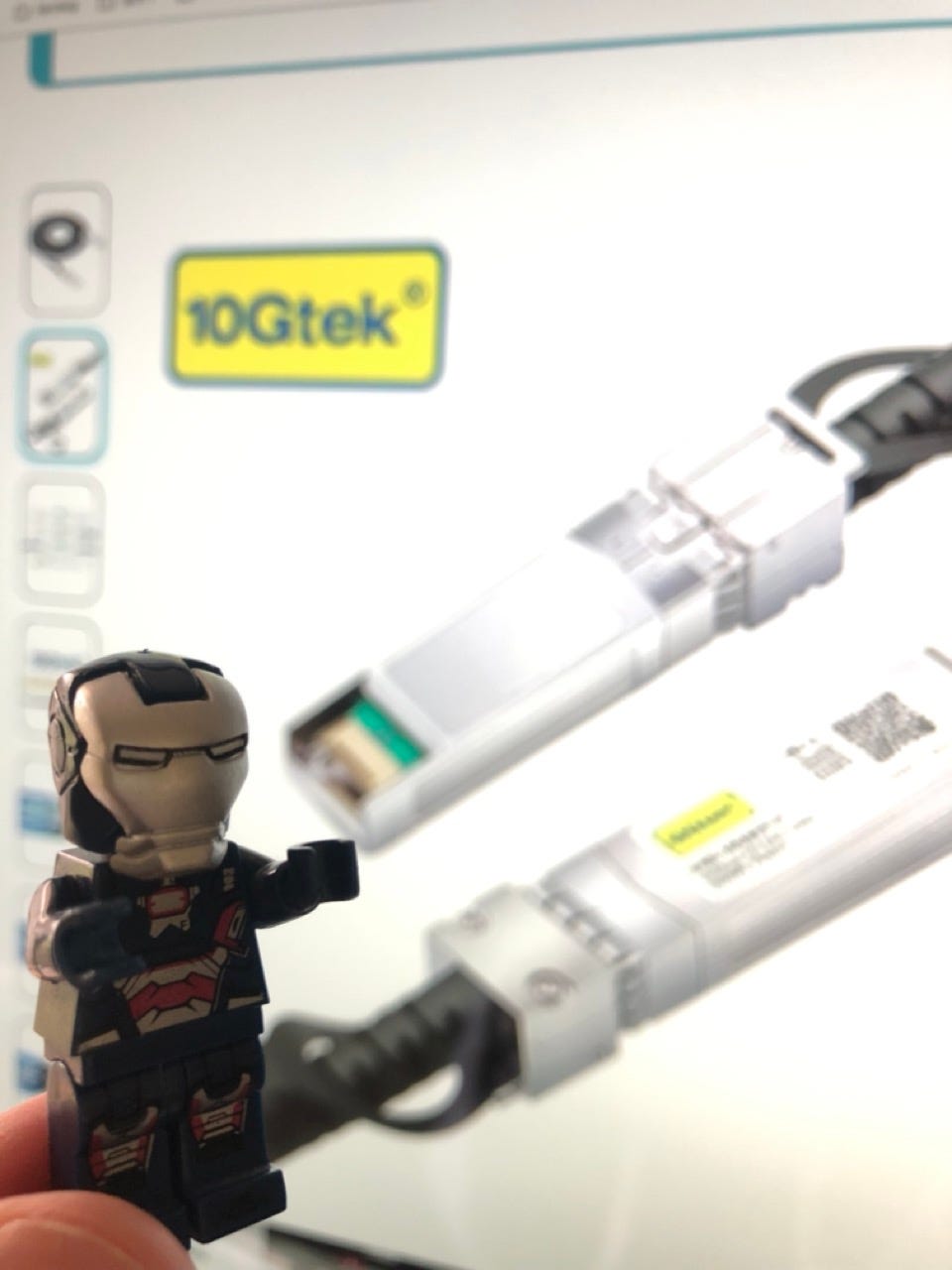
HomeLab: 10Gtek DAC Passive longer than 7m is NOT stable.
Disclaimer
“As an Amazon Associate, I earn from qualifying purchases.”
UPDATE: 2023–12–13
I got a feedback from 10Gtek.
Generally, they don’t recommend to use DAC Passive if longer than 3m. I think if it is for 10Gbps.
Since AOC cable is not much expensive than DAC cable, AOC Fiber is recommended.
In conclusion, IMO, you can use 10Gtek DAC Passive ( 24AWG ) for 10Gbps up to 7m, but not more than that.
UPDATE: 2023–12–11
I am not sure what caused it, but the 10Gtek reached out to me and asked me the issue I had. So, I referred this post.
Hopefully, I can get a productive feedback from them.
Intro
A few days ago, I bought Ubiquiti SFP+ to RJ45 Transceiver ( UACC-CM-RJ45-MG ).
With this new purchase, I was able to connect the incoming 10Gbps WAN into UDM SE SFP+ port. ( I had used 2.5Gbps although the incoming WAN is 10Gbps. )
After I installed Ubiquiti SFP+ to RJ45 Transceiver, I ran several speed test ( or bandwidth test ). The download bandwidth showed the consistent output ( around 8,000Mbps ), however the upload bandwidth wasn’t stable. The upload bandwidth kept fluctuating between 40Mbps to 6,000Mbps.
Current Simplified 10Gbps Network Flow
Here is the simplified version of the wired 10G network from ISP to my computer. They are connected with these equipments.
- ISP: Sonic Internet — 10G Fiber Optic
- ONT: Adtran SDX 622x
- Router: UDM SE
- Cable: 10Gtek SFP+ DAC Passive ( 10m )
- QNAP QNA-T310G1S Thunderbolt 3 to 10GbE Adaptor
Basically, I expected to see the full 10Gbps bandwidth on my computer, but somehow I saw very unstable bandwidth in upload.

Simplified 10Gbps Network Flow: ISP to my computer
Speed Test ( or Bandwidth Test ) / Tried to fix
On my computer, I ran sooooooooo many bandwidth tests. The download bandwidth showed the consistent number above 8,000Mbps. It was slower than 10,000Mbps, but it was acceptable.
However, the upload bandwidth were super unstable ( like the photos below ). I googled about the symptoms and looked for ways to fix it.
These were things I tried.
- Updated VLANs to put WAN and my compute on the same VLAN — I suspected the cross VLANs traffic.
- Paused all custom Firewall Rules — I suspected the Firewall blocked something ( lol )
- Switched the SFP+ port on UDM SE for the incoming WAN — I suspected the port was broken.
- Switched the target servers for the speed test ( or bandwidth test ) — I suspected the target servers were not able to handle 10Gbps upload.
- Ran the speed test lots of times. — I suspected the issue was temporary.
- Used two different Apple MacBook Pro to check if it’s related to my computer’s spec
None of them worked and fixed the issue. I had to continue looking for ways to fix the issue.


10Gbps: Unstable upload bandwidth
Broke down / Narrowed down
When the all equipments were connected, It was difficult to find where the issue was. Therefore, I broke them down and narrowed it down.
Test case 1: ONT <> SFP+ to RJ45 Transceiver <> Qnap SFP+ Adapter <> Thuderbolt <> My computer
This test case already had many components, but at least it was able to tell me if the issue was on UDM SE ( and DAC Passive cable ) or on the equipments in this test case.

checkpoint 1: ONT <> Qnap SFP+ Adapter <> Thuderbolt <> My computer
Fortunately, the speed test ( or bandwidth ) looked good. The download and upload bandwidth were consistent. I ran the tests multiple times, and I got the consistent results.
The test result told me that the issue wasn’t in those equipments, so I was able to cross them ( the mentioned components below ) out from my list.
- ONT
- SFP+ to RJ45 Transciver
- Qnap SFP+ Adapter
- Thuderbolt
- My computer
The test result basically was pointing the UDM SE and the 10Gtek DAC Passive cable as the candidates of the issues. ( At the time, I didn’t really doubt about the cable. The cable was a too simple piece to suspect )

checkpoint 1: ONT <> Qnap SFP+ Adapter <> Thuderbolt <> My computer
Test case 2: ONT <> SFP+ to RJ45 Transceiver <> UDM SE ( SFP+ ) <> Shorter Distance DAC Passive <> Qnap SFP+ Adapter <> Thuderbolt <> My computer
This test was designed to check if the issue was on the 10m DAC Passive cable.
Since I didn’t have a replacement of the UDM SE, I tested the 10m DAC Passive cable first.
To test it, I replaced the 10m DAC Passive cable to 2m DAC Passive cable. It was exactly same except the short distance DAC Passive cable like below.
The shorter distance DAC Passive cable showed the consistent download / upload bandwidth. ( Oh GOD!! )


Speed Test when WAN is 10Gbps + a shorter distance DAC Passive cable
What’s wrong with the 10Gtek SFP+ DAC Passive from ( 10m )?
I got curious what was wrong with the the 10Gtek SFP+ DAC Passive ( 10m ).
I knew that the DAC Passive cable has a restriction in the distance, so I double-checked the product description in Amazon.
Based on the production description, the DAC Passive cable longer than 7m was not recommended.
But, I noticed that the 10Gtek was selling the DAC Passive cables that were longer than 7m. ( It was non-sense. )


10Gtek: DAC Passive cable length recommendation
Ordered two DAC Passive cables to test
I was able to tell that the issue was in the length of the DAC Passive cable, so I ordered two DAC Passive cables.
- 10m 10Gtek — exactly same one
- 7m 10Gteck
I bought the 10m DAC Passive cable to reproduce and confirm if the issue was consistent. ( who knows if mine had a defect. )
And, I also bought the 7m DAC Passive cable to confirm the official longest length ( 7m ) would work.
The newly purchased 10m DAC Passive cable showed the same instability in the upload bandwidth. It was exactly the same issue I had.
I also tried the 7m DAC Passive cable. Fortunately, it was stable and delivered the consistent bandwidth in the download and upload. GREAT!!
These testing results help me confirm the issue was on the length of DAC Passive cable.

7m DAC Passive cable
Left a Question on Amazon
I got curious why the 10Gtek seller posted and sold the DAC Passive cable that didn’t even work.
So, I left the question on Amazon — “is DAC Passive longer than 7m stable with 10Gbps for you?”
After a day, I got the answers from the 10Gtek. They said that the longer than 7m was stable with 10Gbps as well.
Well, based on my testing, it wasn’t really true.

10Gteck’s response on Amazon
Summary
Simply, do not buy DAC Passive cable longer than 7m.
DAC Passive cable is not suitable for long distance connection. To support long distance connection, AOC cable is recommended. ( Fiber )
EXTRA: ONT <> UDM SE ( 2.5 RJ45 ) <> 10Gteck DAC Passive <> Qnap SFP+ Adapter <> Thuderbolt <> My computer
I did an extra test to check how the 10m DAC Passive cable performed with 2.5Gbps.
The 2.5Gbps was the one that I used for 14 months. It worked great.
What I found out was that the 10m DAC Passive cable worked well with 2.5Gbps.


UDM SE: 2.5Gbps WAN port | Speed Test when WAN is 2.5Gbps
메타데이터
- post_id
- cf2b67a4bedd
- slug
- homelab-10gtek-dac-passive-longer-than-7m-is-not-stable-for-10gbps-cf2b67a4bedd
- url
- https://medium.com/@life-is-short-so-enjoy-it/homelab-10gtek-dac-passive-longer-than-7m-is-not-stable-for-10gbps-cf2b67a4bedd
- canonical_url
- https://medium.com/@life-is-short-so-enjoy-it/homelab-10gtek-dac-passive-longer-than-7m-is-not-stable-for-10gbps-cf2b67a4bedd
- author_url
- https://medium.com/@life-is-short-so-enjoy-it
- status
- ok
- fetched_at
- 2026-07-24 19:02:38


