venv, pip, uv: The Isolation Toolkit Every AI Agent Needs
AI Agent Engineer Roadmap Series: Foundations
venv, pip, uv: The Isolation Toolkit Every AI Agent Needs
AI Agent Engineer Roadmap Series: Foundations
If you’ve ever installed a Python package for one project and watched it silently break another, you’ve already met the problem this topic solves. For AI agent development, where you’re constantly pulling in LLM SDKs, vector DB clients, and orchestration frameworks, dependency chaos is basically inevitable unless you isolate your projects. Let’s break down how.
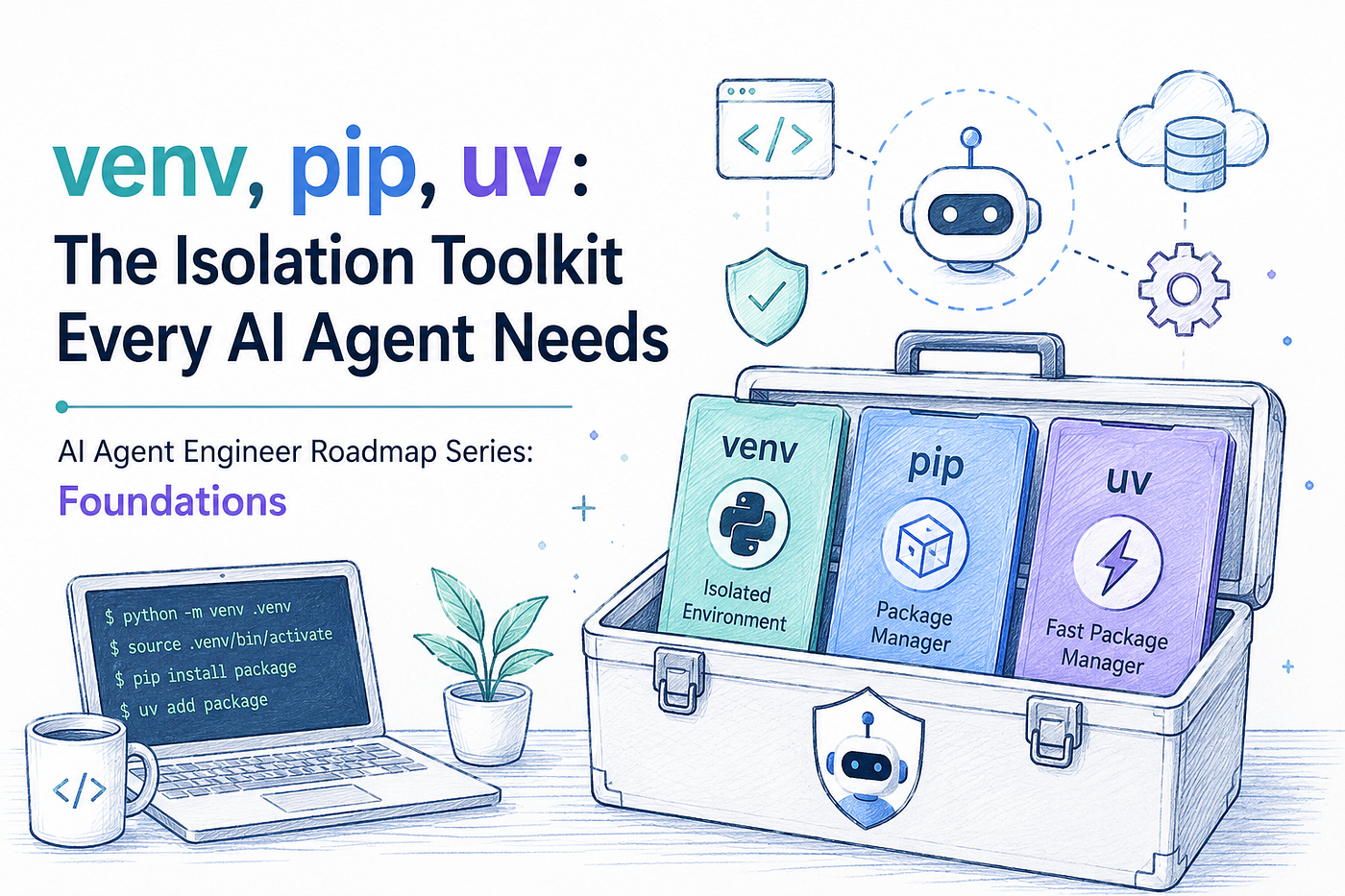
venv, pip, uv
The problem: One Python, many projects
By default, Python installs packages globally in a single shared location on your machine. If Project A needs requests==2.6.0 and Project B needs requests==2.31.0, you’re stuck. Only one version can live in that global site-packages folder at a time.
A virtual environment fixes this by giving each project its own private, isolated copy of Python packages, so installs in one project never affect another.
venv: The built-in solution
Python ships with a module called venv specifically for this. It’s been the officially recommended way to create virtual environments since Python 3.5, and it comes free with your Python installation, no extra install needed.
Creating one is a single command:
python -m venv .venv
This creates a .venv directory containing a copy (or symlink) of the Python interpreter and a fresh site-packages folder. Once created, you activate it so your shell starts using that isolated Python instead of the system one:
source .venv/bin/activate
Once activated, any package you install goes into .venv, not your system Python. When you’re done, just run deactivate.
Note: virtual environments are meant to be disposable. You never check them into Git, and if something breaks, you just delete the folder and recreate it from scratch; that’s actually the recommended fix.
pip: installing the packages themselves
Once you’re inside a virtual environment, pip is the tool that actually pulls packages in from the Python Package Index (PyPI) or other sources.
python -m pip install requests==2.31.0 # pin an exact version
python -m pip install “requests>=2.28” # minimum version
To make your environment reproducible (critical for AI agent projects that others need to run), you freeze your installed packages into a file:
pip freeze > requirements.txt
Anyone else can then recreate the same environment with:
pip install -r requirements.txt
This venv + pip combo is the classic, standard-library Python workflow, reliable, well-documented, and available everywhere.
uv: Modern, fast alternative
More recently, a Rust-based tool called uv (from Astral, the makers of the Ruff linter) has become popular, especially in AI/ML tooling, because it’s dramatically faster and bundles multiple tools into one. uv can replace pip, pip-tools, pipx, poetry, pyenv, and virtualenv all at once.
A few things uv does well:
Create a virtual environment:
uv venvManage a whole project (dependencies + lockfile + environment) in one flow:
uv init my-agent
cd my-agent
uv add openai anthropic
uv run main.py
uv add updates your pyproject.toml, resolves dependencies, writes a uv.lock lockfile for reproducibility, and creates/updates the .venv, all automatically. uv run then executes your script inside that environment without you needing to manually activate anything.
Install and pin Python versions, which is handy when different agent frameworks require different Python versions:
uv python install 3.12
uv python pin 3.12
Drop-in pip compatibility, if you just want the speed without changing your workflow:
uv pip install requests
uv pip sync requirements.txt
Which one should you use?
- venv + pip: zero extra installs, universally supported, the “default” everyone understands. Great for simple scripts, tutorials, or environments where you can’t install extra tools.
- uv: faster, handles locking and Python-version management for you, and is quickly becoming the go-to for serious project work, including AI agent codebases with heavier dependency trees.
Either way, the core idea is the same: never install AI agent dependencies globally. Isolate each project, pin your versions, and keep a lockfile or requirements file so your agent runs the same way on every machine, including your CI pipeline.
You can access all the stories in this series through the links below.
**https://medium.com/@aryanbkrishnan/list/ai-agent-engineer-d801cd8de5a3**
**https://medium.com/@aryanbkrishnan/list/ai-agent-engineer-series-foundations-2a07a7214e66**
Enjoy exploring and learning!
References
메타데이터
- post_id
- cf53dbf2ef02
- slug
- venv-pip-uv-the-isolation-toolkit-every-ai-agent-needs-cf53dbf2ef02
- url
- https://medium.com/@aryanbkrishnan/venv-pip-uv-the-isolation-toolkit-every-ai-agent-needs-cf53dbf2ef02
- canonical_url
- https://medium.com/@aryanbkrishnan/venv-pip-uv-the-isolation-toolkit-every-ai-agent-needs-cf53dbf2ef02
- author_url
- https://medium.com/@aryanbkrishnan
- status
- ok
- fetched_at
- 2026-07-17 17:40:40