🚀 Migration and Modernization of HR Management Application and Oracle Database to a MultiCloud…
with Microsoft Azure App Service (Serverless Docker-Based Managed Service) and Oracle Autonomous Database (Serverless Database).
🚀 Migration and Modernization of HR Management Application and Oracle Database to a MultiCloud Architecture (En version)
with Microsoft Azure App Service (Serverless Docker-Based Managed Service) and Oracle Autonomous Database (Serverless Database).

🎯 General Context
In this project, I took on the role of Cloud Architect in a realistic workload migration scenario.
The goal was to modernize an HR management application, initially running on an on-premises VM connected to a local Oracle Database, to a MultiCloud model leveraging:
- Oracle Cloud Infrastructure (OCI) for the data layer, running on serverless Exadata (Autonomous Database).
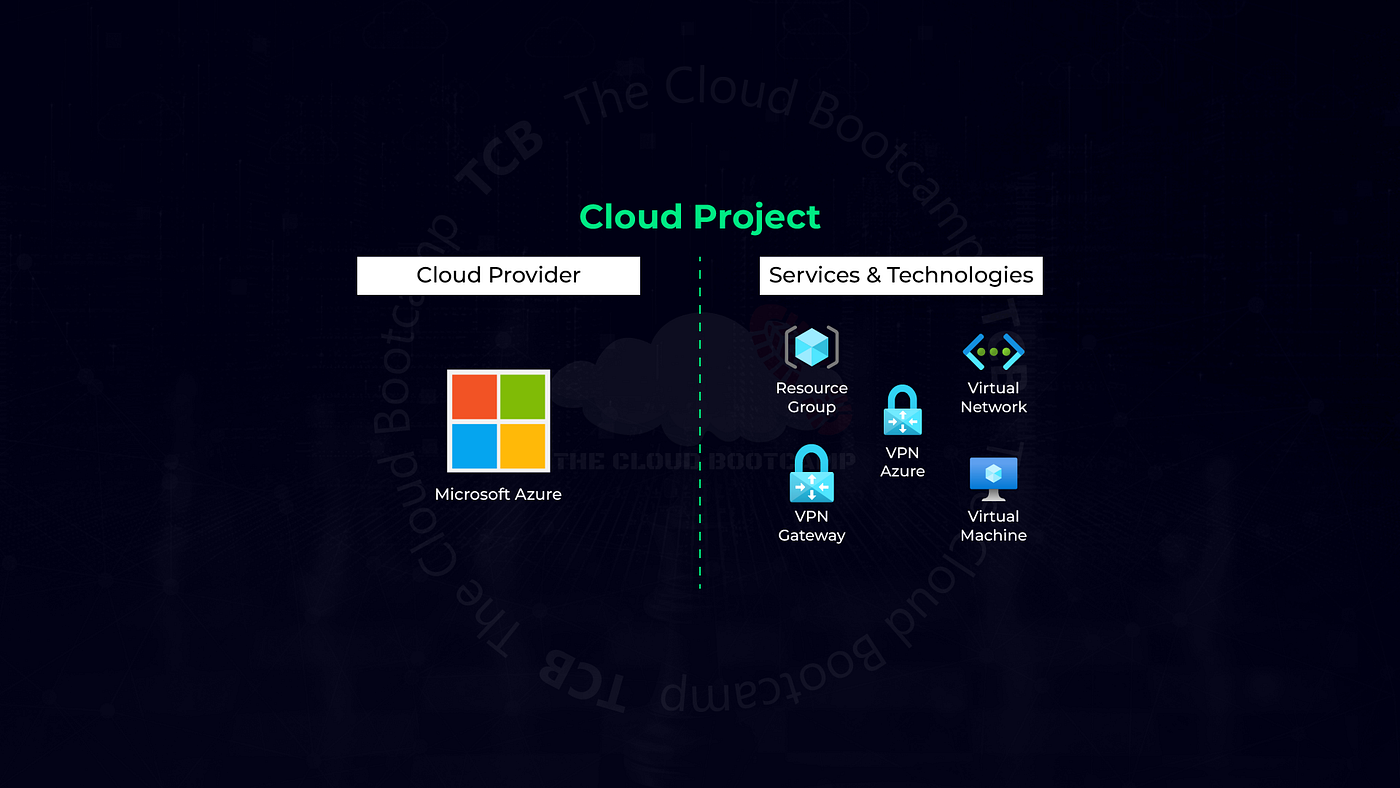
- Microsoft Azure App Service for the application layer, running in serverless managed containers.
🏗️ Solution Architecture

This process followed key architectural premises: ✔ Oracle Database on a self-managed infrastructure (ATP on Exadata). ✔ Application containerized (VM → Docker). ✔ Deployment on a serverless container service. ✔ Infrastructure provisioned as code (IaC).
🗄️ Part 01 — Provisioning and Configuration of Oracle Autonomous Database
Creating the ATP in OCI
- Service: Autonomous Transaction Processing (ATP)
- Workload: Transaction Processing
- Infrastructure: Shared Infrastructure
- Database Version: 19c
- Logical Name:
dbhr - Admin User:
ADMIN

Creating the application user
CREATE USER APP_HR IDENTIFIED BY Welcome123456;
GRANT CONNECT, RESOURCE TO APP_HR;
ALTER USER APP_HR QUOTA UNLIMITED ON DATA;
This user was created to handle all interactions between the application and the database.
Creating a test table
CREATE TABLE employees (
  id INTEGER PRIMARY KEY,
  name VARCHAR2(80),
  surname VARCHAR2(100),
  email VARCHAR2(200),
  phone VARCHAR2(20)
);
Wallet download
The Wallet was downloaded from the OCI console. This file contains certificates and connection credentials, essential for secure communication between the application and the database.

🐳 Part 02 — Application Modernization, Implementation, and Testing
Build VM creation
- OS: Oracle Linux 8
- Name:
docker-vm - SSH Key:
ssh-key-docker-vm.key

Docker installation
sudo dnf update -y
sudo dnf config-manager --add-repo=https://download.docker.com/linux/centos/docker-ce.repo
sudo dnf install docker-ce docker-ce-cli containerd.io -y
sudo systemctl start docker
sudo systemctl enable docker
sudo usermod -aG docker opc

Preparing the application directory
wget https://objectstorage.us-ashburn-1.oraclecloud.com/.../oci-final-project-registration-employees-app.zip
unzip oci-final-project-registration-employees-app.zip
mkdir wallet
scp -i ssh-key-docker-vm.key Wallet_dbhr.zip opc@your-vm-public-ip:/home/opc/oci-final-project-registration-employees-app/wallet/
cd wallet && unzip Wallet_dbhr.zip
Creating the Dockerfile
FROM oraclelinux:7-slim
WORKDIR /app
ARG release=19
ARG update=10
RUN yum install -y oracle-epel-release-el7 oracle-release-el7 && \
yum-config-manager --enable ol7_oracle_instantclient && \
yum -y install oracle-instantclient${release}.${update}-basic \
oracle-instantclient${release}.${update}-devel \
oracle-instantclient${release}.${update}-sqlplus && \
yum install -y gcc gcc-c++ make && \
rm -rf /var/cache/yumRUN yum install -y oracle-softwarecollection-release-el7 && \
yum-config-manager --enable software_collections && \
yum-config-manager --enable ol7_latest ol7_optional_latest && \
yum install -y scl-utils rh-python36 && \
yum install -y python-pipENV PATH=$PATH:/usr/lib/oracle/${release}.${update}/client64/bin
ENV TNS_ADMIN=/usr/lib/oracle/${release}.${update}/client64/lib/network/adminADD ./wallet /usr/lib/oracle/${release}.${update}/client64/lib/network/admin/
COPY ./requirements.txt /app/requirements.txt
COPY ./app.py ./config.py ./forms.py ./models.py ./Procfile ./README /app/
COPY ./static /app/static
COPY ./templates /app/templatesRUN /opt/rh/rh-python36/root/usr/bin/python3.6 -m pip install --upgrade pip
RUN /opt/rh/rh-python36/root/usr/bin/python3.6 -m pip install -r /app/requirements.txtEXPOSE 8000
CMD ["/opt/rh/rh-python36/root/usr/bin/gunicorn","app:app","--config=config.py"]Building and pushing the image to Docker Hub
docker build -t "oci-final-project-registration-employees-app:latest" .
docker tag oci-final-project-registration-employees-app:latest your-dockerhub-id/oci-final-project-registration-employees-app:latest
docker login
docker push your-dockerhub-id/oci-final-project-registration-employees-app:latest


DOCKER HUB

☁️ Part 03 — Deployment on Azure App Service
docker-compose.yml file
version: "3.9"
services:
  app:
    image: "your-dockerhub-id/oci-final-project-registration-employees-app"
    environment:
      - DB_CONNECT_STRING=dbhr_high
      - DB_USER=app_hr
      - DB_PASSWORD=Welcome123456
Creating Azure App Service
- Resource Group: oci-final-project
- Instance Name: oci-final-project-fhp
- Publish: Container
- OS: Linux
- Plan: Free F1
- Configuration: Docker Compose (public image from Docker Hub)

Log Stream

Deployment Center Logs

After deployment, the application was available through the default Azure domain.

📂 Part 04 — Importing the On-Premises Dump
Export and upload to OCI Object Storage
The database dump was stored in a private bucket (bucket-dbhr-fhp) in OCI Object Storage.

uploading the dump file

Creating PAR — Pre Authenticated Request


Connecting to Autonomous DB via Wallet
export TNS_ADMIN=/tmp/tns-wallet
sqlplus admin/Welcome123456@dbhr_high
Importing with Oracle Data Pump
impdp admin/Welcome123456@dbhr_high \
  credential=not_used \
  TABLE_EXISTS_ACTION=REPLACE \
  directory=data_pump_dir \
  dumpfile=https://objectstorage.us-ashburn-1.oraclecloud.com/.../exp_app_hr01.dmp \
  logfile=import.log
Validation
- Testing record insertion.


- Testing record deletion.


- Verifying active database sessions:
SELECT * FROM v$session;
📊 Results
- Application successfully migrated to Azure App Service with serverless containers.
- Database restored and fully operational in Oracle Autonomous Database (Exadata Serverless/OCI).
- Data successfully imported from the on-premises environment.
- Temporary resources deleted, following FinOps best practices.
📝 Conclusion
The implementation validated the feasibility of adopting a MultiCloud strategy for enterprise systems:
- OCI ensures resilience and security for the data layer.
- Azure provides agility and scalability for the application layer in a serverless model.
This project reinforces my expertise in Cloud Architecture, DevOps, IaC, and complex workload migrations, delivering high-value solutions for companies and industries undergoing digital transformation.
메타데이터
- post_id
- cfc3ef0384b6
- slug
- migration-and-modernization-of-hr-management-application-and-oracle-database-to-a-multicloud-cfc3ef0384b6
- url
- https://medium.com/@fabio.pettian/migration-and-modernization-of-hr-management-application-and-oracle-database-to-a-multicloud-cfc3ef0384b6
- canonical_url
- https://medium.com/@fabio.pettian/migration-and-modernization-of-hr-management-application-and-oracle-database-to-a-multicloud-cfc3ef0384b6
- author_url
- https://medium.com/@fabio.pettian
- status
- ok
- fetched_at
- 2026-09-06 20:26:55