The AI Lens for Design: How Generative AI is Redefining UI/UX Testing Forever
Imagine your product launches at midnight. A thousand users log in, expecting seamless experiences — but a hidden UI bug frustrates half…
The AI Lens for Design: How Generative AI is Redefining UI/UX Testing Forever
Imagine your product launches at midnight. A thousand users log in, expecting seamless experiences — but a hidden UI bug frustrates half of them. Your team tested everything, yet somehow, the human eye missed it. What if there was another way? A smarter, scalable, unbiased lens watching your designs, 24/7.
Welcome to the age of Generative AI in UI/UX testing — where quality meets creativity at scale.
Why UI/UX Testing Needs a Makeover
In the digital age, delivering functional software isn’t enough. Users expect:
- Seamless onboarding
- Frictionless interactions
- Visually consistent and accessible designs
- Interfaces that feel intuitive, even on first use
But traditional UI/UX testing has major gaps:
- Limited to manual reviews or script-based validations
- Time-consuming and subjective
- Often reactive instead of proactive
This is where Generative AI brings a seismic shift.
What is Generative AI for UI/UX Testing?
Think of it as your AI design reviewer and usability analyst. It can: —
- Generate UI mockups
- Simulate user interactions based on behavioral models
- Spot visual inconsistencies across devices and platforms
- Predict design friction before it impacts the user
- Evaluate accessibility and inclusivity issues
It doesn’t sleep. It doesn’t miss edge cases. And it scales.
How It Works — Simplified
Here’s how the magic unfolds: —
- Smart Layout Suggestions: AI recommends spacing, contrast, font alignment fixes by analyzing your designs (via Figma, Adobe XD, or code).
- Simulated User Paths: Based on historical data, AI predicts where a new user might struggle — onboarding, checkout, search, etc.
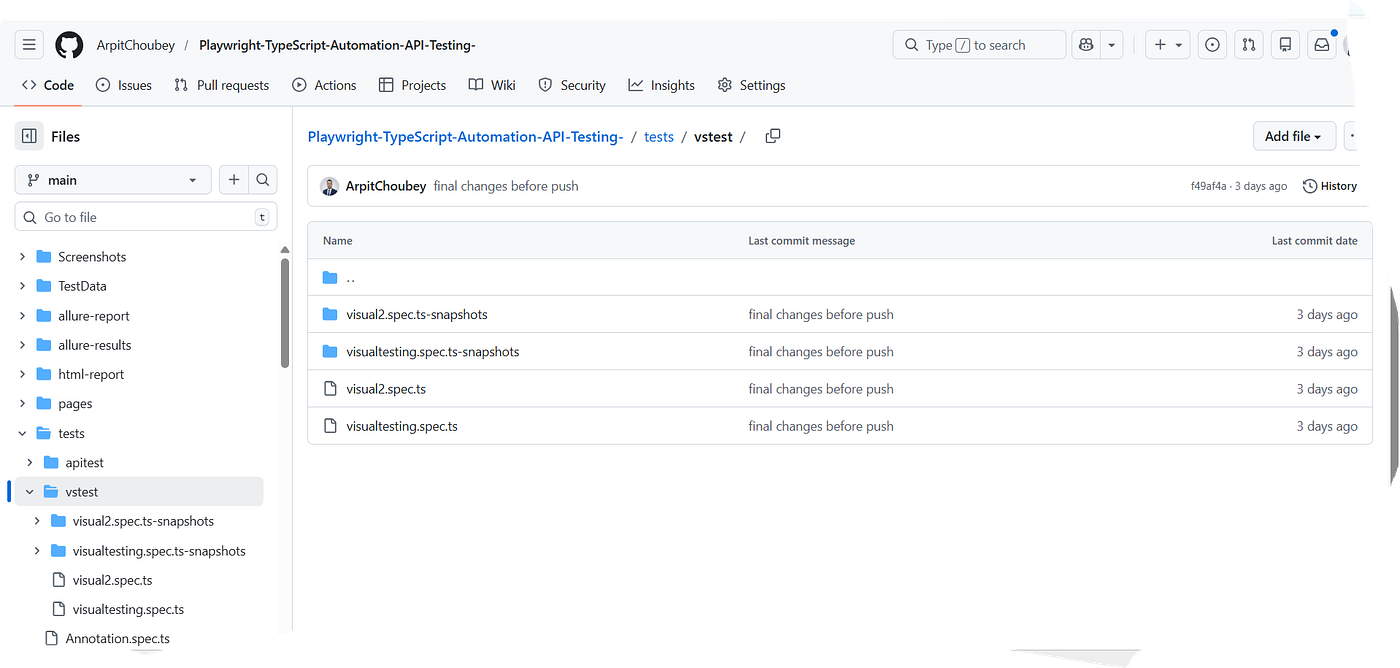
- Visual Regression: Pixel-perfect comparison against expected snapshots, catching even 1px shifts across browsers.
- Design Conformance: Validates live UI against design system components to maintain brand identity.
- Accessibility Insights: AI scans for WCAG violations like low color contrast, missing labels, improper navigation, etc.
What Makes Generative AI Game-Changing for UI Testing?
Precision: Spots subtle issues — off-brand colors, layout shifts, or element overlaps — before they reach users
Speed: Thousands of components tested in minutes across devices and screen sizes
Objectivity: No tester fatigue, no designer bias — just data-backed analysis
Empathy Emulation: AI mimics diverse users — elderly, differently abled, first-timers — to expose blind spots
Adaptability: New design? New user flow? AI adapts immediately, no scripting needed
Real-World Applications
Let’s bring this to life:-
E-commerce: AI identifies bottlenecks in checkout flow — like tiny buttons on mobile or hidden CTAs
SaaS: AI detects onboarding confusion, like users skipping tooltips or missing key setup steps
Fintech: Ensures accessible and compliant interfaces for KYC, transfers, and dashboards
Design Ops: Maintains design fidelity from concept to code across releases and versions
Leading Tools in the Arena
- Appli tools Visual AI: Visual validation powered by machine learning
- UXP in Merge + AI: Merge design systems with real code and validate instantly
- Chat GPT + Screenshot APIs: Dynamic UI feedback and summarization from visuals
- Microsoft Copilot for Designers: AI-assisted UI generation and validation
Key Benefits That Matter
- Consistent Branding: Catch off-brand fonts, icons, and spacing automatically
- Cross-Platform Harmony: Validate web, mobile, tablet with unified AI models
- Design System Governance: Enforce component usage with AI watchdogs
- Rapid Iteration Support: Align with Agile sprints without slowing velocity
- Inclusive UX: AI highlights potential exclusion risks — language, navigation, contrast, etc.
- Predictive Usability: AI anticipates drop-offs or rage clicks before real users experience them
- Data-Driven UI Evolution: AI feeds learnings back into design decisions
- Seamless CI/CD Integration: Enable visual/UI testing within your pipeline
My Story: How Generative AI Saved Our Product Launch
In one of my recent projects, we introduced a new pricing calculator widget. Manual testing missed a small layout shift on Safari iOS that pushed the “Submit” button below the viewport. Nobody caught it — until AI flagged it within minutes via a visual diff scan. That one catch saved us from a flood of support tickets and lost conversions.
This experience solidified my belief: AI isn’t replacing testers; it’s empowering them.
Final Thoughts: From Usability to Delight
User expectations are sky-high. Releases are faster than ever. Manual testing can’t keep up.
Generative AI brings scale, speed, and smarts to UI/UX testing — closing the gap between design vision and user reality. Whether you’re a tester, designer, or product owner, this is your moment to evolve.
Don’t just build apps that work — build apps that feel right.
메타데이터
- post_id
- d03e4a1e07da
- slug
- the-ai-lens-for-design-how-generative-ai-is-redefining-ui-ux-testing-forever-d03e4a1e07da
- url
- https://medium.com/@ArpitChoubey9/the-ai-lens-for-design-how-generative-ai-is-redefining-ui-ux-testing-forever-d03e4a1e07da
- canonical_url
- https://medium.com/@ArpitChoubey9/the-ai-lens-for-design-how-generative-ai-is-redefining-ui-ux-testing-forever-d03e4a1e07da
- author_url
- https://medium.com/@ArpitChoubey9
- status
- ok
- fetched_at
- 2026-07-09 08:27:28