Windows 365 Link is now on Windows 11, version 25H2
TL;DR: Windows 365 Link is now on Windows 11, version 25H2 (via April 2026 Patch Tuesday), and you can enable tenant branding on the…
Windows 365 Link is now on Windows 11, version 25H2
TL;DR: Windows 365 Link is now on Windows 11, version 25H2 (via April 2026 Patch Tuesday), and you can enable tenant branding on the sign-in screen using the same Intune policy you use for Windows 365 Boot.
As part of April 2026 Patch Tuesday, the Windows CPC OS that powers Windows 365 Link has moved to Windows 11, version 25H2. The nice bonus: you can now show your organization's tenant branding on the sign-in screen (except for wallpaper).

Windows 365 Link with Contoso branding on the logon screen
Why this matters for admins
· Cleaner user experience: branded sign-in helps users recognize they’re in the right place (and can reduce “is this legit?” questions).
· Consistency: another touchpoint aligned with your wider Windows 365 / Entra ID look and feel.
What to check
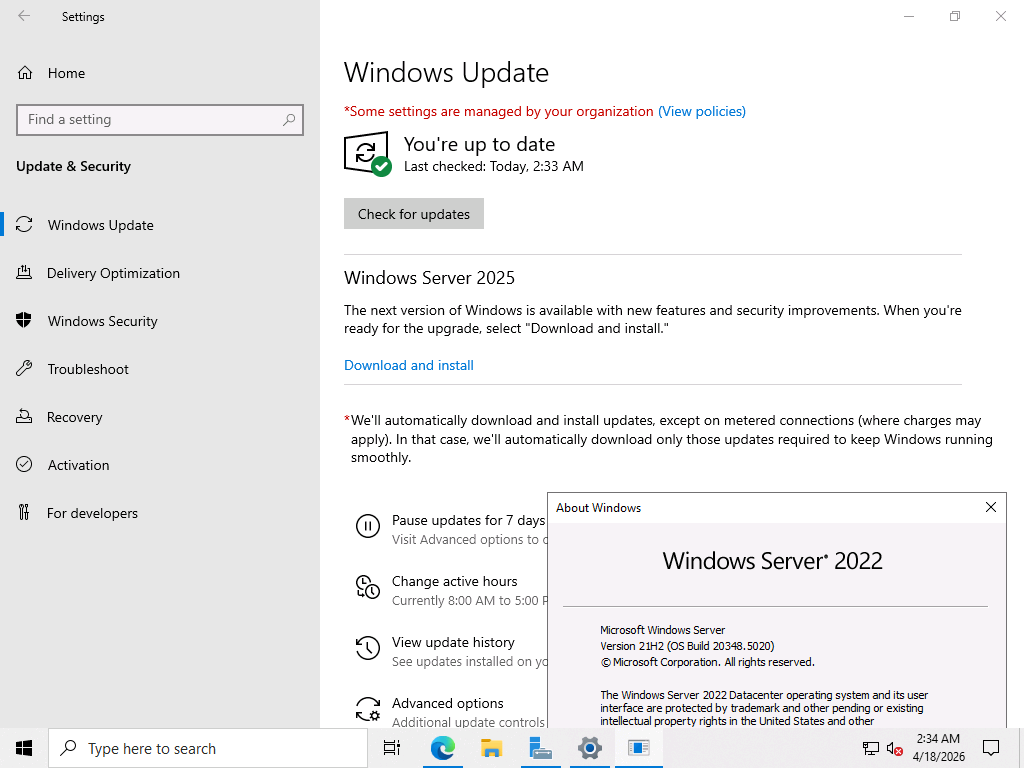
· Confirm your Windows 365 Link devices have picked up the April 2026 update and are reporting Windows 11, version 25H2/Build 26200.
· If you already use tenant branding with Windows 365 Boot, verify it’s now showing on the Link sign-in screen too (same Intune policy).
· Heads-up: company wallpaper isn’t supported on Windows 365 Link yet (unlike Windows 365 Boot), so expect branding only (logo/company name) for now.
CTA: Take 5 minutes today to spot-check a few Windows 365 Link devices (OS version + sign-in branding). If you haven’t rolled out branding yet, consider enabling it via the same Intune policy you use for Windows 365 Boot and give your support desk a quick heads-up on what users will see.
Bottom line: this update gets Windows 365 Link onto Windows 11, version 25H2 and makes it easier to deliver a consistent sign-in experience with tenant branding (using the same Intune policy as Windows 365 Boot). Just keep in mind that company wallpaper isn’t supported on Link yet.
Got questions, gotchas, or screenshots of how it looks in your tenant? Drop a comment, especially if you spot any quirks with the 25H2 update or the branding experience on Link.
메타데이터
- post_id
- d09522e241ac
- slug
- windows-365-link-is-now-on-windows-11-version-25h2-d09522e241ac
- url
- https://medium.com/@techosarusrex/windows-365-link-is-now-on-windows-11-version-25h2-d09522e241ac
- canonical_url
- https://medium.com/@techosarusrex/windows-365-link-is-now-on-windows-11-version-25h2-d09522e241ac
- author_url
- https://medium.com/@techosarusrex
- status
- ok
- fetched_at
- 2026-07-15 03:30:49