Your Coding Agent Has Amnesia. Here’s the Architecture That Fixes It.
A plug-and-play scaffold that turns one session’s feedback into durable memory for Claude Code, Codex, Cursor, and Aider. No migration…
Your Coding Agent Has Amnesia. Here’s the Architecture That Fixes It.
A plug-and-play scaffold that turns one session’s feedback into durable memory for Claude Code, Codex, Cursor, and Aider. No migration required.
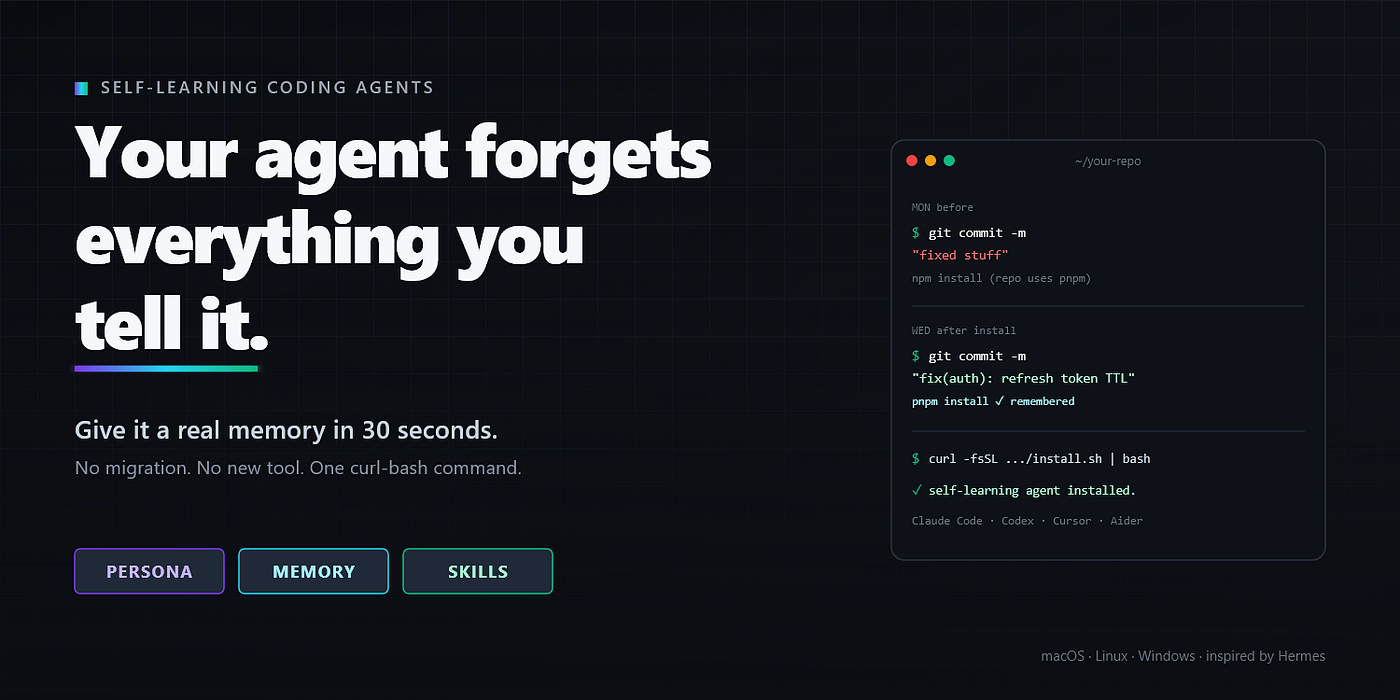
Every coding agent ships with the same amnesia. Claude Code, Codex, Cursor, Cline. All of them. You spend twenty minutes on Tuesday morning explaining that your team uses pnpm, that commits follow Conventional Commits, that nothing gets force-pushed to main. The agent nods, fixes the bug, you ship.
Wednesday morning, new session, fresh agent. It runs npm install, writes a commit message like "fixed stuff", and tries to git push --force when the rebase conflicts.
You re-type the explanation. Wednesday afternoon, different file, same drift.
You either give up and review every diff carefully forever, or you stuff a 4,000-line CLAUDE.md with every preference you've ever had. The model then half-ignores it, because no human reads 4,000 lines carefully on every turn.
There’s a third option. Make the agent learn instead of read.
Why not just switch to a smarter framework?
Frameworks like Hermes, OpenClaw, and OpenCode already have excellent self-learning architectures: persona files, memory stores, skill libraries, hooks, the works. If you’re starting fresh today, install one and move on.
The catch: almost nobody reading this is starting fresh.
If you’ve spent six months getting productive in Claude Code (or Cursor, or Codex), switching is a tax most devs won’t pay. You’d be giving up the IDE integration you actually use. You’d be re-learning a new TUI, new keybindings, a new failure-mode catalogue. And you’d be standing up the environment from zero before any of it is useful.
So most devs don’t migrate. They stay in their current agent, keep re-typing the same instructions every session, and self-learning stays a curiosity rather than something they actually get to use.
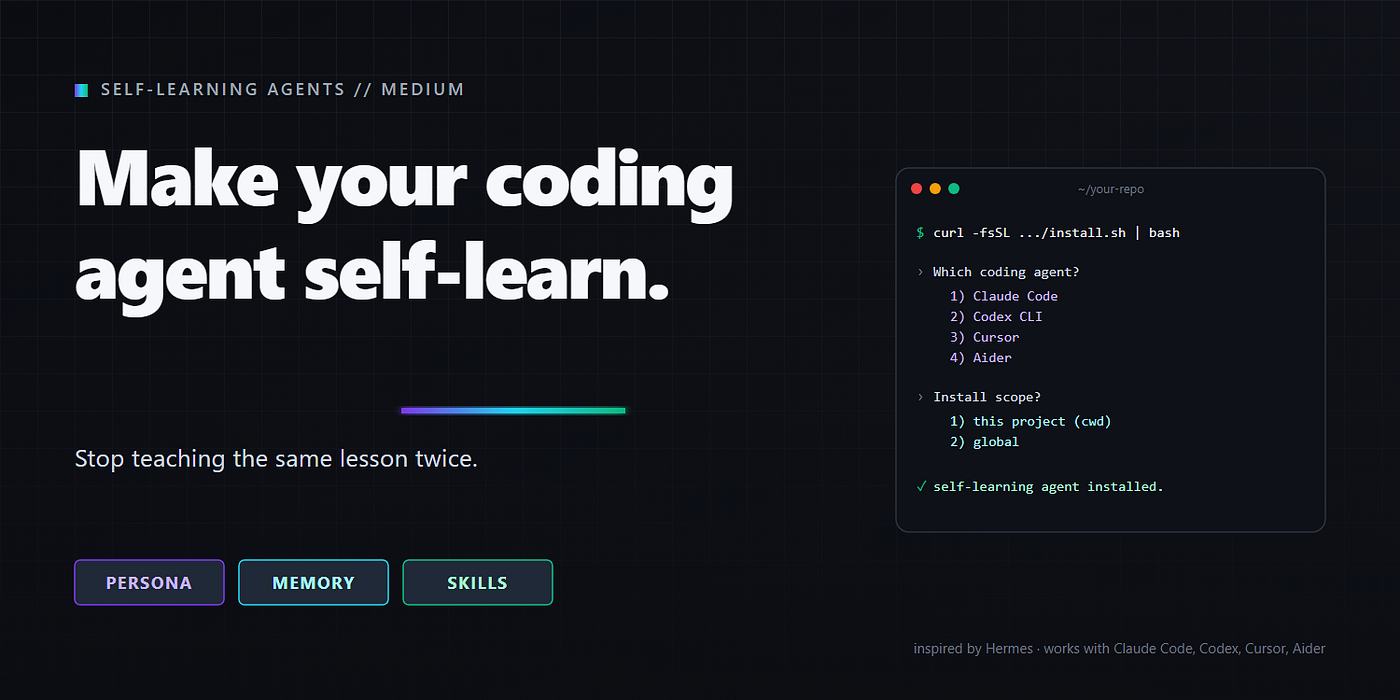
This repo is the wedge. It takes the architectural ideas from Hermes and ports them as a plug-and-play scaffold into the agents devs already use. No migration. No new UI. No abandoning your existing setup. One curl-bash, pick your agent, keep working.
curl -fsSL https://raw.githubusercontent.com/Prajwalabraham/make-any-coding-assistant-self-learning/main/install.sh | bashWhat I learned from tearing apart Hermes
Before writing this I dug into the Hermes Agent install on my own machine. Hermes is interesting because it treats “learning” as a first-class architectural concern rather than a CLAUDE.md dumping ground.
Stripped to its essence, Hermes has four artifacts:
~/.hermes/
├── SOUL.md              # persona, reloaded every message
├── memories/
│   ├── MEMORY.md        # cross-context facts (index)
│   └── USER.md          # user-specific preferences
├── skills/
│   └── <category>/<name>/SKILL.md
└── hooks/
No vector database. No fine-tuning. No graph of embeddings. Just markdown the agent reads on every turn and writes to whenever it learns something.
The trick is the discipline around what goes where.
SOUL.mdis how you talk. Tone, defaults, way of working.MEMORY.mdandUSER.mdare facts the agent shouldn't have to ask again. Things like "we use pnpm, not npm" or "all PRs need a reviewer from the platform team." Tiny entries. Load-bearing.SKILL.mdfiles are recipes. When a workflow stabilizes, it gets distilled into a skill so the agent stops re-deriving it every time.
That’s the entire blueprint. Everything below is how to port it to your agent without pretending the wiring is identical across all four. It isn’t.
The three-layer model
The concept is portable. The files are not.
Layer     What it is                              When to write
-------   -------------------------------------   ----------------------------------
Persona   Tone, defaults, way of working          When the user corrects your style
Memory    One file per fact + an index            When the user gives a preference
Skills    One file per workflow, loaded on demand When a workflow repeats 3+ times
The bug in most CLAUDE.md-based setups is that all three layers get crammed into one file. The model has to do classification, retrieval, and application on every turn with no structure to help it. Splitting them lets each layer evolve at its own pace.
Capture signal, not transcripts
The most common mistake in “memory” plugins is dumping the entire conversation into a log and calling it learning. That isn’t memory. That’s tape.
Signal is the small subset of user turns that contain a durable rule. Four patterns matter:
- Corrections: “no”, “don’t”, “stop”, “never”, “that’s wrong”
- Confirmations: “yes, exactly”, “perfect”, “keep doing that”
- Preferences: “I prefer”, “from now on”, “in this repo we”
- References: “check the Linear board”, “the Grafana dashboard at…”
Corrections are obvious. Confirmations are the underrated half. If you only save corrections, the agent learns to be timid. Saving confirmations teaches it which judgment calls actually worked.
One fact per file, plus an index
A flat append-only memory log breaks at around 200 facts. A better pattern:
memory/
├── MEMORY.md                          # one-line index, always loaded
├── user_role.md
├── feedback_research_before_plan.md
├── feedback_git_discipline.md
└── project_q2_payments_refactor.md
MEMORY.md is the only file always in context. It looks like this:
- [User role](user_role.md) — senior backend engineer, ten years Go, new to React
- [Research before planning](feedback_research_before_plan.md) — read code first, then propose
- [Git discipline](feedback_git_discipline.md) — never force-push to shared branches
The model loads the index every session, scans for relevance, and reads per-fact files only when one applies. Same trick humans use: an index of things you know, plus the ability to recall the detail when needed.
Each fact file carries a Why field, which is the most important part. Without it, future-you can't judge edge cases, and the rule quietly decays into either over-application or drift.
Skills are workflows, not facts
A common failure mode: people store “how to cut a release” as a memory. It works for a while. Then the process gets complicated, the memory becomes a 40-line wall of bullet points, and the model starts ignoring it.
That isn’t memory. That’s a skill, a different artifact with a different lifecycle.
Promote a memory to a skill when:
- A workflow has been re-instructed three or more times across sessions
- It has actual steps, not just a fact
- It has pitfalls worth documenting
The promotion rule encoded in the scaffold is plain: two occurrences is coincidence, three is a pattern, wait for three.
The description field on every skill is the trigger. Write it so the model can decide relevance from a 30-character skim. Start with "Use when…" and you're 90% there.
Make consideration mandatory, not optional
You can write the best AGENTS.md in the world telling the agent to "please remember corrections." It will forget half the time, because nothing forces it to consider the question.
Claude Code solves this at the shell level with SessionStart and UserPromptSubmit hooks. The other three agents (Codex, Cursor, Aider) don't have shell hooks. The fallback is a clear instruction inside the auto-loaded protocol file, telling the model to consider saving on every turn.
Different mechanisms, same outcome: the model is forced to consider saving every time, not just prompted to remember it voluntarily.
Let the agent run its own garbage collection
Memory rots. A fact saved in March about “the auth service runs on port 8080” becomes a lie in June when the team moves it to 8443. If you have to remember to clean it up manually, you won’t.
The repo ships a memory-keeper prompt for each agent. Think of it as git gc for your agent's brain. Point it at a weekly cron and forget it. It reads every memory file, checks each against the current codebase, deletes contradicted facts, merges overlapping ones, and rebuilds MEMORY.md as a clean index.
Wire it once. Never touch it again.
Silence is the feature
The single most important UX rule: don’t announce what you learned.
Every “I’ve remembered that you prefer X!” message trains the user to ignore your output. The right behavior is invisible. The user notices, three weeks later, that you stopped writing commits like “fixed stuff.” That is the win condition.
Every persona template in this repo enforces it:
“When the user corrects you, update the relevant memory file before continuing. Do not announce the save.”
What this looks like in practice
Week 1, fresh install. The agent works like a stock session. You correct it twice about something. Both corrections get saved to feedback_*.md files. MEMORY.md grows by two lines.
Week 2. New session, different file. The protocol fires via hook on Claude Code, via always-loaded rule on Cursor, via auto-read AGENTS.md on Codex. The agent sees the rule, applies it silently, never makes the same mistake.
Week 4. You’ve explained your release process three times. The skill distiller fires, drafts a cut-release skill, shows it to you. You tweak one line, save. Every future "cut a release" now runs the recipe without re-instruction.
Week 8. The Monday 9am cron fires memory-keeper. It archives eleven outdated facts from when you were still on the old auth service. MEMORY.md slims back down to forty lines of high-signal entries.
The agent is now genuinely better in your repo than a fresh install would be. Not because the model changed, but because the scaffolding captured the months of context you’d otherwise have to re-explain.
Get started
One line on macOS / Linux:
curl -fsSL https://raw.githubusercontent.com/Prajwalabraham/make-any-coding-assistant-self-learning/main/install.sh | bashOne line on Windows (PowerShell):
iwr -useb https://raw.githubusercontent.com/Prajwalabraham/make-any-coding-assistant-self-learning/main/install.ps1 | iexThe installer picks your agent, drops a sla binary onto your PATH, and walks you through an interactive prompt. It won't overwrite existing files without an explicit y, so it is safe to run over any live project. The full repo and contributing guide are on GitHub.
Every hour you spend re-explaining the same thing to your coding agent is an hour the agent could spend being useful in your codebase specifically. The gap between “stock agent” and “agent that knows your project as well as a six-month engineer” isn’t a smarter model. It’s a hundred small markdown files that capture what you’ve already told it.
Install the scaffolding once. Let the agent maintain it. Stop teaching the same lesson twice.
If this was useful, follow for more on developer tooling and agent architecture. PRs for new agent templates and real-world skills are very welcome. The repo is open.
Tags: AI · Developer Tools · Claude · Productivity · Software Engineering
메타데이터
- post_id
- d09c6482e0db
- slug
- your-coding-agent-has-amnesia-heres-the-architecture-that-fixes-it-d09c6482e0db
- url
- https://medium.com/@prajwalabraham.21/your-coding-agent-has-amnesia-heres-the-architecture-that-fixes-it-d09c6482e0db
- canonical_url
- https://medium.com/@prajwalabraham.21/your-coding-agent-has-amnesia-heres-the-architecture-that-fixes-it-d09c6482e0db
- author_url
- https://medium.com/@prajwalabraham.21
- status
- ok
- fetched_at
- 2026-06-09 15:37:30