How to Simplify Complex Workflows Without Losing Functionality
Complex products do not become complex because teams love clutter. They become complex because real work is complex. The goal is not to…

How to Simplify Complex Workflows Without Losing Functionality
Complex products do not become complex because teams love clutter. They become complex because real work is complex. The goal is not to “dumb down” the product. The goal is to make it legible.
This article is a practical guide for simplifying workflows while protecting the power users rely on.
Definition I use: Simplification is reducing cognitive load and interaction cost without reducing capability.
1) Start with outcomes, not screens
Before touching UI, make the workflow explicit.
- User goal: What are they trying to accomplish in one sentence?
- Success criteria: How do they know it worked?
- Constraints: Permissions, approvals, compliance, dependencies.
- Variants: “Happy path” plus the top 3 edge cases that drive volume or risk.

Example of a job map
A fast way to do this is a “job map”:
- Trigger (why the user starts)
- Prepare (what must be true)
- Execute (the steps)
- Verify (what confirms success)
- Recover (what happens when it fails)
If you cannot explain the workflow without UI, you are likely designing the wrong thing.
2) Separate frequency from criticality
Most “complex workflows” contain two kinds of steps:
- Frequent steps that everyone does daily
- Critical steps that are rare but high-risk (compliance, money movement, permissions)
Simplification is often:
- Making frequent steps faster and more obvious
- Making critical steps safer and more deliberate
This prevents a common failure mode: hiding critical settings so deeply that mistakes become irreversible.
3) Reduce decisions per step (don’t remove options)
Removing options usually removes functionality. Instead, reduce how many decisions a user must make at one time.
Use patterns like:
- Progressive disclosure: show basics first, reveal advanced controls when needed
- Contextual defaults: pre-fill based on history, role, or project state
- Smart grouping: cluster fields by the user’s mental model, not your data model

A useful test:
- Can a new user complete the workflow using only what is visible by default?
- Can an expert still access the advanced controls in one or two moves?
4) Make the workflow stateful and observable
Complexity gets painful when users cannot answer:
- “Where am I in the process?”
- “What changed?”
- “What is blocking me?”

Add workflow visibility:
- A clear status model (Draft → In review → Approved → Completed)
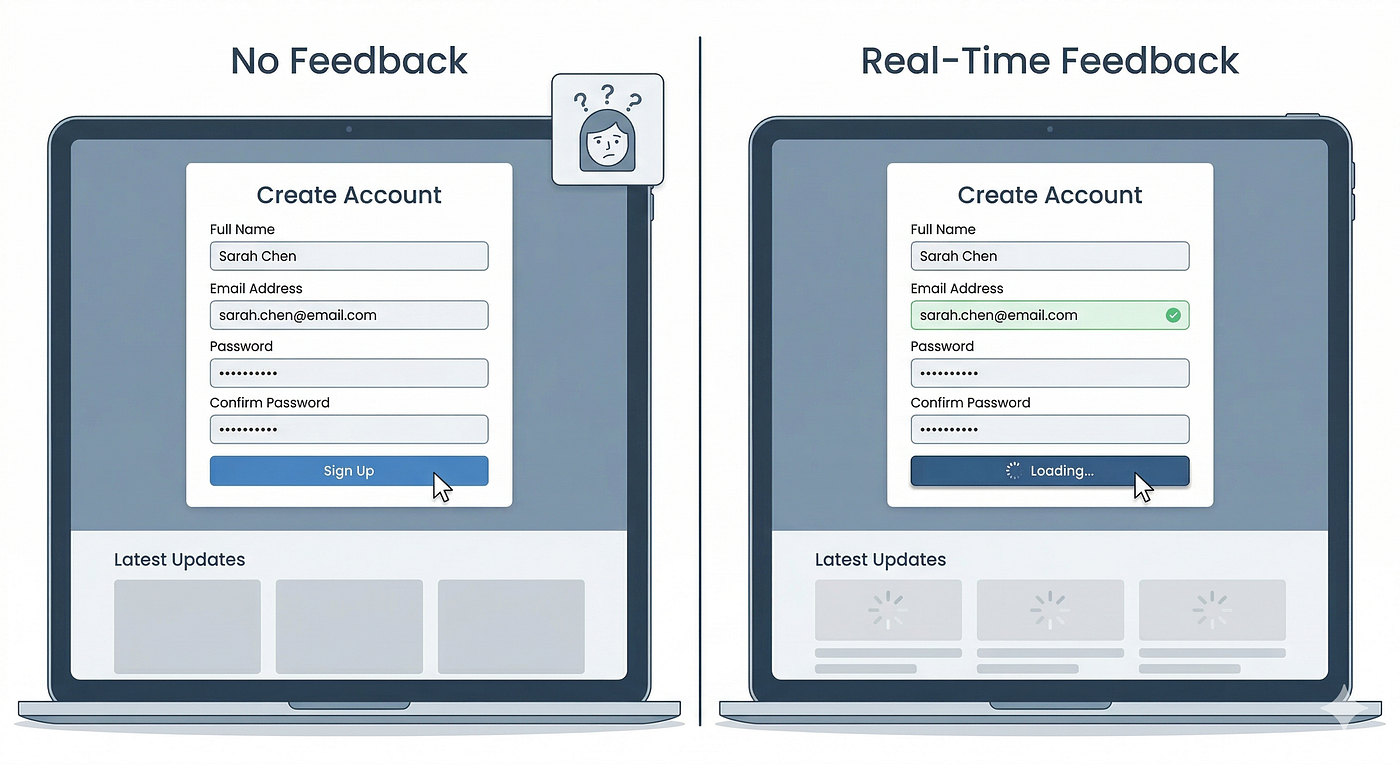
- Inline validation and requirement checks
- A “What’s missing?” checklist
- Audit trail for high-impact actions
This does not remove capability. It makes capability safe.
5) Design the “escape hatches” on purpose
Power users need ways to move quickly. New users need guardrails.

Instead of forcing everyone into one path, build deliberate escape hatches:
- Bulk actions for repeated work
- Templates / presets for common configurations
- Keyboard shortcuts or quick add flows
- Advanced mode (explicitly labeled) for dense configuration
The key is intentionality: users should understand when they are taking the “fast but risky” route.
6) Turn complexity into steps, not a single form
Huge forms are often a symptom of an unmodeled workflow.

Good step boundaries usually map to:
- A change in mental mode (configure → review → submit)
- A dependency (cannot proceed until X is true)
- A permission handoff (creator → approver)
Avoid wizard fatigue by keeping steps meaningful and few. If you need 10 steps, you probably need better information architecture.
7) Use language that matches the user’s domain
In complex systems, labels are part of the workflow.
- Prefer user terms over internal terms
- Add microcopy where users hesitate (“Why is this required?”)
- Provide examples for ambiguous fields
If users repeatedly ask support what something means, the workflow is not actually usable.
8) Validate with real scenarios, not opinions
To ensure you did not lose functionality, test with scenario coverage:
- Core scenario: common, happy path
- Variant scenario: different role or data condition
- Failure scenario: missing permissions, missing required info, conflict, error
- Migration scenario: user returns later, or hands off to another person
Measure:
- Time to complete
- Error rate
- Help-seeking moments (“What do I do now?”)
- Confidence (“I’m sure this is correct”)
9) Instrument the workflow so it stays simple
Workflows get complex again when teams cannot see where they are failing.
Track:
- Drop-offs between steps
- Time spent per step
- Most common validation errors
- Undo / recovery usage
Simplification is not a one-time redesign. It is continuous maintenance.
A practical checklist you can reuse
- Does the UI reflect the workflow phases?
- Are defaults doing real work?
- Can novices complete the core path without reading docs?
- Can experts finish faster than before?
- Are critical actions protected with confirmation and undo?
- Is workflow status visible at all times?
Remember one thing: Simplify the experience of capability, not the capability itself.
메타데이터
- post_id
- d25c5c998fdf
- slug
- how-to-simplify-complex-workflows-without-losing-functionality-d25c5c998fdf
- url
- https://medium.com/@mirjetamustafa/how-to-simplify-complex-workflows-without-losing-functionality-d25c5c998fdf
- canonical_url
- https://medium.com/@mirjetamustafa/how-to-simplify-complex-workflows-without-losing-functionality-d25c5c998fdf
- author_url
- https://medium.com/@mirjetamustafa
- status
- ok
- fetched_at
- 2026-06-26 03:39:16