Designing for GenUI
After a year at Microsoft, I decided to start writing again about my transition as an AI-native designer and the evolution of AI design…
Designing for GenUI
After a year at Microsoft, I decided to start writing again about my transition as an AI-native designer and the evolution of AI design workflows, hoping to connect with more like-minded people.
This time I’m sharing insights from recent Generative UI projects. After reading, you’ll gain:
✅ Why GenUI matters — enough to discuss with colleagues tomorrow ✅ GenUI forms and behaviors — what designers should focus on ✅ Why Figma can no longer design GenUI, and my own workflow
What you won’t get: ❎ A job at OpenAI (but this might improve your chances) ❎ A cute kitten that calls your name 🐱(but you can vibe-code one yourself)
How to build an AI-native GenUI product? It’s actually quite simple 👇

The real content starts here ~
In the AI Era, Human-Computer Interface Experience Has Regressed
In the AI era, we have sufficiently intelligent and continuously evolving AI systems. Ironically, our HCI experience has regressed — from rich graphical interfaces back to text-based chat. Powerful in capability, but primitive in expression, with low readability and poor efficiency.

AI’s text-based output creates a flat information hierarchy. Long text responses are overwhelming and hard to read. In task-flow scenarios it’s very inefficient. High cognitive load and scattered key points reduce user trust in AI responses.
GenUI: The Human-Computer Interface of the AI Era
GenUI is user interface dynamically generated by AI in real-time.

AI agents supporting GenUI output structured, interactive UI. Compared to current text-based responses:
- Responses have content WITH visual structure and emphasis
- Interactive — higher engagement willingness
- Users have stronger trust in both response and agent
Forms of GenUI
Most real-world AI product experiences fall into three interface forms: Chat, Chat+, and Chatless. GenUI manifests differently in each.
Chat: Interaction within conversation — the chat IS the product. In this mode, GenUI appears as embedded blocks — cards, charts, summaries, or structured tool outputs. For example, Open UI’s open-source GenUI capabilities.

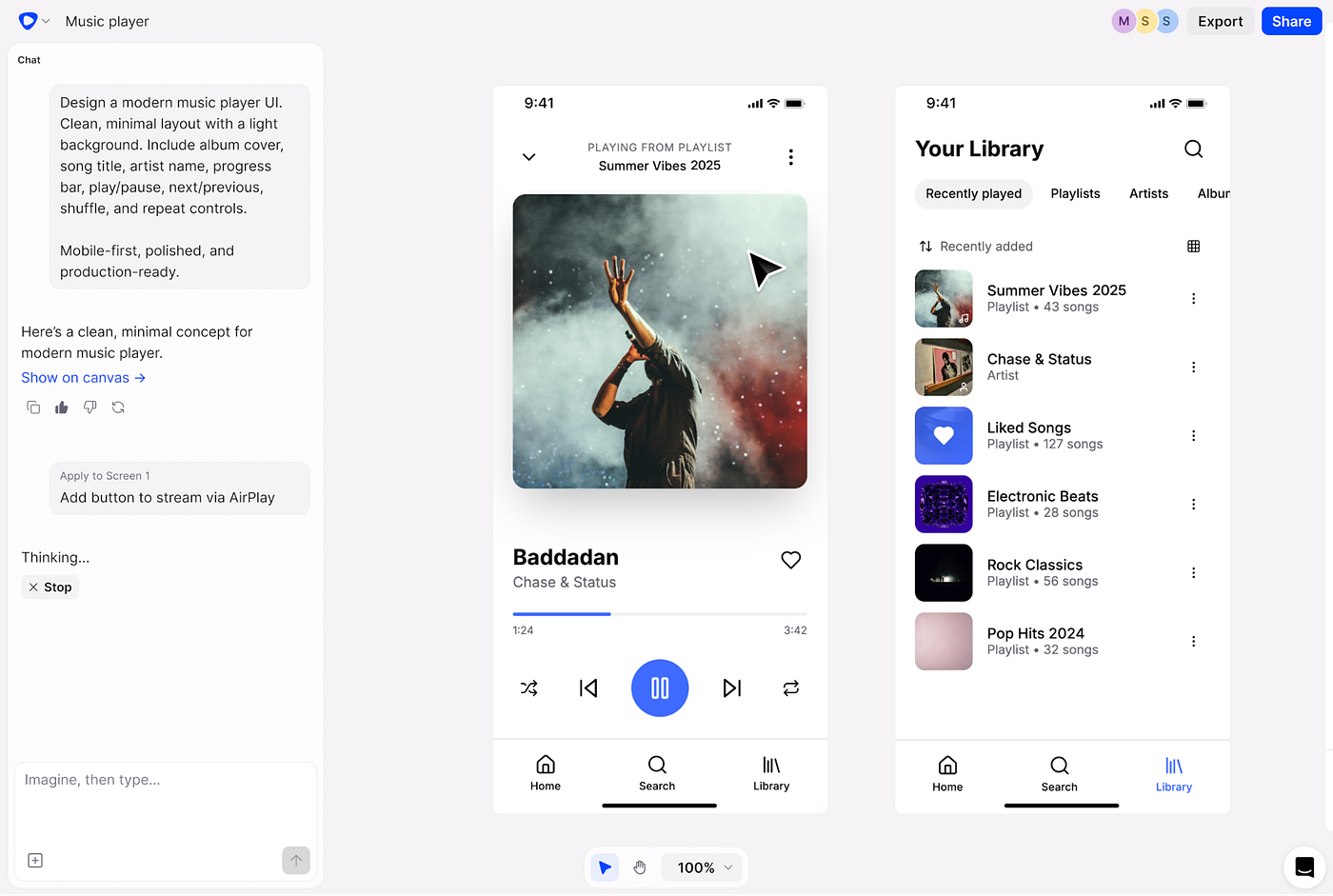
Chat+ Conversation + product interface working together. Chat still exists, but as part of a larger workspace. Users have AI generate GenUI in an actionable canvas. E.g., Google Stitch generating UI in canvas.

Chatless The interface adapts automatically without any chat window. Users barely feel they’re “talking to AI” — the system outputs new GenUI directly based on user input. E.g., Copilot Lab’s auto-generated maps and games.

Forms of GenUI
Two key factors influence GenUI behavior: Freedom of Expression and Who Controls the Representation.
Freedom of Expression: Determines how far the system allows AI to “generate” visually and structurally. Three levels:
- Fixed Component System (Low Freedom): AI can only call limited preset components (lists, widgets, cards). No structural breakthroughs allowed.

- Extended Component System (Medium Freedom): AI still calls preset components but allows assembly, combination, and grouping.

- Open Generation System (High Freedom): AI can generate complete HTML or free-form layouts (e.g., using design skills for AI to freely generate UI).

Who Controls the Representation:
In some scenarios, developers define GenUI rules (e.g., only 3 card types). The product dictates structure, the model fills data.
In other scenarios, the model decides presentation (tables, card groupings, or full HTML). The product no longer dictates structure, only renders model output.
Most real-world products fall in between — the application sets boundaries, the model adapts within them.
In the GenUI Era, Figma Is No Longer Viable
Designing GenUI is a challenge. Unlike traditional static UI, GenUI requires testing ever-changing component combinations. Nearly impossible in Figma — we need new tools to test edge cases before launch.
Ideal GenUI vs. the weird UI that AI might assemble 👇

AI Workflow: Building GenUI Tools
I’ve always wanted Copilot to output rich UI, not just text-heavy paragraphs. In the old-school design era (1+ year ago), Figma couldn’t cover all scenarios. Now with Claude Code and the product codebase, you can build your own GenUI design tools and preview across scenarios before launch.
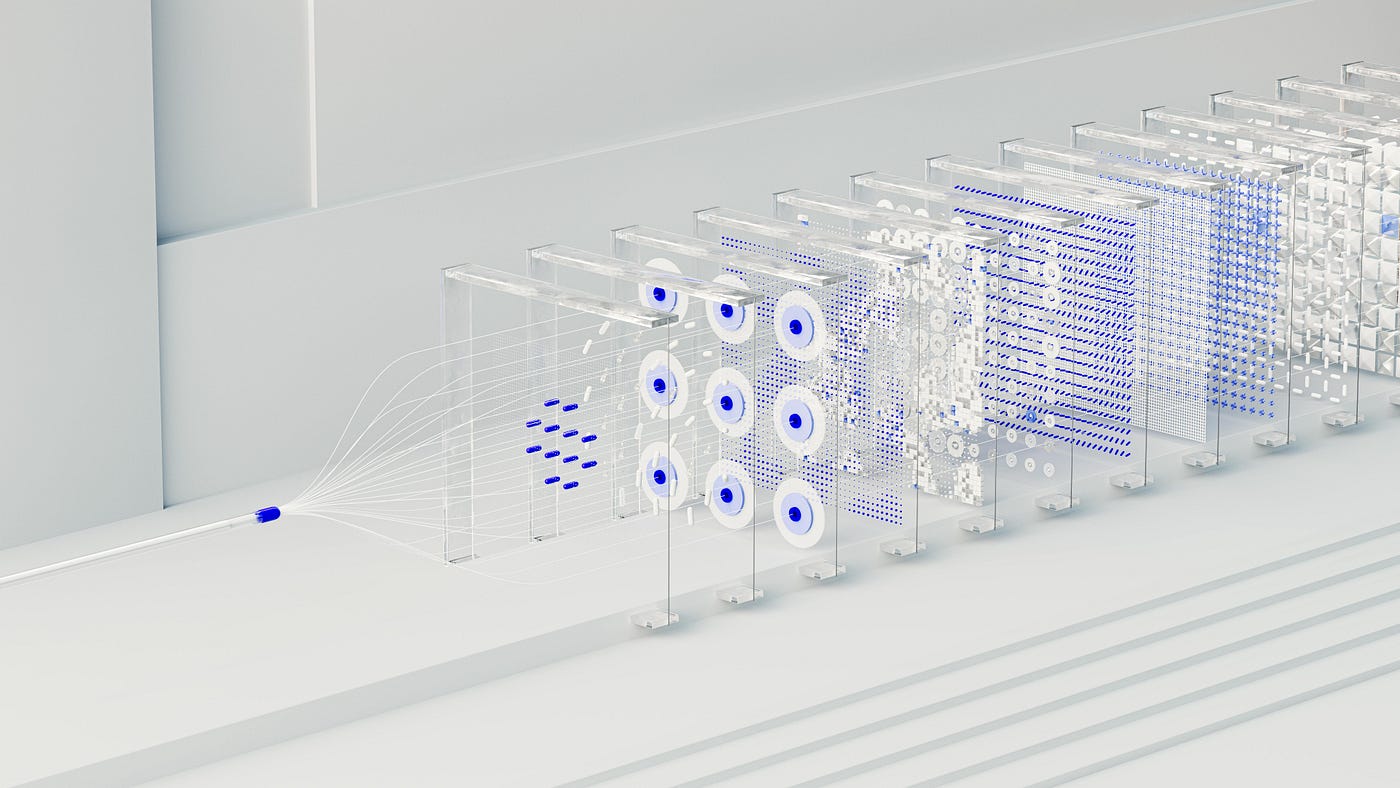
After research, I found an open-source GenUI library and mapped out the technical architecture:
- Define a GenUI design system
- Agree with the LLM on a protocol where responses include GenUI tags
- Then have the agent render tagged responses as UI components in the browser based on the rules
I cloned the library locally, adjusted GenUI styles to match Copilot, then combined with the Copilot codebase. Let’s see the results!
I asked for a Japan travel plan. Copilot used multiple GenUI components, outputting a detailed interactive plan with rich media 👇

Compared to pure text AI responses, GenUI clearly has better structure, focal points, and visual appeal 👇

I even asked about credit card applications — the AI generated an interactive application flow I could fill out and submit directly.

From now on, adding new GenUI components no longer requires Figma. Just describe new components to Claude Code, even have AI auto-generate evals to validate designs.
Alright, there’s still much more to say, but I really need to sleep 😴 Feel free to reach out!
메타데이터
- post_id
- d29b8a73fc41
- slug
- designing-for-genui-d29b8a73fc41
- url
- https://medium.com/@laijianxun123/designing-for-genui-d29b8a73fc41
- canonical_url
- https://medium.com/@laijianxun123/designing-for-genui-d29b8a73fc41
- author_url
- https://medium.com/@laijianxun123
- status
- ok
- fetched_at
- 2026-07-10 01:40:30