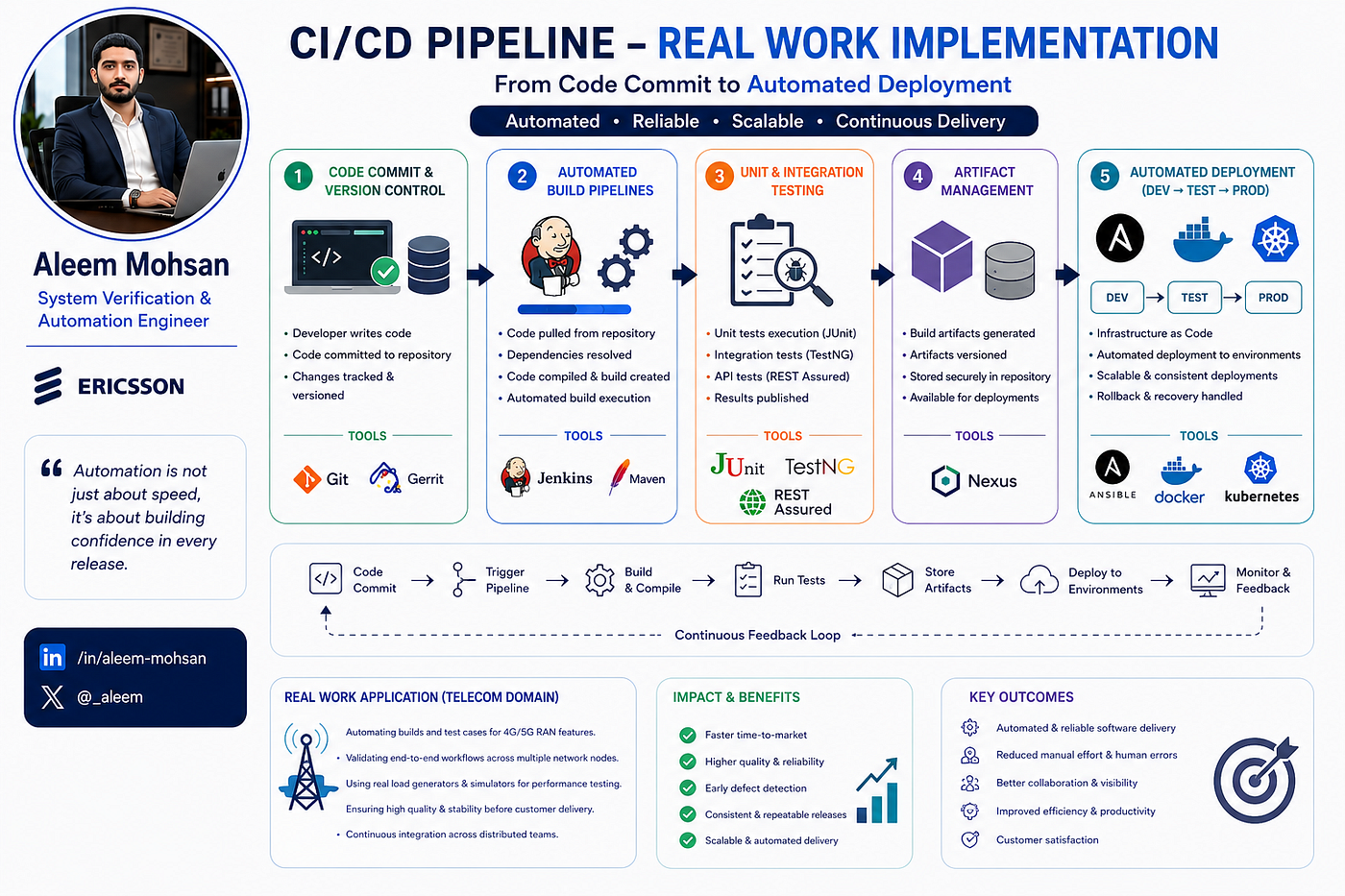
Building a CPU Monitoring Tool using Python
Building a Small CPU Monitoring Tool: From Brief to Delivery
Building a CPU Monitoring Tool using Python
Building a Small CPU Monitoring Tool: From Brief to Delivery
Over the past few days, I worked on a small but complete programming exercise: designing a command-line CPU monitoring tool, packaging it as a Git repository, and delivering it as a zip archive. The assignment itself was simple, but it covered several important aspects of modern software development: environment setup, dependency management, version control, and clean packaging for handover.
This article walks through the process in a generic way, focusing on how I approached the task rather than the specific implementation details.

Building a CPU Monitoring Tool using Python
Understanding the Assignment
The core assignment was to:
- Build a small command-line tool that monitors CPU usage on a machine.
- Use a standard programming language ecosystem (in my case, Python) with appropriate libraries for system metrics.
- Track the work in a local Git repository with meaningful commits.
- Deliver the final result as a zip file of the whole project directory, including the
.githistory.
Even though this is a “small” exercise, it touches many real-world concepts: reading and clarifying requirements, structuring a project, and making it easy for someone else to run, review, and extend.
Setting Up the Development Environment
I began by setting up an isolated development environment so that project dependencies wouldn’t interfere with other work.
Key steps:
- Created a new project folder (for example,
cpu-monitor-repo) dedicated to this assignment. - Set up a Python virtual environment inside that folder (commonly named
.venv). Each project having its own virtual environment is considered a best practice, as it keeps dependencies clean and reproducible. - Installed the required libraries into that environment using a package manager like
pip. This might include a system monitoring library (such aspsutilfor CPU metrics) and any supporting tooling.
Using a virtual environment ensured I could pin specific versions of libraries and later document them in a requirements.txt file, making it easier for reviewers to recreate the setup on their own machine.
Explicit Technologies Involved
The task uses Python as the programming language, with a small set of standard tools and libraries around it.
Programming language
- Python (in a dedicated virtual environment for the project).
Python libraries and tooling
- A system monitoring library such as psutil for reading CPU usage and related metrics.
- The built-in venv module (or
python -m venv) to create the.venvvirtual environment and isolate dependencies. - pip to install and manage Python packages inside that virtual environment.
Supporting tools (around Python)
- Git for version control:
git init,git add,git commit, and optionally pushing to a private GitHub repository. - A terminal / shell (PowerShell on Windows) to run Python, Git, and packaging commands (like creating the zip of the repository).
Designing the Tool in a Generic Way
Conceptually, the tool had to:
- Periodically read CPU usage from the system.
- Present that usage in a human-friendly way, such as percentages or a simple bar.
- Offer basic configuration, for example, how often to sample, thresholds for “high” usage, and possibly logging or alerting.
Instead of focusing on specific implementation details, I treated it as a generic CLI utility:
- One main script (conceptually like
cpu_monitor.py) is responsible for reading metrics and printing output. - Optional configuration via command-line arguments (frequency, duration, thresholds) to keep it flexible.
- Logging or console output designed for clarity rather than aesthetics.
The goal wasn’t to build a full-fledged monitoring platform, but to show that I can design a small, focused tool with clear behavior and sensible defaults.
Using Git to Track the Work
Once the environment was ready, I initialized a Git repository in the project folder.
My Git workflow was simple but disciplined:
- Initial commit: project structure, virtual environment setup (excluding the environment itself from version control), and a minimal script scaffold.
- Feature commits: adding CPU monitoring logic, command-line options, logging, and any refinements.
- Documentation commits: adding a README explaining how to install dependencies, activate the environment, and run the tool.
Each commit had a clear message describing what changed and why. This resulted in a concise but readable history that reviewers can follow step by step.
I also kept a requirements.txt file to record the exact Python dependencies, generated from the virtual environment. This is a standard way to make a project reproducible for others.
Packaging the Repository for Submission
The assignment required delivering the entire repository as a zip archive, including the .git directory, so the reviewer could see both the current state and the commit history.
To achieve this:
- I navigated to the parent directory of the project (for example,
C:\Users\<user>\). - I created a zip archive of the whole project folder (e.g.,
cpu-monitor-repo.zip), ensuring it contained source files, documentation, tests, and the.gitfolder.
This packaging approach offers several benefits:
- The reviewer can simply unzip the folder, open it in their editor, and run the tool after installing dependencies.
- The
.gitHistory is preserved, showing how the solution evolved over time. - Everything needed for the assignment lives in a single, portable file.
When sending the zip via email, some platforms (like Gmail) may block certain archives for security reasons if they detect executable or script content. In such cases, uploading the zip to a cloud storage service (e.g., Google Drive) and sharing a link is a practical workaround.
Optional: Pushing to a Private GitHub Repository
Beyond the assignment’s core requirements, I also considered pushing the project to a private GitHub repository as a way to:
- Keep a remote backup of the work.
- Have a shareable link for future conversations or portfolio use.
The general steps here are:
- Create an empty private repository on GitHub (without initialising it with a README or other files).
- Add it as a remote (
origin) to the local Git repository. - Push the existing commits to the
mainbranch of that remote.
This is optional for the exercise itself, but it aligns with how many developers manage their personal or learning projects: local development, version control, and a remote backup.

Pushing to a Private GitHub Repository
Lessons Learned
Even though this was a relatively small, contained task, it reinforced several useful practices:
- Isolated environments: Using a virtual environment per project makes dependency management predictable and reduces the risk of conflicts.
- Clear Git history: Frequent, meaningful commits tell the story of the solution and make reviews easier.
- Reproducible setup: Documenting dependencies and basic usage in a README is as important as writing the code itself.
- Professional packaging: Delivering a zip that includes the full repository (code, docs, and
.git) mirrors how teams often share snapshots for audits, handovers, or offline review.
From a career perspective, exercises; they’re an opportunity to practice end‑to‑end workflows that resemble real project work, even on a small scale.
Python #PythonProjects #PythonProgramming #Git #GitHub #VersionControl #SoftwareDevelopment #Automation #AutomationEngineer #SystemVerification #TestAutomation #QAEngineer #Coding #DeveloperLife #ARM #Lund #Stockholm #Sweden
메타데이터
- post_id
- d2c8041afbe4
- slug
- building-a-cpu-monitoring-tool-using-python-d2c8041afbe4
- url
- https://medium.com/@aleem.mohsan/building-a-cpu-monitoring-tool-using-python-d2c8041afbe4
- canonical_url
- https://medium.com/@aleem.mohsan/building-a-cpu-monitoring-tool-using-python-d2c8041afbe4
- author_url
- https://medium.com/@aleem.mohsan
- status
- ok
- fetched_at
- 2026-08-22 09:55:35