PLAN YOUR TRIPS WITH GOOGLE MY MAPS
PLAN YOUR TRIP MORE FLEXIBLE USING POINT TO POINT NAVIGATION
PLAN YOUR TRIPS WITH GOOGLE MY MAPS
PLAN YOUR TRIP MORE FLEXIBLE USING POINT TO POINT NAVIGATION
WRITTEN 20200901
EVERYONE AND THEIR DOG
nowadays use Google Maps to navigate by car, by bike or on foot. Some people even by a dog, but that doesn’t necessarily mean, that all roads there are lead to Rome. With no doubt, Google Maps in the recent two decades has developed into one hell of a navigation system, giving every critic there was a hard time criticizing it any further.
But, and
THERE IS ALWAYS A BUT,
you cannot really plan trips with Google Maps. Maps are more the “from point to point” solution for one specific trip, only allowing one trip at a time. Which, for the most part, is the only thing people may want. Until they want something else: Planning a fully-fledged trip, within a time span of several days, including several destinations and means of transport. And this is already, where the Maps story ends. But also kind of where begins again.
Because Google wouldn’t be Google, if it hadn’t already developed a service that provides exactly what we searched for:
INTRODUCING: GOOGLE MY MAPS
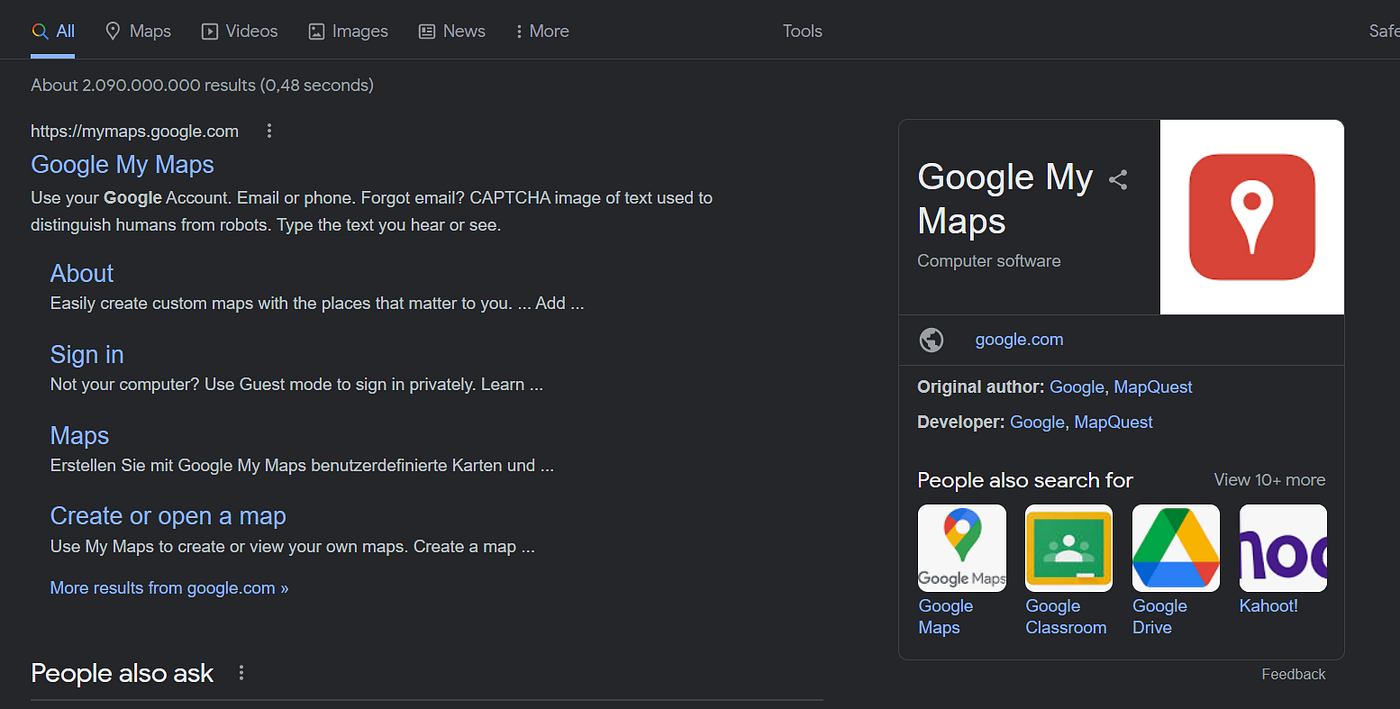
ON GOOGLE
So basically, Google My Maps is Ad-On for planning trips with Google Maps, except it isn’t an Ad-On but much more a standalone service.
IF YOU OPEN IT UP
you have a plain map of the world right in front of you, ready to be toured by you exclusively. At first, you gotta add a new tour. When that’s done, you can enter so-called markers, that act as the corner points of your future trip. That being cool already, you can also ad full-fledged point-to-point navigation by google maps linking the markers you previously set. Of course, there are many more functions to explore, but the doesn’t mean, that there is a resulting necessity to describe them all, as this here won’t be a full tutorial on Google My Maps, but much more a small tip to see what’s useful in the world wide web.
AND THAT’S ABOUT IT
I personally discovered My Maps, when I and a friend of mine planned a small trip through parts of Europe and he already knew about My Maps and showed me the quite convenient tool. We then used it to morph our ideas of where and when into concrete plans, trying to bake a few routes out of all the cities and countries we had while sketching them in My Maps. Especially for this exact process, the tool is pretty useful as it helps to check which trips are actually doable. But that’s already about it.
So: Let’s hope you also get some use out of My Maps when planning your long-awaited 10 year trip around the earth.
메타데이터
- post_id
- d2d2d348f7f0
- slug
- plan-your-trips-with-google-my-maps-d2d2d348f7f0
- url
- https://medium.com/@travive/plan-your-trips-with-google-my-maps-d2d2d348f7f0
- canonical_url
- https://medium.com/@travive/plan-your-trips-with-google-my-maps-d2d2d348f7f0
- author_url
- https://medium.com/@travive
- status
- ok
- fetched_at
- 2026-07-08 22:18:54