Professional Testing in Swift
This is the final article in a 3-part Swift testing series.
Professional Testing in Swift

This is the final article in a 3-part Swift testing series.
- Part 1: Modern Testing in Swift: From Zero to Confident
- Part 2: Building Testable Swift Applications
- ✅ Part 3: Professional Testing in Swift (you’re here)
If you haven’t read the previous articles, I recommend starting from Part 1, where we build the fundamentals before moving into architecture and production testing.
UI Testing, Performance, Code Coverage, CI/CD, and Building a Long-Term Testing Strategy
The goal of testing isn’t to have the most tests. It’s to have the right tests.
If you’ve followed this series from the beginning, you’ve already learned two important lessons.
First, testing is about confidence, not code coverage.
Second, testable software starts with good design.
Now it’s time for the final step.
How do professional teams test applications that contain hundreds of screens, thousands of files, and millions of users?
The answer isn’t “write more tests.”
It’s having a strategy.
In this final article, we’ll move beyond unit testing and explore the tools and practices that help teams maintain confidence as their applications continue to grow.
Testing Is an Investment
One of the biggest misconceptions about testing is that it’s a one-time task.
It isn’t.
Testing is part of the software lifecycle.
Every feature you build today becomes a feature you’ll maintain tomorrow.
Every bug you prevent saves hours — or even days — of debugging in the future.
Professional teams don’t write tests because they’re required.
They write them because they reduce the cost of change.
That’s an important distinction.
Building a Balanced Testing Strategy
Earlier in this series, we introduced the Testing Pyramid.
Let’s revisit it from a practical perspective.
UI Tests
Integration Tests
Unit Tests
A healthy Swift project typically follows these principles:
- Most tests are unit tests.
- Integration tests cover critical interactions.
- UI tests validate key user journeys.
This balance keeps the test suite fast, reliable, and maintainable.
Adding more UI tests isn’t always better.
Adding the right UI tests is.
UI Testing with XCUITest
Unit tests verify logic.
UI tests verify experiences.
Instead of testing individual methods, UI tests simulate how users interact with your application.
For example:
let app = XCUIApplication()

app.launch()
app.buttons["Login"].tap()
app.textFields["Email"].tap()
app.textFields["Email"].typeText("john@example.com")
app.secureTextFields["Password"].typeText("password123")
app.buttons["Sign In"].tap()
XCTAssertTrue(app.staticTexts["Welcome"].exists)
This test doesn’t care how the login screen is implemented.
It only cares about the outcome.
That’s exactly what UI testing should focus on.
Avoiding Flaky UI Tests
One unstable test can quickly reduce confidence in the entire suite.
Some common causes include:
- Waiting fixed amounts of time
- Missing accessibility identifiers
- Network-dependent tests
- Animations
- Shared simulator state
Instead of writing:
sleep(5)Prefer waiting for expectations:
let welcomeLabel = app.staticTexts["Welcome"]

XCTAssertTrue(
    welcomeLabel.waitForExistence(timeout: 5)
)
Deterministic tests are trustworthy tests.
Snapshot Testing
Sometimes functionality isn’t the problem.
Appearance is.
Snapshot testing captures a visual representation of a screen and compares future renders against a known-good baseline.
If something changes unexpectedly, the test fails.
Snapshot testing is particularly useful for:
- Complex SwiftUI layouts
- Dark Mode
- Dynamic Type
- Localization
- Multiple device sizes
It’s an excellent way to catch unintended UI regressions before users do.
Performance Testing
Correct code isn’t always good code.
Performance matters.
Swift provides built-in support for benchmarking.
func testSortingPerformance() {

    measure {
        let numbers = (0..<10000).shuffled()
        _ = numbers.sorted()
    }
}
Performance tests help detect regressions that functional tests can’t identify.
As your application evolves, algorithms change.
Performance tests ensure they don’t become slower without anyone noticing.
Code Coverage: What It Really Means
One number has probably appeared in every discussion about testing:
Code Coverage
Coverage tells you how much of your code was executed while running tests.
Notice what it doesn’t tell you.
It doesn’t tell you whether those tests are meaningful.
Consider these two projects.
Project A:
- 100% coverage
- Weak assertions
- Poor edge case testing
Project B:
- 75% coverage
- Thorough business logic tests
- Strong edge case coverage
Which one inspires more confidence?
Almost certainly Project B.
Coverage is a useful metric.
It should never become the goal.
Behavior is more important than percentages.
Continuous Integration
Running tests manually works for small projects.
Professional teams automate everything.
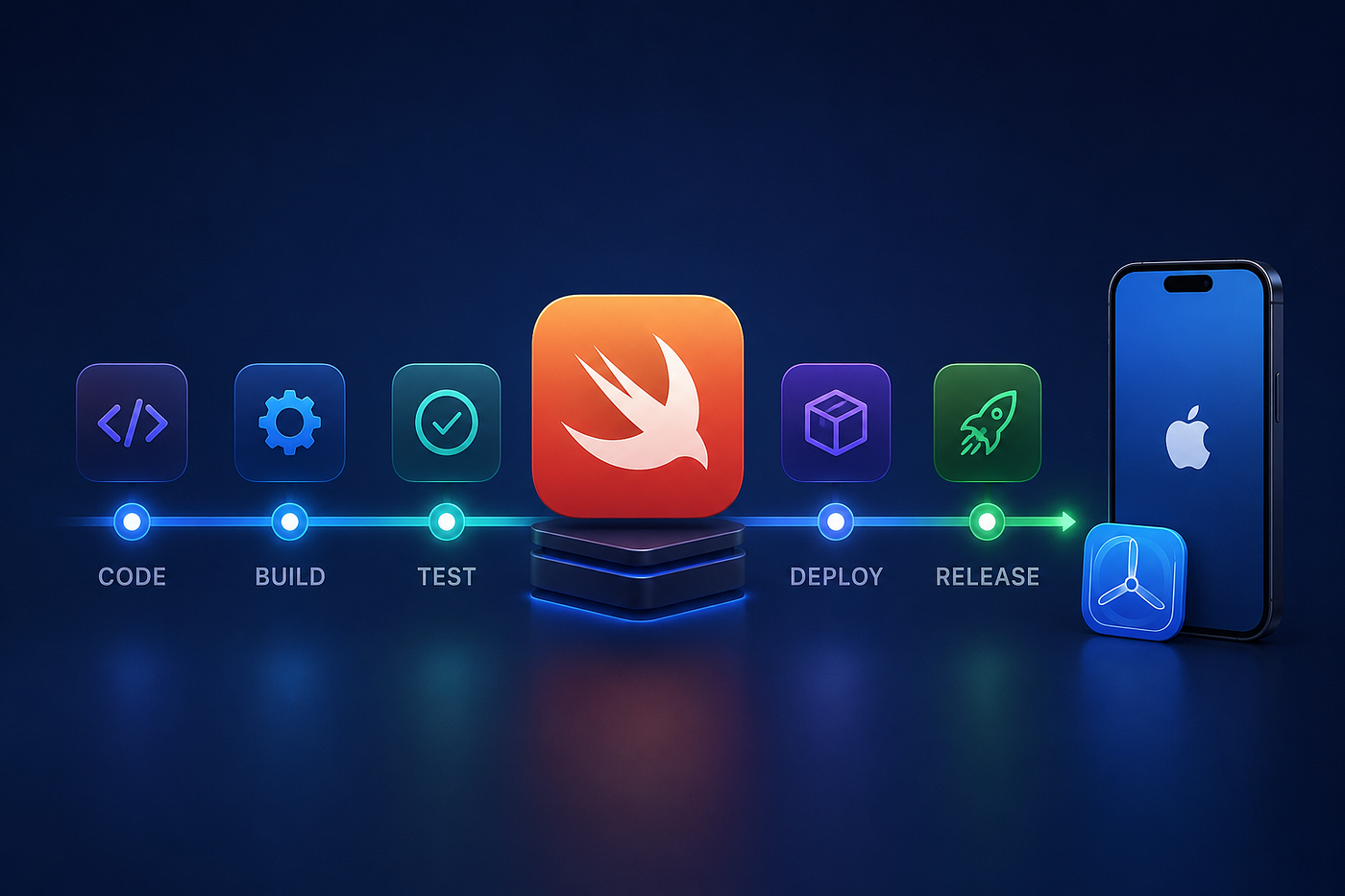
Every pull request should trigger:
- Build
- Unit Tests
- Integration Tests
- UI Tests (where appropriate)
- Static Analysis
Only then should code be merged.
Automation removes uncertainty.
If every change is validated before merging, production becomes significantly more stable.
Whether you use GitHub Actions, Xcode Cloud, or another CI platform, the principle remains the same:
Never rely on someone remembering to run tests.
Common Testing Anti-Patterns
Good testing is often about avoiding bad habits.
Here are a few worth watching for.
Testing Private Methods
Private methods are implementation details.
Test public behavior instead.
Overusing Mocks
Mocks are useful.
Too many mocks create brittle tests that mirror implementation rather than behavior.
Mock only where necessary.
Shared Test State
Every test should be independent.
If one test affects another, debugging becomes painful.
Testing Everything
Not every line of code deserves a test.
Focus on:
- Business rules
- Critical workflows
- Edge cases
- Bugs you’ve previously fixed
Simple property assignments rarely need dedicated tests.
What Should You Test?
A useful rule of thumb is to prioritize:
- Business logic
- Networking
- Persistence
- Authentication
- Payment flows
- Permissions
- User journeys
Everything else depends on context.
Remember:
Testing is a risk management exercise.
Invest your effort where failure is most expensive.
A Testing Checklist for Every Swift Project
Before releasing a feature, ask yourself:
- Does the business logic have unit tests?
- Are edge cases covered?
- Can networking be tested without internet access?
- Are dependencies injected?
- Are UI tests covering critical user flows?
- Are performance-sensitive features benchmarked?
- Do tests run automatically in CI?
- Are tests deterministic?
If you can answer “yes” to most of these questions, you’re building software that’s easier to maintain and safer to evolve.
Final Thoughts
Throughout this series, we’ve explored testing from three different perspectives.
In Part 1, we learned how to write meaningful tests.
In Part 2, we redesigned our code to make testing possible.
In this final article, we focused on what separates production-ready applications from hobby projects: strategy.
Testing isn’t about satisfying a coverage report.
It isn’t about writing thousands of assertions.
And it certainly isn’t about proving your code is perfect.
Testing is about confidence.
It’s about creating software that welcomes change rather than fears it.
Because software is never finished.
It evolves.
The best engineering teams aren’t the ones who avoid change.
They’re the ones who can embrace it with confidence.
And confidence begins with a well-designed test suite.
The Complete Series
If you’re joining the series here or want to revisit the earlier articles:
- Part 1: *Modern Testing in Swift: From Zero to Confident*
- Part 2: *Building Testable Swift Applications*
- Part 3: Professional Testing in Swift (this article)
I hope this series has given you not only the tools to write better tests, but also a deeper understanding of how thoughtful design, effective testing, and a solid testing strategy work together to create reliable Swift applications.
Happy coding! 🚀
메타데이터
- post_id
- d2efdade68df
- slug
- professional-testing-in-swift-d2efdade68df
- url
- https://medium.com/@sachindrafernando3/professional-testing-in-swift-d2efdade68df
- canonical_url
- https://medium.com/@sachindrafernando3/professional-testing-in-swift-d2efdade68df
- author_url
- https://medium.com/@sachindrafernando3
- status
- ok
- fetched_at
- 2026-08-28 09:15:10