Eye Tracking for XR
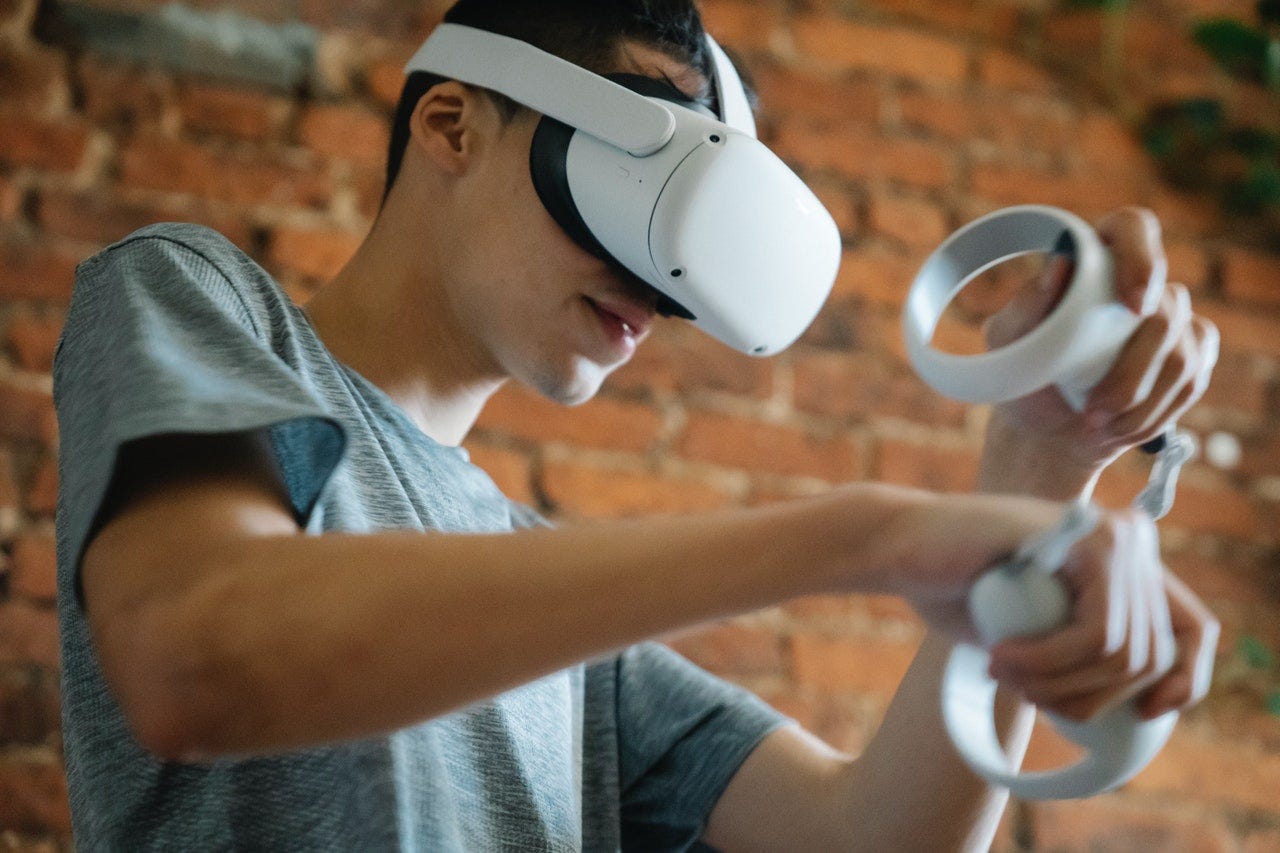
Eye tracking is a type of input that uses cameras and sensors to track your eye movement and it has some pretty amazing benefits.
Eye Tracking for XR

Eye tracking is a type of input that uses cameras and sensors to track your eye movement and it has some pretty amazing benefits.
Benefits
You can have more expressive avatars to help with social interactions in XR, which gives you a much better ability to track those important non-verbal cues that you’re used to picking up on in real life such as where the eyes are actually looking as opposed to an approximation based on your head movement.
Eye tracking also allows you to use a more accurate foveated rendering system, which improves CPU performance while also helping reduce eyestrain.
And most importantly, it provides an accessible method of input for people with motor function impairments. It also allows people to stay hands free when combined with voice commands.
History
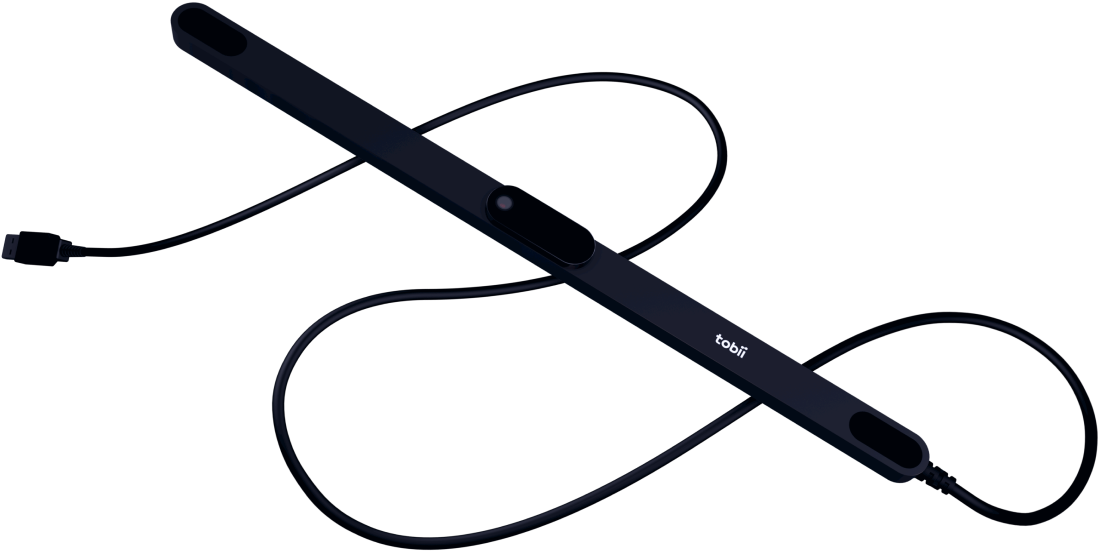
Tobii Eye Tracker
For those of you that come from a UX background, you may already be aware that eye tracking has been around for a while now. The most prominent and popular company being Tobii, who has provided eye tracking tech for researchers for over 20 years.

VIVE Pro Eye
And then back in 2019, Tobii worked with HTC to provide eye tracking in their more expensive VIVE Pro headset.

VIVE Focus 3 Eye Tracker accessory
You can also add on an eye tracking accessory to the VIVE Focus 3. And of course it comes built-in with the HoloLens 2, the Apple Vision Pro and the Quest Pro headsets.
It’s not the same as Gaze Targeting
It’s important to remember that eye tracking is a completely different type of technology than gaze targeting.
Gaze targeting uses the center of your field of view and your head movement to interact with the environment.
Whereas eye tracking uses sensors and cameras to track your eye movement.
Limitations
Your input capabilities are much greater with eye tracking than they are with gaze targeting, but there are still limitations that we need to talk about.
Eyeglasses can interfere with eye tracking, which is why headsets like the Apple Vision Pro don’t allow room for eyeglasses and instead require you to use inserts.
However, those lens inserts don’t support everyone’s needs — including mine. Uncontrollable eye movements, or eye alignment issues interfere with eye tracking, making it unusable for a large number of people.
Many people with eye alignment issues can only see partial content — and not in 3D — because XR requires both screens and both eyes.
For example, one person I spoke with wasn’t able to see an object in virtual space. It wasn’t that she was seeing a flat object — she couldn’t see the object at all. This doesn’t happen with everyone, but one is enough to make it something to think about because she’s not the only person with that vision issue.
And here’s yet another little-known fact…
Twitching from astigmatism can also interfere with eye tracking interactions, or can cause accidental misclicks if it happens in the middle of an uncontrolled eye twitch.
That’s actually a problem I have. If I’m staring at something intently, my eyes will suddenly twitch.
And these issues are some of the main reasons eye tracking is not recommended as a primary input method for interfaces. Make it optional, or make it easy to add accessible input options for those who can’t use eye tracking. Or better yet, figure out a way to make it a non-issue.
You can’t expect mass adoption when the masses can’t even see what’s in the headset.
Best practices
That said, let’s talk about how to make the most of this input method.
First of all, different headsets have different capabilities, so you’re going to have to get familiar with the capabilities of your target headset.
Think about how that’s going to affect your experience. For example, eye tracking needs calibration. So if your headset requires you to go through calibration settings for each individual, that’s going to affect the usability of a shared headset.
Second, make sure you provide multiple options of input for your experience. Don’t rely solely on eye tracking since like I mentioned before, not everyone can use it.
You also want to make sure you reduce any visual distractions. Think about how often your eyes wander or jump to sudden motion in your periphery.
If someone’s in the middle of an interaction with their eyes, this could disrupt the interaction or cause accidental interactions. So think about what’s going on in the virtual environment whenever you’re wanting someone to interact with something using their eyes.
And don’t forget to test with your target audience. Pay attention to anything in the environment that might be unintentionally drawing their eyes away from where you want them to look. Remember, this is very important since they’re using their eyes to interact.
As with any interaction on any platform, you want to make sure the target area is big enough for people to easily select an object or a UI element. The minimum size of that target area depends on the resolution and the device.
For example, Apple Vision Pro requires their UI elements to have a margin of at least 16 points on all sides to give enough comfortable space. Your target device should provide you with specific guidelines so make sure to check them out.
Also make sure to follow standard XR UX best practices for comfortable placement of interactable objects and UI elements, and make sure they’re in the head comfort zones. I go in depth in another video, so I’ll include it in the resources.
And keep important content within comfortable viewing distances to decrease the risk of eye strain. I’ll also include my video about that in the resources, so check that out later.
Learn more
[embed]
[embed]
[embed]
[embed]
UX for XR Toolkit
My full UX for XR toolkit has new content being added regularly.
- Learn how to transition into XR from a UX designer’s perspective.
- Learn the UX best practices for XR and dive deeper with video lessons.
- Learn how others have solved XR design problems with the UX for XR pattern library.
If you enjoy this content, consider supporting me on Patreon.
I’m an Immersive Tech UX Design Professional with over 22 years of experience designing for kiosks, websites, mobile apps and desktop software for many well-known and not-so-well-known companies.
I’m not speaking on behalf of or representing any company. These are my personal thoughts, experiences and opinions.
All screenshots in this publication are the property of the studios who produced the film or experience and are used under the Fair Use laws for educational purposes.
메타데이터
- post_id
- d3d151ad3a96
- slug
- eye-tracking-for-xr-d3d151ad3a96
- url
- https://medium.com/pintsizedrobotninja/eye-tracking-for-xr-d3d151ad3a96
- canonical_url
- https://medium.com/pintsizedrobotninja/eye-tracking-for-xr-d3d151ad3a96
- author_url
- https://medium.com/@aleathasingleton
- status
- ok
- fetched_at
- 2026-06-14 11:28:49